
 Get it for my Mac (265 MB)




 Kill The Crows
1.5.0
- Version
- 2.0.3.1
- Developer
- Tomorrow Corporation
- Interface in
- Russian, English, German, Spanish, Italian, Chinese (Traditional), Chinese (Simplified), Korean, Portuguese, Ukrainian, French, Japanese
- Licence on file
- Not required
- Chip support
- Apple Silicon, Intel 64-bit
- Edited with it on
- macOS Tahoe, Mac mini 2024 M4
- Out on
- 19.11.2012
- Voices in
- English
In the edit
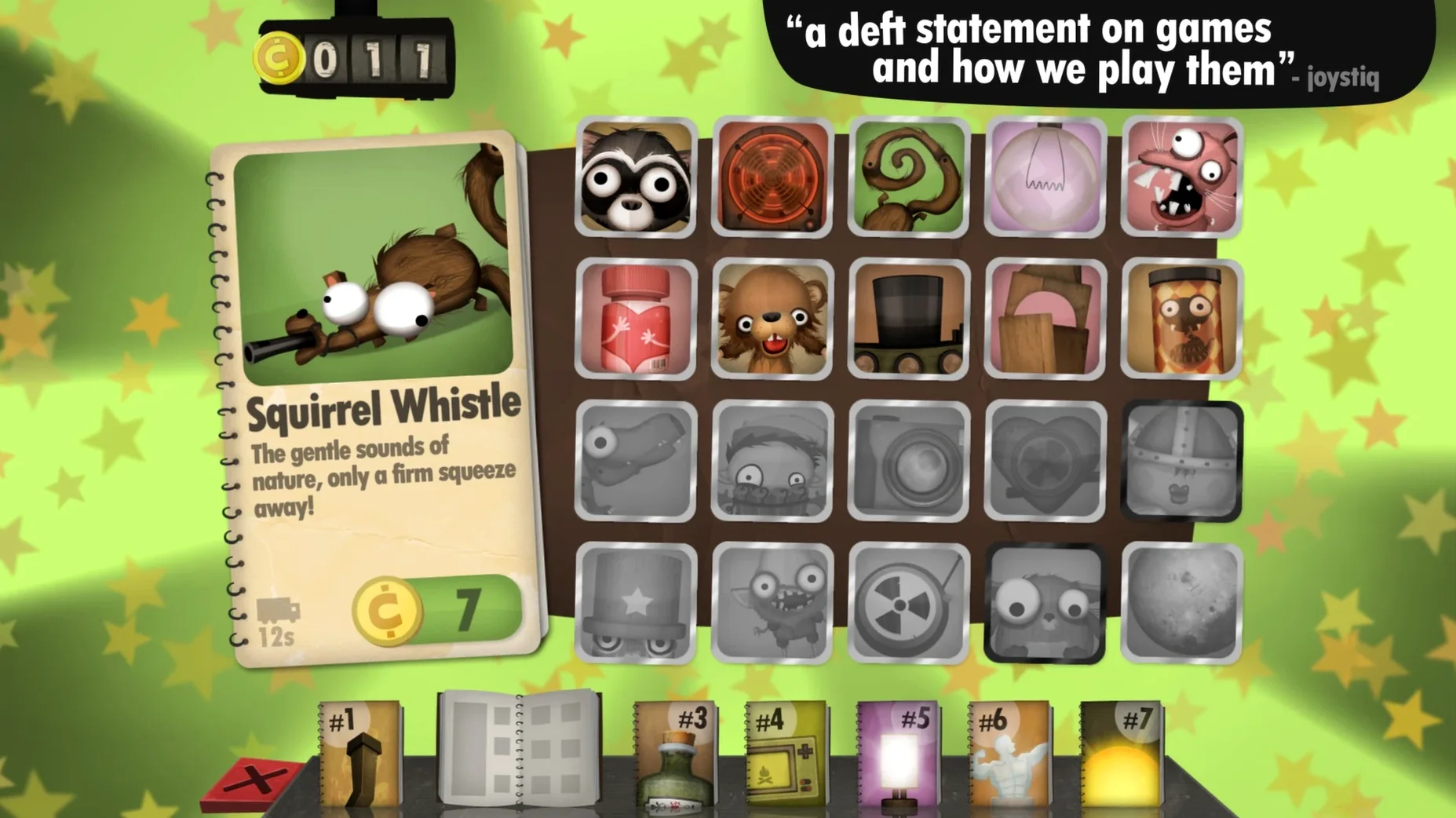
Little Inferno sold over a million copies after its 2012 Steam launch. The current version, 2.0.3.1, keeps the same core loop: you sit in front of a fireplace, order toys from a catalogue, and throw them in to watch them burn. The puzzle is in the combos — certain items react together, and the catalogue grows as you experiment.
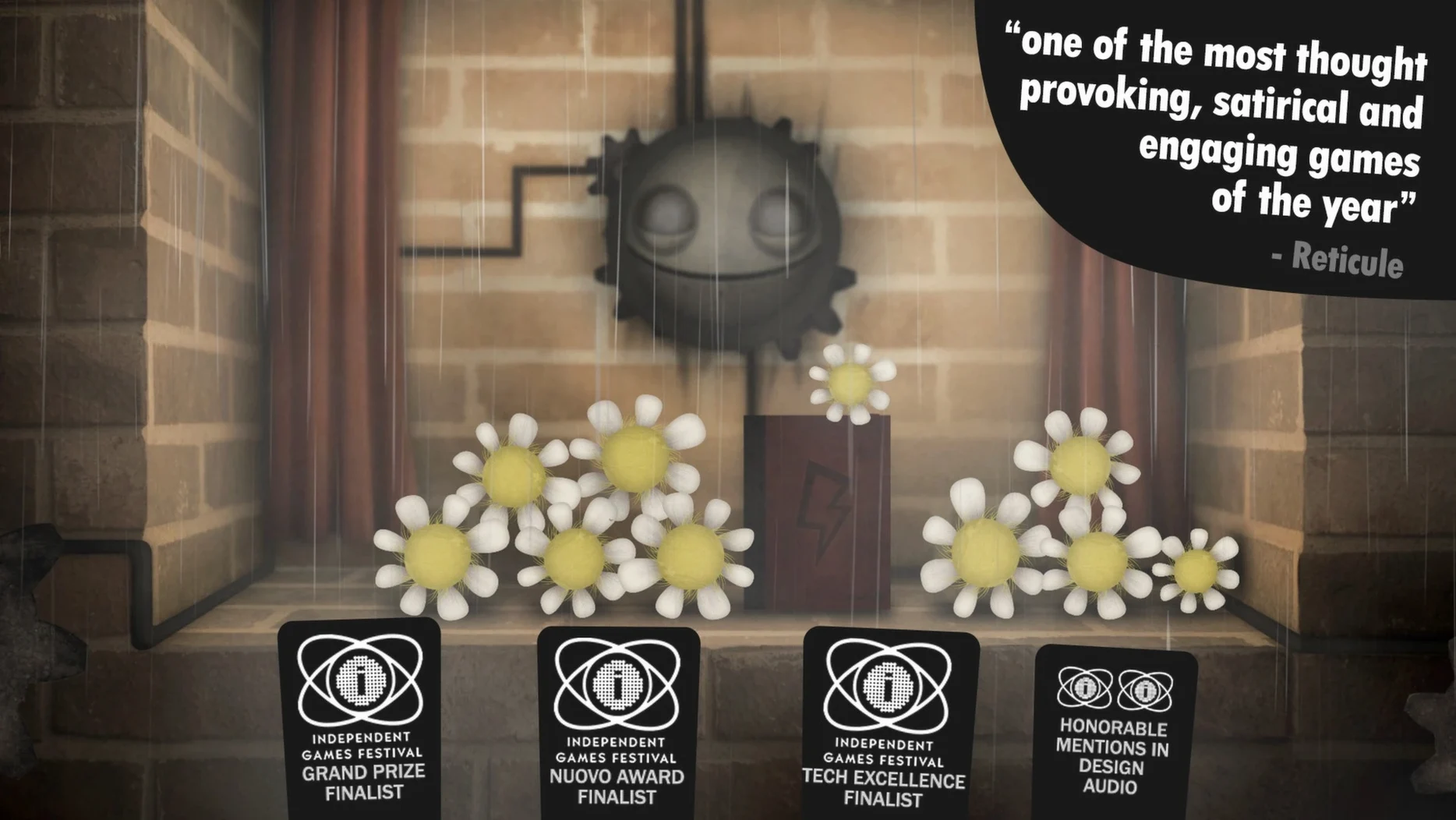
The game was made by three people from Tomorrow Corporation, the studio behind World of Goo and Henry Hatsworth in the Puzzling Adventure. It won the Seumas McNally Grand Prize, the Technical Excellence Award, and the Nuovo Award at IGF. Most of the action happens in one room, in front of that fireplace, which gives it a quiet, almost meditative pace.
What stayed the same: the full catalogue of toys, the combo system, the letters from the Little Inferno corporation, and the multiple endings. What the current version brings is compatibility with modern macOS releases and continued support for the existing content. The interface languages include English, Russian, German, Spanish, Italian, French, Japanese, Korean, Portuguese, Ukrainian, Traditional and Simplified Chinese.
Catalogue descriptions add flavor you might miss
The fireplace screen is where you spend nearly all your time, but a few details sit just outside the obvious. The catalogue, for instance, isn't just a list of things to buy. Each item has a short description written in the same deadpan tone as the in-game letters. Reading them adds a bit of personality to what you're about to burn, and it's easy to skip past if you're clicking too fast.
They aren't required reading, but they layer in a story about the world outside your fireplace. If you only ever flip through the catalogue and throw things into the flames, you miss the narrative entirely. The same goes for the window behind the fireplace. It shows a cold, snowy world, and occasionally something changes out there. It's worth glancing at between combos.
Another thing that doesn't get much attention is the way the fire behaves. Different items burn at different rates, and some leave behind embers or ash that affect what happens next. You don't need to study it like a physics sim, but paying attention to what burns slowly versus what goes up fast can help with the trickier combos later on.
Combine items before they hit the fire
When you start, you have a small budget and a limited catalogue. That works fine, but you can also combine items before they hit the fire. Drop one into the fireplace, then add another on top while the first is still burning. Some combos require a specific order, and the game doesn't tell you which ones. Try pairing things that seem related — a toy soldier with a match, for example, or food with something hot.
The catalogue expands as you complete combos, not as you burn through your budget. If you find yourself stuck with the same few items, experiment with everything you already own. Sometimes a combo involves two things you'd never think to put together. The game rewards curiosity more than speed.
You can also step away from the fireplace. The world outside the wall has its own moments, and the game doesn't rush you. There's no timer, no score, no fail state. If you want to sit and watch a single toy burn for a while, that's a perfectly valid way to play.
Works on Apple Silicon with no special setup
Does it work on Apple Silicon? Yes. The current version runs on both Intel and Apple Silicon Macs, and it requires macOS 10.9 or later. No special configuration is needed.
How long is the game? That depends on how thoroughly you explore the catalogue. A straight playthrough of the main story can take a few hours, but finding every combo and seeing all the endings can stretch that out considerably. There's no pressure to finish quickly.
Is there any replay value? The multiple endings give you a reason to start again, and the combo system encourages a different approach on a second play. The tone and writing also hold up well enough that some people return just for the atmosphere.
Can I play it in another language? Yes. The interface supports twelve languages including English, Russian, German, Spanish, Italian, French, Japanese, Korean, Portuguese, Ukrainian, and both Traditional and Simplified Chinese. The voice work is in English only.
New this release
- Version 2.0.3.1 maintains compatibility with modern macOS releases.
- The game originally launched on Steam on 19 November 2012.
Mac it needs
- macOS 10.9 or later
- Intel or Apple Silicon
Questions I actually get
What platforms is Little Inferno available on?
Little Inferno runs on Mac, Windows, and Linux. The Mac version requires macOS 10.9 or later and works on both Intel and Apple Silicon.
Who made Little Inferno?
The game was created by Tomorrow Corporation, the three-person team behind World of Goo and Henry Hatsworth in the Puzzling Adventure. They made it without an office, publishers, or external funding.
Installing on a Mac
- Mount the downloaded disk image.
- Drag the app to the Applications folder shortcut.
- Once copying finishes, launch the app from Launchpad.
Notes from photographers
Sign in or create your account to leave a comment.
No notes from photographers yet. If you have used this on a real folder, say which camera and which Mac.
