
 Get it for my Mac (865 MB)






 Nine Sols
2025.12.31
- Version
- 1.099
- Developer
- HolmCom
- Interface in
- Russian, English, Catalan, Chinese (Simplified)
- Licence on file
- Not required
- Chip support
- Apple Silicon, Intel 64-bit
- Edited with it on
- macOS Sequoia, MacBook Air (M1. 2020)
- Out on
- 24.03.2023
- Voices in
- Music only
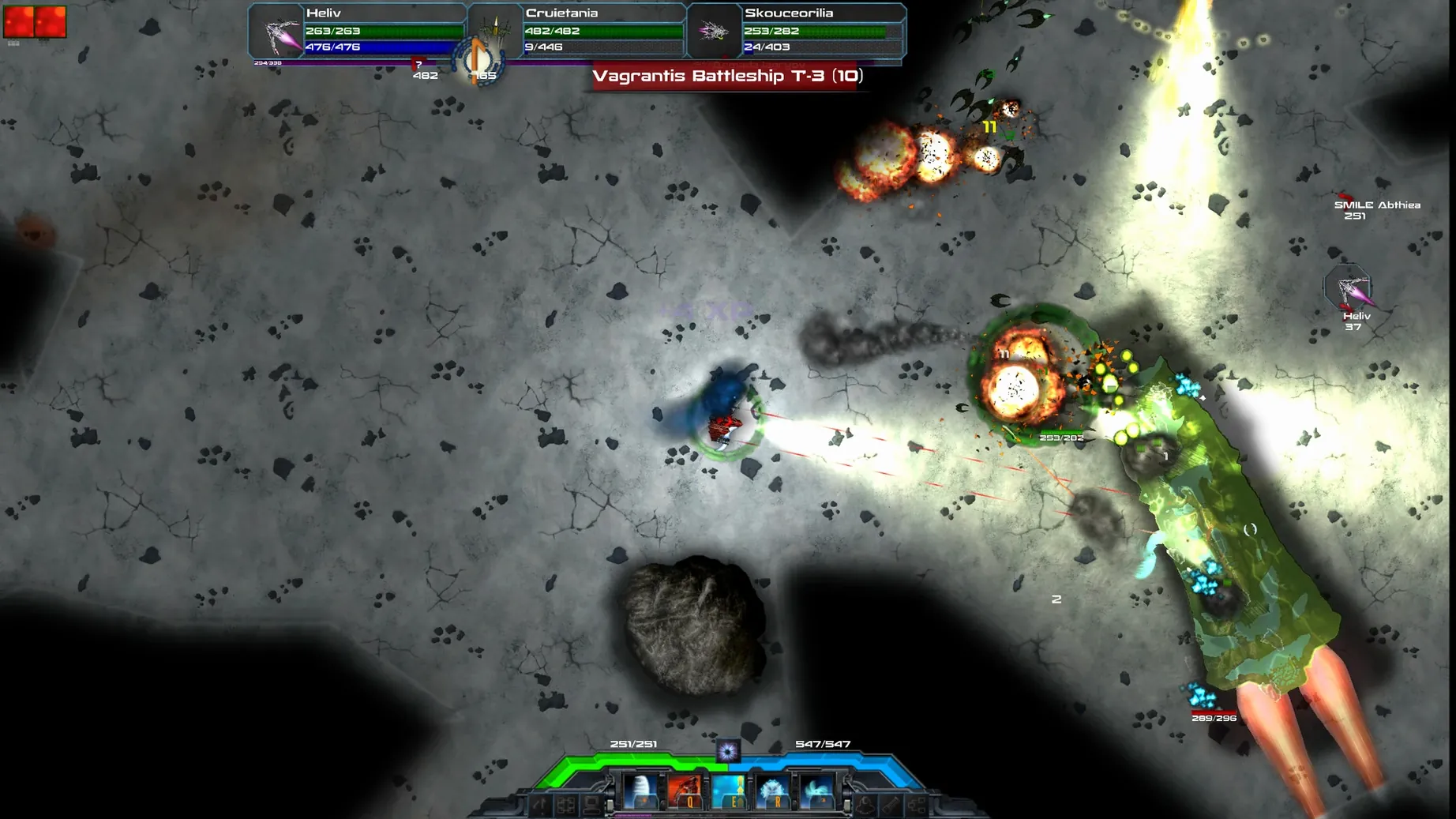
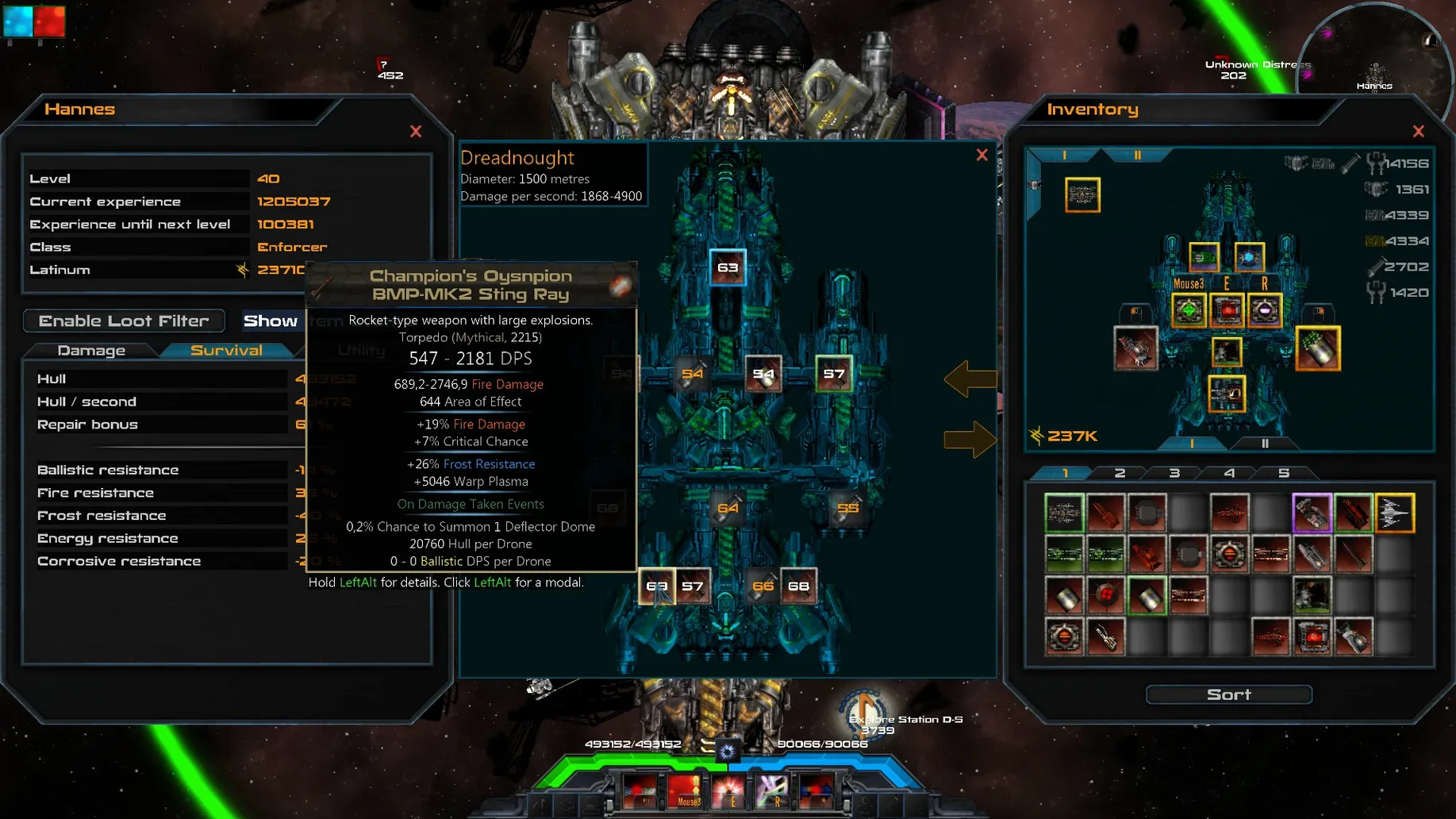
In the edit
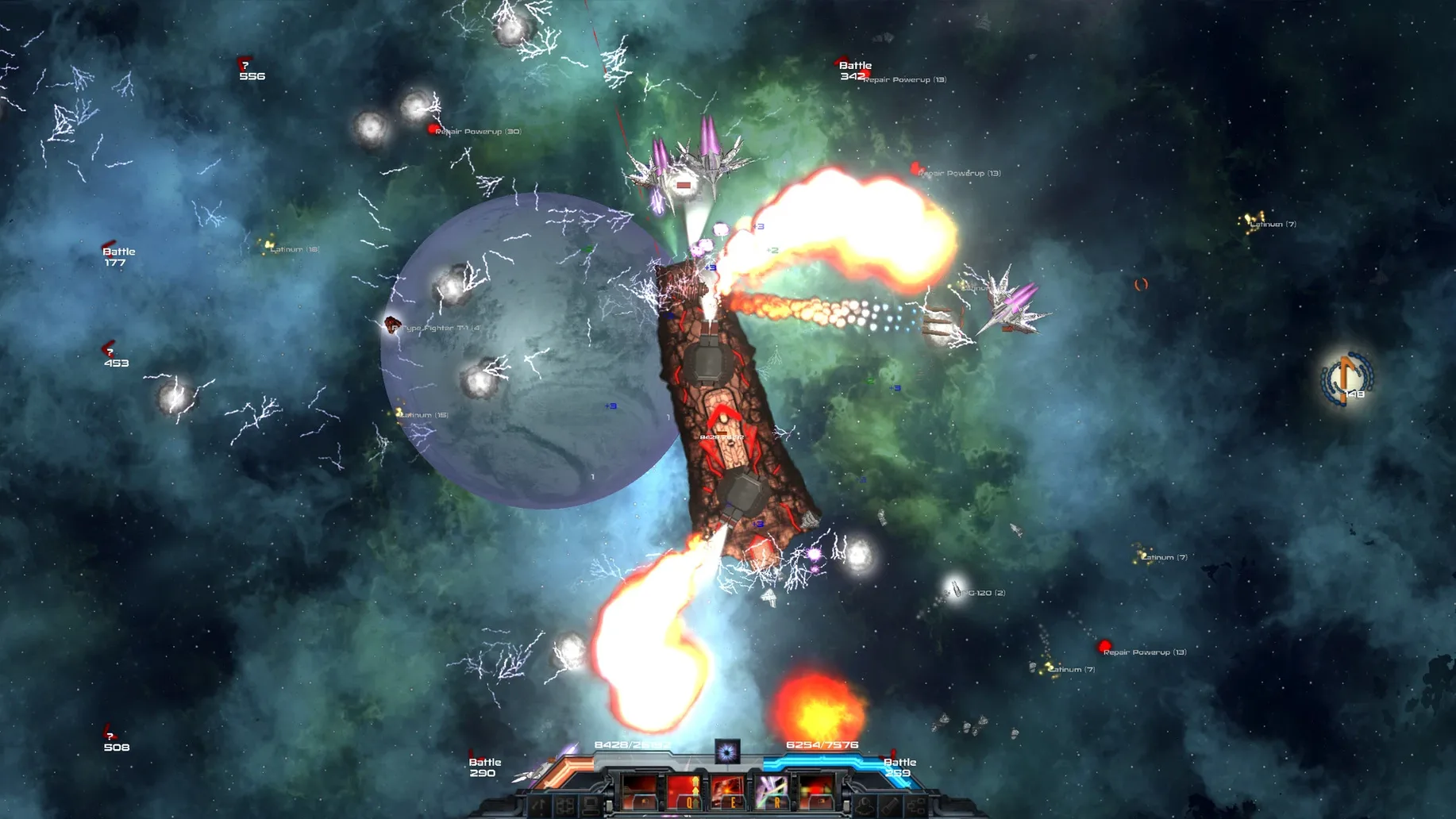
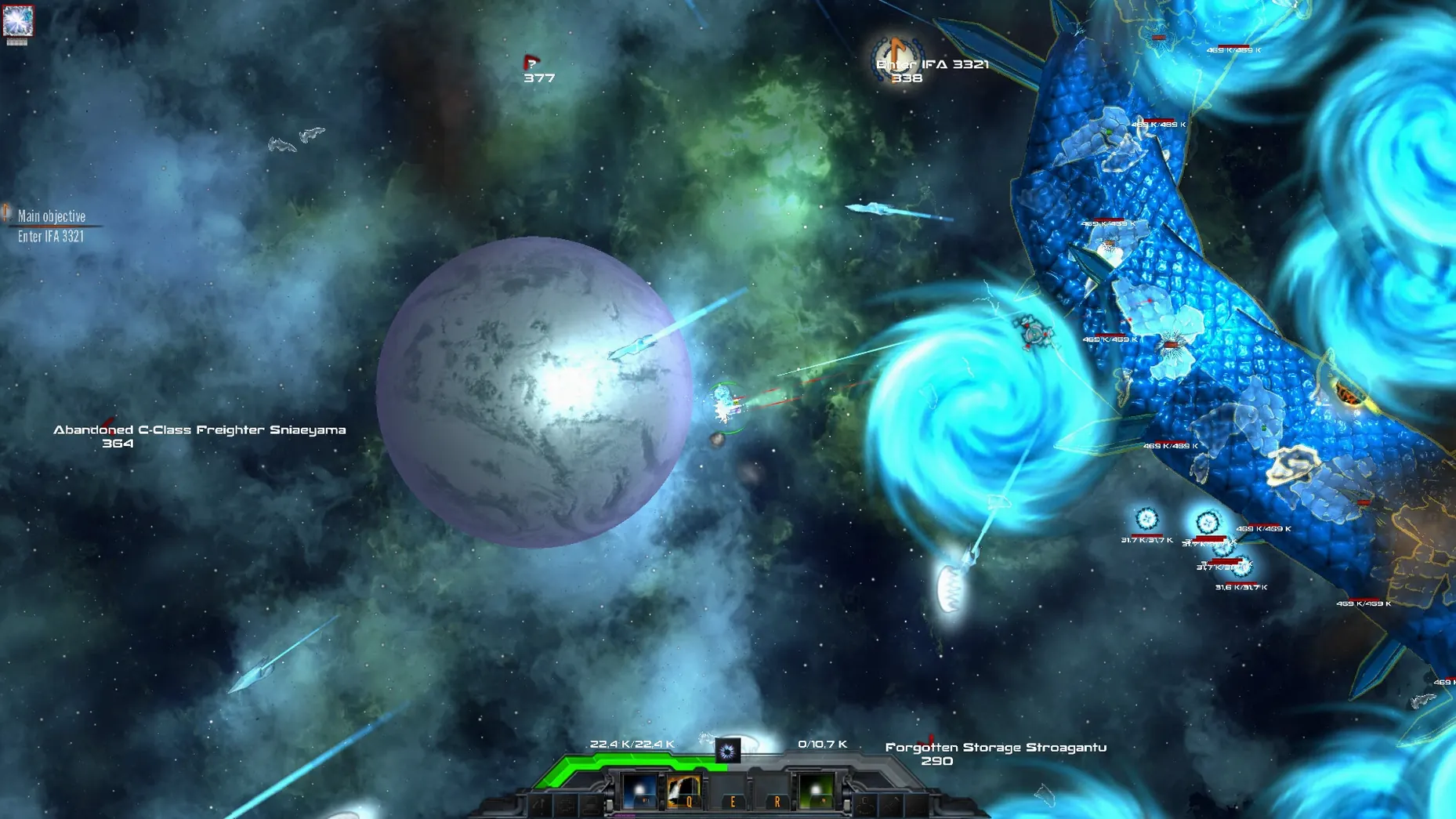
Think of the way a good tool lets you focus on the job instead of fighting the interface. Nienix: Cosmic Warfare works the same way — once you are in the cockpit, the game gets out of your way and lets you concentrate on the chaos around you.
Pick your ship and your role
You start by creating a character that fits how you want to play. Then you choose between a small fighter, a large battleship or commanding a whole fleet. Each option changes how you move, what you can take and how you engage the enemy.
Fight through the bullet-hell chaos
This is a physics-based action RPG, so every shot and explosion behaves like it should. You dodge, strafe and fire through procedurally generated space, using hundreds of unique items and abilities to survive. The campaign runs over 15 hours, and finishing it unlocks the Continuum difficulty level if you want a proper test.
Go co-op or jump into PvP
You can bring a friend for co-op or test your build against other players. Deathmatch and team PvP support up to 40 players, and the open world keeps every session different. On a 2020 MacBook Air with M1, it runs on macOS Sequoia without issue.
Balance tweaks make your build choices more deliberate
The latest version keeps the core loop tight without adding clutter. HolmCom has focused on balance across the skill trees and legendary loot tables, so your build choices feel more deliberate. The Continuum difficulty level now has a wider pool of new enemies and item modifications, which matters if you are pushing past the 15-hour campaign mark. Continuum events also appear more consistently, giving you something to aim for when you have already seen most of what the base campaign throws at you.
First sessions: getting your bearings
After you install the game from the Applications folder, spend your first session just flying. The physics take a moment to settle in your muscle memory, especially if you are used to arcade-style space combat. Pick the small fighter first — it is forgiving while you learn how projectiles behave and how your ship responds to incoming fire.
Sort through the items early
The game hands you hundreds of items and abilities right away. Do not try to memorise everything. Pick one weapon type and one defensive ability, then modify them to match how you fly. You can always swap later when the legendary loot starts dropping.
Co-op is the quickest way to learn
If you are unsure about your build, jump into a co-op session with up to five other players. Watching how others move and what items they equip tells you more than reading the menus ever will. Plus, the procedurally generated universe means every co-op run shows you something you have not seen before.
Mac it needs
- macOS version: not specified by the developer, but tested on macOS Sequoia
- Architecture: Intel 64-bit and Apple Silicon (ARM)
- Interface languages: Russian, English, Catalan, Simplified Chinese
Questions I actually get
Does Nienix: Cosmic Warfare support both Intel and Apple Silicon Macs?
Yes, it supports ARM and 64-bit x86 architectures, so it runs on both Intel Macs and Apple Silicon models including M1, M2 and M3.
Installing on a Mac
- Mount the downloaded disk image.
- Run the standard installation procedure.
- Choose an installation location when prompted.
- Install in the Applications folder if possible.
- Launch the game from /Nienix Cosmic Warfare/Nienix.
Tip: keep the game folder in Applications to avoid permission issues later.
Notes from photographers
Sign in or create your account to leave a comment.
No notes from photographers yet. If you have used this on a real folder, say which camera and which Mac.
