Get it for my Mac (1.2 GB)




 No Man’s Sky
7.13

- Version
- 1.3.19 Rev2 [Wineskin]
- Developer
- Trioskaz
- Interface in
- Russian, English, German, Spanish, Chinese (Traditional), Chinese (Simplified), Korean, Portuguese, French, Japanese
- Licence on file
- Not required
- Chip support
- Apple Silicon
- Edited with it on
- macOS Tahoe, Mac mini 2024 M4
- Out on
- 15.09.2025
- Voices in
- Music only
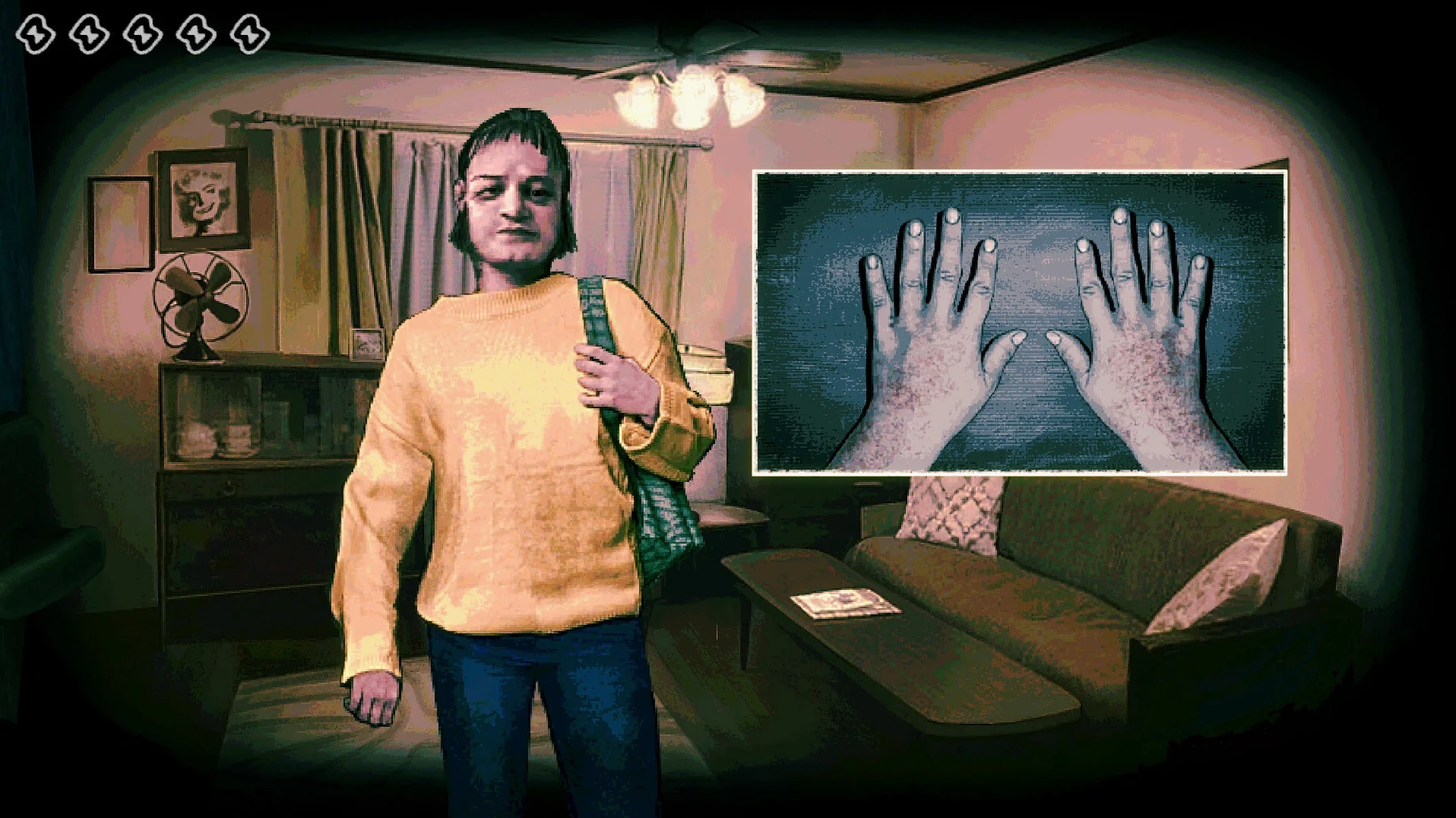
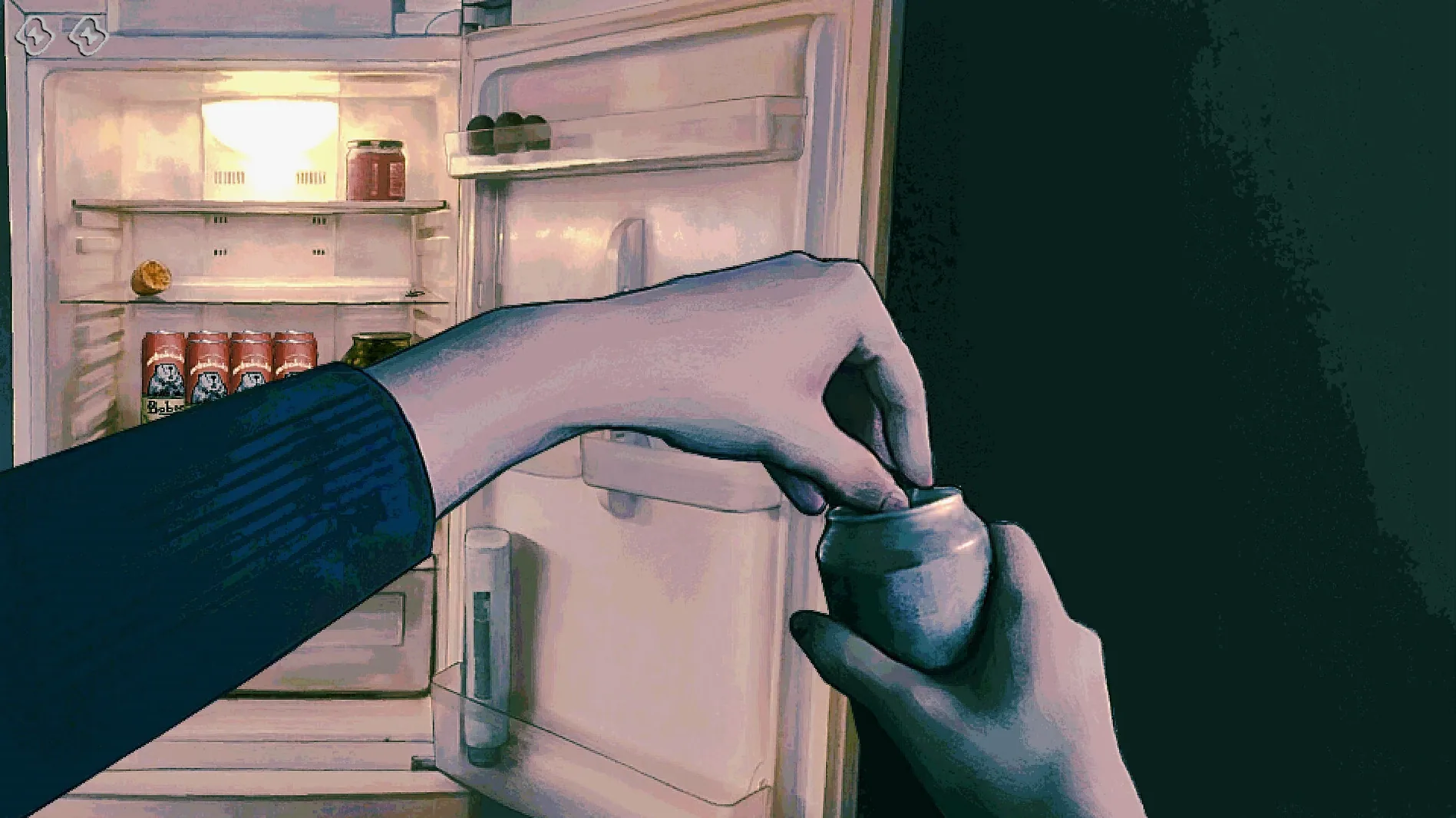

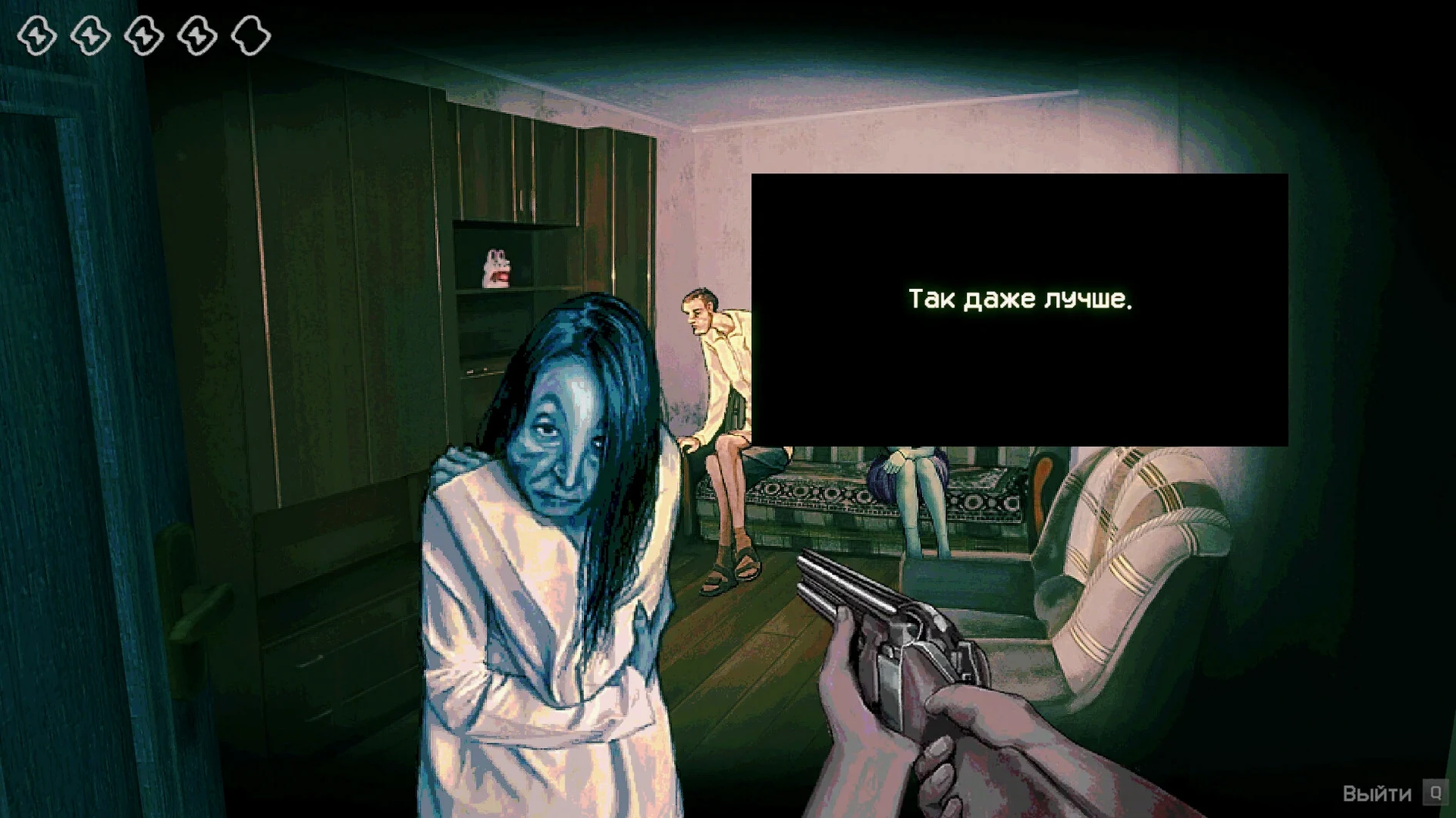
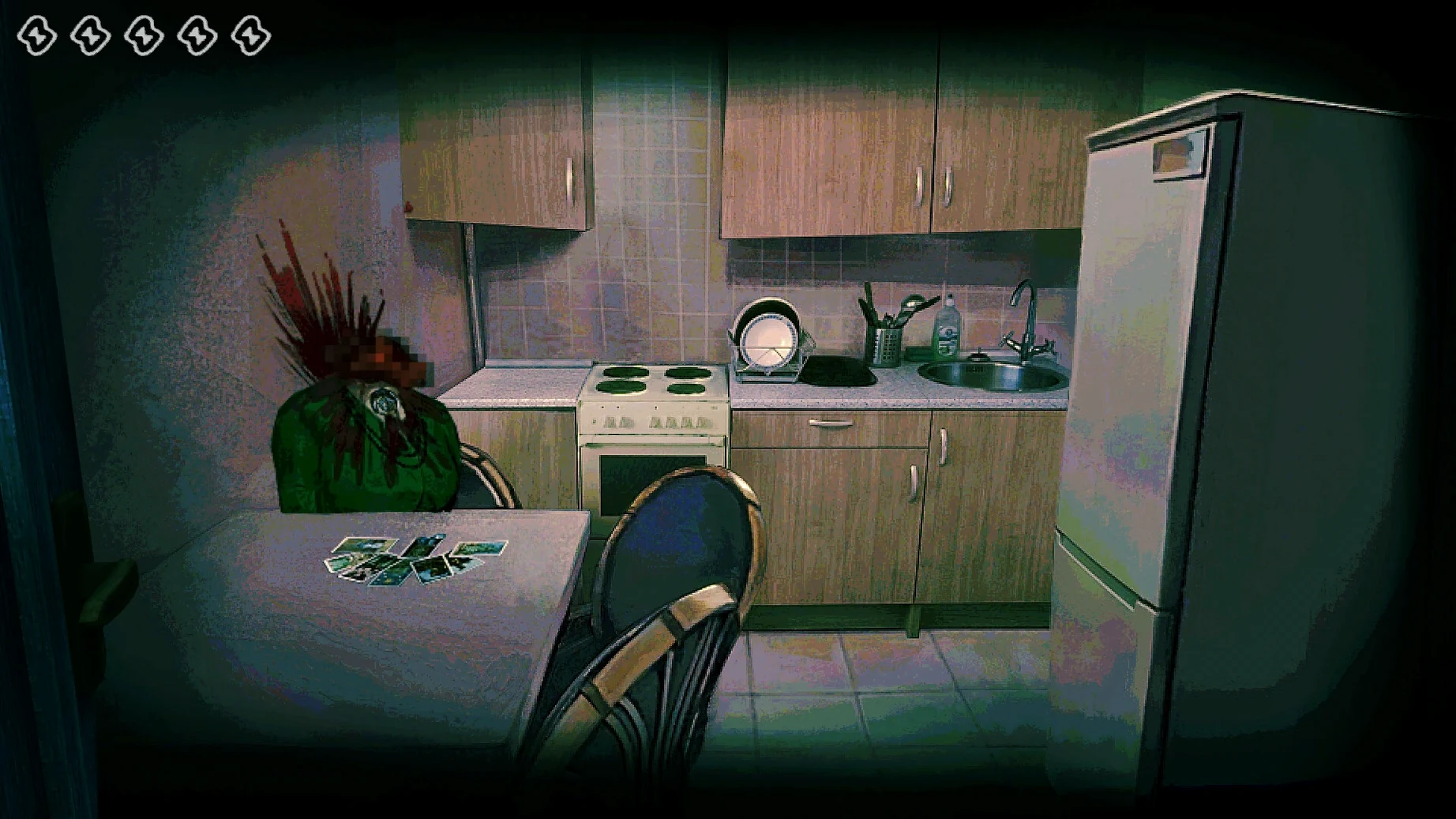
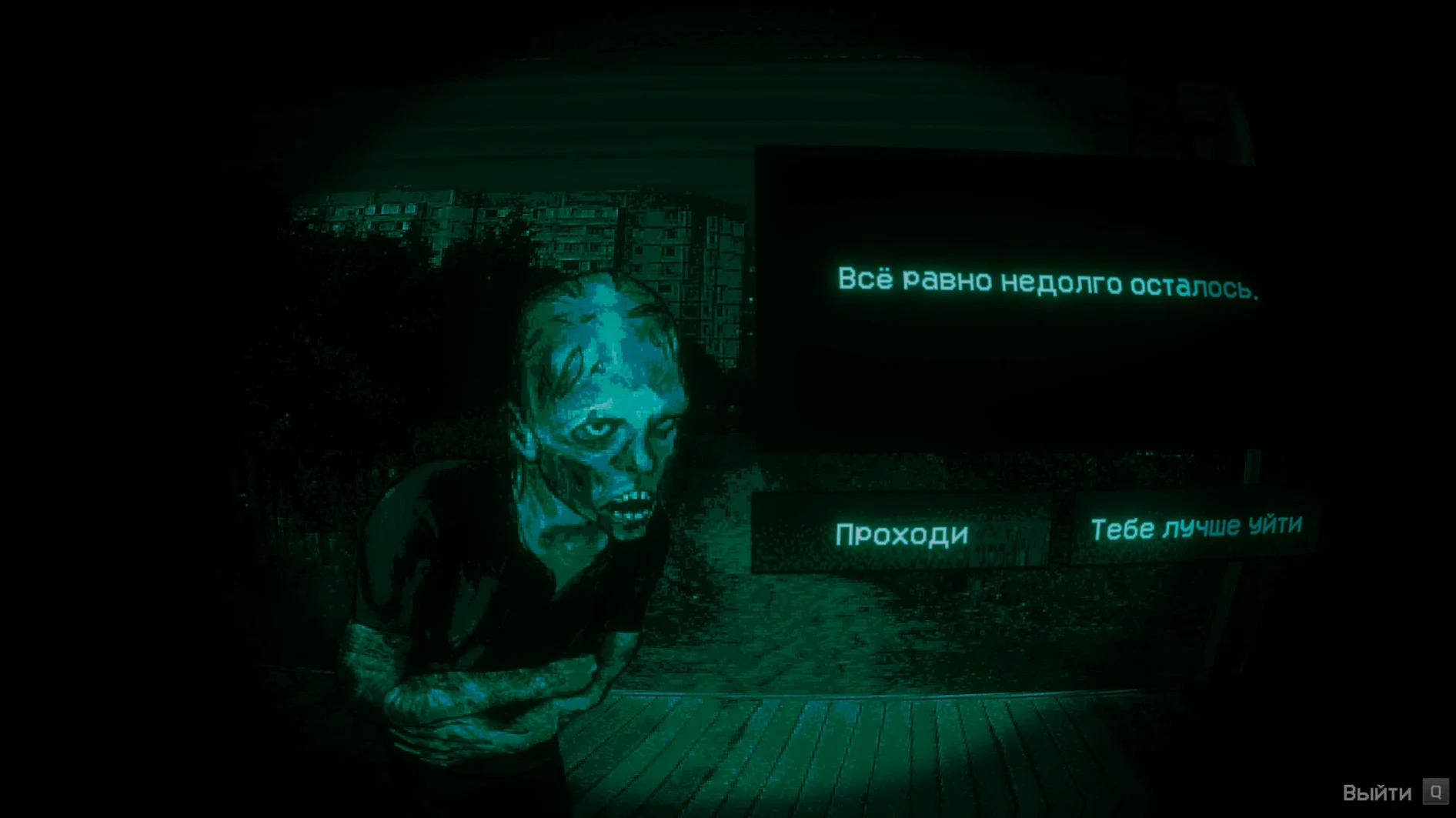
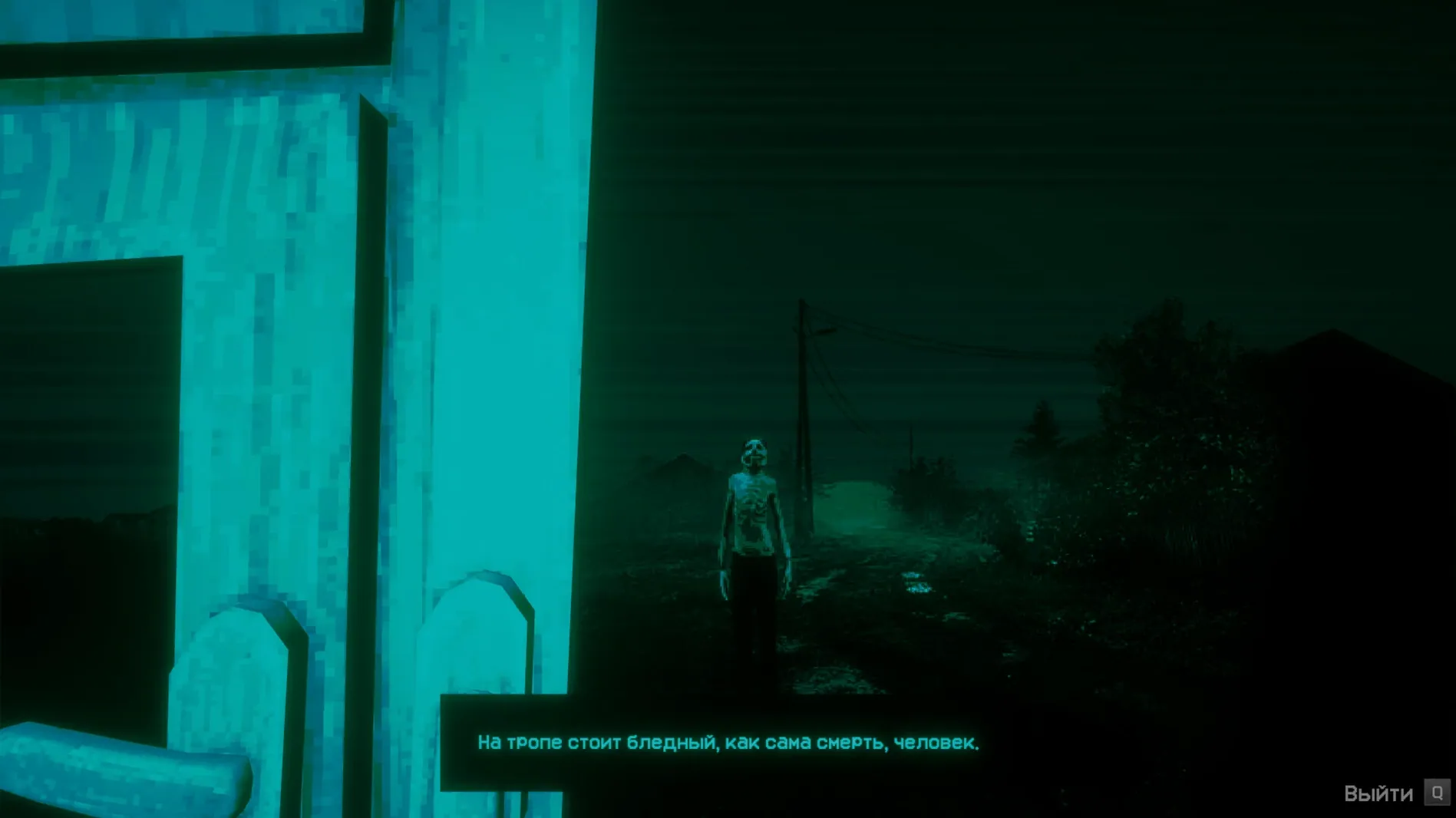
In the edit
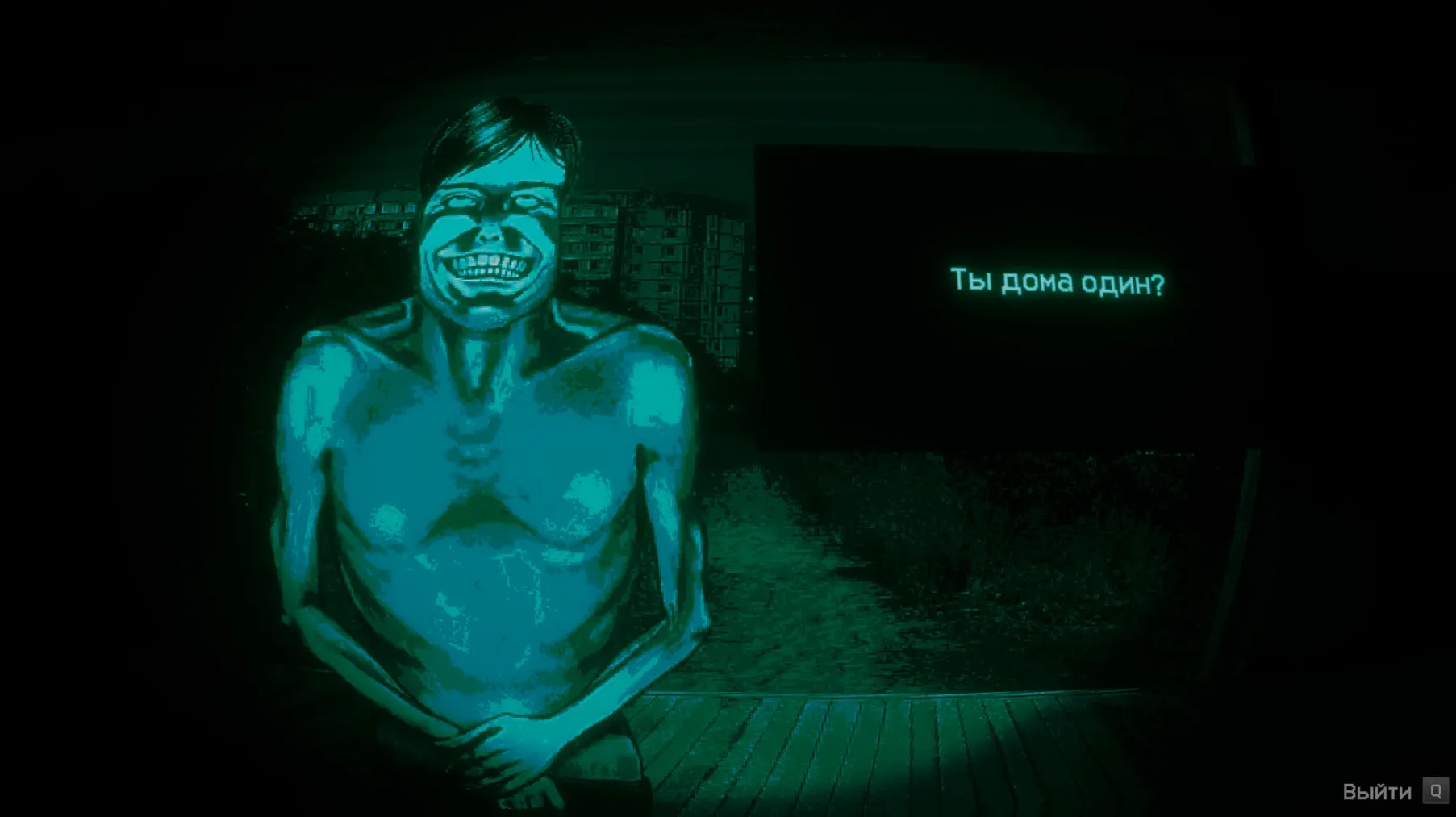
It is the end of the world. Intruders who look exactly like people — the Visitors — have slipped in among the survivors. Your job is to find them before they find you. No, I’m Not a Human is a short anxiety horror game from Trioskaz, and it runs on Apple Silicon Macs.
Copy the app from the disk image to your Applications folder
The current build is version 1.3.19 Rev2, packaged as an ARM-native Wineskin app. It was tested on a Mac mini 2024 with an M4 chip and macOS Tahoe. Copy the app from the disk image to your Applications folder, then launch from Launchpad. The first start must be in English — you can switch to another language in the settings afterwards. If you see an error, run the Fix file included in the disk image before trying again.
Controls and audio
There is no voice acting; the audio is music only, which fits the tense, quiet atmosphere. The interface supports ten languages including English, Russian, German, Spanish and Japanese, so you can pick the one that suits you best.
Save files and performance
Save data lives inside the app bundle under Steam/RUNE/427410/remote. On an M4 Mac the game runs without noticeable slowdowns. It is a small, focused title — expect a short playthrough built around observation and paranoia rather than combat or exploration.
Steam Cloud save recovery now works more reliably on your Mac
Version 1.3.19 Rev2 is primarily a hotfix release. The main change affects Steam Cloud save recovery on Steam Deck, which also means your local saves on Mac are handled a bit more reliably if you ever need to restore them. There is also a minor Ukrainian localisation fix in this build, so if you play with that language selected, a few interface strings should now read correctly. For everyday use on a Mac, the difference is subtle — the game behaves the same way at the door, the same tension when you question a Visitor — but the save handling feels a little more solid if you are the type to close the app mid-session and come back later.
Sits in your Applications folder and works with the Dock and Launchpad
Because No, I’m Not a Human runs through a Wineskin wrapper, it sits in your Applications folder like any native Mac app. You can add it to the Dock or keep it in Launchpad alongside everything else. There is no separate launcher or extra configuration tool to manage.
The game is small enough that you can keep it open while switching to other work — say, checking email or editing a quick photo — without it hogging resources. Mission Control treats it as a normal window, so you can slide it to a separate desktop and come back to it when a knock at the door pulls your attention back. If you use macOS Focus modes, you might want to set one up for horror game sessions: notifications can break the mood fast when you are trying to decide whether the person outside is lying.
The save files sit inside the app bundle itself, which means Time Machine backs them up along with the rest of your Applications if you have that enabled. Just be aware that if you ever delete the app, those saves go with it unless you copy them out first.
Language switch is permanent once you change it
A few things in this build are worth knowing about even though they are not advertised on the main screen.
- Language switch is permanent. Once you change the language from English to Russian (or any other supported language) in the settings after the first launch, the game remembers your choice. You do not need to repeat the English-first step on subsequent sessions.
- The Fix file is a one-time thing. If the game throws an error on the very first launch, running the Fix file from the disk image usually sorts it. After that, the game should open normally every time. It is not something you need to do before each session.
- No activation hassle. The build does not require any online activation, which means you can play it offline, on a train, or anywhere else without worrying about a server check.
- Quit cleanly. The game respects the standard Cmd+Q shortcut, and it saves your progress when you exit through the in-game menu. There is no awkward force-quit required.
A typical session at the door
Let me walk you through how a normal play session looks on a Mac.
I open the game from Launchpad. The title screen appears quickly — it is a small title, so there is no long loading bar. I check that the language is set to English (first launch only) and start a new game.
The scene is simple: a door, a visitor, a set of questions. Someone knocks. I see a figure through the peephole — a woman, normal-looking, maybe a little nervous. I start questioning her. The game gives me a few dialogue options, and I pick one that seems suspicious. She answers. I watch her face, her posture. Is she hesitating too long? Is her story too neat?
I decide to let her in. She passes. Relief — or maybe I just made a mistake. The game does not tell you immediately. That uncertainty is the whole point.
Next visitor. A man this time. He seems helpful, almost too eager. I question him harder. His answers feel off. I decide to kill him. The game confirms my choice, and the screen changes. I do not know if I was right until later.
After three or four visitors, I take a break. I press Escape to pause, then quit via the menu. The game saves automatically at certain points, so I can resume later from roughly where I left off. The save file sits in that Steam/RUNE/427410/remote path inside the app bundle, but I do not need to touch it unless I want to back it up manually.
Later that evening, I open the game again. It remembers my language choice and my progress. A few more visitors, a few more hard decisions. The whole session might last twenty minutes or an hour, depending on how paranoid I feel. When I am done, I quit normally, and the game leaves no extra processes running in the background.
That is the rhythm of No, I’m Not a Human on a Mac. It is straightforward to get into, easy to put down, and the only thing that stays with you after you close it is the nagging feeling that you might have let the wrong person through.
New this release
- Version 1.3.19 Rev2
- Hotfix for Steam Cloud save recovery on Steam Deck
- Minor Ukrainian localisation fixes
Mac it needs
- macOS Tahoe
- Apple Silicon (ARM build)
Questions I actually get
Where are the save files stored on Mac?
Save files are located inside the app bundle at Steam/RUNE/427410/remote.
Does the game need to be launched in English the first time?
Yes. Start the game in English on the first launch. After that you can change the language in the settings.
Installing on a Mac
- Open the downloaded disk image.
- Drag the app to the Applications folder shortcut.
- Once copying finishes, launch the app from Launchpad.
- If the game shows an error on launch, run the Fix file inside the disk image.
- Start the game in English on the first launch.
- After the first launch, change the language in the game settings if needed.
Notes from photographers
Sign in or create your account to leave a comment.
No notes from photographers yet. If you have used this on a real folder, say which camera and which Mac.