
 Get it for my Mac (47 MB)






 Stardew Valley
1.6.15
- Version
- 1.6.00.16
- Developer
- Stefo Mai Morojna
- Interface in
- English
- Licence on file
- Not required
- Chip support
- Intel 64-bit
- Edited with it on
- macOS Ventura, MacBook Air (M1. 2020)
- Out on
- 18.02.2022
- Voices in
- Music only
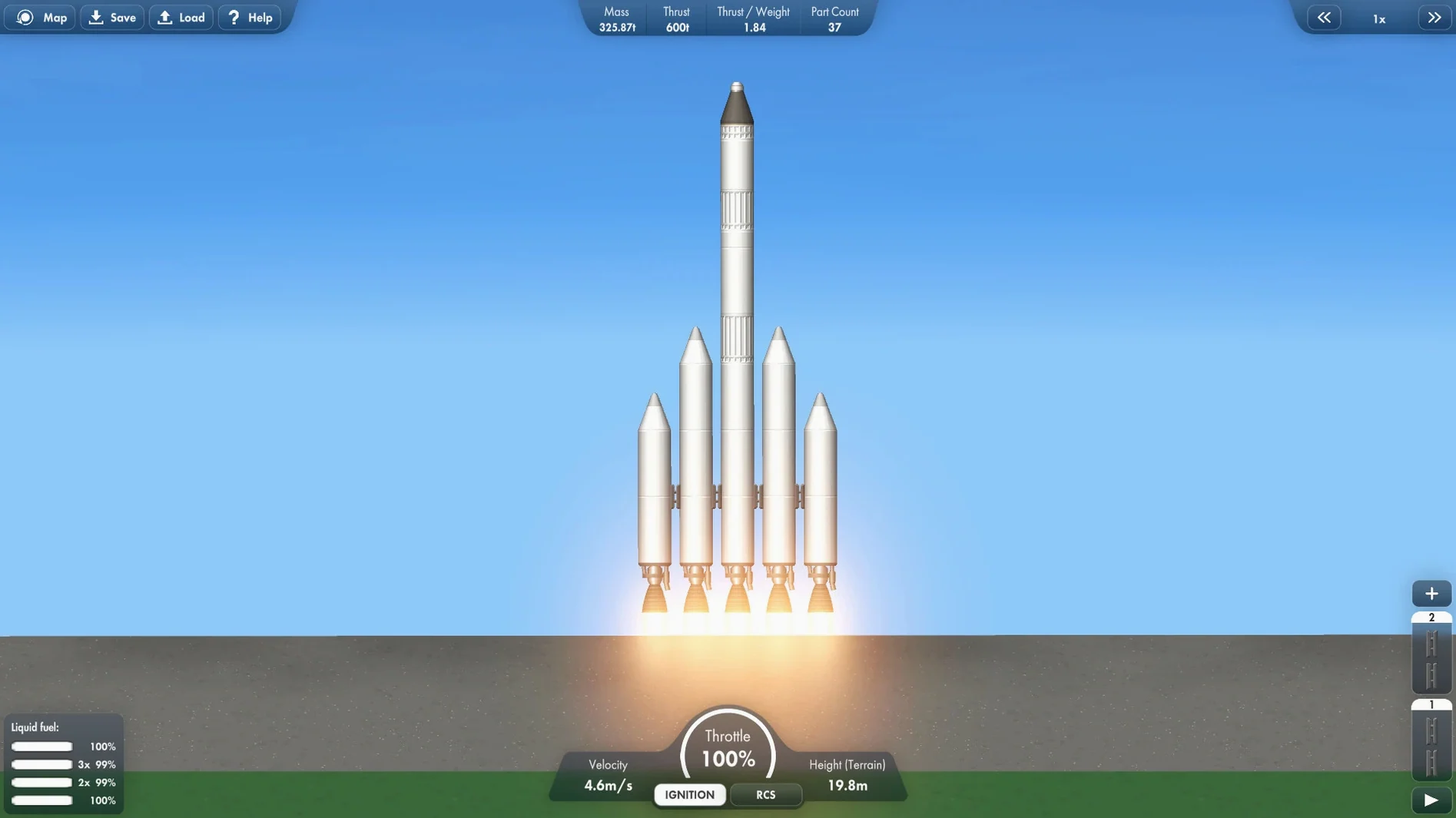
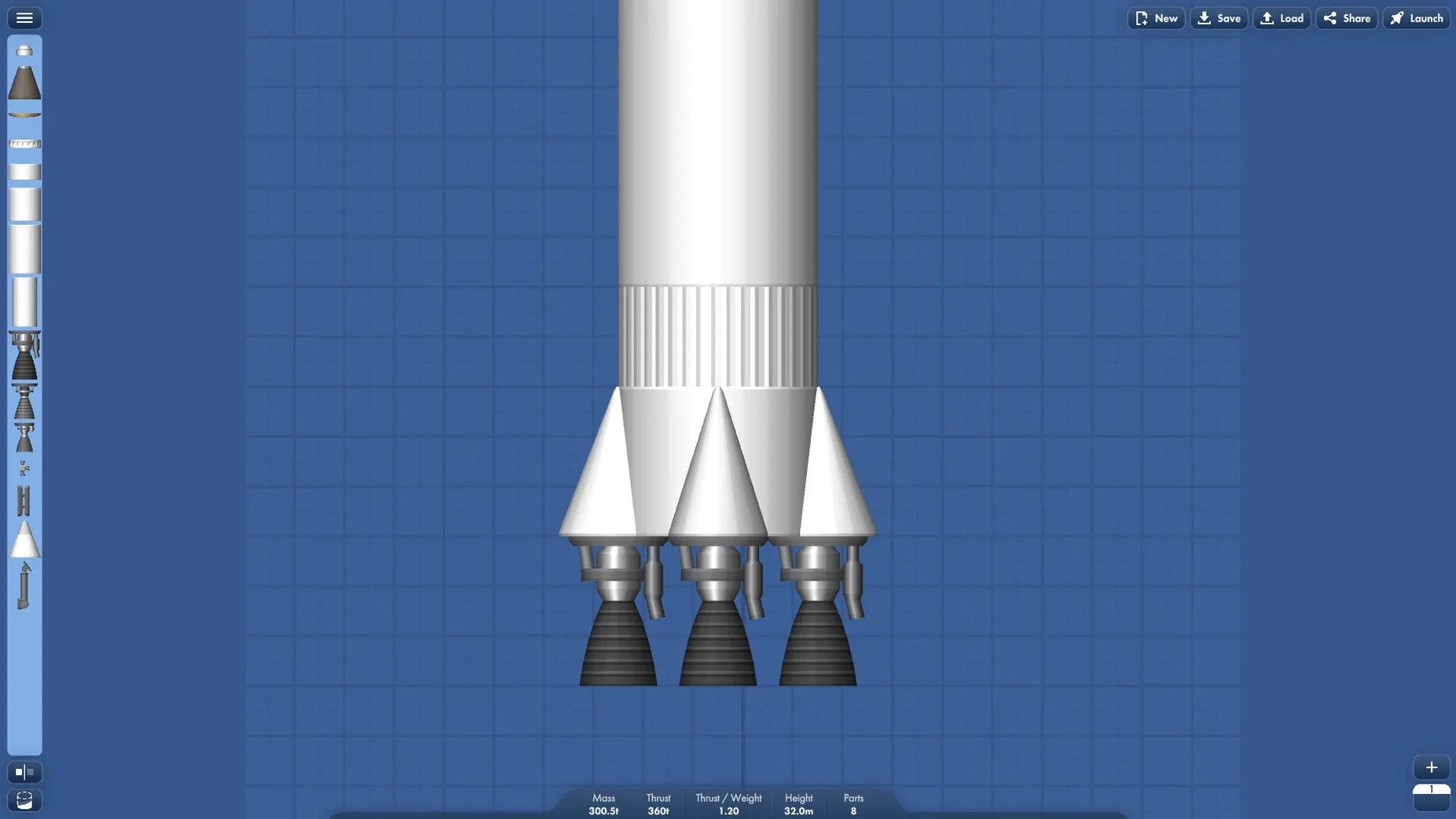
In the edit
Spaceflight Simulator runs on Intel Macs with macOS 10.13 or later, and it has been tested on macOS Ventura and even on an M1 MacBook Air through Rosetta 2. So if you have a recent Intel Mac or an Apple Silicon machine, you should be good to go.
Who will get a kick out of this
If you enjoy the logic and planning of rocket science — figuring out thrust, staging, and orbital mechanics — this game gives you a sandbox to play in. You can build rockets from scratch, launch satellites, and construct space stations piece by piece. The missions give you clear goals, but the real fun is in designing your own solutions. It rewards patience and a tinkering mindset.
Not an arcade shooter
This is not an arcade shooter or a fast-paced action game. If you want instant explosions and quick reflexes, you will probably find the pace slow. The game expects you to think through your builds and accept that rockets sometimes fail. It is more about engineering than spectacle. If that sounds like work rather than play, it might not be your thing.
Forgetting to stage your rocket
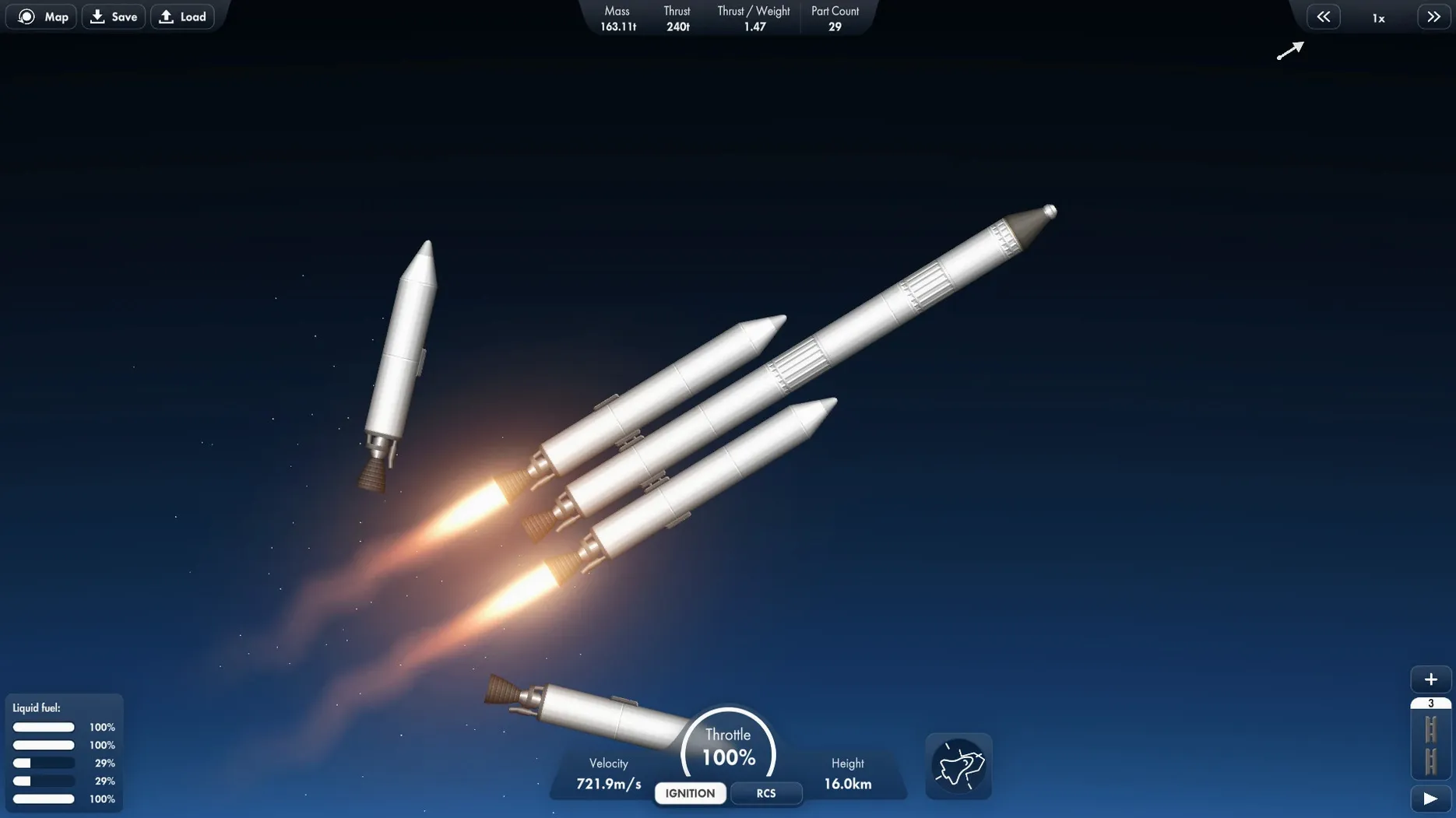
A few things tend to trip people up when they first get going. The most frequent one is forgetting to stage your rocket properly — you build a multi-stage design, hit launch, and nothing separates. The fix is to check your staging sequence before you leave the build screen. Drag the stages into the right order so the boosters drop when they should.
Another common one is running out of fuel before you reach orbit. It happens because the rocket is too heavy or the thrust is too low for the payload. The solution is to strip back: use smaller fuel tanks, lighter parts, and make sure your engines match the mass you are lifting. Sometimes a simpler design works better than an ambitious one.
If the game feels sluggish on your Mac, check that no other heavy apps are running in the background. Spaceflight Simulator is not demanding, but a busy system can affect responsiveness. Closing browser tabs and other software usually helps.
Use Mission Control to switch to reference windows
Spaceflight Simulator plays well with macOS basics. You can use Mission Control to switch between the game and a reference window — say, a browser with orbital mechanics notes or a PDF of a rocket diagram. The game does not force full-screen, so you can keep it in a window alongside other tools.
If you record or stream your builds, the game works with screen capture tools like QuickTime Player and OBS without any fuss. The music accompaniment adds atmosphere, but you can mute it in the settings if you prefer your own playlist through Music or Spotify.
The game also works with Rosetta 2 on Apple Silicon, which means M1 and M2 Mac owners can run it without issues. It is a solid addition to any Mac gamer's library, especially if you already keep simulation and sandbox titles on your machine.
Mac it needs
- macOS 10.13 or later
- Intel processor (also tested on Apple Silicon via Rosetta 2)
- Tested on macOS Ventura and MacBook Air (M1, 2020)
Installing on a Mac
- Mount the downloaded disk image.
- Drag the app into the Applications folder alias.
- Once copying finishes, open the app from Launchpad.
- Tip: if macOS warns you about an unidentified developer, right-click the app and choose Open from the menu.
Notes from photographers
Sign in or create your account to leave a comment.
No notes from photographers yet. If you have used this on a real folder, say which camera and which Mac.
