Get it for my Mac (18 GB)
 Stardew Valley
1.6.15.24357.8705766150
Stardew Valley
1.6.15.24357.8705766150
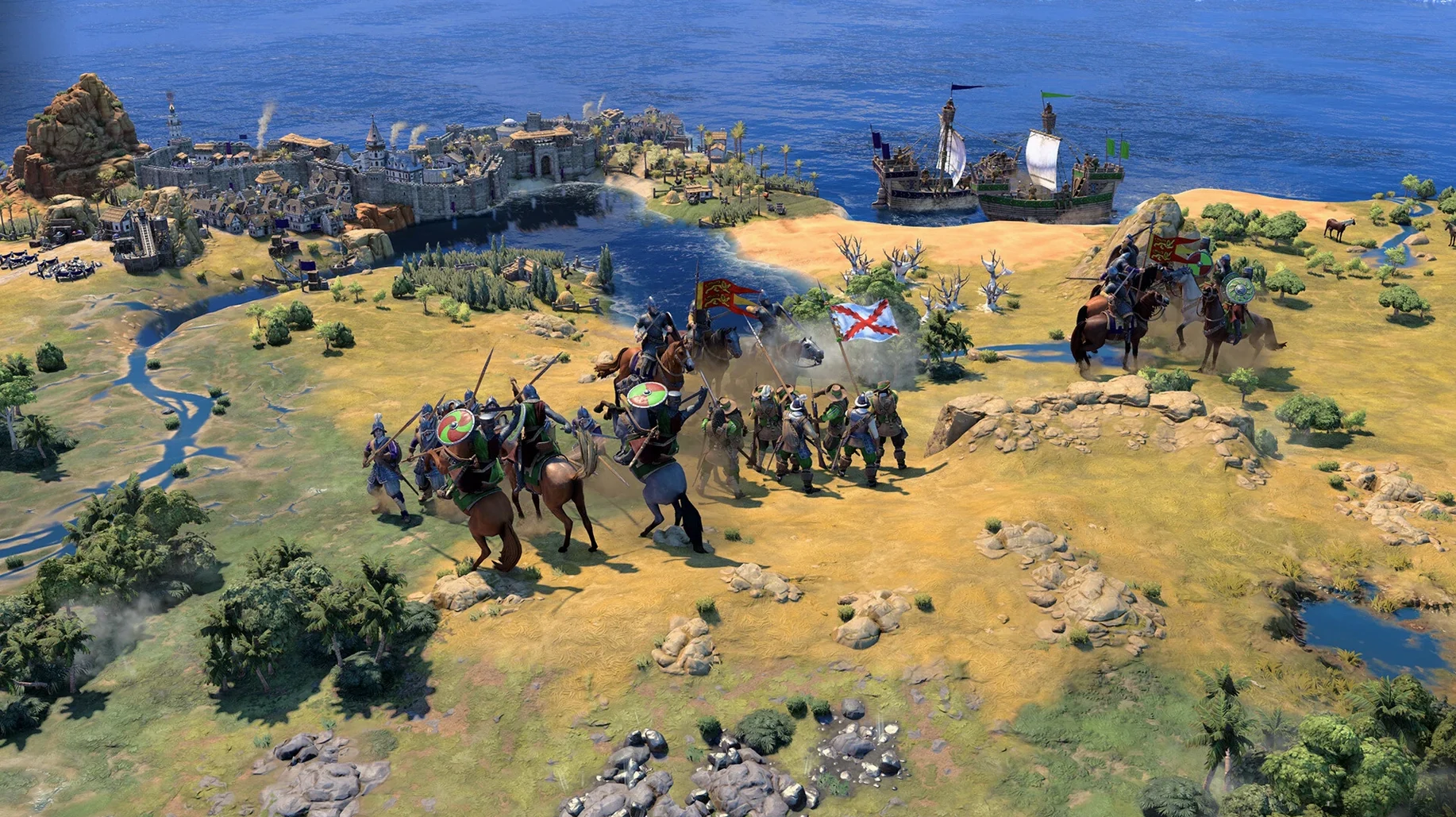
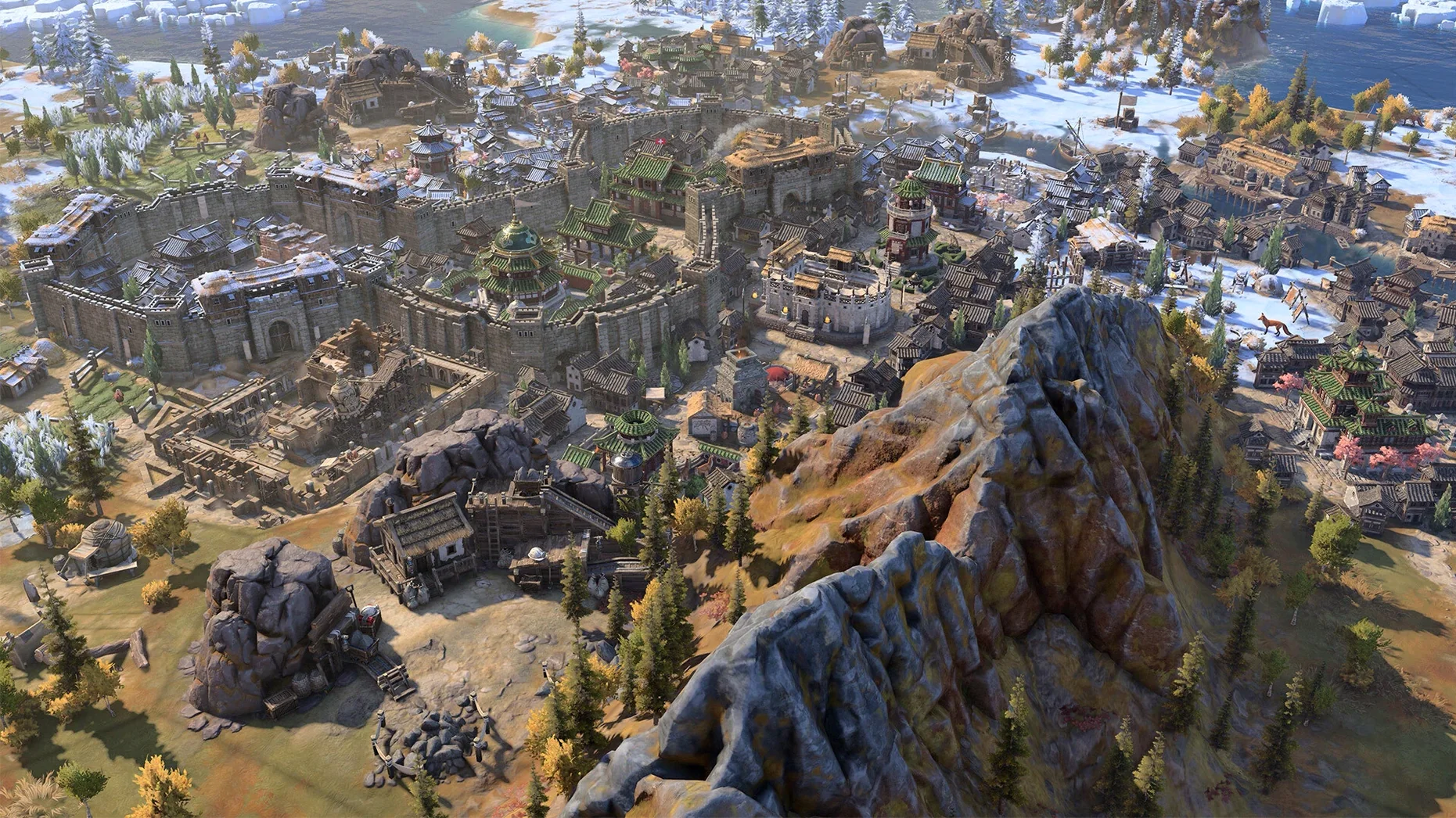
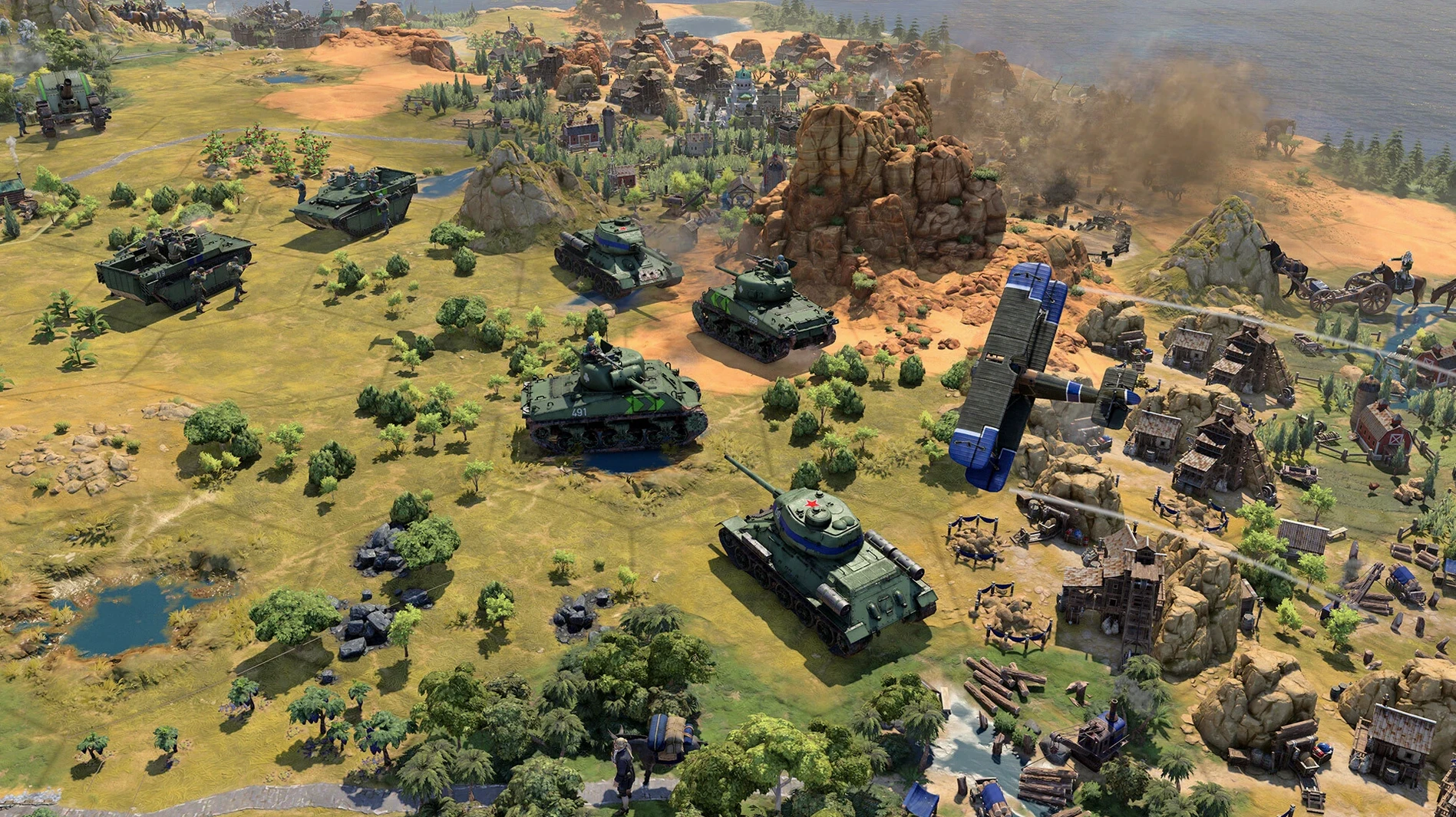
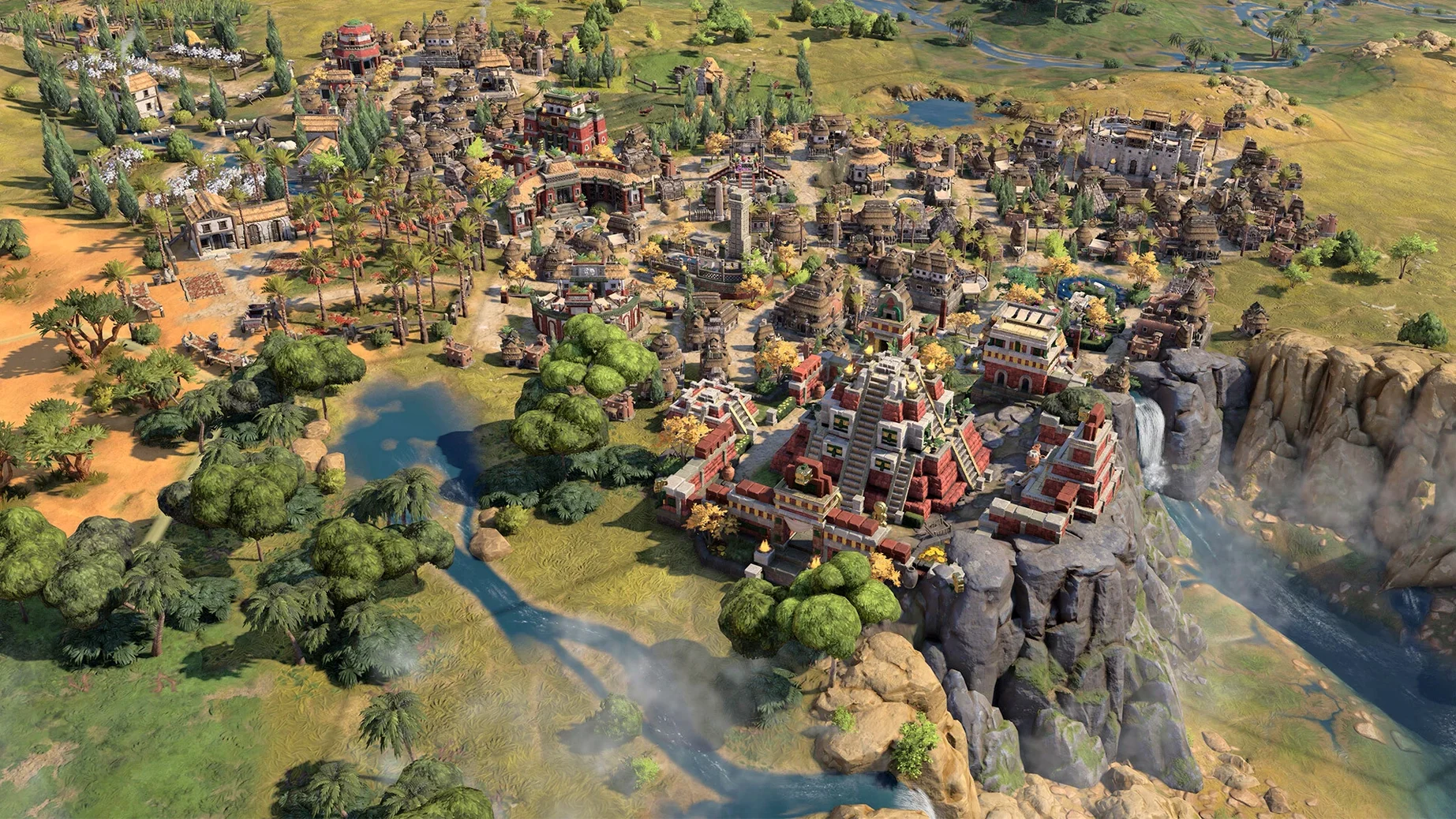
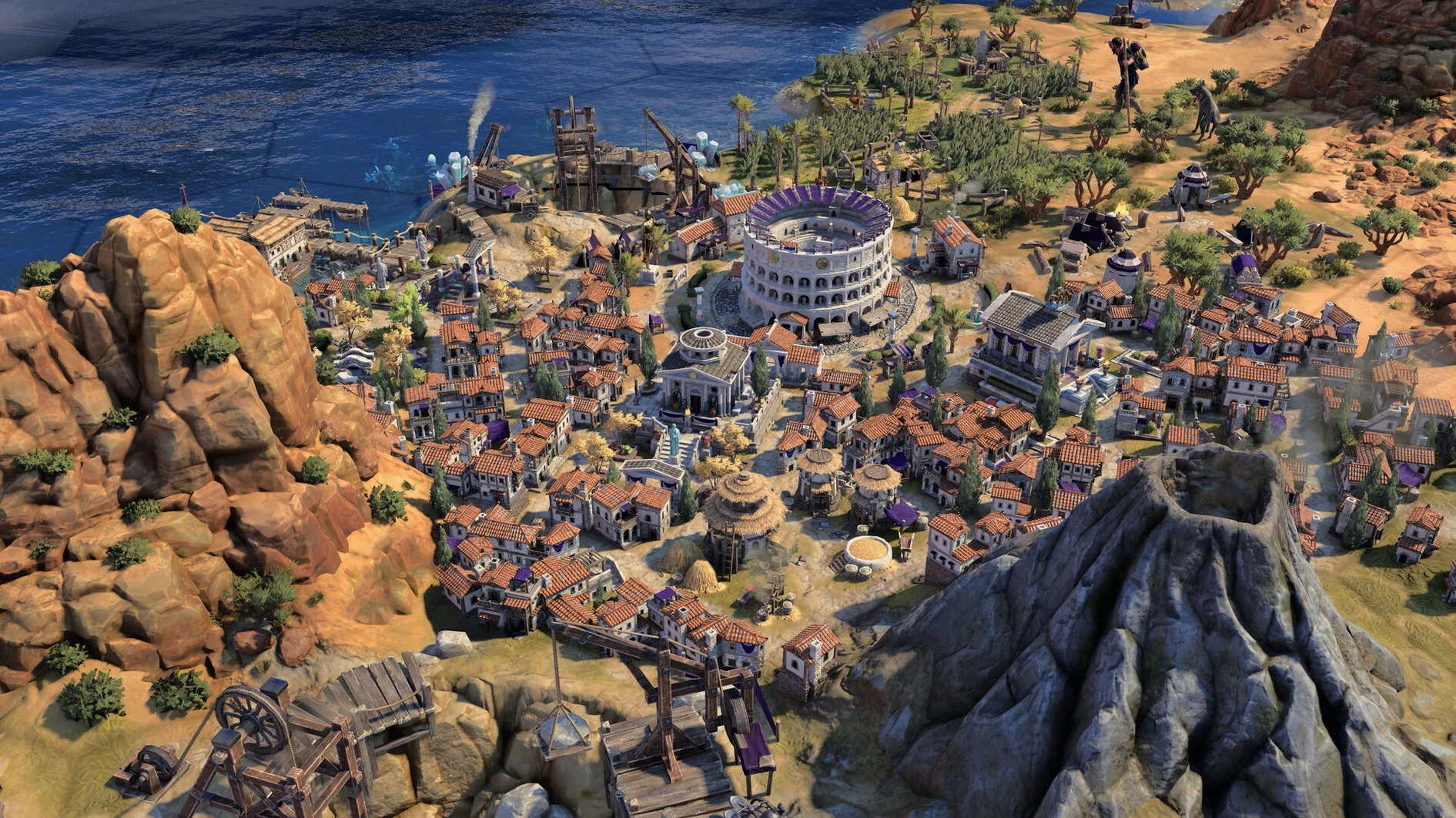
Sid Meier's Civilization VII is a turn-based strategy game where you build and guide a civilisation through key stages of history, from ancient times to the modern age.
You choose a leader and a civilisation, then expand your territory, advance your technology, and manage diplomacy and war. The world is detailed: architecture and military units reflect each culture’s style, so your empire feels distinct as it grows.
The box includes the core single-player campaign and a range of map types, including the newly added True Start Location Earth map. The game is designed for both new players and series veterans, with improved onboarding that doesn’t sacrifice depth for those who already know their way around a tech tree.
A native Mac release is available, built for Apple Silicon. The interface supports twelve languages, among them English, French, German, Spanish, Italian, Portuguese, Russian, Polish, Japanese, Korean, and both Simplified and Traditional Chinese.
I usually start a new game of Civilization VII on a quiet evening, knowing the next few hours will disappear. You pick a historical leader and a civilisation, then take your first look at the map. The early turns are about scouting and settling: you send a warrior out to reveal the fog of war while your settler finds a spot near fresh water. The game nudges you along with tooltips and contextual prompts, which is helpful when you are new to the series or coming back after a few years away.
Once your first city is down, the rhythm sets in. You queue up a scout, choose a technology to research, and decide whether to build a monument or a military unit first. Every choice feels meaningful because the era system changes the rules as you go. In the Antiquity Age, your civilisation’s bonuses are one thing; when you transition to the Exploration Age, new conditions apply and old advantages might shift. That keeps you on your toes. I have restarted more than once because I realised my early strategy would not carry forward the way I wanted.
By the time you reach the Modern Age, the map is crowded with rivals, trade routes and potential conflicts. This is where update 1.5.0’s stability and crash fixes make a difference. Earlier builds could stumble in the late game when there is a lot happening on screen. The current version holds together better during those packed turns. The True Start Location Earth map is my favourite addition: you begin roughly where your civilisation would have started in the real world, which adds a layer of historical logic to expansion and warfare.
Civilization VII runs on Apple Silicon Macs. The build I played was tested on macOS Tahoe with a Mac mini M4, so if you have a recent Mac with Apple’s own chip, you are in the right place. The game is available through Steam and the Epic Games Store on Mac, and the Apple Arcade edition delivers the same base experience for subscribers. No activation is required, which means you can install it and start playing without jumping through extra hoops.
Languages are well covered: the interface and voice options include English, French, German, Spanish, Italian, Portuguese, Russian, Polish, Japanese, Korean, and both Chinese variants. That is a solid range for a global audience. The disk image install is straightforward — drag the app to your Applications folder and launch it from Launchpad. Quit with Command-Q when you finally tear yourself away.
If you already play Civilization VI on your Mac, the jump to VII is noticeable in the era system and the visual detail. The older game is polished and has years of expansions, but VII reworks the progression so that each age feels like a fresh start rather than a linear tech race. The leaders have more distinct abilities that you can combine and improve, which adds replayability. You might still keep VI installed for its familiar expansions, but VII feels like the more modern design.
Total War: Rome Remastered offers a different flavour of historical strategy: real-time battles with turn-based campaign management. It is heavier on tactical combat and less focused on civilisation-wide development over millennia. If you prefer commanding individual armies in real time, Total War is your game. But if you enjoy the slower, empire-level decisions and the diplomatic web of rival civilisations, Civilization VII is the better fit. The Mac version runs natively on Apple Silicon too, so both are viable options for strategy fans.
Humankind shares the historical 4X space with Civilization VII. Its culture-swapping mechanic lets you change your civilisation’s identity each era, which is a different approach to the fixed-civilisation model in Sid Meier’s design. Humankind has its own strengths — the combat system and district placement are worth trying — but the polish and interface clarity in Civilization VII make it easier to settle into a long session. Sid Meier's Civilization VII refines the classic 4X formula for strategy fans who appreciated the consistency of previous entries in the series.
Sign in or create your account to leave a comment.
No notes from photographers yet. If you have used this on a real folder, say which camera and which Mac.