
 Get it for my Mac (273 MB)







 Sniper Elite 4
1.2.2

- Version
- 1.8.41
- Developer
- Coredumping
- Interface in
- English
- Licence on file
- Not required
- Chip support
- Apple Silicon, Intel 64-bit
- Edited with it on
- macOS Tahoe, Mac mini 2024 M4
- Out on
- 1.05.2015
- Voices in
- Music only



In the edit
Software Inc runs on both Intel and Apple Silicon Macs, so it works on everything from an older MacBook to the latest M-series machines. The interface is in English, and the game uses music accompaniment throughout.
Build offices and manage your staff
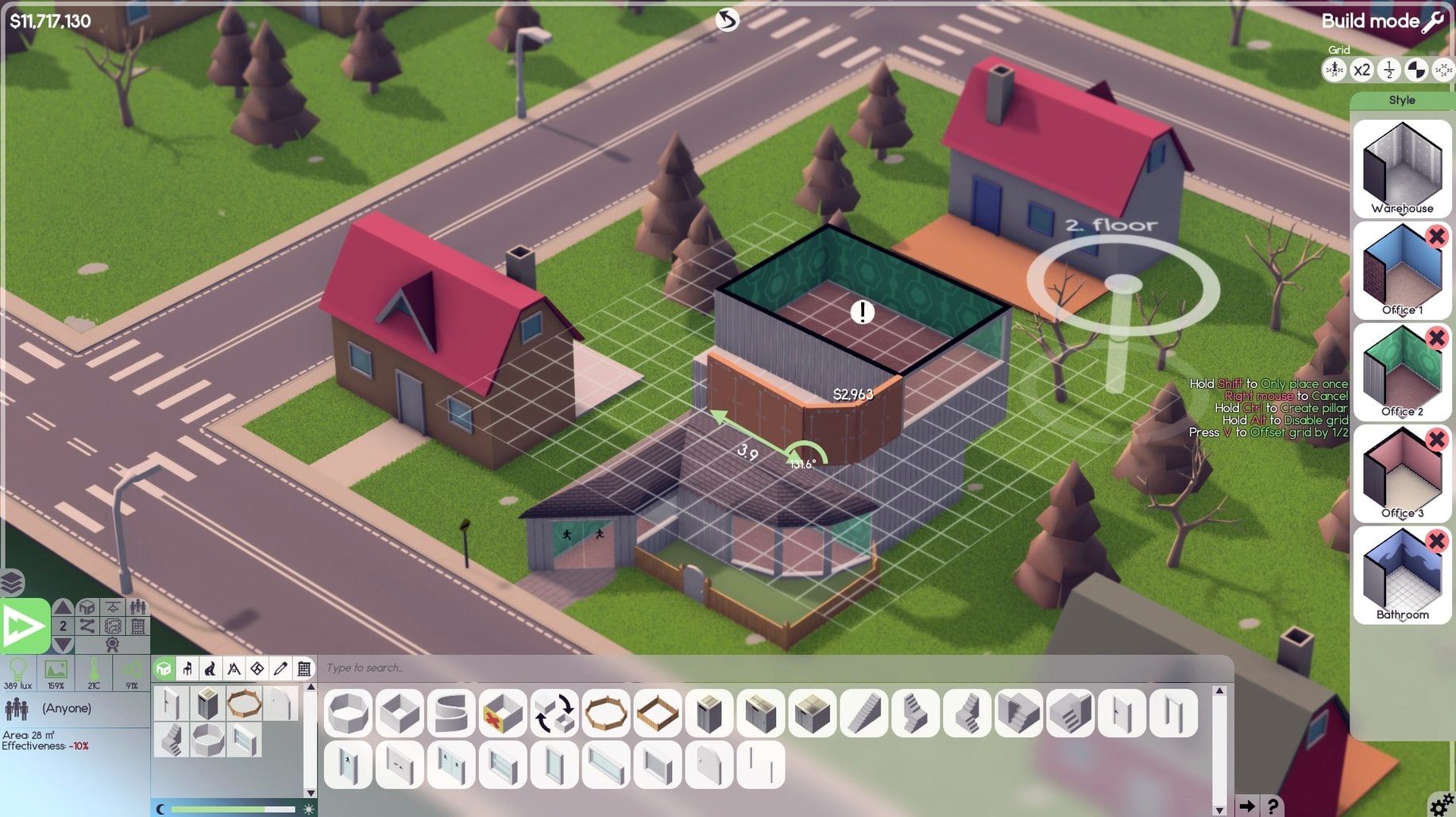
Office construction and furnishing — Build rooms, place furniture, and expand your workspace as the company grows. Roads and parking lots can be added around the building.
Staff management — Hire employees, assign them to projects, and keep an eye on relationships between team members. Maintenance staff can be brought in to repair equipment and clean rooms.
Software development — Create programs and build franchises over time. The game combines office layout, staff dynamics, and actual development work into one sim.
If you have played office-building or game-development sims before, the structure will feel familiar. The focus here is on running the whole company, not just coding.
Avatar tweaks and other hidden touches
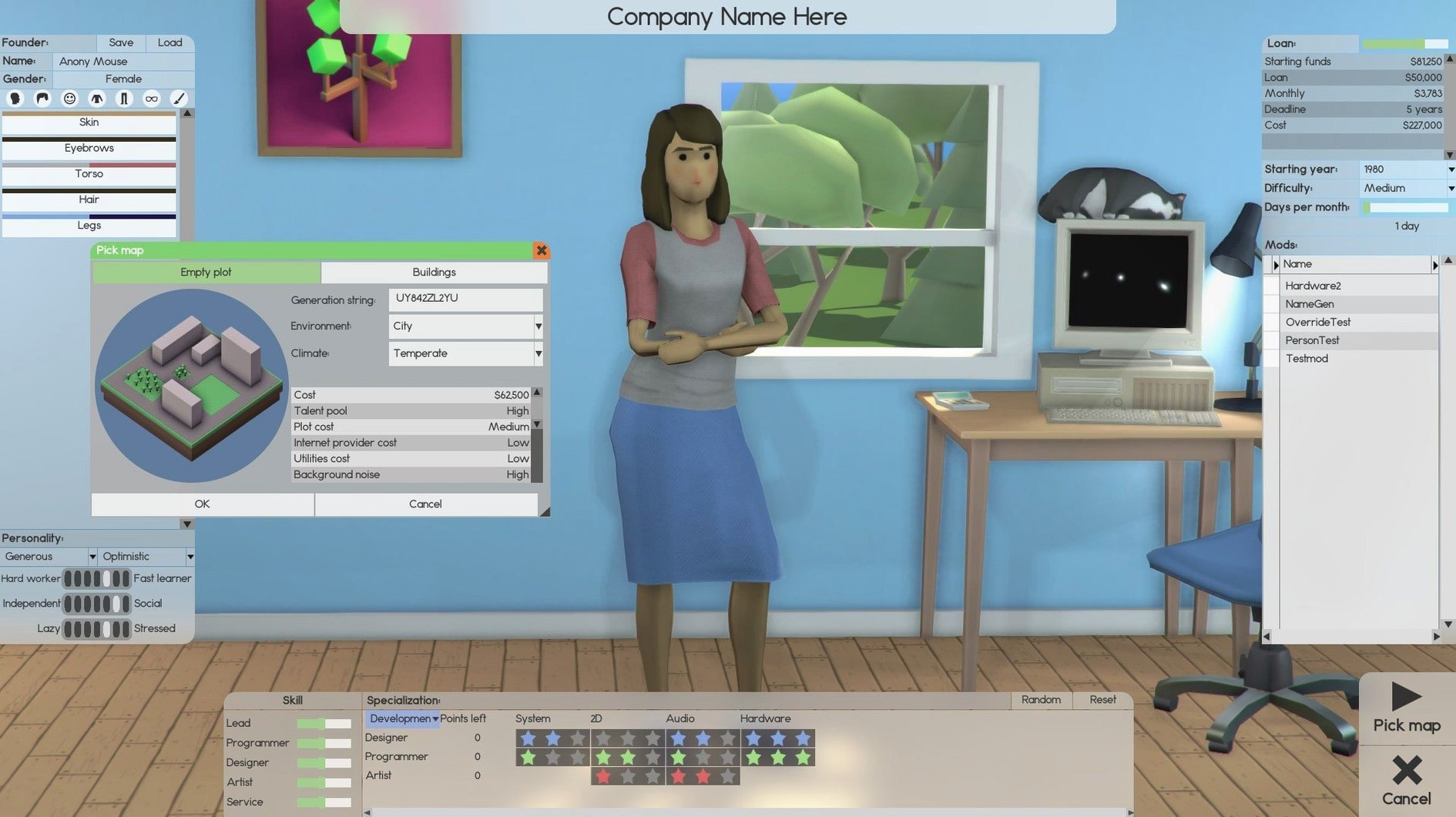
Software Inc has a few touches that don't get mentioned in the main feature list but make a real difference when you are deep into a play session. One is the avatar customisation — you can tweak your character's appearance, which is a small thing but helps you feel present in the office you are building. Another is the ability to assign leaders to important tasks. Instead of micromanaging every developer, you can put someone in charge of a project and let them coordinate the team and manage subordinates. It saves a lot of clicking once you have more than a handful of staff.
The game also lets you build up to 10 floors high, and that includes basement areas. That extra vertical space means you can plan a layout that feels like a real company, with different departments on different levels. Roads and parking lots are buildable too, which is a detail that makes the world around your office feel a bit more lived in.
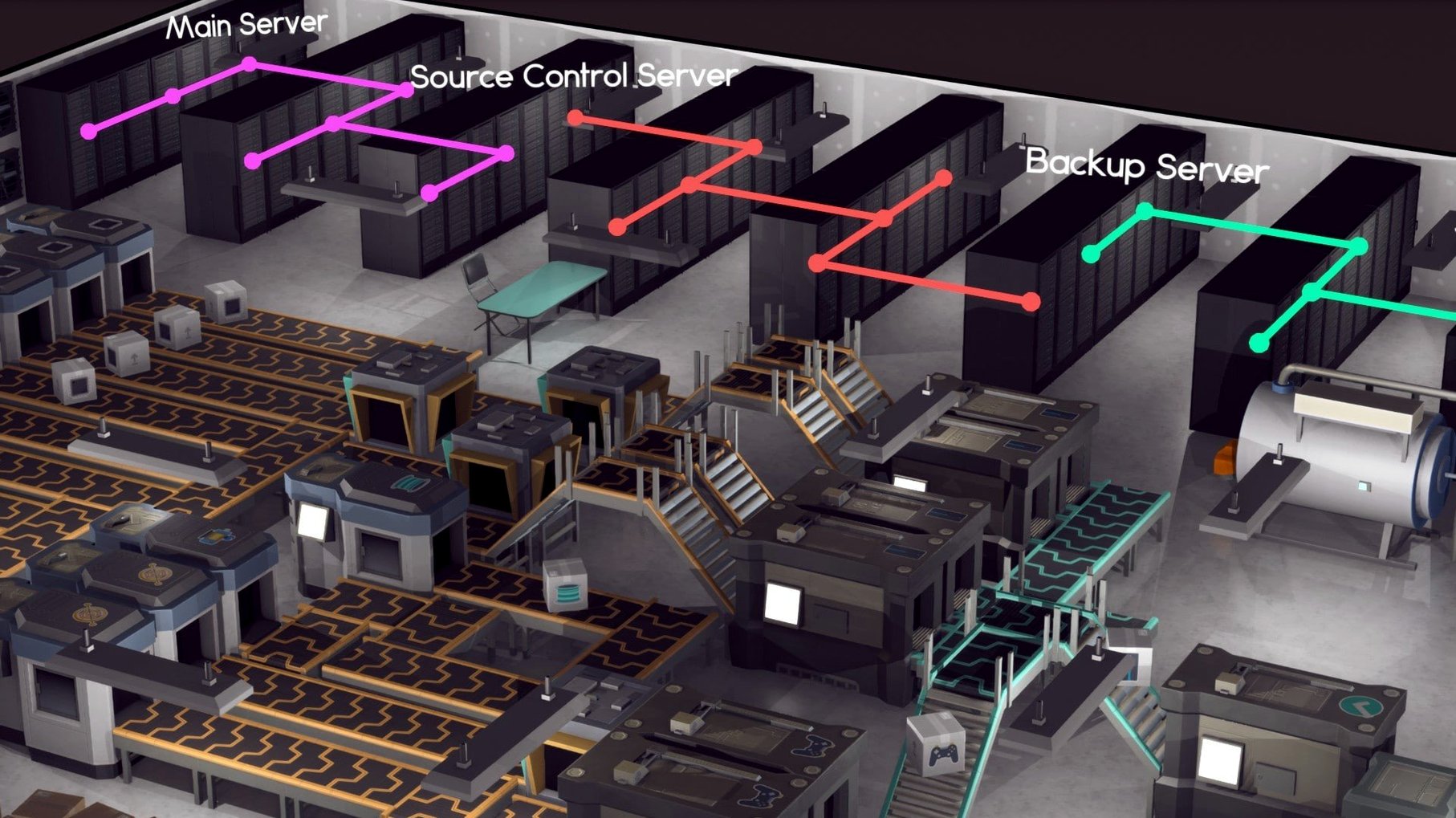
For the business side, you are not limited to just selling software. You can sign contracts, sell shares, or set up an online store and launch servers to support development. That range of income options means you can play the financial side differently each time. And if the office gets messy or equipment breaks, maintenance staff can be hired to handle repairs and cleaning, so you are not manually fixing every chair.
Offline play and Intel Mac compatibility
Does it need an internet connection to play? No. The game is a standalone simulation. Once it is on your Mac, you can play offline without any issues. Activation is not required.
Will it run on an older Intel Mac? Yes. Software Inc supports both ARM and 64-bit x86 architecture, so it works on Intel Macs and Apple Silicon machines alike. The developers tested it on macOS Tahoe with an M4 Mac mini, but the architecture support covers the full range.
The current version is 1.8.41, with patch notes posted on Steam. It is a complete enough experience to play through a full company lifecycle, but it does get regular improvements.
Is the language only English? Yes, the interface is in English. The game uses music accompaniment, but there are no voiceovers in other languages. If you are comfortable with English menus, you are set.
Perfect for fans of company-building sims
This game is for anyone who likes management sims, but it suits a few specific types especially well. If you have enjoyed games where you build an office, hire staff, and watch a company grow — things like Game Dev Tycoon or Project Hospital — Software Inc will feel like a natural next step. The office construction is more detailed than most sims in this space, so players who enjoy arranging furniture and designing floor plans will find plenty to do.
Players who like seeing their decisions play out over time will also get a lot out of it. Hiring the right people, assigning leaders, and balancing support staff with developers creates a satisfying loop. And if you have ever wondered what it might be like to run a software company — without the actual stress of running one — this is a sandbox that lets you try it from your Mac. The game does not rush you, so you can take your time building a company your way.
Whether you are on a MacBook Air or a Mac Studio, the architecture support means it should run without compatibility headaches. That is always a nice thing to find in a simulation game on macOS.
Mac it needs
- macOS version not specified by the developer
- Intel 64-bit or Apple Silicon
Questions I actually get
Can I build franchises in Software Inc?
Yes, you can create programs and build franchises as part of the game’s development system.
What kind of staff can I hire?
You can hire developers and maintenance staff, assign them to projects, and manage employee relationships.
Installing on a Mac
- Open the downloaded disk image.
- Drag the app into the Applications folder shortcut.
- After copying finishes, launch the app from Launchpad.
Notes from photographers
Sign in or create your account to leave a comment.
No notes from photographers yet. If you have used this on a real folder, say which camera and which Mac.
