Get it for my Mac (467 MB)
 Stellaris
4.5.2 Native
Stellaris
4.5.2 Native
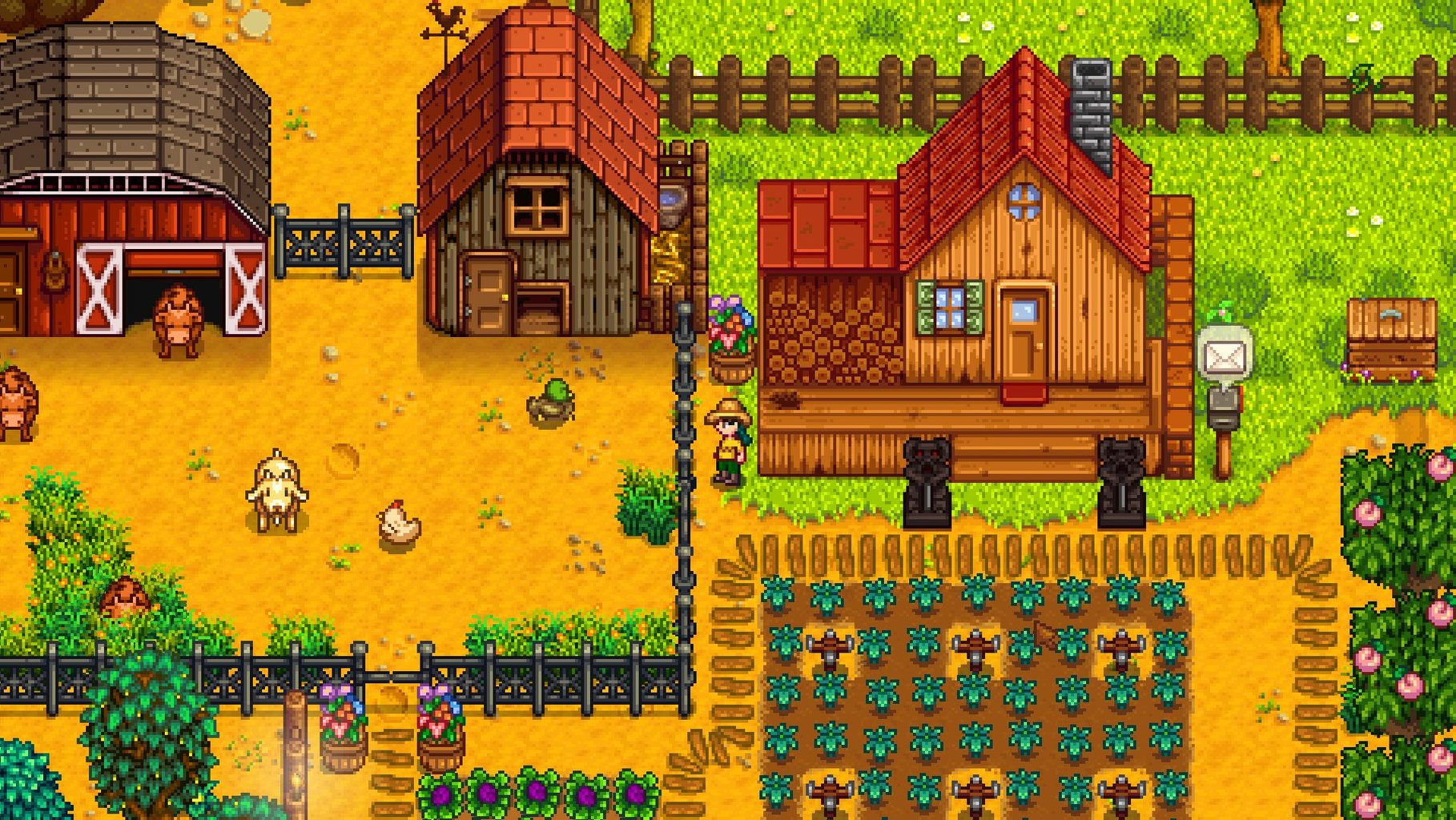
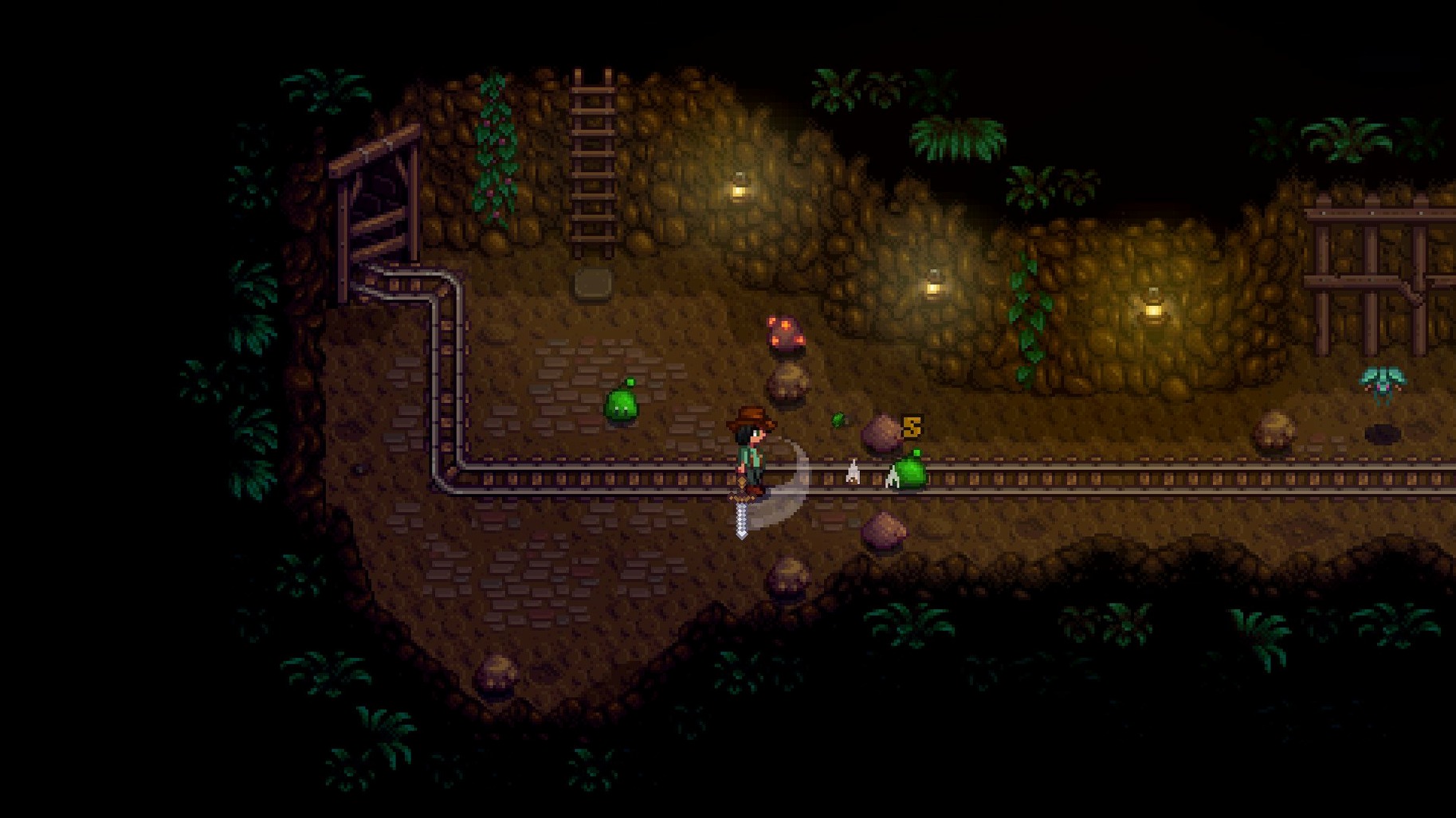
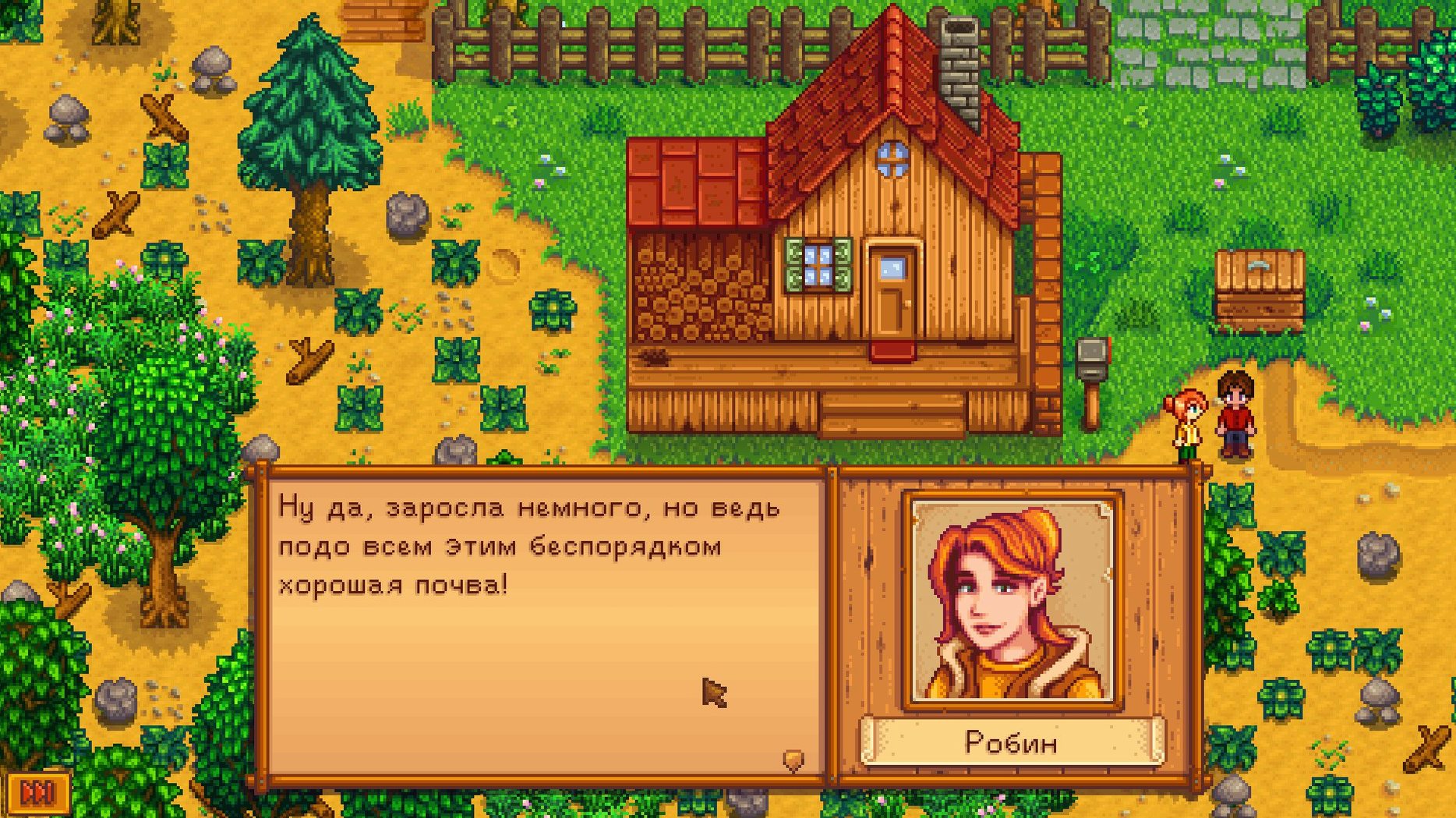
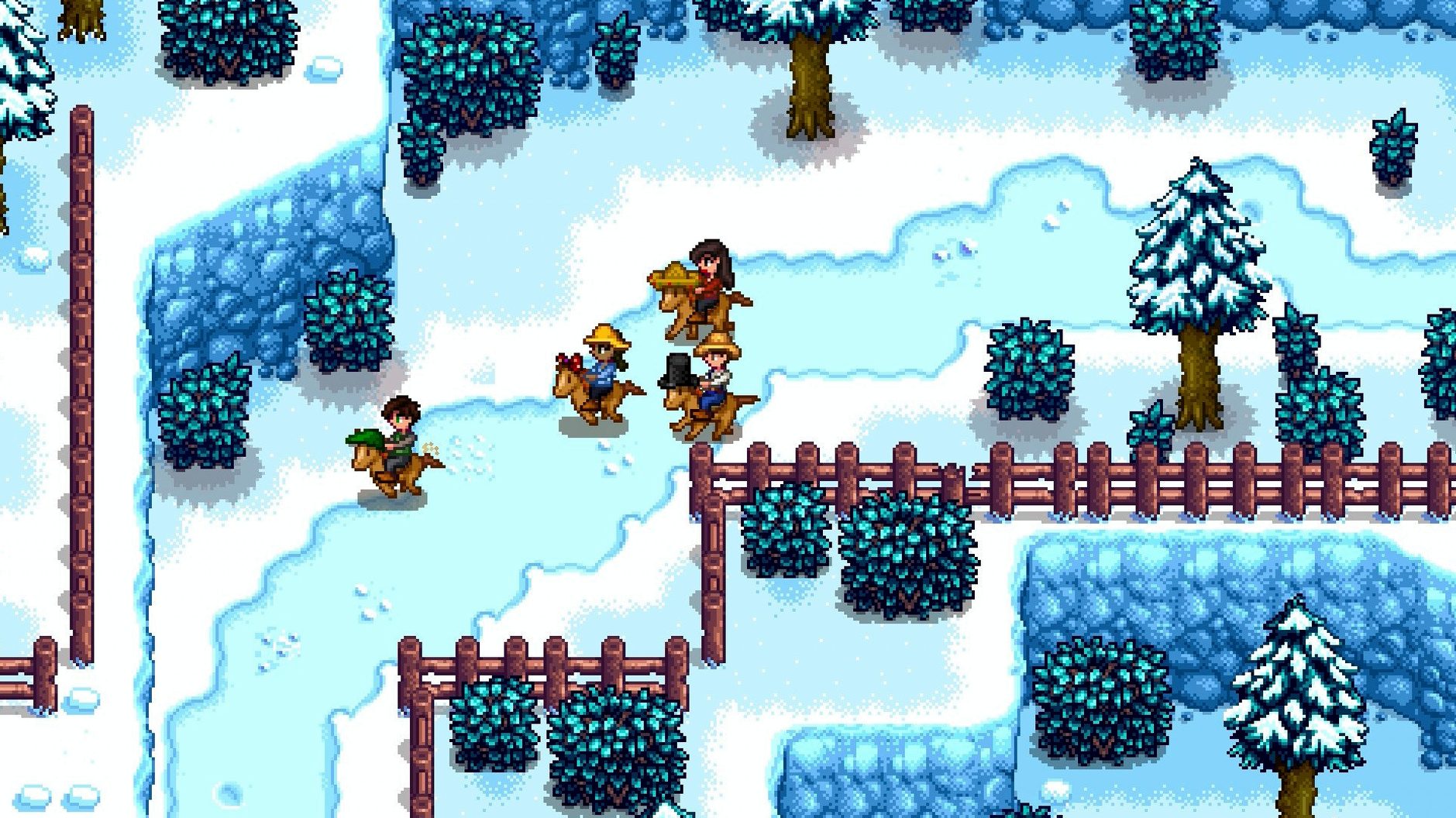
Stardew Valley runs on nearly any modern Mac. It supports both Intel and Apple Silicon chips, so whether you are on an older Intel machine or a newer M-series Mac, you are good to go. The game is a 64-bit application, meaning it works with recent versions of macOS without issue.
You can play with keyboard and mouse or connect a controller — the game recognises both without extra setup. Performance is solid across the board. The pixel-art style means even older Macs handle it smoothly, and the optimisations in version 1.6.15 help keep things steady during multiplayer sessions or when your farm gets busy. You will not need a powerhouse laptop to enjoy a quiet afternoon planting parsnips or chasing down a legendary fish.
You start with a neglected farm inherited from your grandfather and turn it into something productive. The valley has a small town with its own characters, seasons that change what you can grow, and a corporate presence from Joja that you can either fight or support. It is a relaxed role-playing game that rewards patience and curiosity.
Stardew Valley offers a handful of settings that make the early hours more comfortable, especially on a laptop screen or with a trackpad. The first one worth changing is the zoom level. Head into the options menu and bump the UI scale up if the text and inventory icons feel small. On a 13- or 14-inch Mac, the default scale can leave things a bit cramped.
If you are using keyboard and mouse, enable the tool hit location indicator. It shows exactly where your watering can or hoe will land, which saves you from watering empty soil when you meant to hit a crop row. It is a small toggle but it cuts down on wasted energy early on.
Another useful change is setting the game to auto-run by default. The option lives in the same menu, and it means you are always moving at full speed without holding down a key. You can still sneak by tapping the walk button when you need to be precise, like placing a piece of furniture or approaching a villager without startling them.
Lastly, turn on the always-show-tool-hit-location option and set your screen shake to reduced or off. The screen shake during mining or chopping trees can get disorienting after a while, and turning it down makes long sessions easier on the eyes.
One of the most frequent hiccups on Mac involves controller detection. The game supports most Bluetooth and USB controllers, but sometimes macOS grabs the controller before Stardew Valley can see it. If your controller is not responding in-game, open the Bluetooth menu, disconnect and reconnect the controller, then restart the game. It usually picks it up on the second try.
Another snag: the game window goes black after alt-tabbing or switching desktops. This is usually a fullscreen issue. Switching the display mode from fullscreen to windowed borderless in the options menu fixes it. The game looks the same but handles the macOS window manager better.
Multiplayer connection drops can happen if your Mac changes network interfaces — for example, when you move from Wi-Fi to a wired connection. Stardew Valley uses your active network at launch and does not always switch cleanly. Restarting the game after changing networks clears it up.
If your save file seems stuck or you wake up and the game does not respond, it is rarely a lost save. Force-quit the game, relaunch it, and load the most recent backup save. The game keeps several days of backups in the save folder, so you only lose a little progress at worst.
The biggest mistake new players make is trying to do everything in the first spring. You cannot water every possible crop tile, explore the mines, befriend every villager, and fish all in the same day. Energy runs out fast. Pick one or two activities per day and let the rest wait. The game has no time limit, so rushing burns you out.
Another common error: selling everything you find. Early on, you need materials for community centre bundles, crafting, and upgrades. That first batch of wood, stone, and fibre should go into a chest, not into the shipping bin. Same goes for crops with a gold star — they are worth more if you save them for the season's bundle or for gifts.
Newcomers also underestimate the value of a simple storage system. Building a few chests early and labelling them by category (seeds, foraged goods, fish, minerals) saves you from running back to your house every five minutes. Place them near your farmhouse door or next to the shipping bin.
Lastly, people ignore the television. The weather report tells you if tomorrow will be rainy, which means you can skip watering and head to the mines. The queen of sauce episodes teach recipes you cannot learn anywhere else. Make a habit of checking the TV each morning while you plan your day.
Can I play Stardew Valley on an older Mac that still runs Intel software? Yes. The game supports 64-bit Intel processors and Apple Silicon both. If your Mac runs macOS 10.13 or later, you are set. The version available here works on both architectures, so there is no separate download for Intel and M-series machines.
Will my save file from a different platform transfer to this version? Save files are compatible across platforms as long as you are on the same game version. You can copy your save from another copy of Stardew Valley and drop it into the saves folder on your Mac. The folder lives inside your user directory under ~/.config/StardewValley/Saves on macOS. Just make sure both copies are on version 1.6.15 to avoid any hiccups.
Does the game support mods on Mac? Yes. Stardew Valley has an active modding community, and the Mac version works with SMAPI, the mod loader most mods require. You install SMAPI separately, point it at your game folder, and then drop mod files into the Mods directory. Most mods that run on Windows also run on Mac, though a few with Windows-specific dependencies may not.
Do I need an internet connection to play? No. Stardew Valley is a single-player game at its core. You can play entirely offline. Multiplayer requires a connection, but the single-player farm works fine without one.
Is this the full game or a demo? The version here is the full game, version 1.6.15.24357.8705766150, including all content updates up to that release.
Yes, the game supports both ARM and 64-bit x86 architectures, so it runs natively on M1, M2 and M3 Macs as well as Intel machines.
The game includes Russian, English, German, Hungarian, Spanish, Italian, Simplified Chinese, Korean, Portuguese, Turkish, French and Japanese.
Sign in or create your account to leave a comment.
No notes from photographers yet. If you have used this on a real folder, say which camera and which Mac.