Get it for my Mac (20 MB)
 elastiquePitch
2.5.0
elastiquePitch
2.5.0
- Version
- 1.4.8
- Developer
- Sugar Bytes
- Interface in
- English
- Licence on file
- K'ed by R2R
- macOS it runs on
- macOS 10.14 or later
- Chip support
- Apple Silicon, Intel 64-bit
In the edit
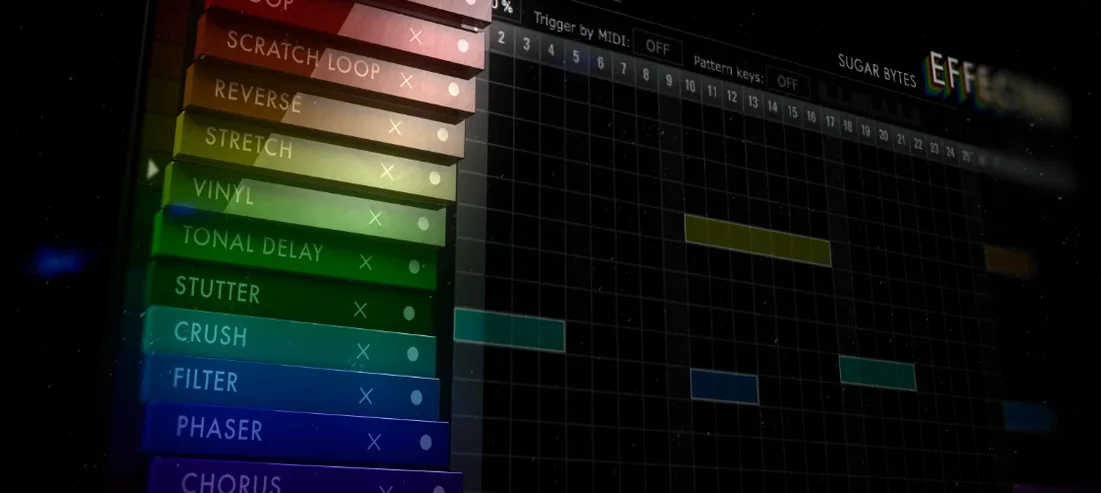
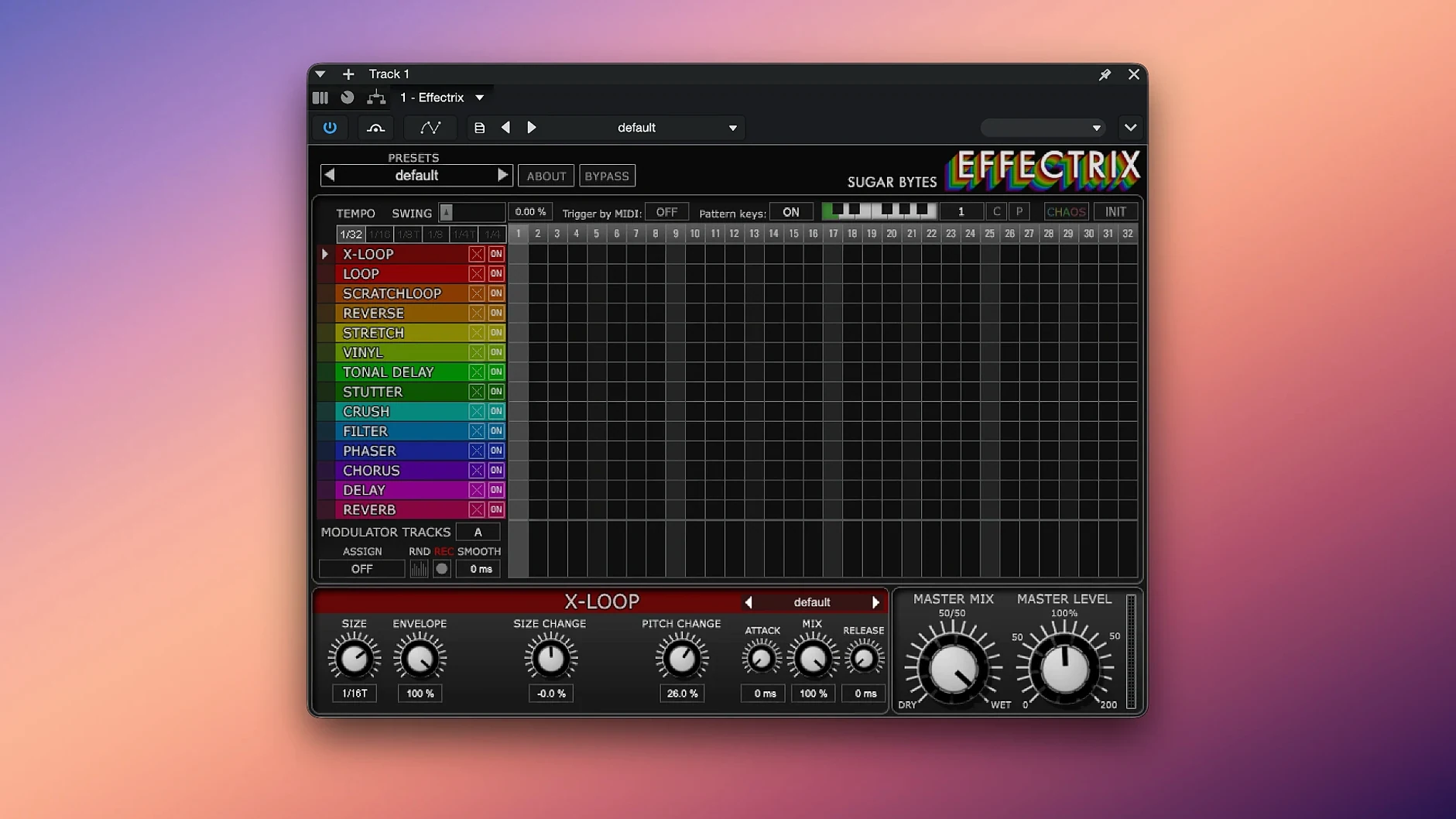
You know the feeling when a track needs movement but you’re tired of drawing automation lanes for every parameter. Effectrix solves that by giving you a 16-step sequencer where each step can trigger one of 14 effects — delays, filters, glitches, stutters — all locked to your song’s tempo. The cycle length is adjustable, there’s a swing function to loosen things up, and you can save up to 12 different sequences inside a single preset, recalling them from a MIDI keyboard when you’re playing live.
| Format | Details |
|---|---|
| Version | 1.4.8 |
| Formats | Audio Unit, VST2, VST3, AAX, Standalone |
| macOS | 10.14 or later, Intel and Apple Silicon |
| Architecture | 64-bit only |
| Language | English |
On the sound side, those 14 effects cover the usual suspects plus a few odd ones — think vinyl noise, reverser, and a tape stop. The sequencer runs in tempo divisions, so your glitches land right where they should. It works as a plugin in Logic, Ableton Live, Pro Tools, or any host that takes Audio Unit or VST, and you can also run it standalone if you just want to mess around without opening a full project.
Loop-based producers get the most from it
Effectrix suits a few different kinds of people, and they don’t all work the same way. Electronic producers who build tracks around loops and patterns get the obvious benefit — drop it on a pad or a vocal chop and the step grid handles the variation for you. Live performers who trigger clips on stage will find the 12 MIDI- recallable patterns a practical way to switch between breakdowns and builds without looking at the screen. Sound designers working on soundtracks or sample packs can use the Chaos button and the modulation tracks to generate unpredictable textures, then capture the ones that work.
But I’ve also seen it fit into workflows that are less obvious. Podcast editors who want a bit of movement in a background bed, or video editors adding rhythmic glitches to a montage — if your host supports Audio Unit or VST, you can drop Effectrix on a track and let the sequencer do the tweaking. The standalone mode means you can run it on a separate Mac for live processing, sending audio in from a mixer or another computer, which is a setup I know a few people use during hybrid DJ sets.
Works as a standard AU or VST plugin on your Mac
On a Mac, Effectrix works the same way any AU or VST plugin does. You install it, your DAW scans the folder, and it appears in the plugin menu. If you use Logic Pro, the Audio Unit version is the natural choice. Ableton users tend to go with VST3, but both work fine. Pro Tools users get AAX support, which is good to see because not every Sugar Bytes plugin offers it.
The standalone version is worth a mention here. It runs as its own app, so you can route audio into it from something like Loopback or BlackHole, process it with the sequencer, and send the result to a recording app or a streaming output. That kind of setup is useful if you want to process a DJ mix or a live stream in real time without opening a full DAW. macOS Audio MIDI Setup handles the routing if you need to get more specific, but most people just pick the input and output in the standalone preferences and go.
Don't overload all sixteen steps at once
The most common slip is trying to do too much at once. You load Effectrix, turn on six effects across sixteen steps, and end up with a mess that sounds like a radio losing signal. The better approach is to start with one effect on a couple of steps, listen to what it does, then build from there. The effectrix vst mac crowd sometimes forgets that the sequencer’s power comes from subtlety — a single step of vinyl noise every four bars can add more character than a full grid of glitches.
Another mistake is ignoring the cycle length control. By default the sequencer runs over 16 steps, but shortening the cycle to 8 or 4 steps changes the rhythm of the effect repetition. Beginners who leave it on 16 and wonder why the effect feels static usually just need to shrink the cycle. The swing function is another one that gets overlooked. A little swing on the step timing stops the effects from sounding too rigid, especially on loops that already have a loose feel.
A few people also forget that each effect has its own parameters. Clicking on an effect step and adjusting the knobs underneath is where the real sound shaping happens. If you just select an effect and leave the parameters at default, you’re only getting the preset version of that effect, which can sound generic. The effectrix mac version includes hundreds of presets per effect, so it’s worth scrolling through those to hear what each one can do before you start tweaking.
More sequenced effects than Turnado's macro approach
There are a few other plugin sequencers that do similar things, but they each take a different approach. Turnado, also from Sugar Bytes, is a single-window effects plugin with a twist — you get eight effects mapped to macro controls, and you can morph between them. It is faster for instant destruction but less suited for precise step-based sequencing. Effectrix lets you place each effect on a specific step, which gives you more control over the rhythm of the changes.
Stutter Edit 2 by iZotope works differently again. It uses audio slicing and stutter effects triggered by MIDI notes or an envelope follower. It is excellent for glitchy vocal chops and tape-stop sounds, but it focuses on a narrower set of effects. Effectrix offers fourteen effects across a wider range, including filter, delay, and modulation types that Stutter Edit doesn’t cover in the same way.
Then there is Looperator by Sugar Bytes, which is Effectrix’s closer cousin. Looperator sequences effects across a loop, but it is designed for audio loops and has a different step interface. Effectrix gives you two modulation tracks and the Chaos button, which Looperator doesn’t have. If you already own Looperator, Effectrix still fills a different role because of the step grid and the preset system with 12 saved sequences per preset. A lot of producers end up keeping both.
Mac it needs
- macOS 10.14 or later
- Intel or Apple Silicon processor
- 64-bit host or DAW
Installing on a Mac
- Download the package and unzip it.
- Run the installer and follow the on-screen prompts.
- Use the included instructions to authorise the plugin.
- Restart your DAW or audio host so it scans the new plugin.
Notes from photographers
Sign in or create your account to leave a comment.
No notes from photographers yet. If you have used this on a real folder, say which camera and which Mac.