
 Get it for my Mac (38 MB)
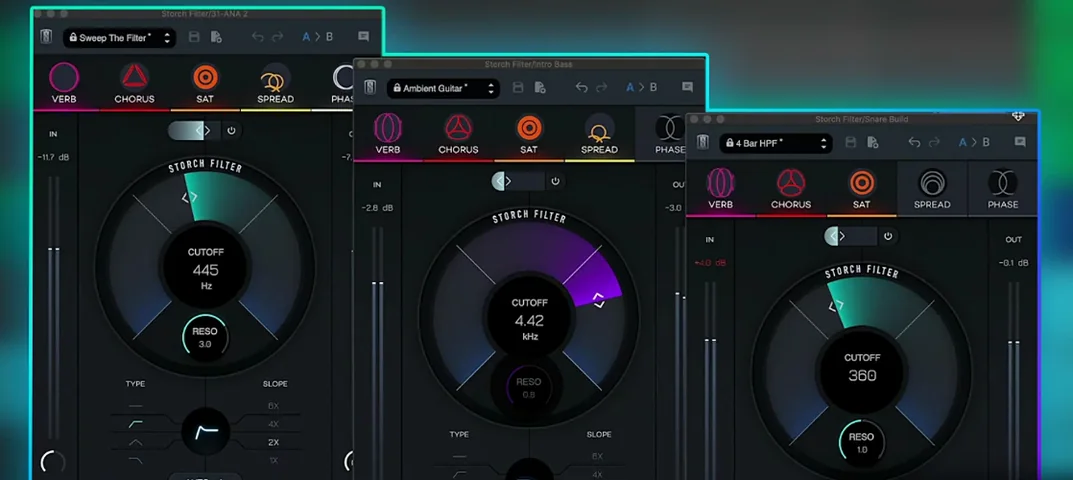 Slate Digital Storch Filter
1.0.6

- Version
- 1.0.5
- Developer
- Slate Digital
- Interface in
- English
- Licence on file
- k'ed by GUISEPPE
- macOS it runs on
- macOS 11 or later
- Chip support
- Apple Silicon
In the edit
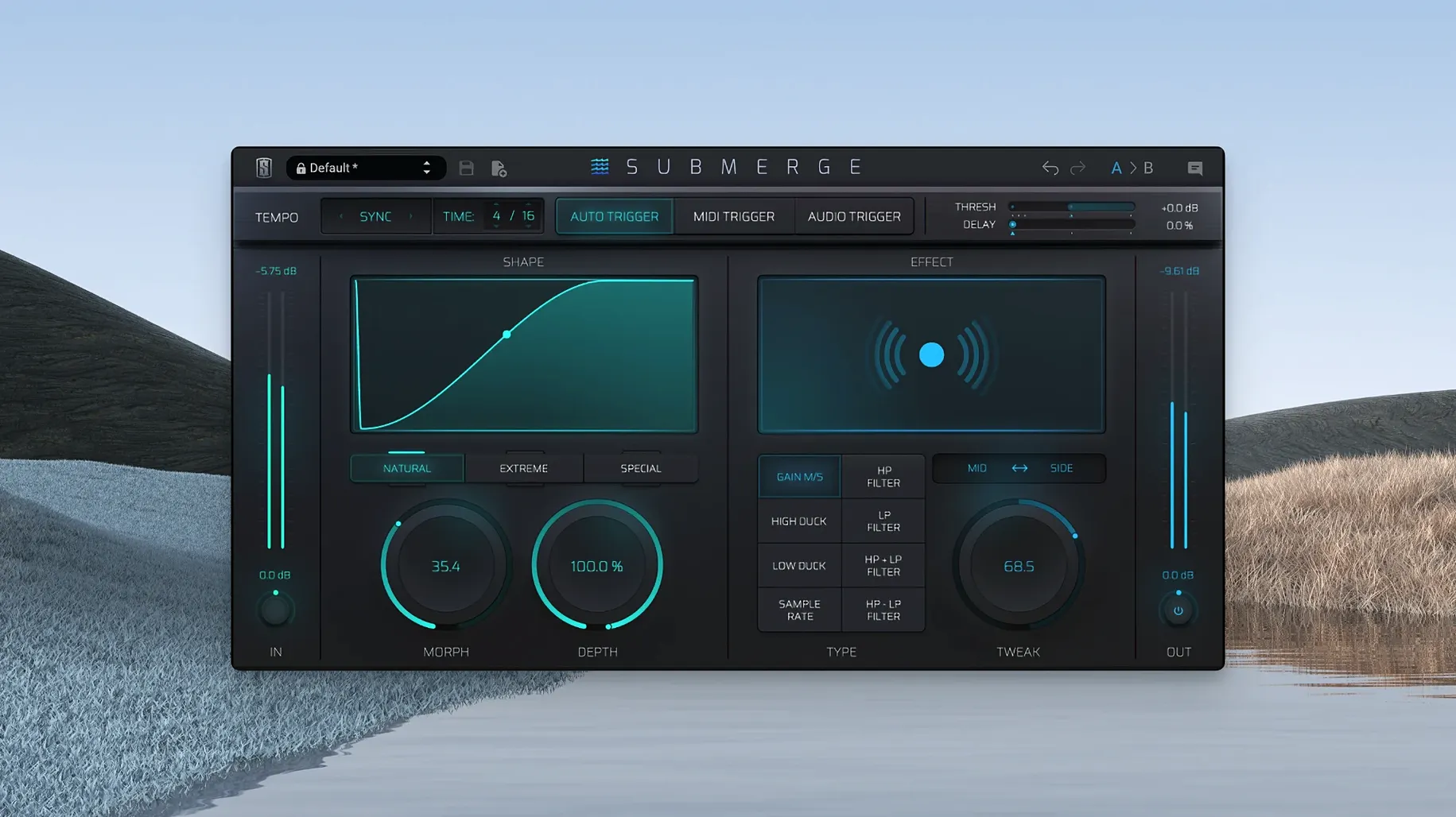
You already know the sound: a kick drum pushing the bass down, that rhythmic swell that keeps a mix breathing. Submerge is the plug-in that does it without the usual routing headache.
On a bass or synth track
Drop Submerge on a bass, pad or synth line and it ducks the level in time with your kick or snare. Three trigger modes — auto, MIDI, audio — let you choose what controls the pump. The eight built-in effects add colour as the volume moves, and you can roll off highs or lows with the filters to keep the ducking clean.
On a bus for grouped instruments
Stick it on a submix and Submerge ducks everything routed through that bus at once. The natural, extreme or custom curve shapes let you dial in anything from a subtle nudge to a full club-style pump without touching a compressor.
On a return or send for creative effects
Send a vocal or guitar to a reverb return with Submerge before the reverb. The ducking creates a sidechain-washed texture that moves with the beat, and the MIDI trigger mode lets you lock the effect to a pattern even if the source track has no rhythmic hits.
Invert the ducking by holding Shift
The Shift trick is one of those details that changes how you use the plug-in. Hold Shift while adjusting a curve and the ducking inverts into pushing — instead of the signal dropping when the trigger hits, it rises. That turns a pumping bass into a swelling pad in one click, no extra routing or automation needed.
The Mid/Side processing is another quiet feature. It lets you apply the ducking only to the centre or the sides of a stereo signal, so a kick can push the midrange down while the stereo width keeps breathing. Useful when you want movement without collapsing the mix.
Submerge also includes sample-rate reduction among its eight built-in effects. It is not a headline feature, but it adds a lo-fi texture that follows the ducking curve, which is a neat way to add grit that fades in and out with the beat rather than sitting on the track the whole time.
Sidechain without routing or threshold tweaking
If you have used a sidechain compressor like the one in your DAW or something like Nicky Romero's Kickstart, you will recognise the goal but not the approach. A standard compressor needs a routed sidechain input, threshold tweaking, and release timing that may not match the project tempo. Submerge's auto trigger mode syncs directly to the tempo, so there is no routing and no guessing. Kickstart is simpler — it is essentially a volume shape that follows a pattern — but it does not offer MIDI or audio triggering, and it lacks the eight effects and the curve inversion that Submerge brings.
Another alternative is Xfer Records' LFO Tool, which gives you custom volume and modulation curves with a lot of fine control. It is powerful but built around drawing your own shapes, which takes time. Submerge is more immediate: choose a curve type, pick a trigger mode, and the ducking follows the track without drawing anything. For producers who want speed over precision, that difference matters.
Built for Apple Silicon and electronic music pumping
Submerge is built for Apple Silicon and runs on macOS 11 or later, so it works on any modern Mac without Rosetta. The plug-in suits music producers working in electronic genres where pumping and ducking are part of the sound — house, techno, pop, hip-hop. But it also fits mix engineers who want to clean up a busy low end by ducking the bass to the kick without sidechain routing in every session. Sound designers and anyone working with rhythmic material will find the MIDI trigger mode useful for locking effects to a pattern even when the audio track lacks clear transients.
If you work in a DAW that makes sidechain routing fiddly — and many do — Submerge removes that friction. It is one plug-in that replaces a handful of steps, and for that reason it tends to stay on the insert list once it is there.
Mac it needs
- macOS 11 or later
- Apple Silicon Mac
Installing on a Mac
- Run the standard installer package.
- Restart your DAW so it scans the new plug-in.
Notes from photographers
Sign in or create your account to leave a comment.
No notes from photographers yet. If you have used this on a real folder, say which camera and which Mac.
Next to it in VST Plugins
All VST Plugins picks
Slate Digital Storch Filter
1.0.6
 Slate Digital Murda Melodies
1.1.1
 Slate Digital Heatwave
1.0.6
 Slate Digital Fresh Air
1.0.9
 Sonic Academy KICK
1.1.8
 Spire
1.5.19
 ShaperBox
3.6.1
 Serum
2.1.5
