Get it for my Mac (6 MB)
 Audiobook Builder
2.2.9
Audiobook Builder
2.2.9
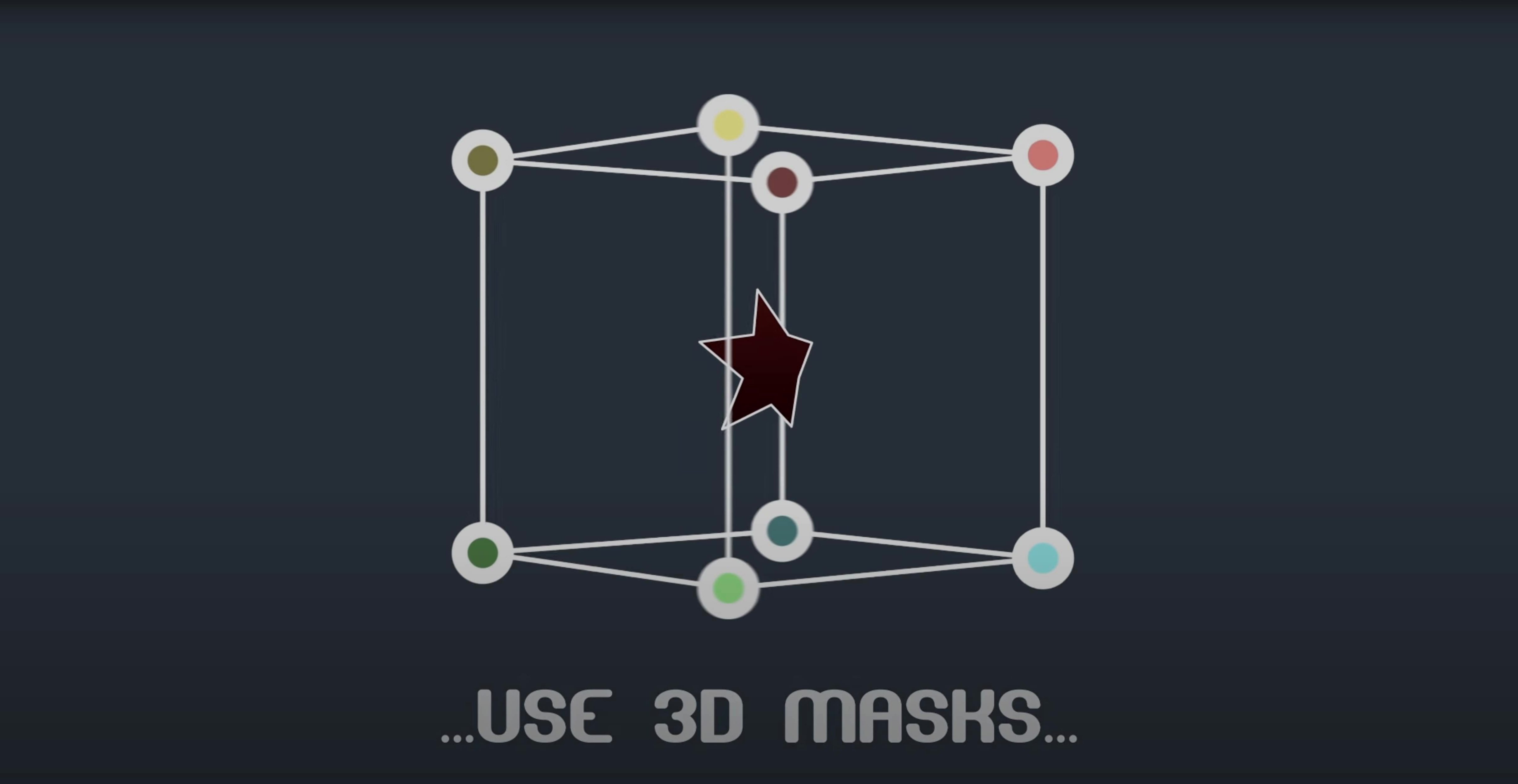
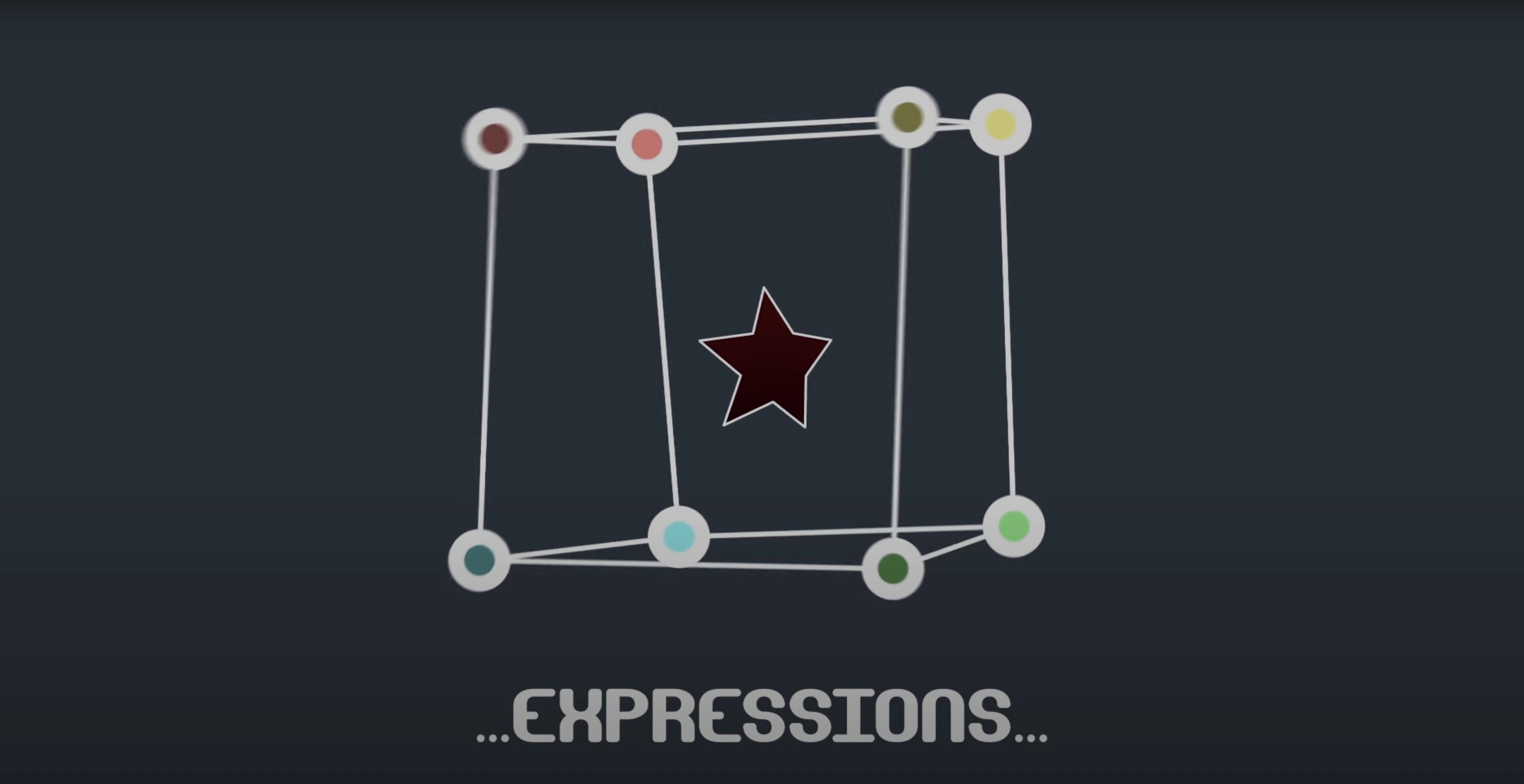
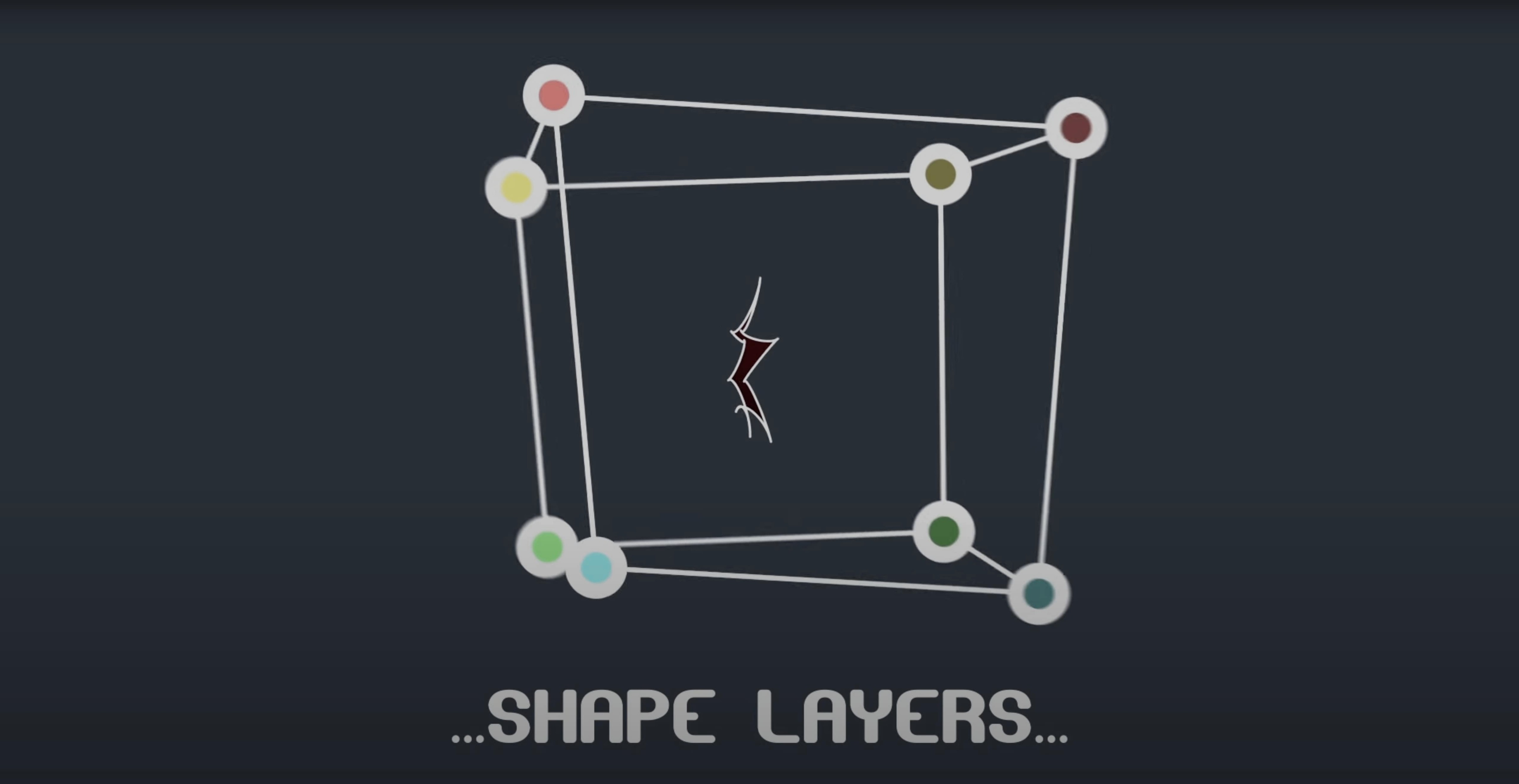
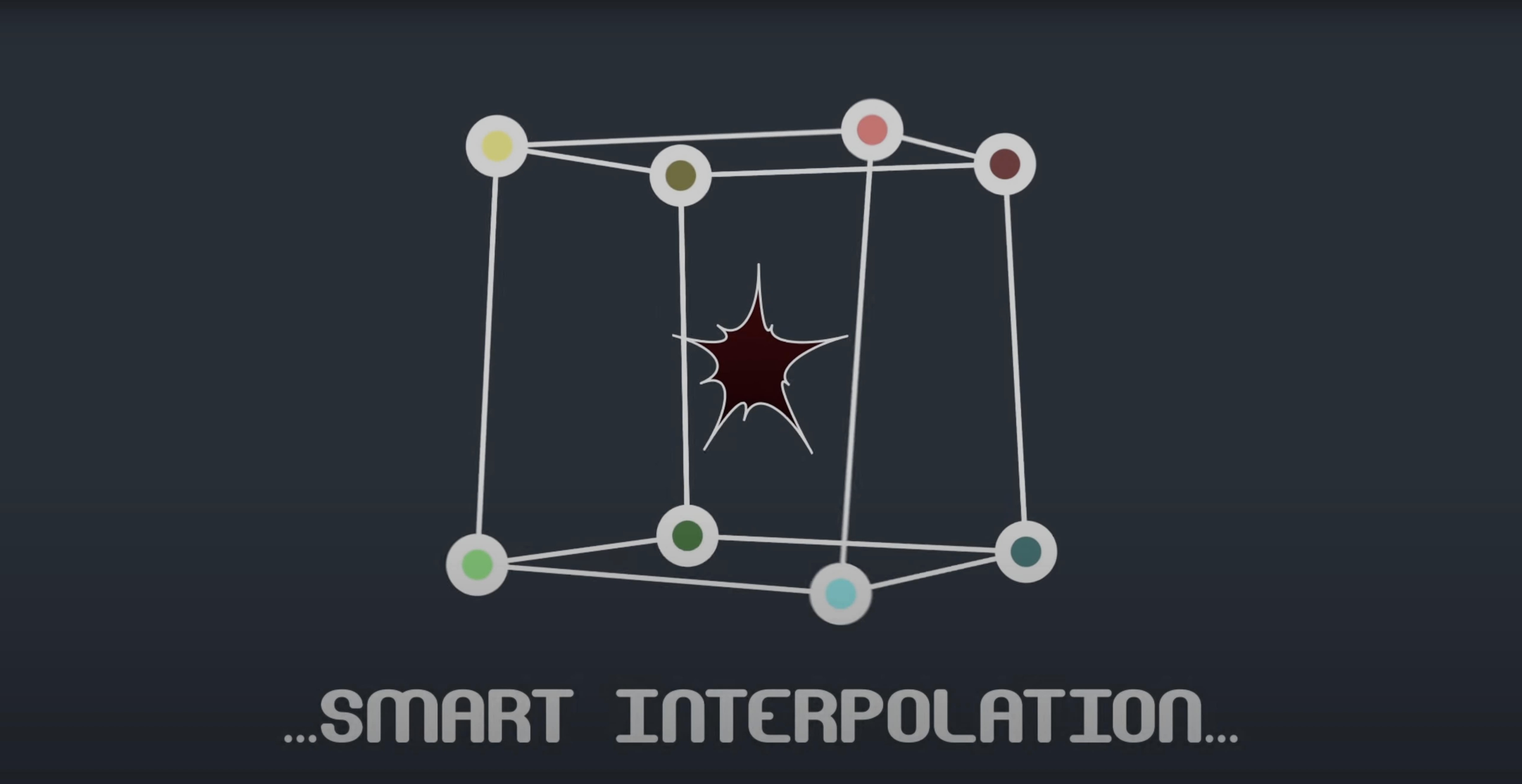
If you’ve ever wished After Effects gave you proper per-vertex control over mask points, Mask Avenger is the plugin that makes it happen. It’s a native After Effects plugin that treats mask vertices and their tangents as individual, adjustable elements — so you can finesse a mask shape without fighting the default path tools. Version 2.7.5 brings M1 compatibility back to Mac users, which is the big news for anyone on Apple Silicon.
It runs on After Effects from CS6 all the way through 2024, on both Intel and Apple Silicon Macs. If you do precise rotoscoping or build complex shape animations, this plugin saves a lot of clicking.
You start a comp with a subject that needs separating from its background. Draw a rough mask around the shape in After Effects the usual way, then open Mask Avenger. The first thing you notice is that each vertex becomes its own selectable item in the timeline. No more guessing which point belongs to which keyframe. You click a vertex, set a position key, move a few frames forward, and adjust again. The plugin keeps every point independent, so you can move one without pulling the whole mask out of shape.
Once the rough motion is tracked, you switch on tangent control. Now each vertex has two handles — incoming and outgoing. You pull them gently to match the curve of a shoulder or the edge of a hand. Because the plugin uses After Effects’ own masking functions, the bezier response feels like what you already know, just with finer control. You key the tangents separately when the subject changes angle, and the interpolation between them stays clean.
For a shot with complex movement, you link a few mask vertices to tracker points using the pick-whip expression built into the plugin. Pick the vertex, whip to the tracker data, and the point follows automatically. You only need to touch the remaining vertices by hand. It turns a thirty-minute roto job into something closer to ten minutes.
When the project needs to go to a colleague who does not have the plugin, you turn on freeze mode. Mask Avenger bakes the mask data into standard After Effects masks. The comp opens on their machine with no missing plugins and no error dialogs. You get the work out the door without asking everyone to install the same tool.
Here is a specific task: animating a circular reveal that turns into an irregular organic shape over two seconds. You start with a shape layer and draw a circle with the ellipse tool. Then you apply Mask Avenger to that shape layer. The plugin reads the existing path and gives you individual control over every vertex. You set a keyframe at frame zero where the circle is whole.
Move to frame 24. Now you grab vertices one at a time and pull them outward to create a jagged edge. You do not need to add extra points because the plugin works with the vertices you already have. For each vertex, you also adjust the tangents to soften some edges and keep others sharp. The intelligent interpolation mode — based on centre of gravity — keeps the transition from circle to jagged shape smooth without weird path twisting. You preview the animation and the mask breathes naturally from one shape to the next.
If you prefer an anchor point that does not drift, you switch the interpolation to use an independent key anchor point instead. That keeps the whole mask centred on a specific spot as it morphs, which is useful when the shape layer is part of a larger composition with other moving elements.
Mask Avenger suits anyone who spends more than a few minutes a week adjusting mask paths in After Effects. Motion graphics artists who build lower thirds, transitions and logo reveals will find the per-vertex control useful for creating precise shape animations without extra layers. Rotoscopers working on short-form content — social clips, music videos, corporate work — can cut their time on complex masks by linking vertices to tracker data and using tangent control for fine edges.
It also makes sense for compositors who need to pull clean mattes from footage that shifts perspective. Using the mask movement itself, you can drive other elements in the comp because data for position and orientation can be read from any point along a mask path. If you already use After Effects for most of your work and want to avoid round-tripping through a dedicated roto tool, this plugin keeps everything in one timeline.
Editors who inherited someone else’s project with messy mask keyframes will appreciate the freeze mode. You can clean up the mask animation, freeze it, and hand it back without forcing the next person to buy or install anything. For teams that mix Mac and Windows, the plugin works on both architectures, so project files travel cleanly.
The Free Transform mask tool integration is one of those features you do not notice until you need it. After Effects’ own Free Transform tool works on masks, but Mask Avenger lets you apply it to individual vertices or groups of vertices without leaving the plugin’s control set. You can scale, rotate or move a selection of points as a unit, which speeds up adjustments on symmetrical shapes.
The option to work with vertices only — ignoring tangents entirely — is useful when you are roughing out a shape and do not yet care about curves. You block in the motion with straight lines, then switch to full tangent control for the polish pass. It keeps the timeline less cluttered during the early stages.
Being able to replace Mask Renderer is a practical bonus if you already own both plugins or are deciding which to pick. Mask Avenger covers the same ground and adds the vertex-level control that Mask Renderer does not offer. One plugin, one set of keyframes, one workflow.
Yes, version 2.7.5 fixed an M1 compatibility issue, so it runs natively on both Intel and Apple Silicon Macs.
It supports After Effects 2024, 2023, 2022, 2021, 2020, CC 2019, CC 2018, CC 2017, CC 2015.3, CC 2015, CC 2014, CC, and CS6.
Sign in or create your account to leave a comment.
No notes from photographers yet. If you have used this on a real folder, say which camera and which Mac.