Get it for my Mac (592 MB)
 Binary Ninja
6.0.10601-personal
Binary Ninja
6.0.10601-personal
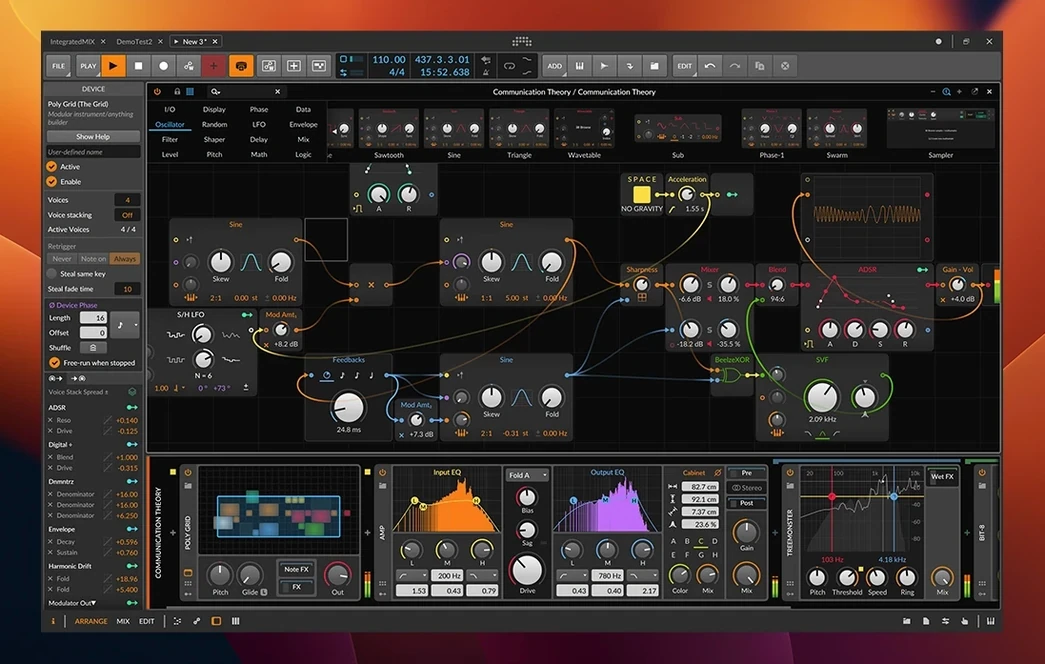
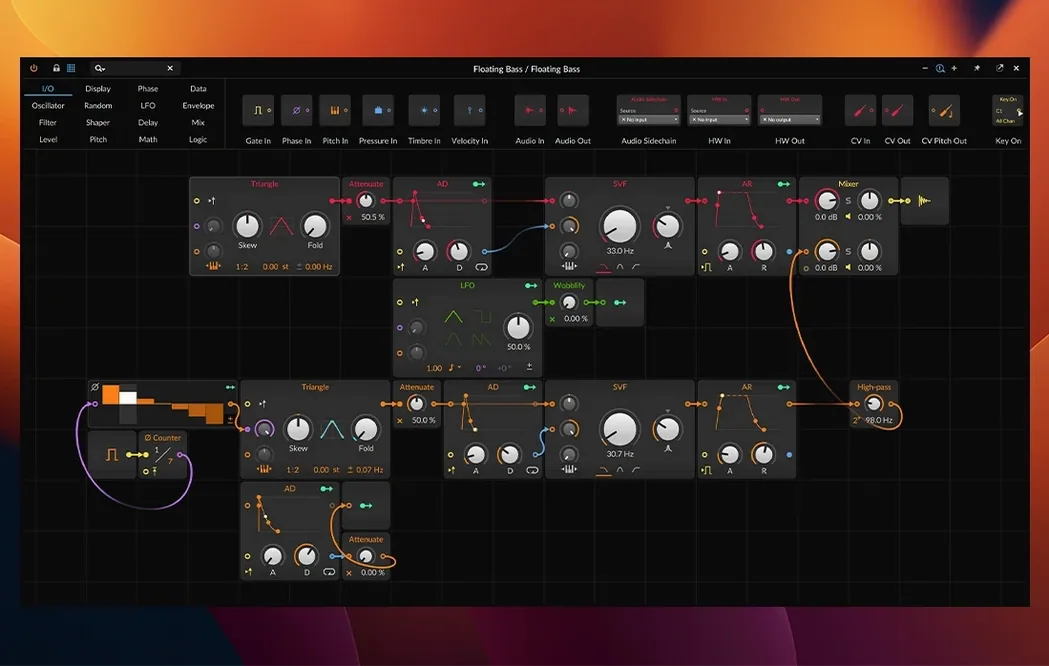
You know how some DAWs feel like they were designed in a lab, while others feel like they were built by people who actually play music. Bitwig Studio has always leaned towards the latter. Version 6.1 keeps that spirit alive, especially for anyone who works with hardware or likes to bend sound in unexpected ways.
If you are thinking about switching to a DAW that handles both studio work and live performance, a few things tend to come up. First, how flexible is it with external gear. Bitwig supports CV/Gate and Clock plugins, which means you can sync modular synths and drum machines without extra software. Second, does it handle microtonal music. Yes, there are dedicated tools for that. Third, can you customise the interface. The whole layout is adjustable, so you can set it up the way you work, not the other way around.
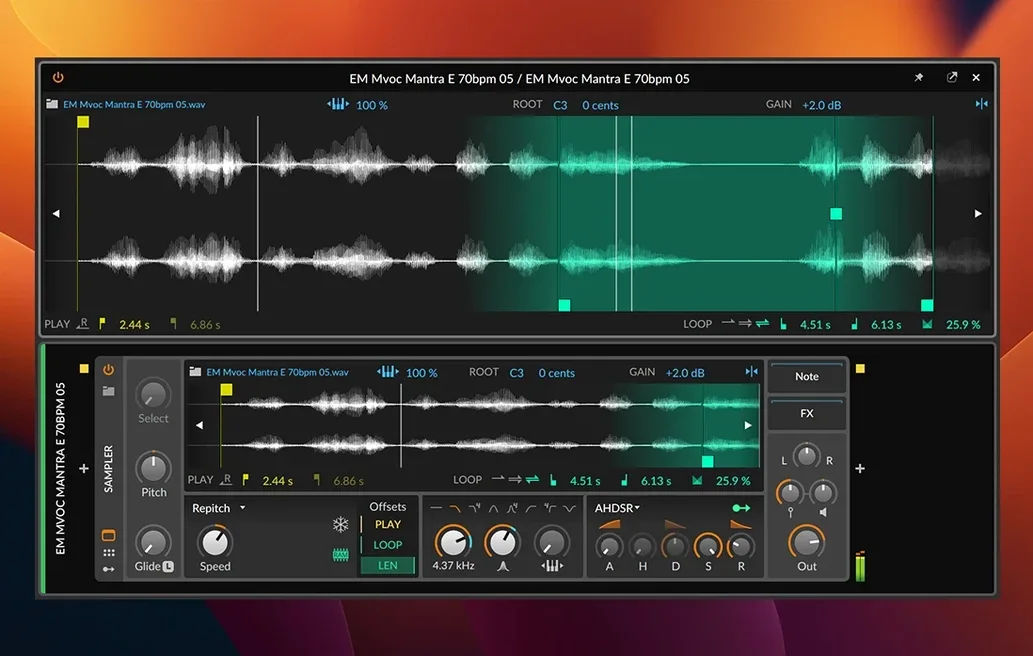
The 6.1 update is the one that finally adds automatic tempo and pitch detection, which saves a lot of time when you are working with samples or field recordings. The Sampler has been rebuilt from the ground up with slicing, plus new Spectral and Fragments play modes. And for anyone who works with MIDI, you can still record and edit per-note parameters like Velocity, Gain, Pan, Timbre, and Pressure. It runs on macOS 12 Monterey and later, works on both Intel and Apple Silicon Macs, and the interface is in English.
Once the installer finishes and you have opened the app for the first time, take a moment to explore the modular interface before diving into a full project. The window-based layout lets you pull up the Arrange, Mix, and Edit workspaces separately, and you can drag them onto different monitors if you have them. That is worth setting up early, because it changes how fast you can move between arranging, mixing, and fine-tuning a clip.
Open the updated Sampler and drop in a loop you know well. Try the new Spectral and Fragments play modes to hear how they reinterpret the same audio. Slicing is in there too, so you can chop a drum break or a vocal phrase and map each slice across the keyboard. It is a good way to get a feel for what the 6.1 update brings without overthinking it.
If you work with external gear, plug in a MIDI controller or a modular voice and check the CV/Gate and Clock plugins. Bitwig sends and receives MIDI notes and timing signals, and it supports MPE controllers like the ROLI Seaboard and LinnStrument. That means you can map expressive gestures directly to per-note parameters such as Pressure, Timbre, and Pitch Bend.
Activate Ableton Link if you plan to jam with other people or sync to another device on the network. It works alongside the standard Sync options, so you can keep multiple systems in time without a master clock cable.
Imagine you are a musician who builds sets around hardware synths and a laptop. You have a few drum machines, a modular case, and a ROLI controller that feeds into the DAW. Before the show, you drop a few loops into the Arrange workspace and set up tempo markers. The automatic tempo detection in 6.1 analyses your field recordings and samples, so you do not have to tap them in manually. The pitch detection does the same for tonal material, which helps when you are layering sounds from different sources.
During the set, you switch to the Mix workspace to adjust levels and apply effects from the built-in library of more than 80 devices and plugins. The modulation features let you route LFOs and envelopes to almost any parameter, so a filter sweep or a pan movement can be automated without touching a mouse. When you want to improvise, you record into the Detail Editor, which lets you edit Velocity, Gain, and Pan for each note nondestructively. That means you can fix a mistake or emphasise a hit without losing the original take.
After the show, you open the same project on a MacBook and continue working in the Edit workspace. The three workspaces are independent, so you can keep the arrangement view on one screen and the clip editor on another. It is a setup that works for both performance and post-production without changing the project file.
Bitwig Studio 6.1 asks for macOS 12 Monterey or newer, and it runs on both Intel-based Macs and Apple Silicon machines. That means you can install it on a Mac Pro from a few years ago or on a newer MacBook Pro with an M-series chip, and it will work on either architecture. The installer includes the necessary components for both, so you do not need to choose a separate version.
The app is in English, which is the only language option in this release. The interface is fully customisable, so you can hide panels you do not use and resize windows to fit your workflow. There is no mention of specific disk space or RAM requirements in the documentation, but a modern DAW generally benefits from a fast SSD and enough memory to load sample libraries and plugin chains.
For anyone coming from another DAW, the learning curve is moderate. The Arrange, Mix, and Edit workspaces are familiar concepts, but the modular window layout takes a little getting used to if you are accustomed to a fixed single-window interface. The time-stretching engine offers eight different algorithms, which gives you room to experiment with how audio behaves when you change tempo or pitch independently.
Sign in or create your account to leave a comment.
No notes from photographers yet. If you have used this on a real folder, say which camera and which Mac.