Get it for my Mac (1 GB)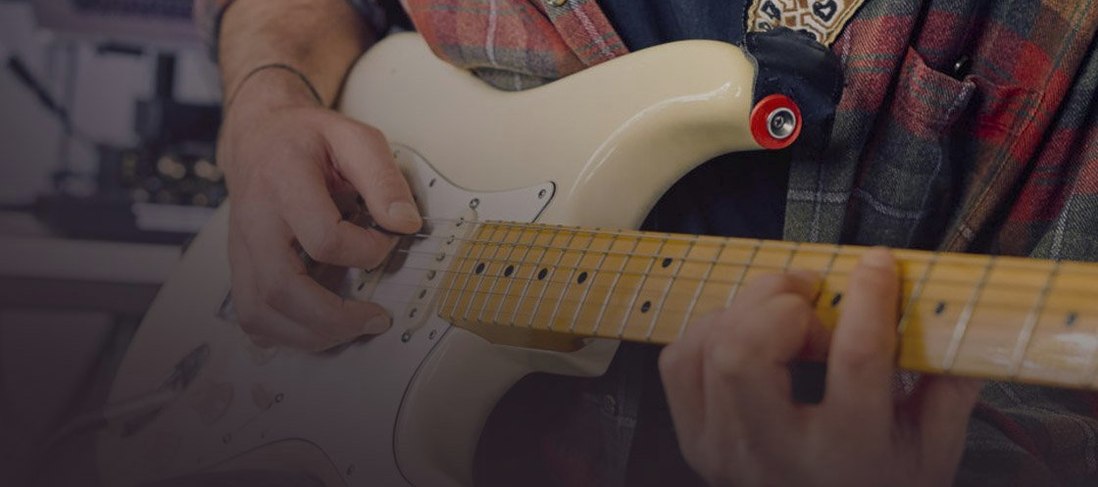
 Guitar Rig
7.0.2
Guitar Rig
7.0.2

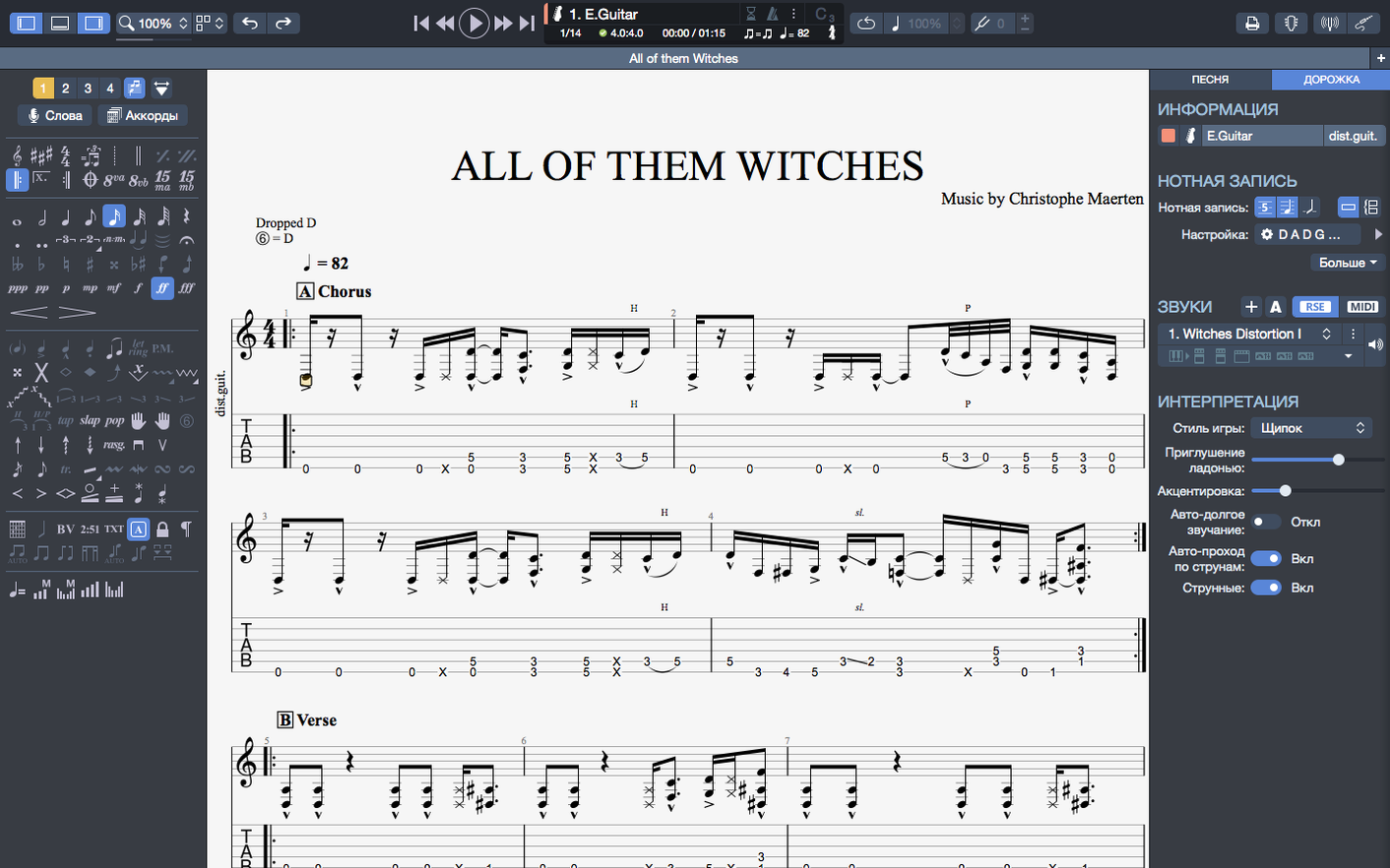
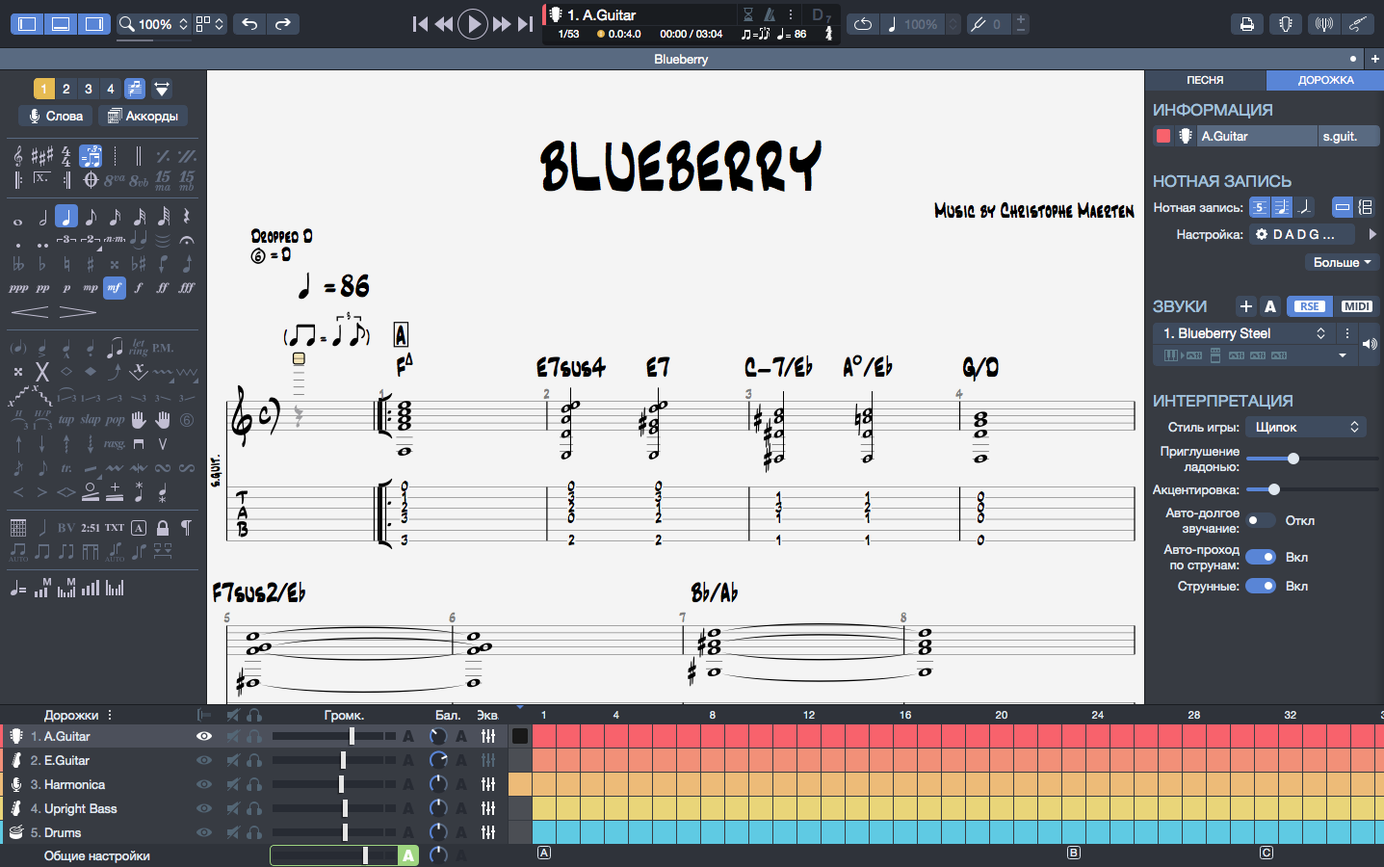
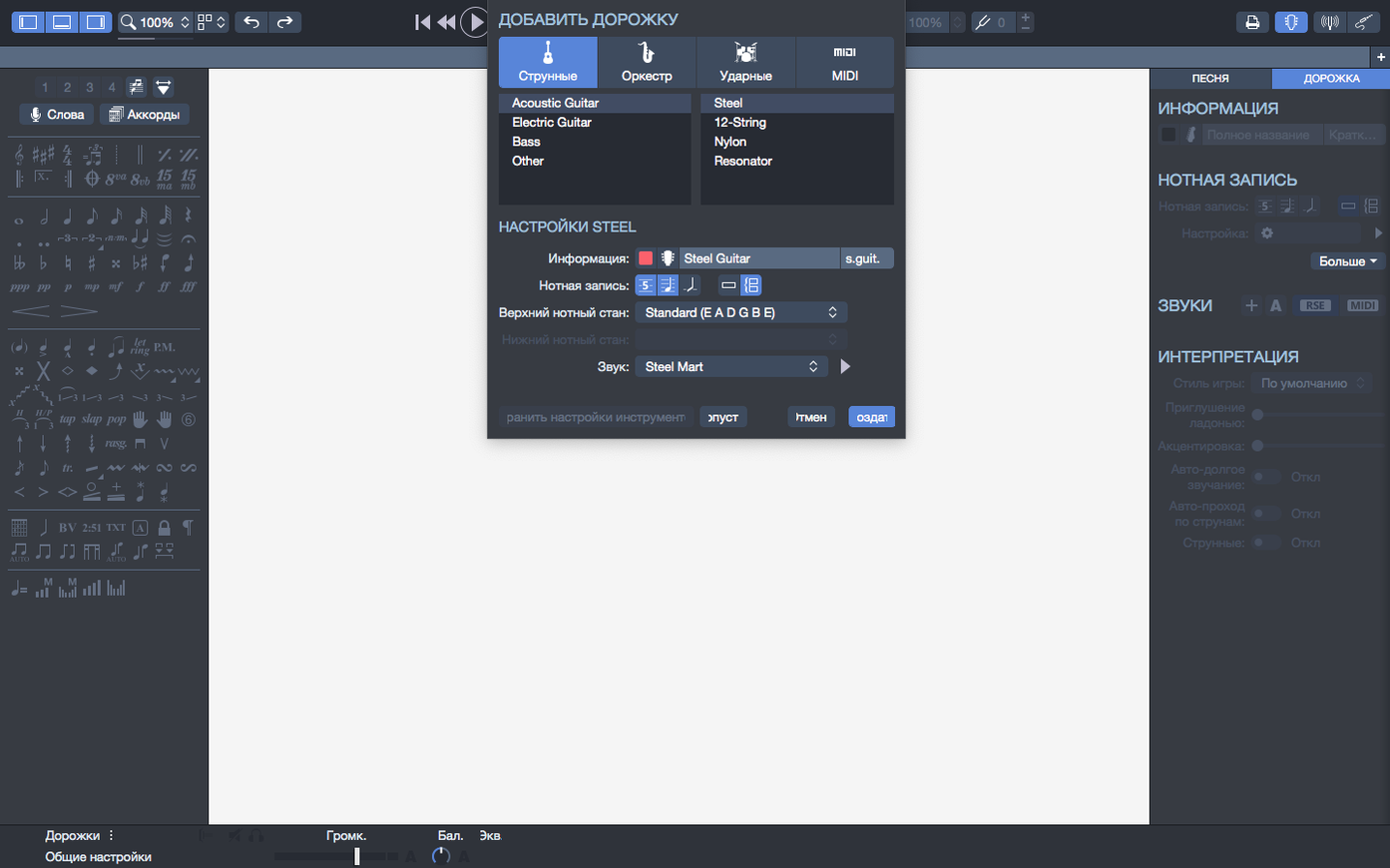
You are laying down a solo, tabbing out each bend and slide, and you need the playback to match what you hear in your head. Guitar Pro 8 for Mac is the tool that gets you there: a notation editor built for creating, editing, and playing guitar tablatures alongside standard sheet music. It includes a built-in MIDI editor, a metronome for timing, and a player that keeps going even when you plug or unplug headphones mid-session.
Before you install, the requirements are straightforward. Guitar Pro 8 functions with macOS 10.13 and newer, operating on Intel along with Apple Silicon Macs — the 8.1.5 update particularly boosted performance on Apple Silicon systems. The requirements call for a 64-bit dual-core CPU, 4 GB of memory, and 2 GB of available storage. Administrator rights are required for the install.
Version 8.1.5 brings a few focused fixes: arpeggios at the start of a score now play correctly, stem direction changes that were stuck in some cases are resolved, and playback continuity on macOS is smoother when you plug or unplug audio devices. Chord names and fingerings transpose together, and you can export scores to PNG with transparent backgrounds for use in other documents.
Once the application is open, take a few minutes to set up your audio preferences. Go into the sound settings and choose your output device — whether you are using built-in speakers, headphones, or an audio interface. The playback continuity improvement in 8.1.5 means you can switch devices without the music cutting out, so test that early to confirm everything works as expected.
Open one of the demo scores that ships with Guitar Pro to get a feel for the interface. Listen to how the tablature and notation play together, then try muting individual tracks. This is also a good time to adjust the metronome tempo and practice following along with the beat. The chord builder is worth exploring early: pick a chord shape, see how it maps to the fretboard, and try dragging it into your score.
If you work with backing tracks, create a simple drum pattern or piano part first. Guitar Pro 8 lets you build these directly in the editor, so you do not need to import anything from outside. Save your first project, name it clearly, and get into the habit of pinning recent files in the homepage — that way your current work stays one click away.
Version 8.1.5-31 is the current release, and its fixes affect real workflow moments. The arpeggio playback correction matters if you write classical or fingerstyle pieces where the first note of a score needs to ring out properly. Earlier versions could miss that initial arpeggio, but now it plays as written.
Stem direction was another small but persistent annoyance. In some cases you could not flip a stem up or down in the notation view, which made polyphonic parts harder to read. That is fixed in this version. The third change — improved playback continuity on macOS — is the one you notice least until it saves you. Plugging in USB headphones or disconnecting an audio interface used to cause a brief silence or a stutter in playback. Now the music carries on without interruption.
Efficiency on Apple Silicon was improved in the 8.1 series overall. If you are on an M-series Mac, the application responds faster during playback and editing, especially with larger scores containing multiple instrument tracks.
Exporting is where Guitar Pro connects to the rest of your workflow. You can send scores to PNG with transparent backgrounds, which is useful when placing tabs into lesson PDFs, video overlays, or social media posts. SVG export gives you vector quality for printed handouts or notation that needs to scale cleanly. Both formats keep your chord names and fingerings intact after transposition.
On macOS, the application works well with standard system features. Use Quick Look to preview Guitar Pro files in Finder without opening the app. Drag and drop scores into Messages or Mail attachments. If you keep your scores organised in folders, pin the most active ones from the recent section so you do not have to navigate deep into folders every time.
For musicians who also record audio, Guitar Pro sits alongside DAWs like Logic Pro or Ableton Live. Write the arrangement in Guitar Pro first, export the MIDI data, and import it into your DAW for further production. The built-in MIDI editor means you can fine-tune velocities and note lengths before exporting.
Can I use Guitar Pro 8 without an internet connection?
Yes. Once installed, the application runs fully offline. You do not need to be connected to the internet to edit, play, or export scores. The only online features are optional, like accessing online tabs or updates.
Will my old Guitar Pro files open in version 8?
Guitar Pro 8 opens files from earlier versions of the software. If you have a library of .gp3, .gp4, .gp5, or .gpx files, they load into version 8 without conversion issues. Scores created in version 8 can be saved in a format compatible with older versions if needed.
Does it support instruments other than guitar?
Yes. The editor includes support for guitar, bass, and Hawaiian guitar specifically, and you can also create backing tracks for drums, piano, and other MIDI instruments. The notation view handles standard sheet music alongside tablature, so it works for any instrument you can represent in tab or staff form.
Can I print scores directly from the app?
Yes. Print from the file menu, and the output includes both tablature and standard notation as displayed on screen. You can also export to SVG for higher quality printed results or to PNG for inserting into other documents.
Is there a way to search for a guitar pro 8 mac download or a guitar pro torrent if I want to try it on another Mac?
The application installs from a disk image, and the same version works on both Intel and Apple Silicon Macs. If you are setting it up on another machine, just transfer the disk image or installer file and run the standard installation procedure again. Administrator rights are required on each machine.
Yes, Guitar Pro 8 runs on both Intel and Apple Silicon Macs. Version 8.1.5 also includes improved efficiency on Apple Silicon.
Guitar Pro 8 is available in 12 interface languages including English, German, Spanish, French, Italian, Portuguese, Russian, Swedish, Japanese, Korean, Polish, and Traditional Chinese.
Sign in or create your account to leave a comment.
No notes from photographers yet. If you have used this on a real folder, say which camera and which Mac.