Get it for my Mac (487 MB)
 HitPaw Univd
4.7.0
HitPaw Univd
4.7.0

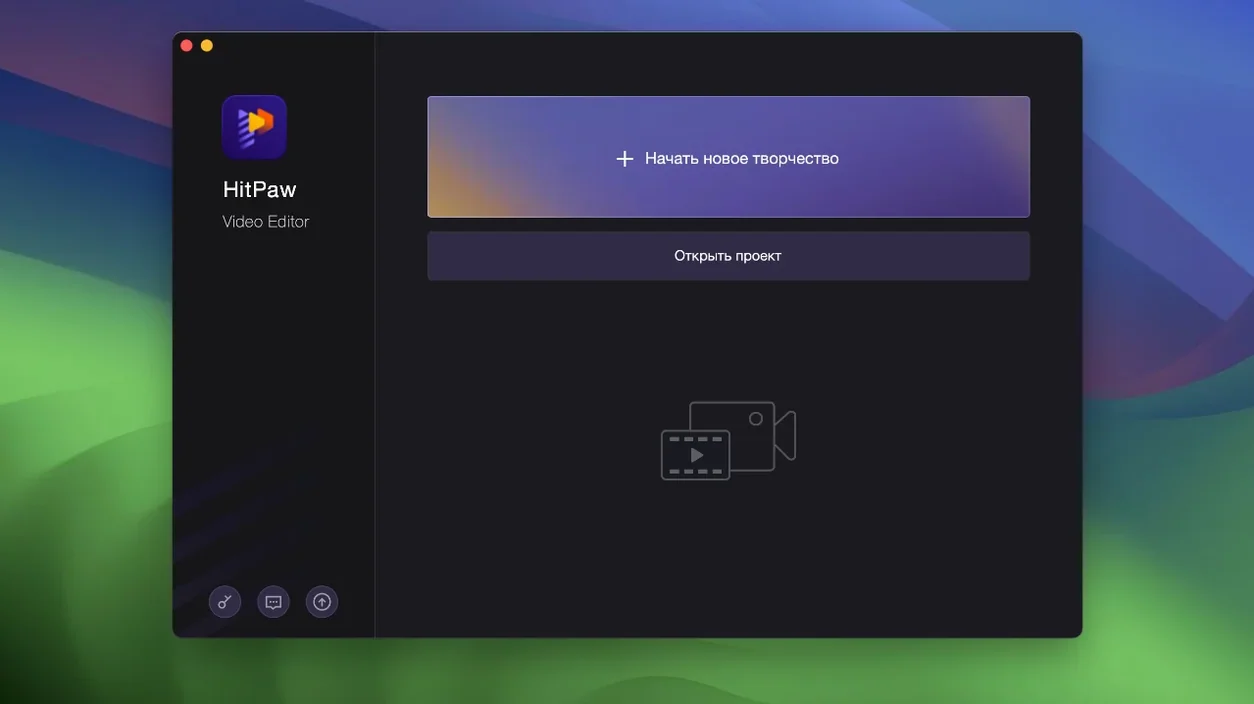
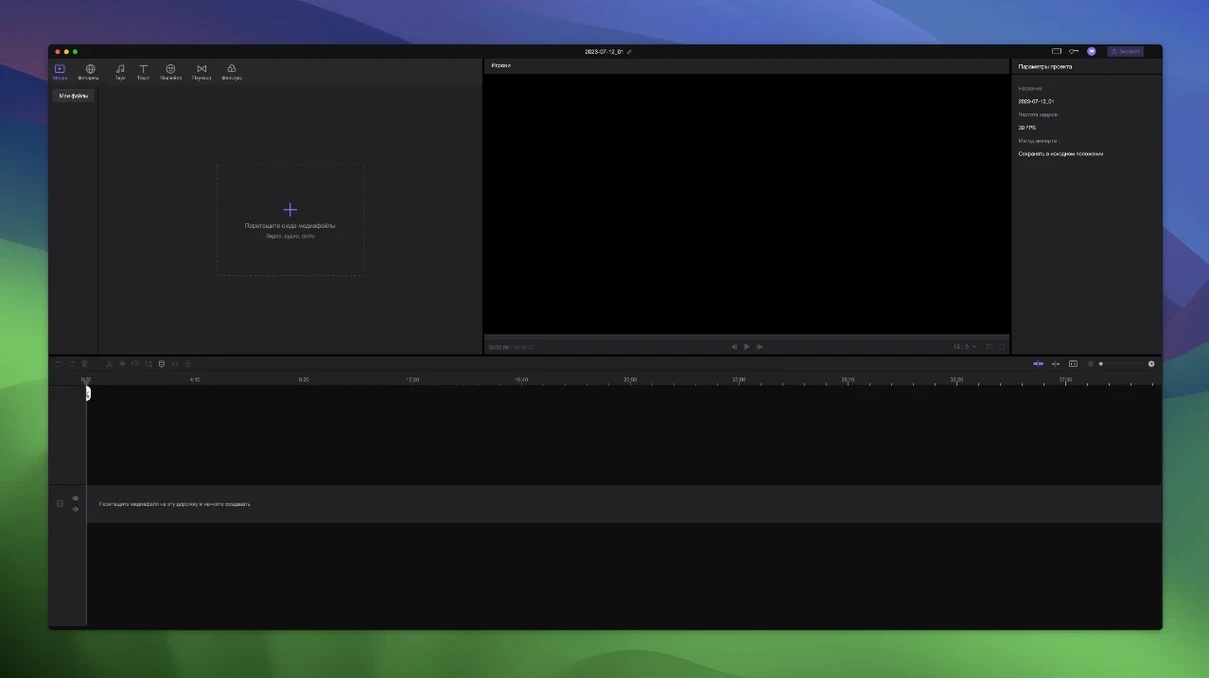
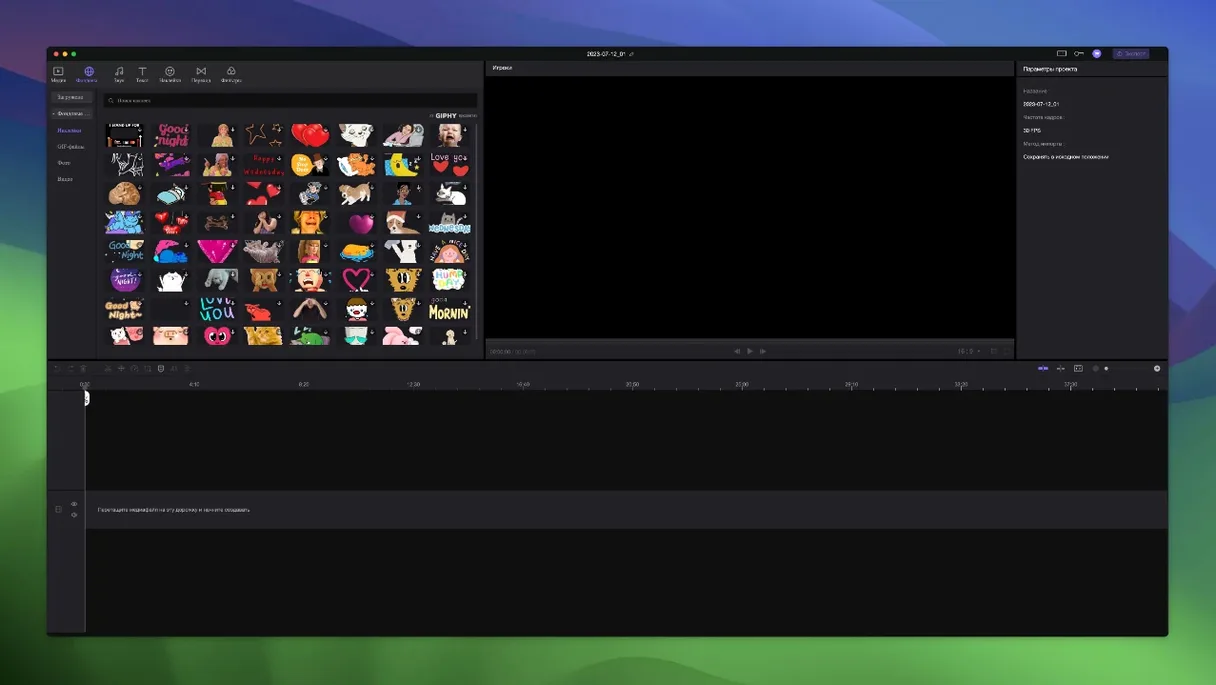
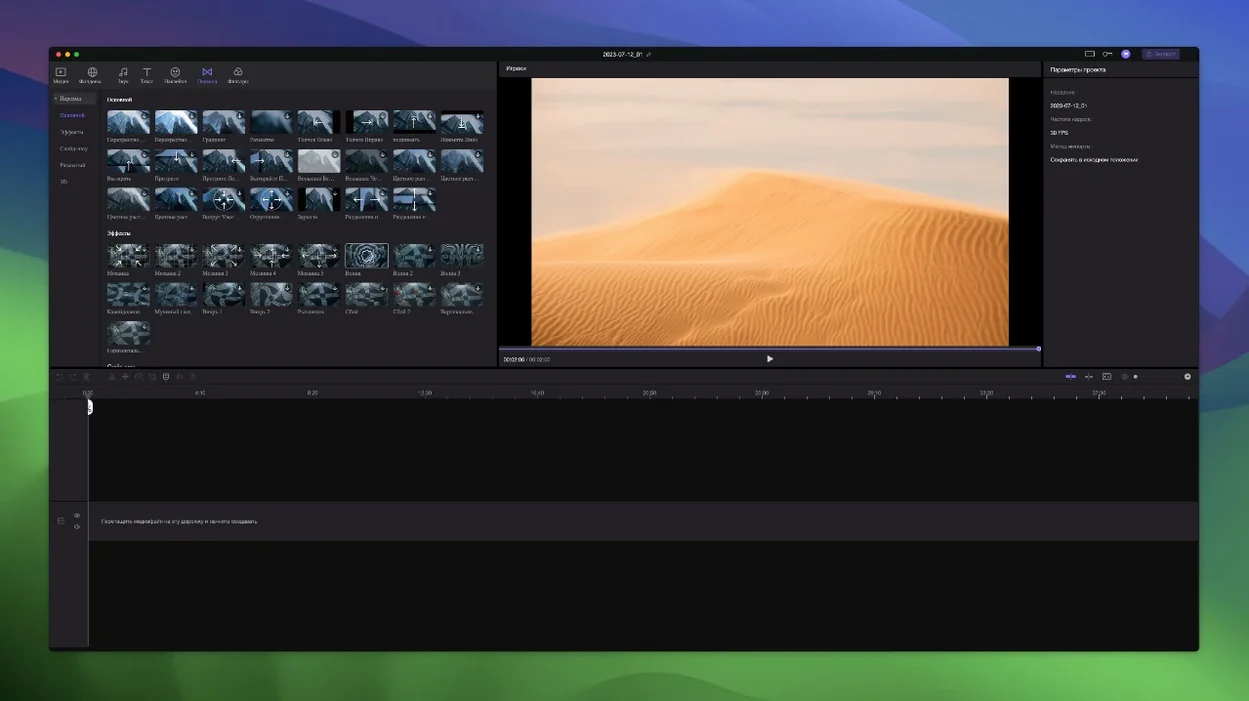
HitPaw Edimakor 2.6.0 handles up to macOS 26 and runs on Intel Macs with macOS 10.15 or later. It is a video editor from the HitPaw team, aimed at creators who want a mix of straightforward cutting and AI-assisted tools without the complexity of professional suites.
If you edit regularly and want a tool that keeps related materials attached while you rearrange the timeline, Edimakor saves you from re-syncing everything by hand. The AI extras are a bonus for speed, but the core editing works fine without them.
If you have used iMovie, you know it gives you a clean timeline and basic trimming, but it stops short when you want linked tracks that move together or any AI features. Edimakor fills that gap with the automatic attachment between tracks and the AI scene detection and caption tools. iMovie also limits you to a handful of tracks, whereas Edimakor supports unlimited tracks, which matters when you layer b-roll, text overlays, and audio effects on a single timeline.
Compared to DaVinci Resolve, the difference is about scope. Edimakor is lighter on system requirements — it runs on Intel Macs as old as Catalina — and it does not expect you to learn a node-based colour workflow. The AI features in Edimakor are more accessible for everyday use: one-click background removal and auto-captions are ready without digging through menus. Resolve has AI tools too, but they are spread across different tabs and often require more steps to reach.
Another alternative is Final Cut Pro, which has its own magnetic timeline and a strong library of effects. The magnetic timeline works differently from Edimakor's linked-track approach — in Final Cut, clips snap and connect in a way that can feel restrictive if you want to keep overlays separate from the main video. Edimakor lets you drag the main video and have everything else follow, which is closer to how many editors actually work when they rearrange a sequence. What matters is that Edimakor gives you a similar convenience in track management without requiring you to learn a new editing philosophy.
Edimakor 2.6.0 runs on any Intel Mac from 2012 or later that is still on macOS 10.15 Catalina or newer. The architecture is x86 64-bit, so if you have an Apple Silicon Mac, it will run through Rosetta 2 — there is no native M-chip version yet.
The install process is straightforward. You mount the disk image, run the Open Gatekeeper friendly command, press Enter in Terminal to bypass Gatekeeper, and drag the app into Applications. After that, the app launches like any other Mac application.
For language support, Edimakor covers 16 languages in the interface: Russian, English, German, Arabic, Indonesian, Spanish, Italian, Traditional Chinese, Simplified Chinese, Korean, Dutch, Portuguese, Turkish, French, Hindi, and Japanese. That means the menus, timeline labels, and settings appear in your chosen language without needing separate language packs.
Version 2.6.0 is the current build, and it brings the AI features to the front. In earlier versions, the AI tools were present but required more manual setup. Now scene detection runs faster, and the auto-caption feature recognises speech more accurately across different accents. The timeline also gained the precise positioning markers that let you snap to exact frames without guessing.
For anyone who has used a previous version of Edimakor, the biggest difference in 2.6.0 is how the linked tracks behave. Moving the main video now pulls attached elements along more reliably, and the automatic attachment happens as soon as you place an element on a track above or below the main clip. That cuts down on the number of times you have to select and move overlays individually.
The sticker and transition libraries were also updated in this version. New presets are available without needing to download extra packs, and the preview for transitions shows a live thumbnail instead of a placeholder. Small changes, but they save a few clicks when you are building a sequence quickly.
Sign in or create your account to leave a comment.
No notes from photographers yet. If you have used this on a real folder, say which camera and which Mac.