
 Get it for my Mac (23 MB)






 IDA Pro
9.4.260713

- Version
- 8.1.3 [MAS]
- Developer
- Information Architects GmbH
- Interface in
- Russian, English, German, Spanish, Italian, Chinese (Traditional), Chinese (Simplified), Korean, Portuguese, French, Japanese
- Licence on file
- K'ed by TNT team
- macOS it runs on
- macOS 10.15 or later
- Chip support
- Apple Silicon, Intel 64-bit
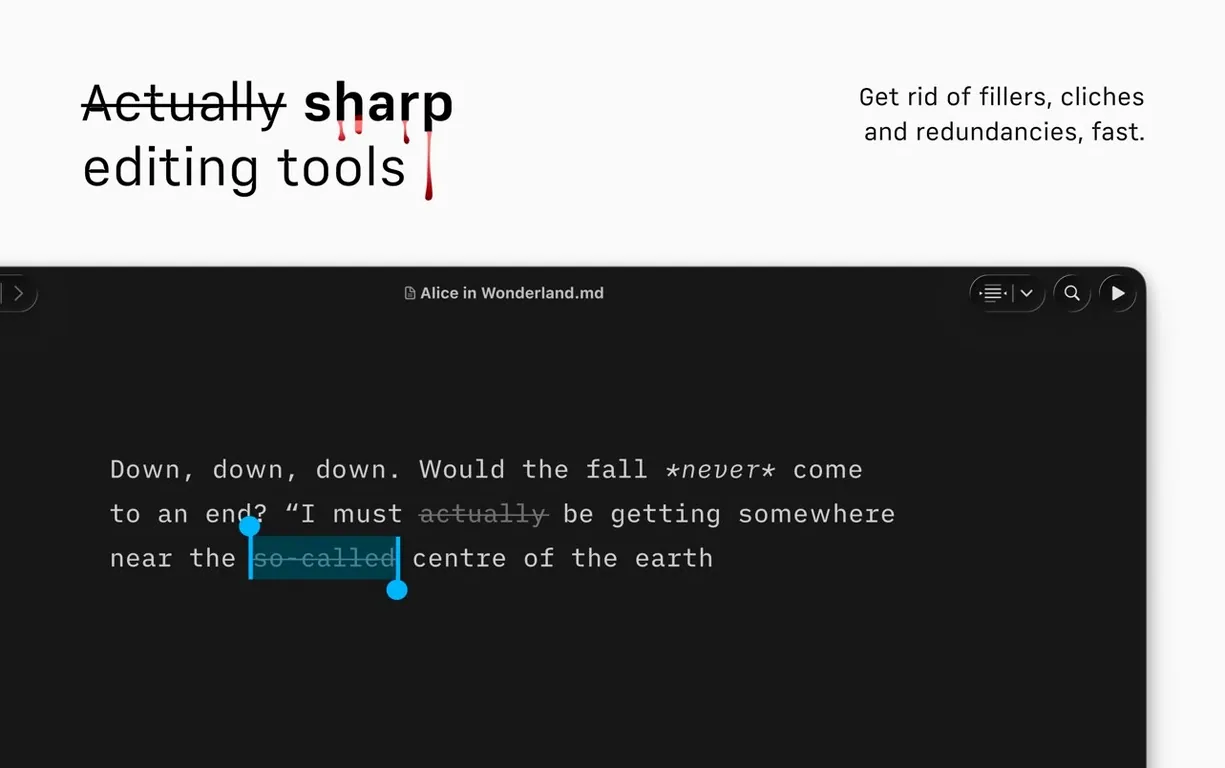
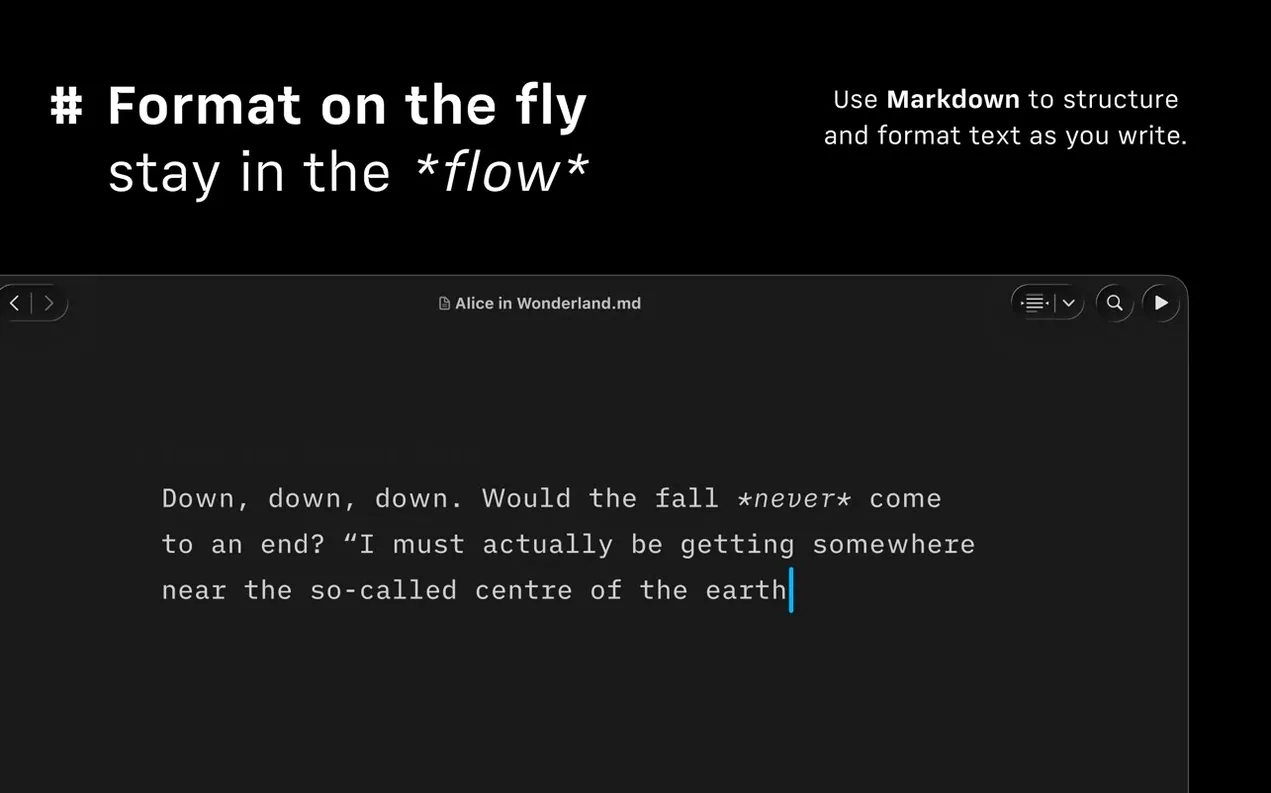
In the edit
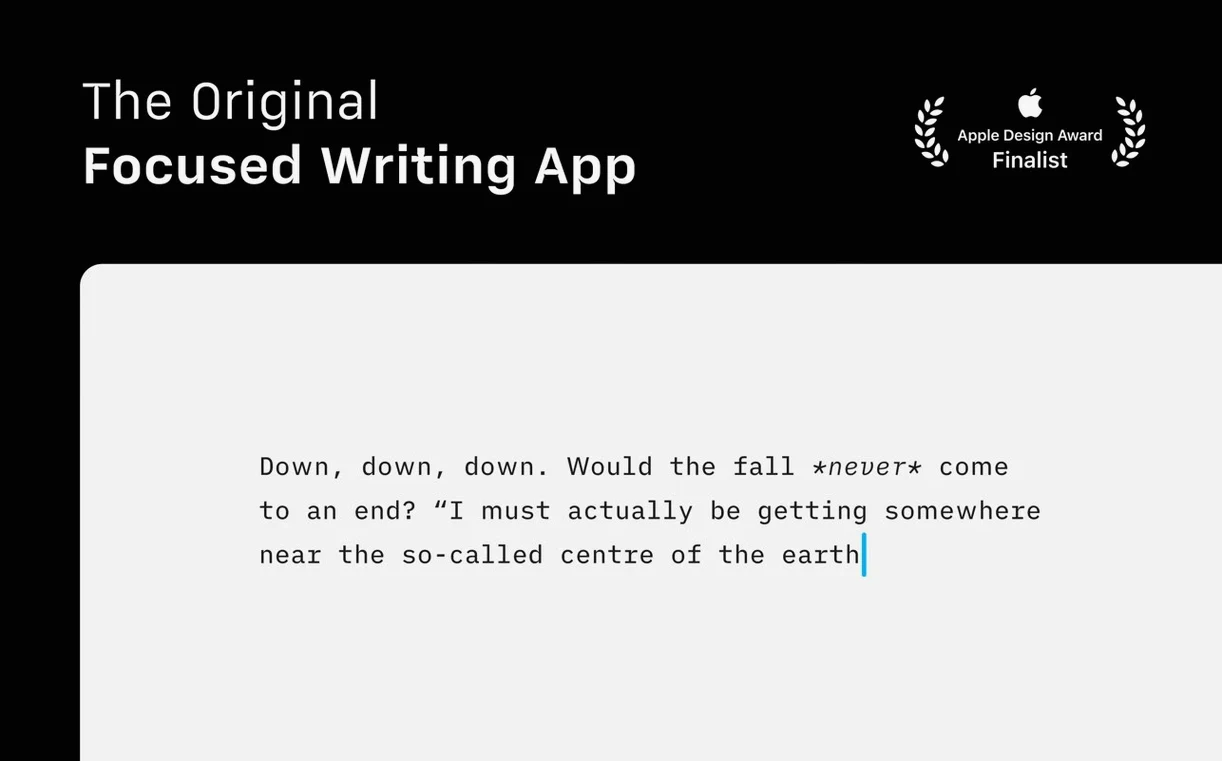
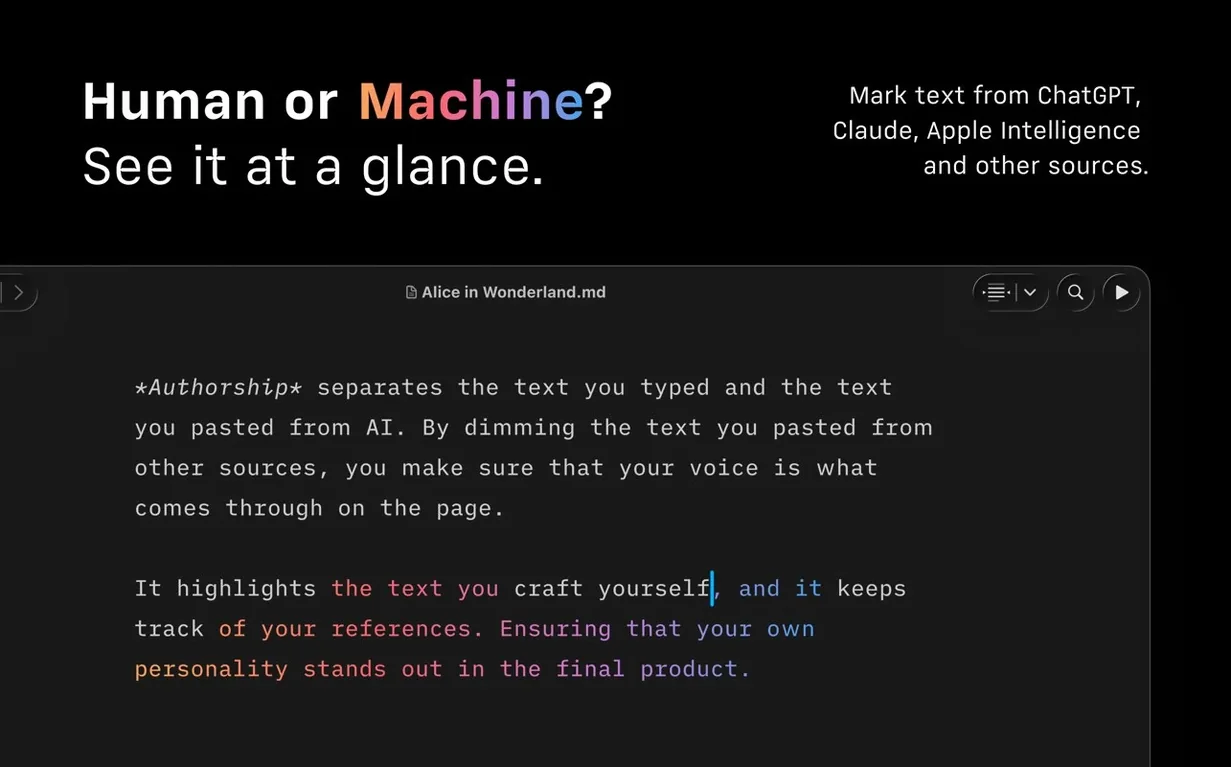
The Command Palette in iA Writer 8 is the kind of feature you don’t know you need until you use it. Formatting, export, even changing authorship — all a few keystrokes away, no menu hunting. That’s the whole point of this app: stay in the text, not in the tool.
Finding your way through a long document
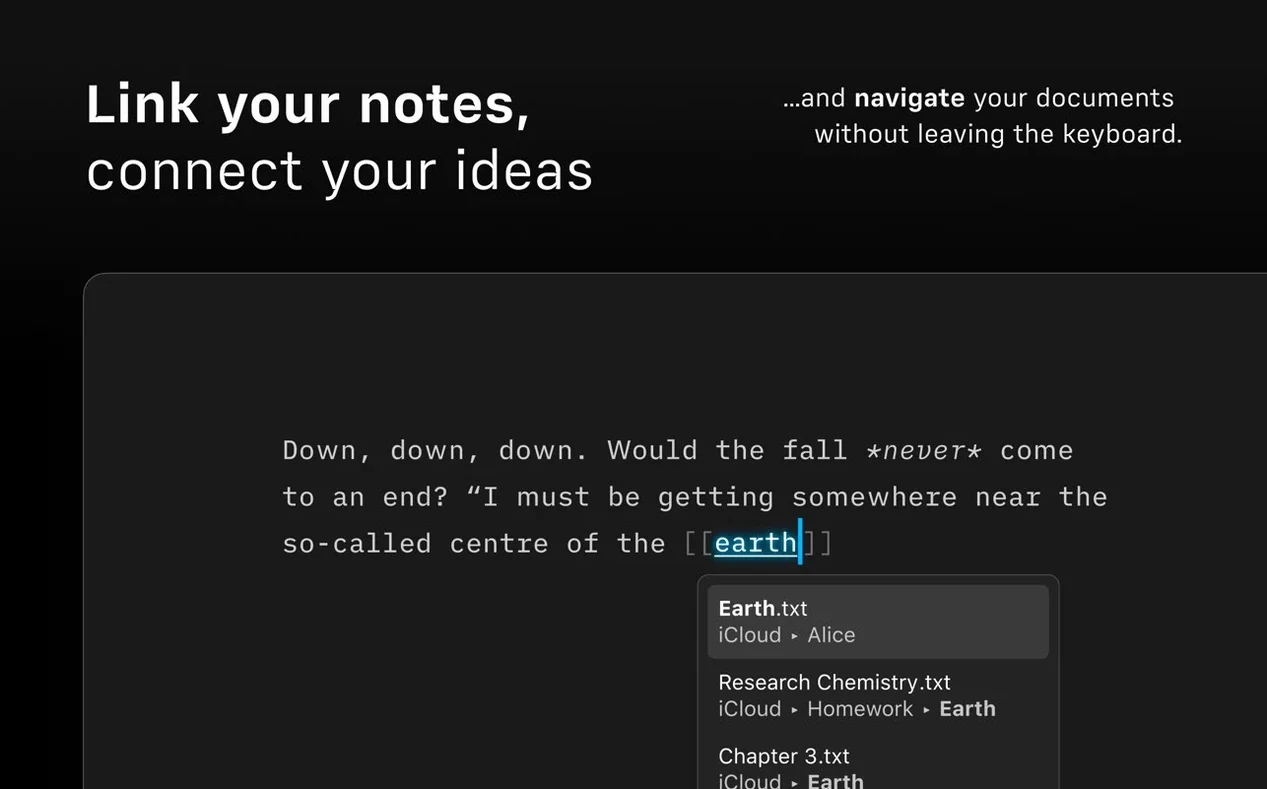
Version 8 adds a Document Outline that works with Quick Search. Jump between sections without scrolling. If you write long-form articles or book chapters on a MacBook Pro, this alone saves time every session.
Exporting to the formats editors want
iA Writer exports to HTML, PDF (with customisable templates), and DOCX for Microsoft Word. It also publishes directly to WordPress and Medium. One document, multiple destinations.
Searching across cloud services
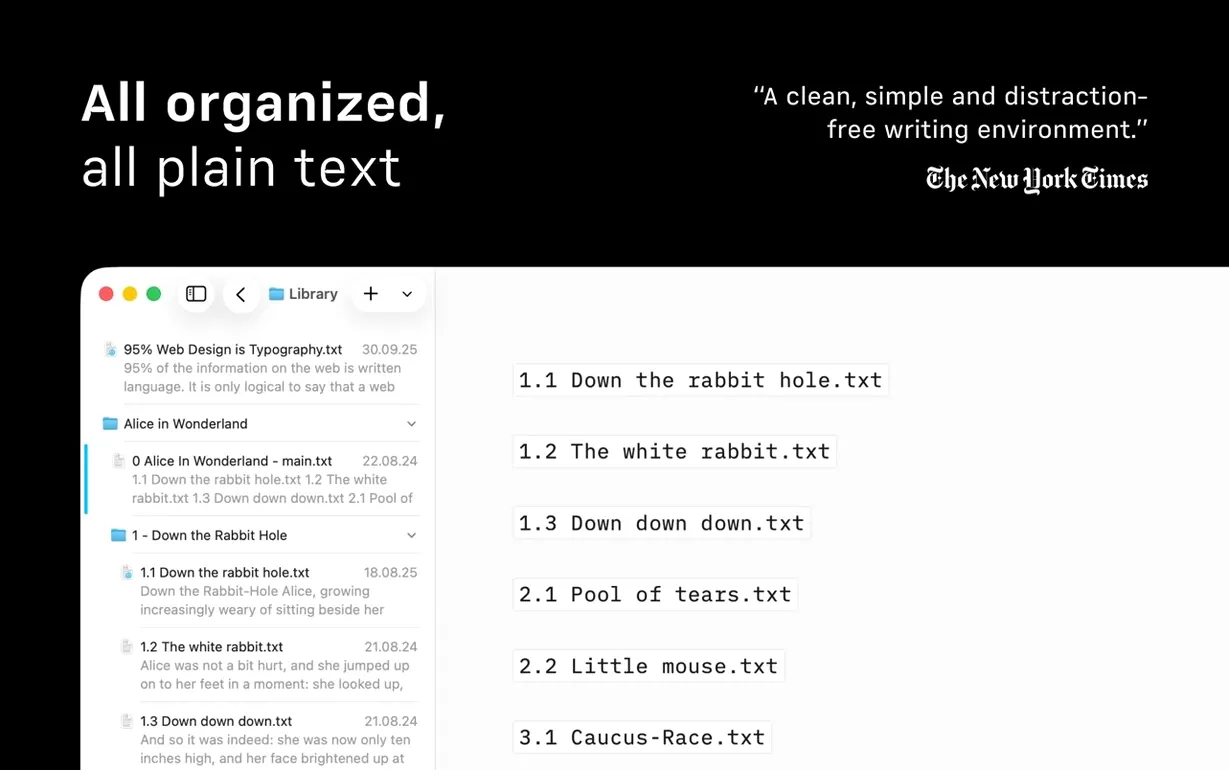
The app can search and sort documents from different cloud providers in a single window. No switching between folders or services to find what you need.
Students and academics who write dissertations
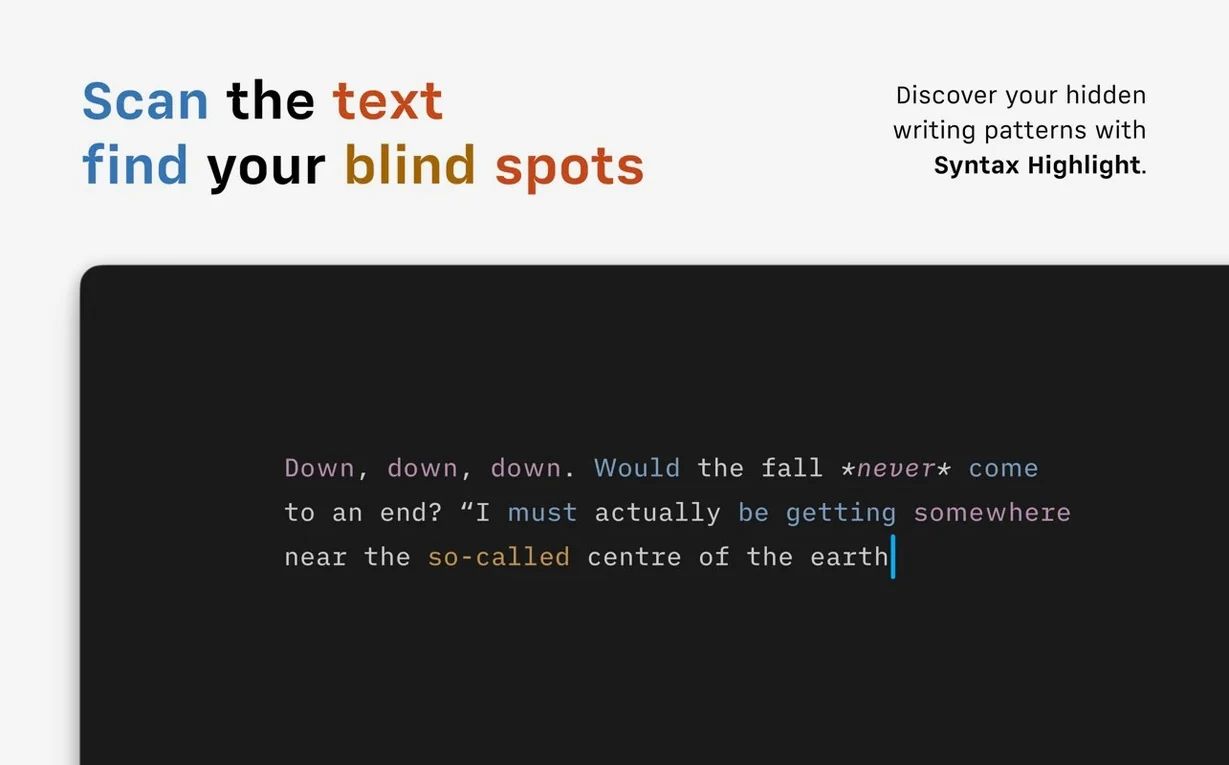
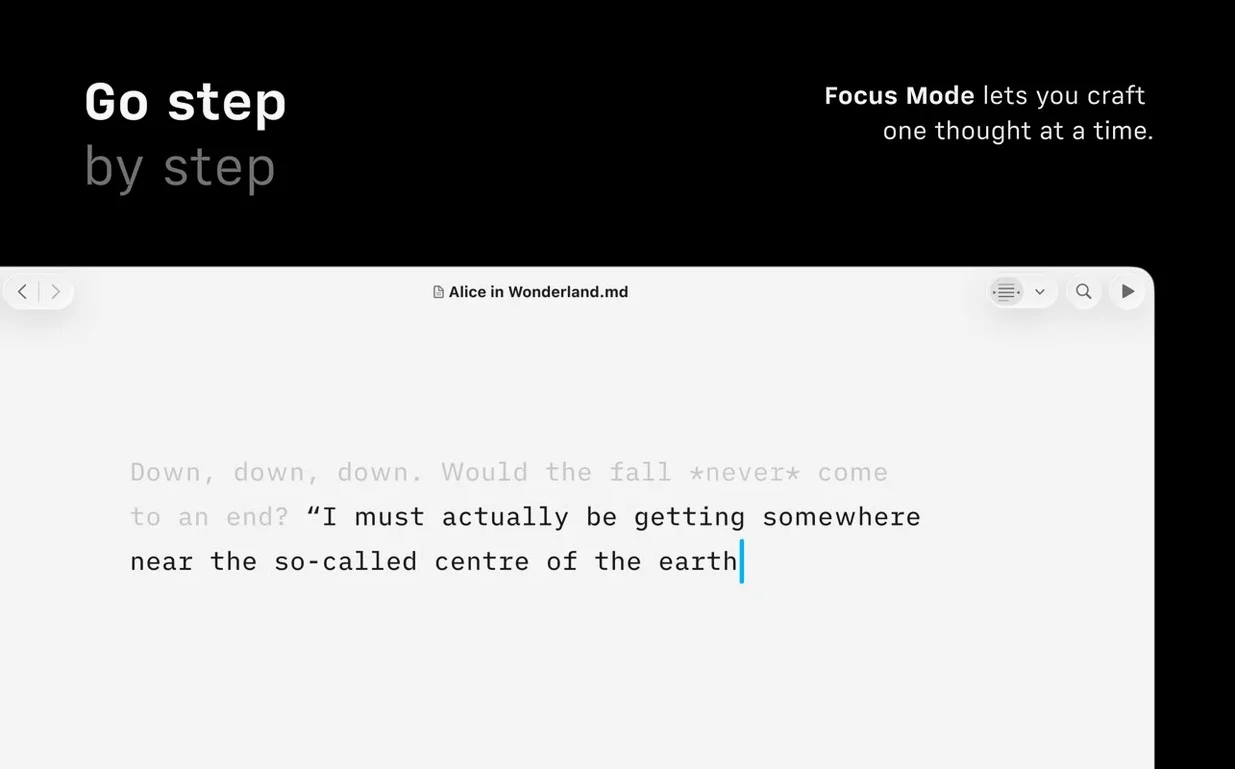
Anyone who writes for a living or for study will find a home here, but the people who really get their money's worth tend to fall into a few groups. Students working on dissertations or long essays benefit from the focus mode and Document Outline — when you're juggling multiple chapters and research notes, the ability to jump between sections without losing your place is a quiet lifesaver. Bloggers and content creators who publish regularly to WordPress or Medium can write in Markdown and push the finished piece straight to their site without copying and pasting through a browser editor. Journalists and editors who receive drafts in plain text or Markdown appreciate the clean preview pane and the syntax highlighting that flags weak verbs, repeated nouns, and excessive adjectives — it's a built-in copy edit pass before you even send the piece to someone else. And for novelists or long-form non-fiction writers, the Library layout in version 8 can be set to compact mode, hiding dates and text excerpts so you see only document titles. That matters when your project file list has grown past thirty entries.
The rich text formatting expectation that trips up new users
Most of the hiccups people run into with iA Writer are about expectations, not bugs. The first one: new users expect rich text formatting in the editor. iA Writer is a Markdown app, so bold, italics, and headings appear as plain text syntax until you glance at the preview pane. That's the trade-off for a clean writing surface, and it takes about an afternoon to feel natural. The second snag is export formatting. If you export a DOCX and open it in Word, the styles won't match your university's template or your editor's house style. iA Writer gives you a clean, neutral document — you still need to apply your own styles in Word. That's not a flaw, it's by design. Third, people sometimes struggle with cloud search when they link multiple services. The trick is to check that each service is authenticated in iA Writer's settings before you expect results. A missing token means that folder won't appear in search. Finally, if the app feels sluggish after a long session, closing and reopening it clears any cached preview data. It's a lightweight app, but previews of very long documents with many images can build up.
Export to Word or PDF for collaborators who need those formats
iA Writer plays well with the rest of your Mac because it doesn't try to replace everything. You write in iA Writer, then export to Word or PDF for the people who need those formats. If you use Ulysses, Scrivener, or Bear for different stages of a project, you can move text between them as Markdown files — iA Writer saves everything as plain .md files, so there's no lock-in. The app also respects macOS accessibility features: VoiceOver and Voice Control work throughout, and it supports Dark Interface and Reduced Motion for users who prefer those settings. If you keep your documents in iCloud Drive, Dropbox, or another cloud service, iA Writer reads from those locations directly, so your file organisation stays exactly as you set it up in Finder. There's no separate library to maintain. Users who already have iA Writer free download can point the Library at any Markdown folder to start writing immediately.
New this release
Version 8.1.3 [MAS] landed on my Mac this week — the release notes are up on the developer's site for anyone who wants the full breakdown.
Mac it needs
- macOS 10.15 or later
- Apple Silicon and Intel 64-bit Macs
Questions I actually get
Can iA Writer export to Microsoft Word?
Yes, iA Writer exports to DOCX format, which opens directly in Microsoft Word.
What macOS version do I need to run iA Writer 8?
iA Writer 8 requires macOS 10.15 or later. It runs on both Intel and Apple Silicon Macs.
Installing on a Mac
- Mount the disk image and run the app. Gatekeeper will ask to confirm — that’s expected.
- Press Enter in the Terminal window that appears to bypass Gatekeeper for this install.
- Drag the app into your Applications folder.
- Launch iA Writer from Applications when the copy finishes.
Tip: if the Terminal window doesn’t appear automatically, check your security settings or open it manually from the disk image.
Notes from photographers
Sign in or create your account to leave a comment.
No notes from photographers yet. If you have used this on a real folder, say which camera and which Mac.
