Get it for my Mac (1.6 GB)
 Jump Desktop
10.15.46
Jump Desktop
10.15.46

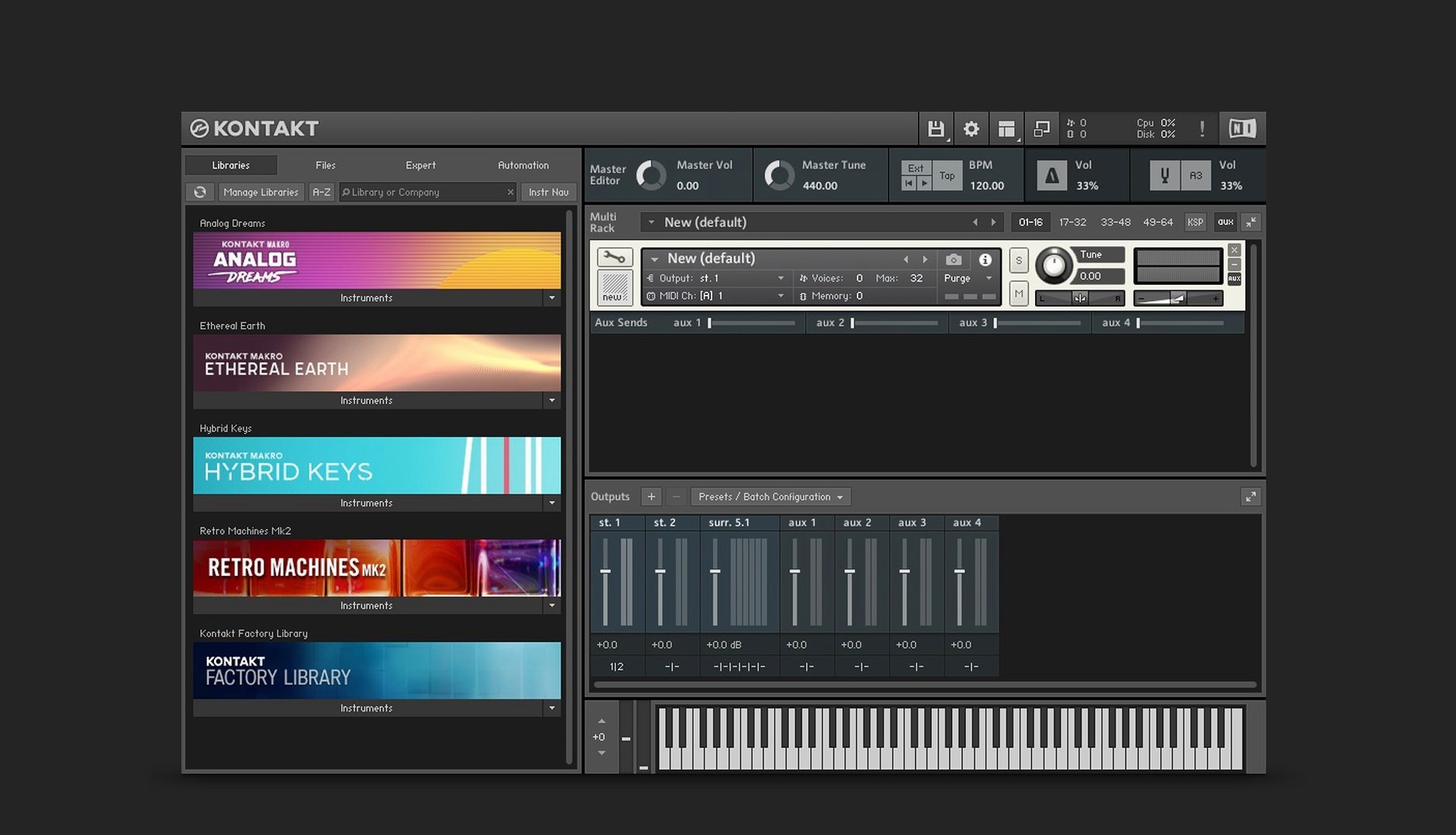
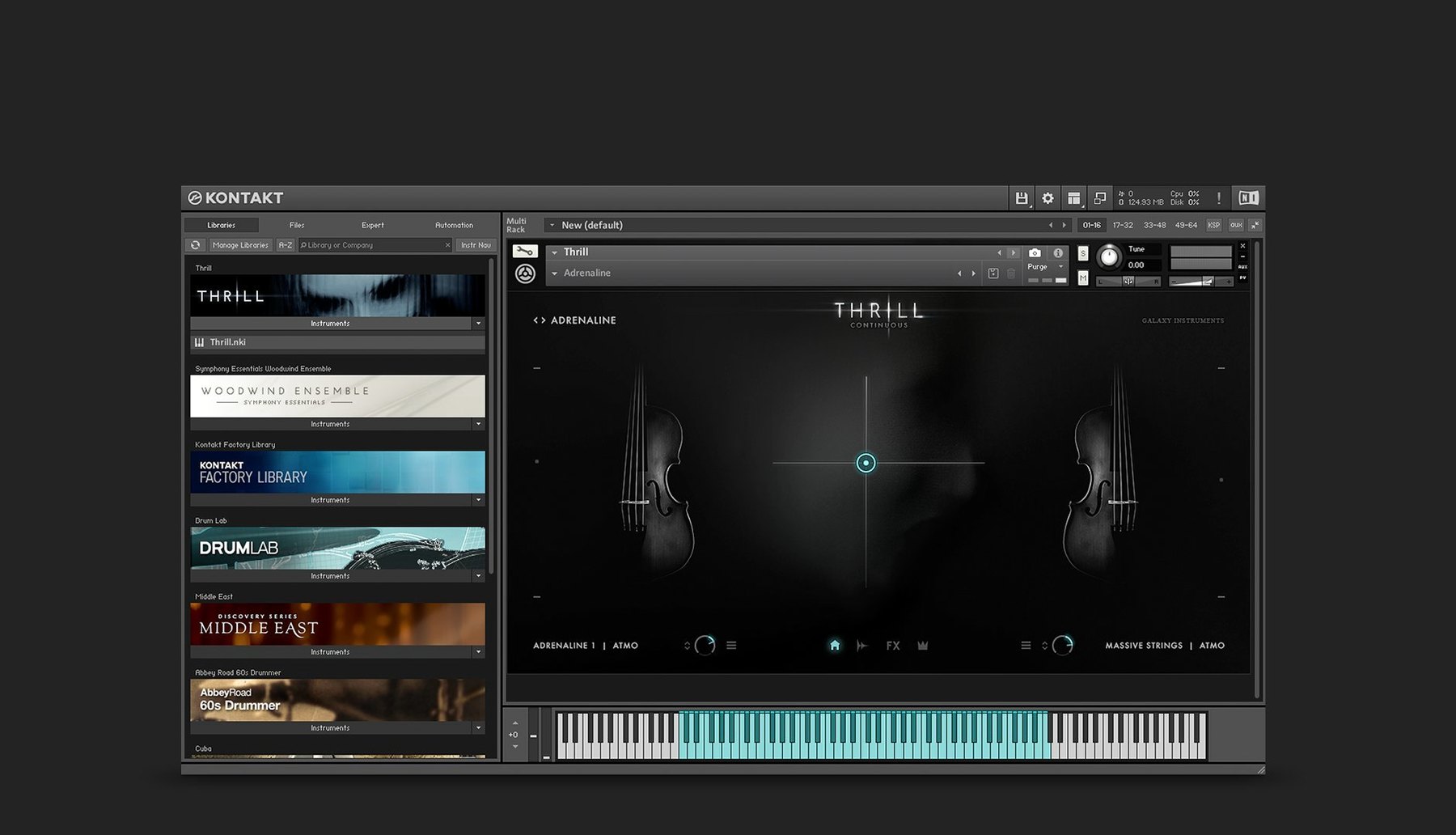
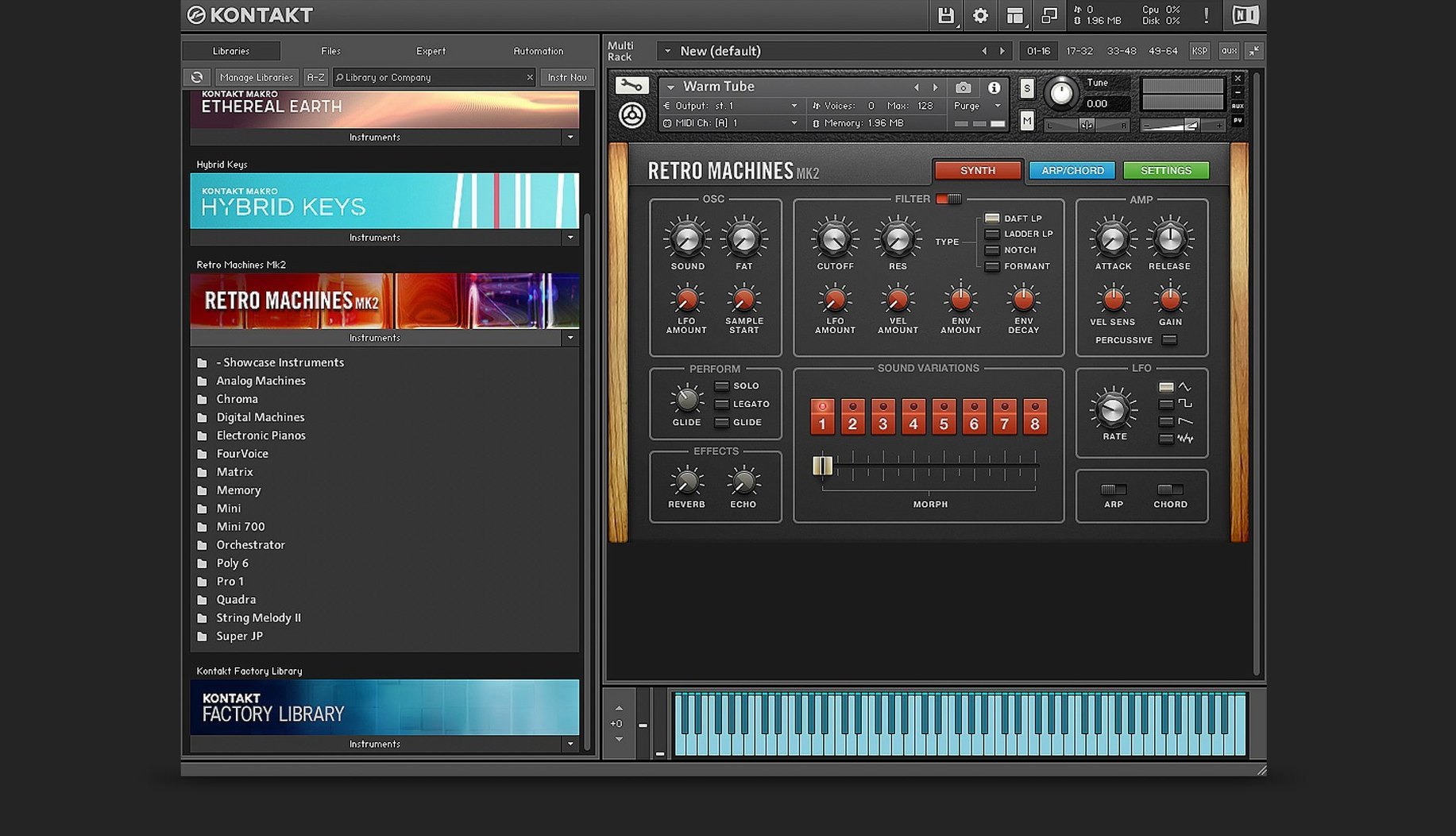
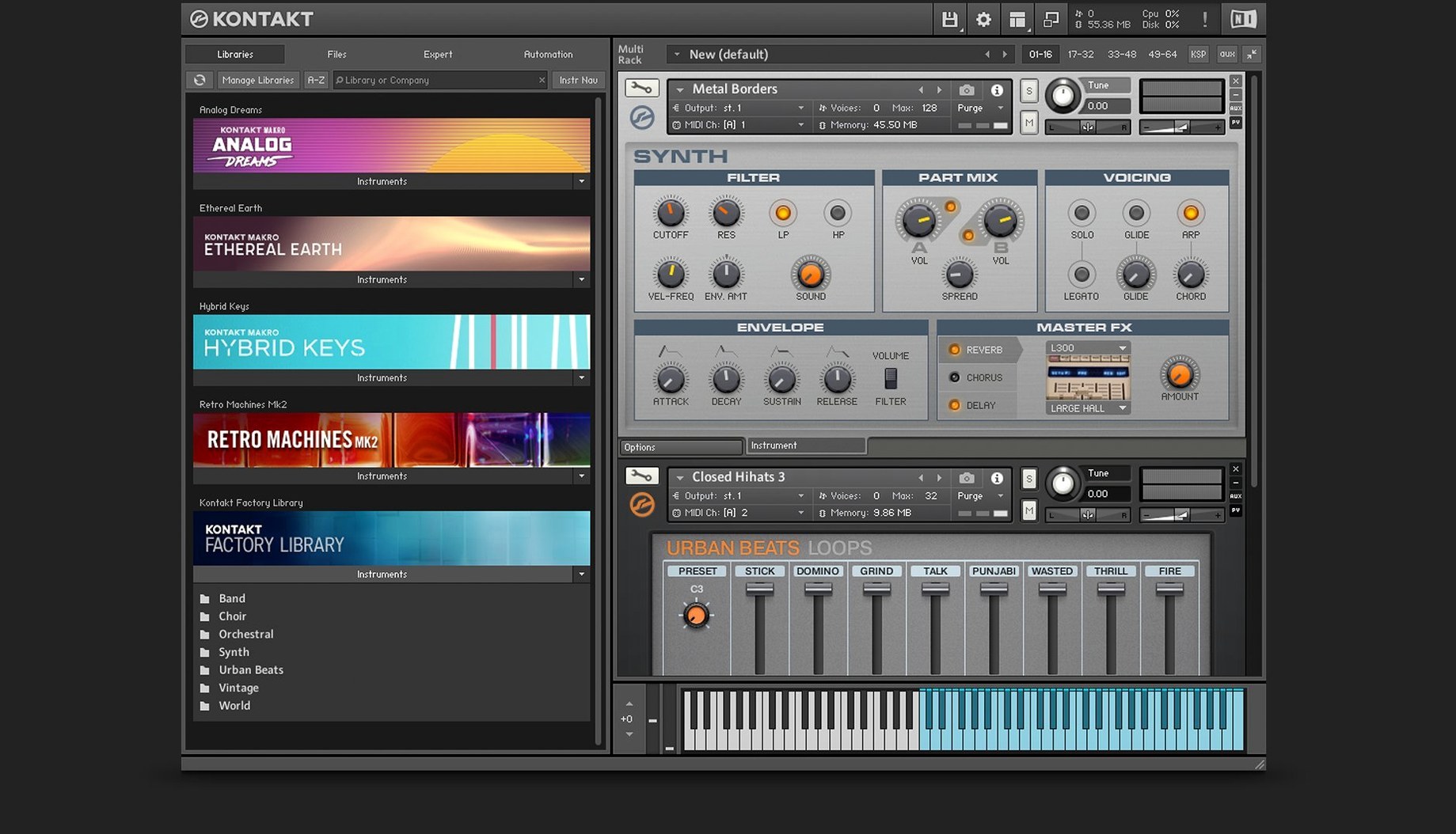
You have a library of sampled instruments — strings, vintage synths, orchestral hits — and they all need a host that can play them without fuss. That's the job Kontakt has done for years, and version 8 keeps it as the go-to sampler platform on Mac. Before you download, the big question is whether your machine can run it. Kontakt 8.13.1 requires macOS 14, works on both Intel and Apple Silicon Macs, and the interface language is English. If you are still on an older macOS, you will need to update first.
Once installed, Kontakt 8 gives you the usual sampler engine for loading and playing sample-based instruments, plus a few new bits. The Wavetable module is there with a second Form shaper and a modulation oscillator, so you can build sounds from scratch. The new Default view keeps things cleaner when you just want to play. And for anyone who builds their own instruments, Komplete Script and Komplete UI let you create high-DPI interfaces and custom logic. The side pane makes it easier to connect Tools to your instruments, and the whole thing supports VST, AU, and AAX plug-in formats, so it slots into any modern DAW.
What you get is a solid sampler that handles everything from a single piano patch to a full orchestral template. The new Tools and Leap features add creative ways to manipulate MIDI and loops, but the core job — playing sampled instruments reliably — is still what makes it worth having on your Mac.
Kontakt sits in a category that has a few serious alternatives, each with its own take on sampling. If you are choosing between them, the differences matter more for workflow than for raw capability.
Logic Pro's Sampler (the built-in one) is free if you already use Logic, and it handles basic sample mapping, layering, and modulation without fuss. It is clean, fast, and deeply integrated with the Logic environment. But it does not support the vast third-party library ecosystem that Kontakt does. If you buy sample packs from orchestral or cinematic developers, most of them will ship as Kontakt instruments. The Logic Sampler will not load those, so you end up rebuilding patches or missing out entirely. Kontakt's advantage is that it is the standard format for commercial sample libraries.
Steinberg's HALion is another contender, especially if you work in Cubase. It has a strong synthesis engine, good time-stretching, and a flexible modular architecture. The scripting and interface-building tools are powerful, but the library of third-party content is smaller than Kontakt's. For a producer who builds their own instruments and wants deep synthesis options alongside sampling, HALion is worth a look. For someone who just wants to load a string library from Spitfire or Orchestral Tools and play, Kontakt is the simpler path because that is what those libraries are made for.
Decent Sampler is a lightweight, free alternative that has grown a decent library of free and paid instruments. It is great for beginners or for producers who want a small footprint. But it lacks the deep scripting, effects chain, and modulation routing that Kontakt offers. If you need to build complex, playable instruments with custom interfaces, Decent Sampler will hit a wall. Kontakt's Komplete Script and Komplete UI give instrument builders far more control.
Getting Kontakt 8 set up properly from the start saves you the kind of frustration that comes from hunting through menus during a session. Here is what I do after a fresh install.
Most of the common stumbles come from treating Kontakt like a simple player when it is actually a deep instrument host. A few things to watch out for.
Not managing memory properly. Beginners often load every articulation of an orchestral library at once, then wonder why the project bogs down. Kontakt has a purge function and a memory management system. Use the Instrument Options to set purge behaviour, and only load the articulations you actually need for the part. It keeps the session responsive.
Ignoring the output routing. By default, Kontakt sends everything to one stereo output. If you load multiple instruments, you lose the ability to process them individually in your DAW. Learn how to assign each instrument to its own output channel in Kontakt's mixer. It takes two minutes and gives you separate EQ, compression, and reverb per instrument.
Forgetting about the side pane. The new side pane connects Tools to your instruments, but if you do not open it, you miss the whole feature. It is easy to overlook because it is tucked away. Make a habit of checking it when you want to add MIDI manipulation or modulation to a patch.
Overlooking the effects section. Kontakt 8 includes Solid G-EQ, Solid Bus Comp, a Transient Designer, and a Tape Saturator — all built-in. Beginners sometimes add external plugin effects to every channel when the internal ones are already good and use less CPU. Try the internal compressor and EQ before reaching for your usual go-to plugins.
Kontakt 8 is a broad tool, but it suits some workflows more than others. If you fall into any of these groups, it will probably earn its place in your setup.
Film and game composers live and die by sample libraries. Most of the major orchestral, cinematic, and hybrid libraries require Kontakt. If you write to picture, you are almost certainly going to need it. The new Leap feature for loops and one-shots is useful for sketching cues quickly, and the Wavetable module lets you design custom pads and textures without leaving the sampler.
Electronic music producers who build their own patches get a lot from the Wavetable module and the modulation oscillator. The new Tools for MIDI manipulation add generative possibilities that work well for evolving synth parts or drum pattern variations. If you already use Massive or FM8, Kontakt 8 slots into the same Native Instruments ecosystem, and you can route audio and MIDI between them easily.
Sound designers who create sample-based instruments for sale will appreciate Komplete Script and Komplete UI. These let you build polished, high-DPI interfaces and complex playback logic without needing a separate programming environment. If you have ever tried to build a playable instrument in a basic sampler and wished for more control over the GUI, Kontakt 8 is the platform that gives it to you.
Live performers who use laptops on stage benefit from the standalone mode and the streamlined Default view. You can load a set of instruments, assign them to MIDI channels, and switch between patches without looking at a cluttered screen. The Adaptive Resonance filter is a practical addition for live use because it stops harsh resonances from building up when you push the filter hard — one less thing to babysit mid-set.
Yes, Kontakt 8 supports both Intel and Apple Silicon Macs, so it will run on either architecture.
Kontakt 8 supports VST, AU, and AAX plug-in formats, so it works with most major DAWs.
Kontakt 8 requires macOS 14 or later. It does not support older versions of macOS.
Sign in or create your account to leave a comment.
No notes from photographers yet. If you have used this on a real folder, say which camera and which Mac.