Get it for my Mac (1.5 GB)
 MacFamilyTree
11.3.4
MacFamilyTree
11.3.4

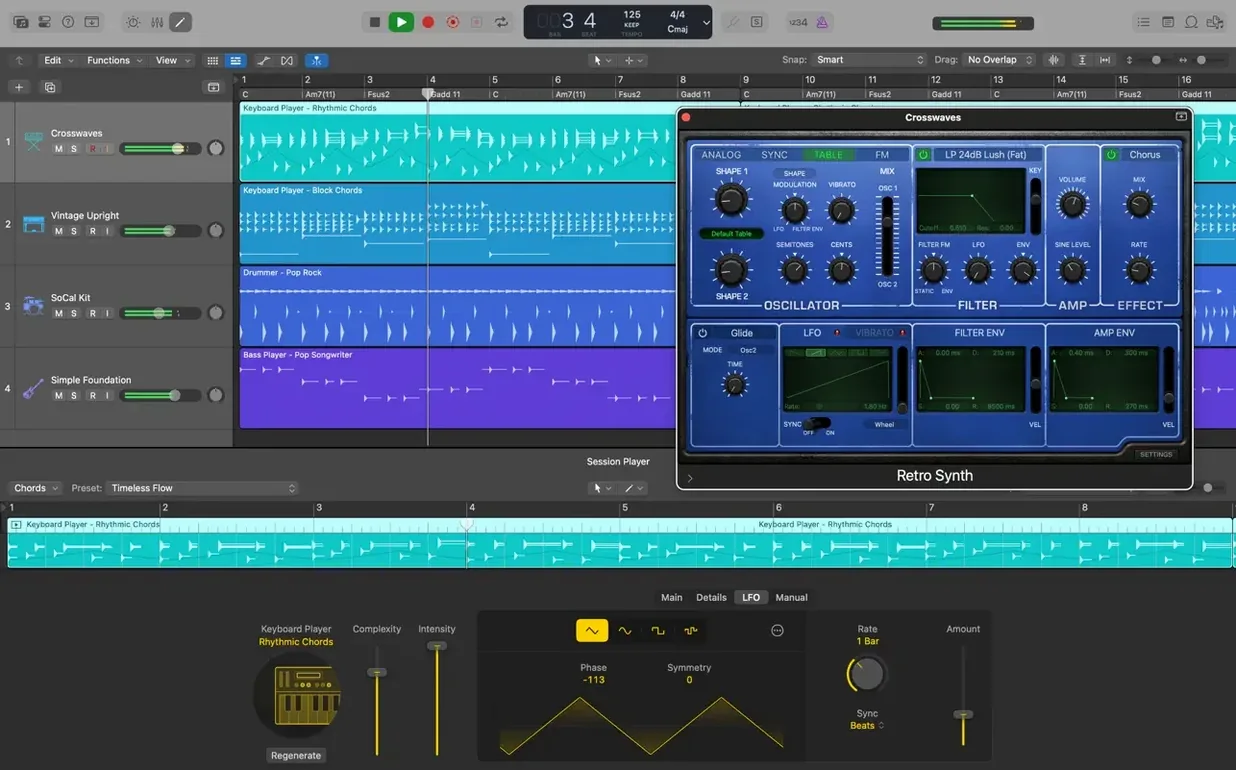
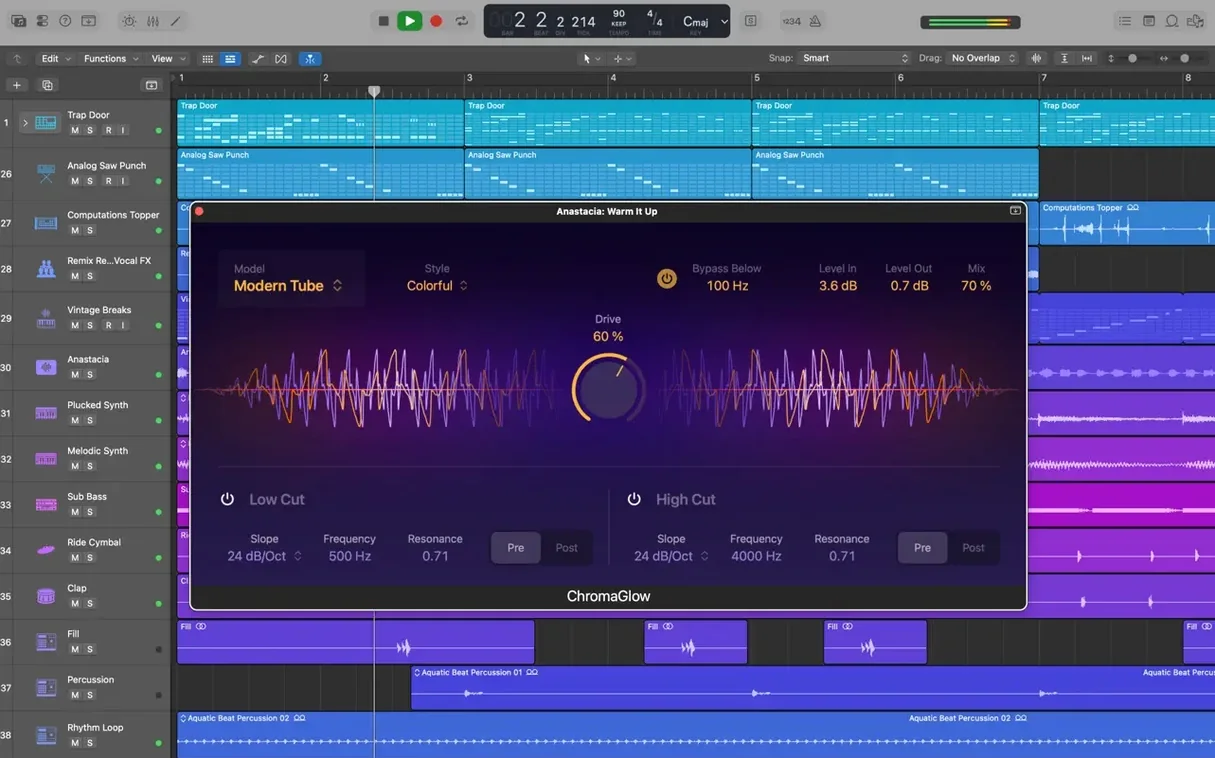
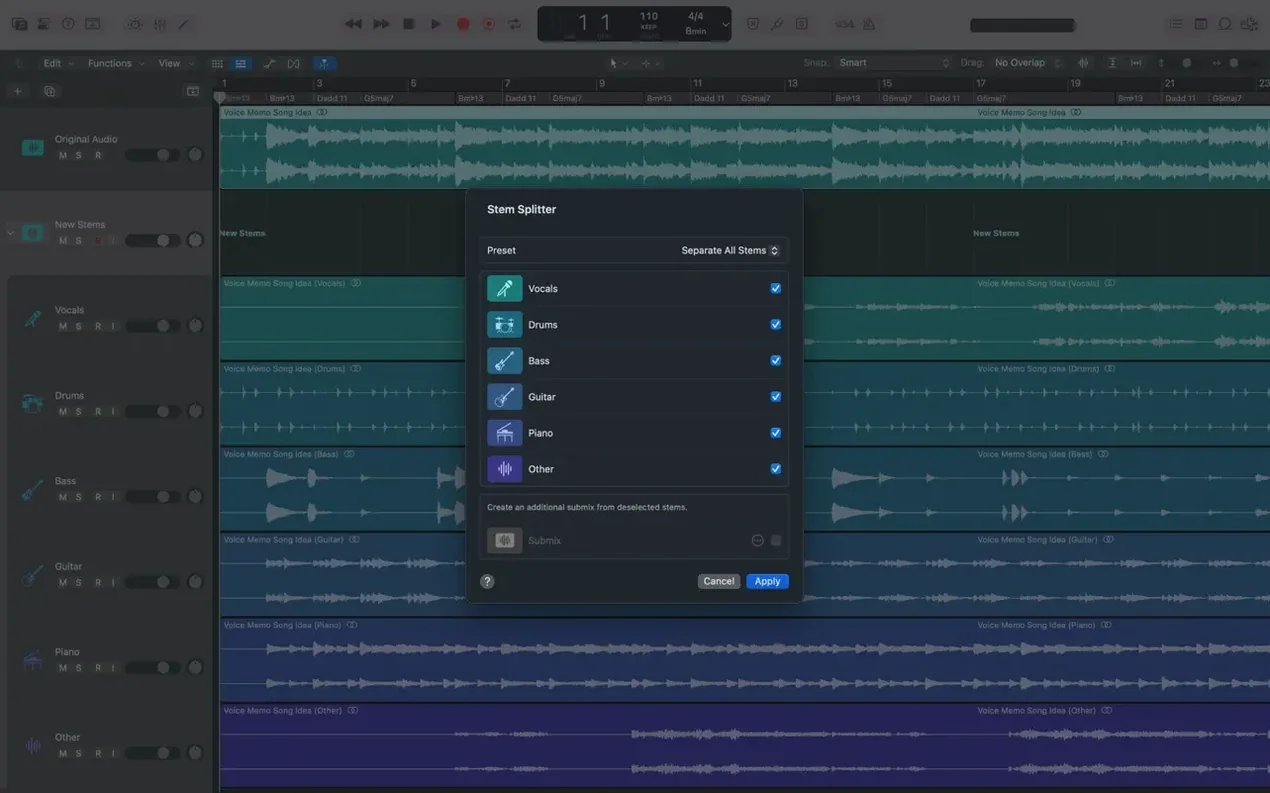
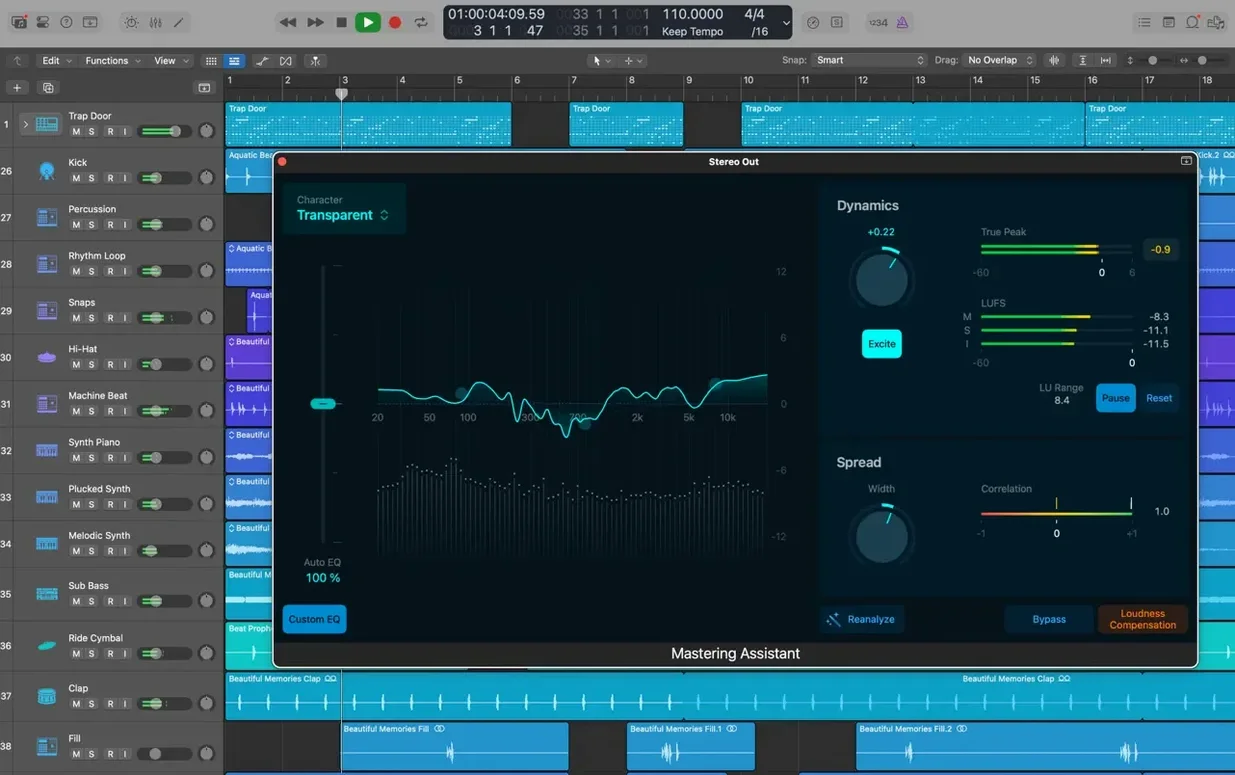
Selection-based Processing is the sort of feature that doesn’t make the splashy demos but saves you real time once you find it. Select a region, apply a chain of effects, and Logic renders them straight to the audio file. No extra bounces, no duplicate tracks.
Track Alternatives let you keep multiple edit playlists inside a single track. Switch between them without duplicating channel strips, sends, or automation. Handy when you want to try a different vocal comp or a new arrangement without cluttering the mixer.
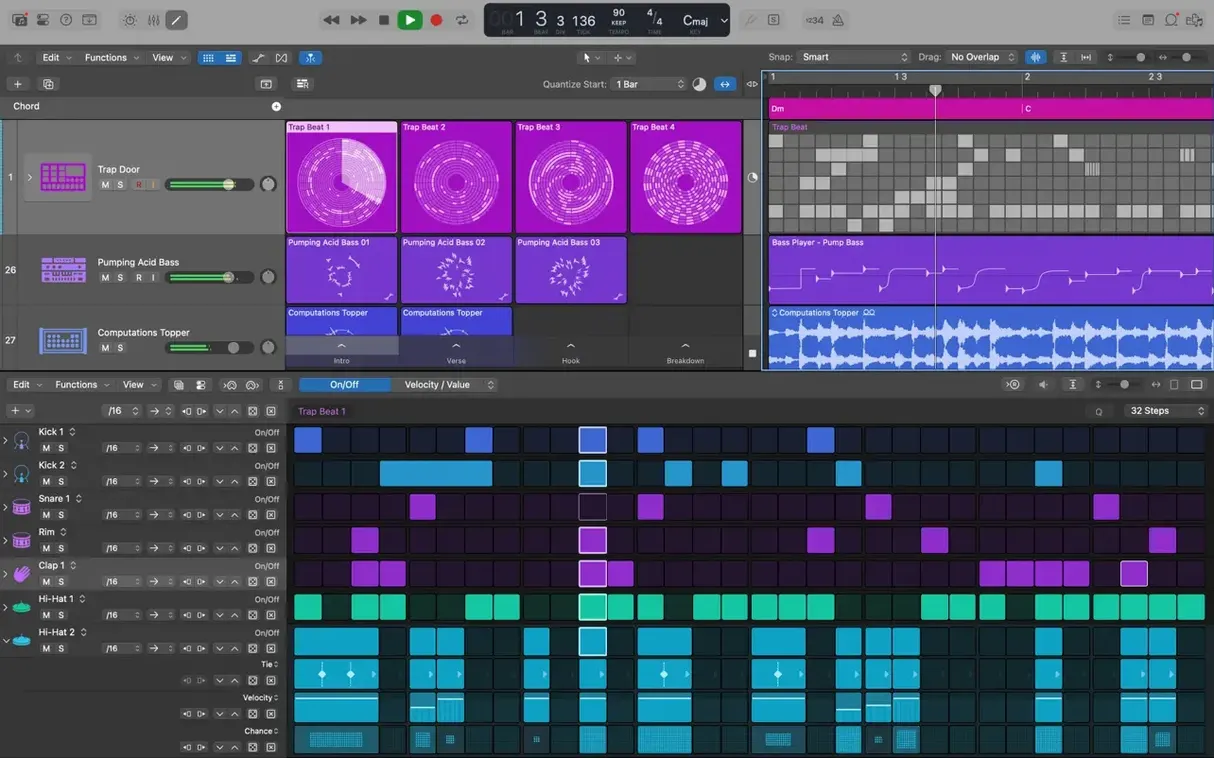
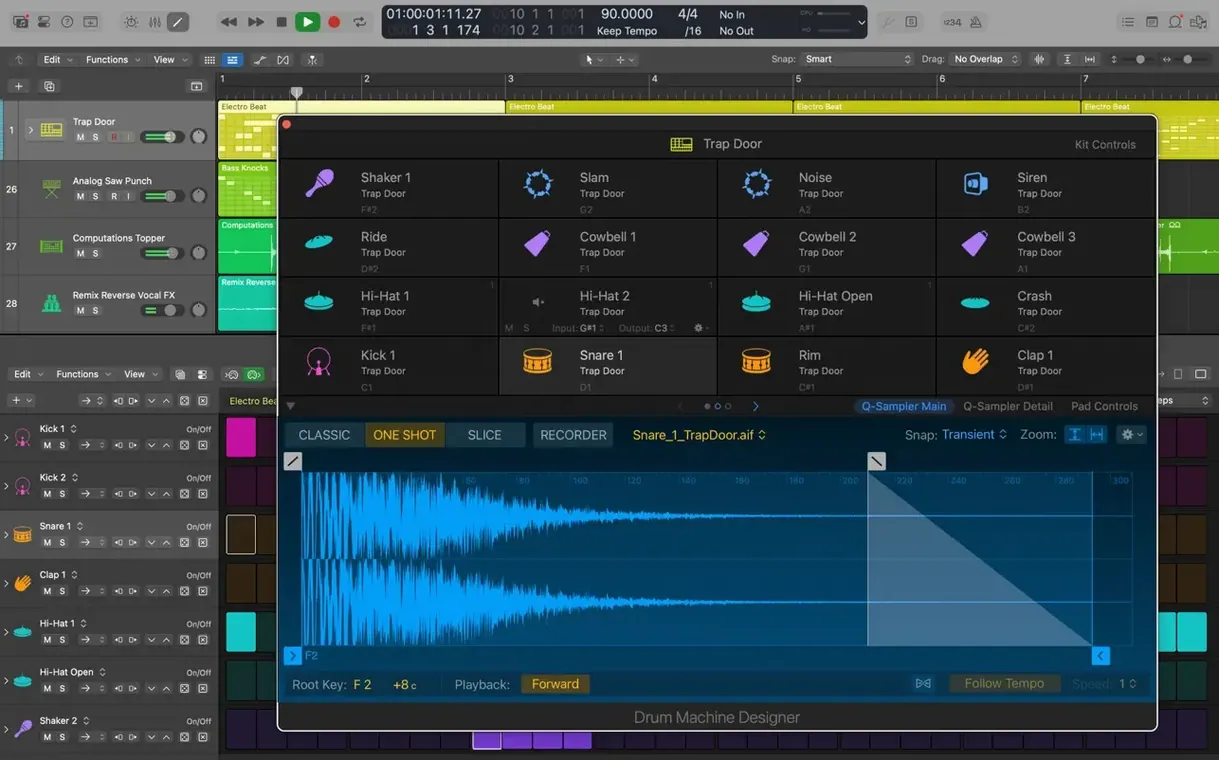
It maps individual sounds across a grid and lets you tweak each pad’s synthesis engine, effects, and output routing from one window. You can layer samples with the internal synth or swap a kick for something from the library. The whole kit stays in a single track stack.
Flex Pitch works directly on audio regions, so you can correct a note’s pitch or timing without leaving the main window. Drag a note up or down, adjust the vibrato, or tighten the timing — it stays non-destructive until you commit.
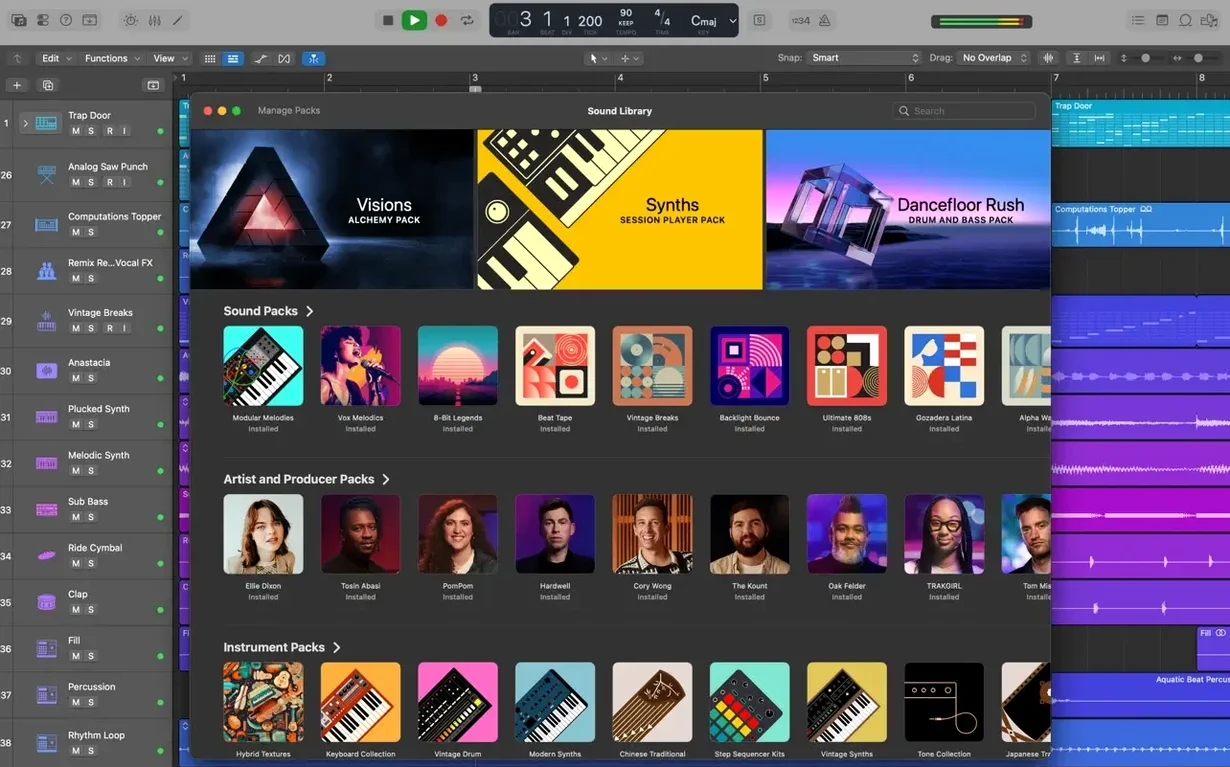
The Sound Library can take up a fair chunk of space — the full installation asks for 63 GB. If you’re short on disk room, start with the minimum 6 GB install and download only the content you need. Open the Sound Library Manager from the Logic Pro menu and tick just the categories you use most. You can always grab the rest later.
Third-party Audio Unit plug-ins sometimes fail to appear in the mixer. When that happens, Logic’s Audio Unit Manager lets you scan and validate each plug-in individually. Reset the scan, restart Logic, and check that your plug-ins are 64-bit — the app won’t load older 32-bit units at all.
Flex Pitch can occasionally show notes that look like they’ve been shifted when you haven’t touched them. This usually means the analysis picked up harmonics or room bleed. Zoom in on the waveform, and use the Flex Pitch sensitivity slider in the inspector to dial back the detection. You’ll get cleaner results on vocals recorded in a quiet space.
Projects that started in older versions of Logic — as far back as Logic 5 — open fine, but the channel strip settings or older plug-ins might need updating. Logic handles the conversion automatically, but if a track sounds different, check the plug-in window for a compatibility warning. Bypass and reinsert the plug-in to reset it.
If the cursor tool modes feel sluggish, the 12.3.1 update fixed an issue where they didn’t activate until you moved the pointer. That should be working now. If it still hangs, quit Logic, delete the app’s preferences file from ~/Library/Preferences, and restart.
Logic Pro and Ableton Live both handle audio and MIDI recording, but they lean into different workflows. Logic’s Track Stacks and Smart Controls feel natural if you think in terms of groups and macro control. Live’s Session View suits looping and live arrangement more directly. For a linear songwriting session — verse, chorus, bridge — Logic’s tracks and arrangement view are straightforward. Live’s Warp engine is quicker for tempo-matching samples, though Logic’s Flex Time does the same thing once you get used to the transient markers.
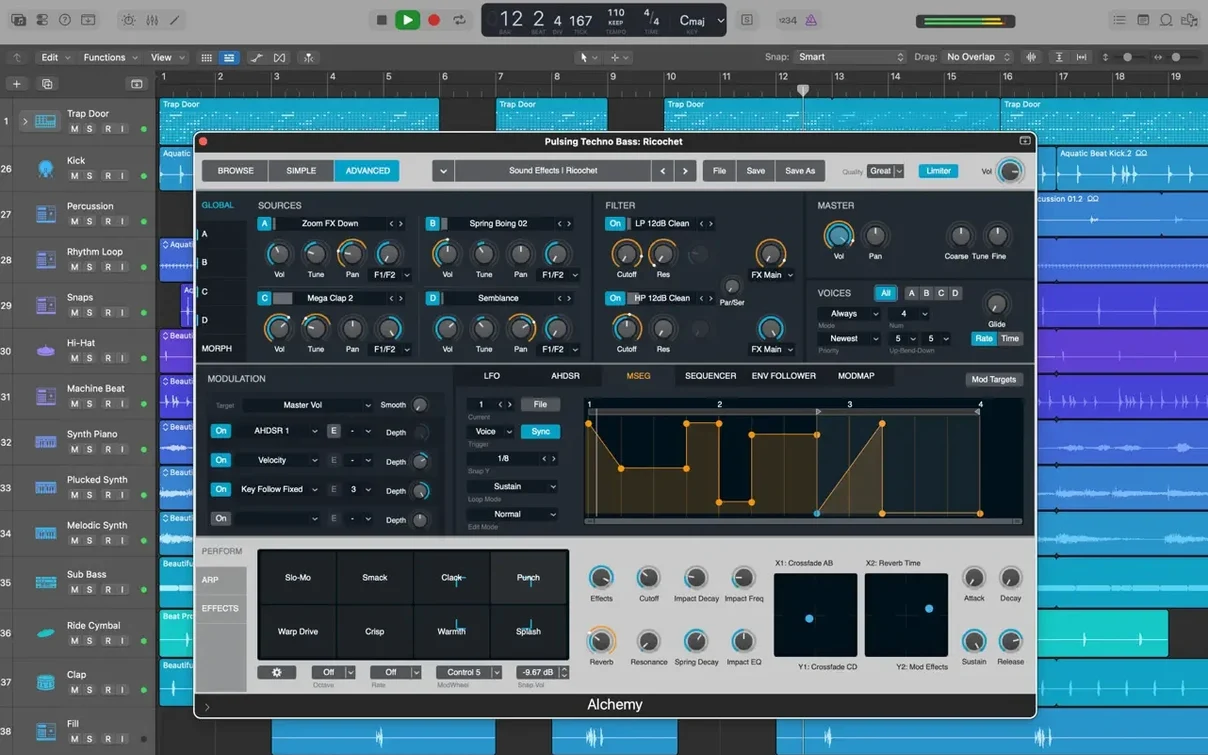
Steinberg Cubase has a similar track-based layout and strong MIDI editing, which appeals to composers working with virtual instruments. Logic pulls ahead on the included sound library — more than 2,800 patches and 1,000 sampled instruments out of the box, plus Alchemy as a sampler synth. Cubase users often praise its VariAudio pitch correction, but Flex Pitch in Logic offers comparable control without leaving the audio region editor. Both apps support third-party Audio Units, so your plug-in collection works either way.
GarageBand is the obvious lighter sibling. It shares Logic’s core sound engine and can even send projects over iCloud, but it lacks Flex Time, Flex Pitch, surround mixing, and the deeper editing tools. If you’ve outgrown GarageBand’s eight-track limit or need Selection-based Processing, Logic is the natural next step without learning a completely new interface.
Logic works with Final Cut Pro X through XML import and export. You can score a video in Logic, export the project as an XML file, and open it in Final Cut for precise synchronisation. The reverse also works — bring a Final Cut project’s audio stems into Logic for a dedicated mix session.
GarageBand on iPhone or iPad can record a rough idea and export it directly to a Logic project on your Mac through iCloud. Open the GarageBand file from the Logic browser, and the tracks appear in your arrangement, ready for editing. It’s a clean way to capture a melody on the go without starting from scratch when you get back to the studio.
MainStage is included in the Apple Creator Studio bundle and shares Logic’s instrument and effect library. Build a set in MainStage for live performance, then import those patches back into Logic for production. The sound design carries over, so you’re not rebuilding Amp Designer or Space Designer settings twice.
Logic Pro for iPad projects can be transferred to the Mac through iCloud as well, using GarageBand as the bridge. Record and arrange on the iPad, export to GarageBand, then open the project in Logic on your Mac for the final mix. The track structure, plug-in settings, and automation all move across.
Logic Pro 12.3.1 runs on macOS 15.6 or later and works on both Intel and Apple Silicon Macs. It needs at least 4 GB of RAM and a display resolution of 1280 x 768 or higher. The minimum install takes 6 GB of free disk space, but the full Sound Library — all instruments, loops, and patches — needs 63 GB. You don’t have to install everything at once.
All third-party Audio Unit plug-ins must be 64-bit. Older 32-bit plug-ins won’t load, so check your collection before you start a big project. The app itself is available in English, German, Spanish, Simplified Chinese, French, and Japanese.
Record several takes of the same vocal part across a single track. Logic groups them automatically in a take folder. Open the folder and Quick Swipe Comping lets you swipe across the best sections of each take — pick the first line from take two, the second line from take four, and so on. The comped region appears as a single audio file once you close the folder.
If a note in the comp needs pitch correction, enable Flex Pitch on the comped region. The detected notes show up as coloured blocks in the waveform. Drag a flat note up to the correct pitch, or adjust the fine tuning by a few cents. You can also tighten the timing by moving a note’s start point left or right.
For a smoother vocal sound, apply Selection-based Processing to the comped region. Select it, choose a chain of effects — a compressor and a de-esser, for example — and Logic renders the processing onto the audio file. You keep the original region untouched underneath.
If you want to try a different comp without losing the first one, duplicate the track and use Track Alternatives. Switch between the two comps from the track header without adding new tracks to the mixer. When you’re happy, export the final mix in your format of choice.
Yes, it requires 64-bit Audio Unit plug-ins and works with the wide range of AU instruments and effects available for Mac.
Yes, it runs on both Intel and Apple Silicon Macs as long as the system meets the minimum requirements, including macOS 15.6 and at least 4 GB of RAM.
Sign in or create your account to leave a comment.
No notes from photographers yet. If you have used this on a real folder, say which camera and which Mac.