Get it for my Mac (4.9 GB)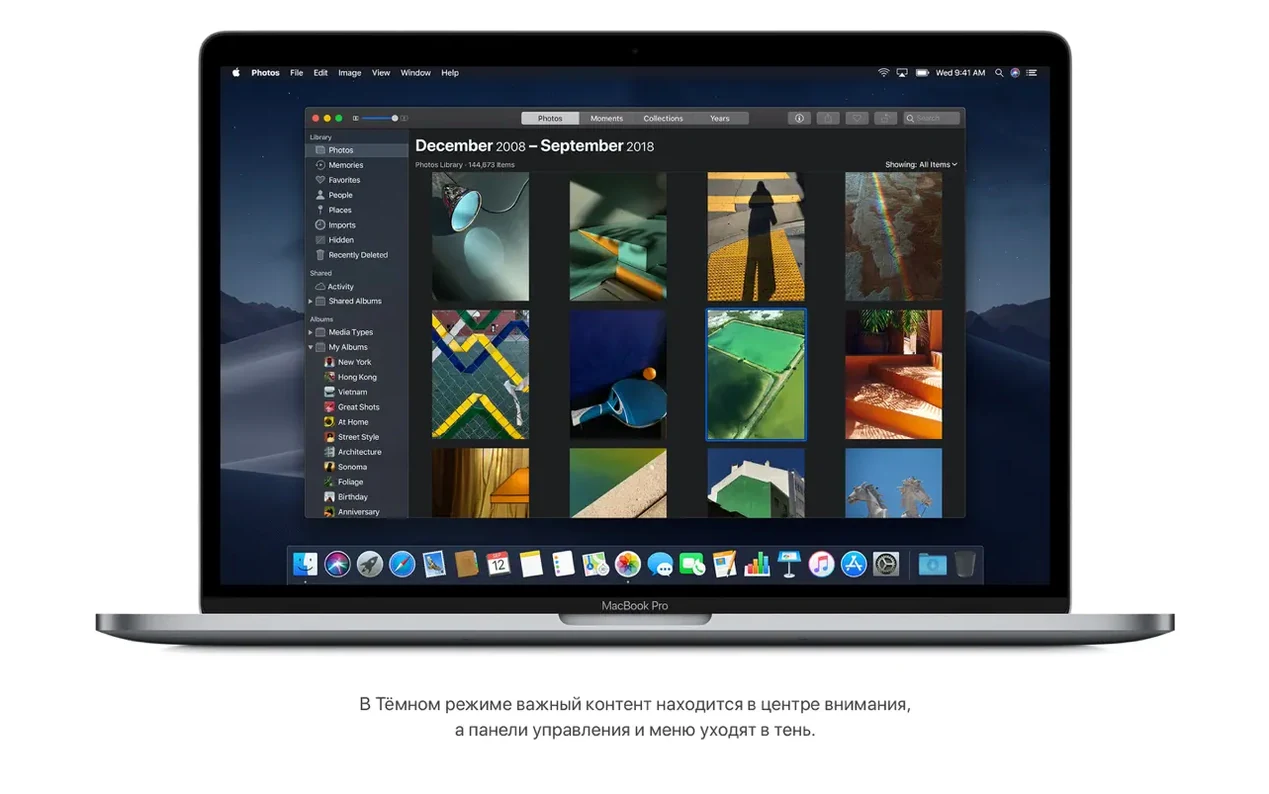
 macOS Mojave
10.14.6
macOS Mojave
10.14.6
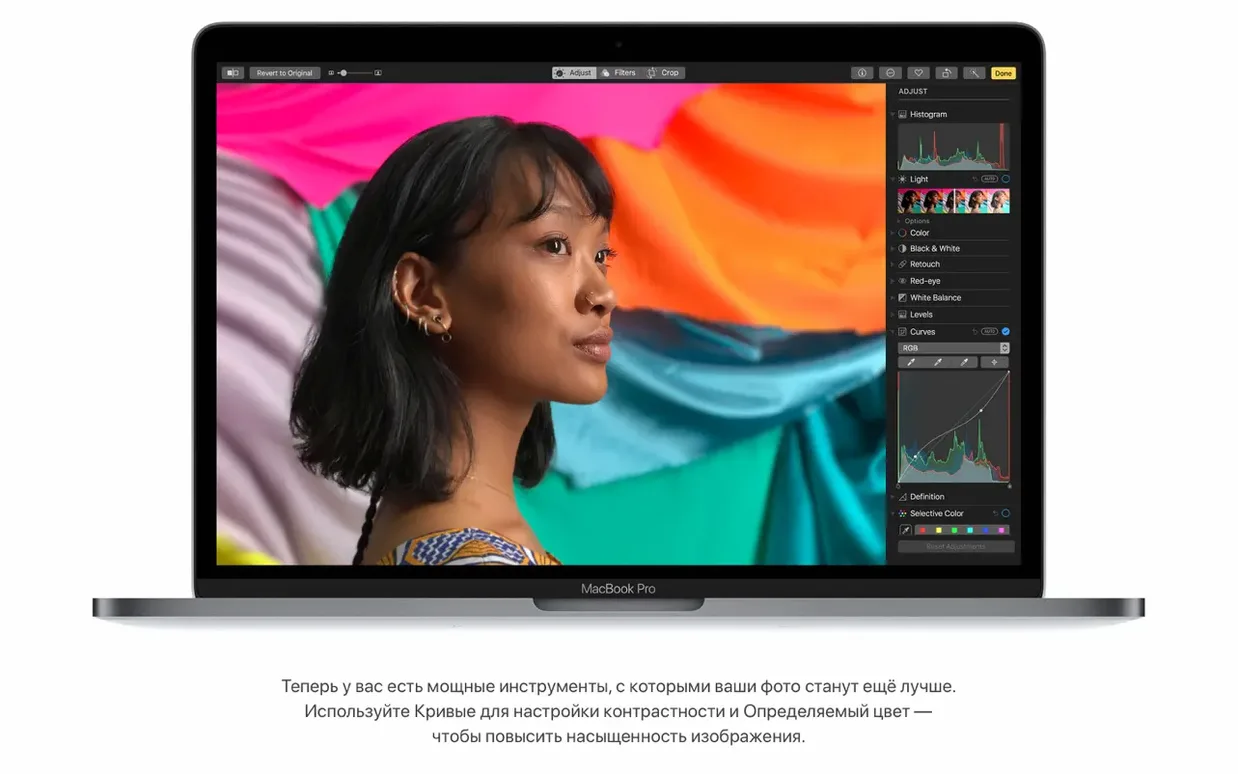
A wedding photographer working through a busy season needs an operating system that stays out of the way. macOS High Sierra, version 10.13.6, is that kind of foundation. It runs Photoshop and the rest of the creative suite without fuss, and the move to the Apple File System (APFS) means the Mac feels snappier when copying large RAW folders or launching the editing app.
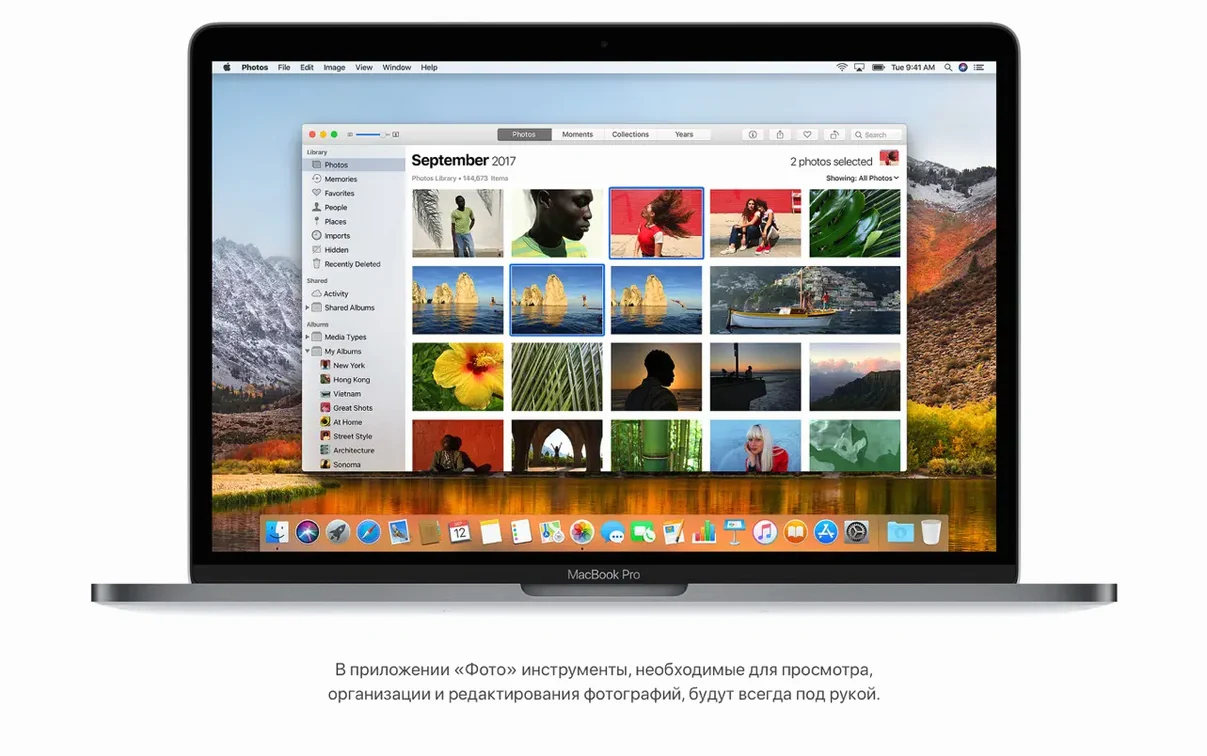
After a Saturday shoot, the workflow goes like this: import the day's cards into Photos, use the fixed sidebar to sort by album, then apply Curves and Selective Color adjustments directly. No need to open Photoshop for basic colour work — High Sierra's Photos app handles it. For the final selects, Lightroom or Capture One open fast, and APFS keeps file duplication near-instant when backing up to an external drive.
This update is stable. The 10.13.6 build (17G66) fixes AVCHD recognition from some cameras and improves Mail's handling of Gmail messages. AirPlay 2 support in iTunes is a nice bonus for playing edits on the studio speaker. With support for 64-bit Intel Macs and 14.3GB of free storage needed for the upgrade, it's a solid base for anyone running creative workflows.
The 10.13.6 build brought a few refinements that matter when you're in the middle of a shoot week. AirPlay 2 multi-room audio support in iTunes is the sort of thing you notice when you're reviewing images and want music across the studio and the kitchen without fiddling with cables. More relevant for the editing desk: the AVCHD fix means Photos no longer skips footage from certain cameras. If you shoot video alongside stills at a wedding, that's one less import headache. The stability and security improvements are the quiet kind — you don't see them, but they keep the machine predictable when you're juggling multiple apps during a tight turnaround.
If you're considering your options on older Intel hardware, a few other macOS versions sit nearby. Mojave added Dark Mode and a more modern Finder, but it also dropped support for some 2010 and 2011 Macs that High Sierra still runs. For a photographer with an older MacBook Pro, High Sierra might be the last version that feels fully native on that hardware — no performance compromises for a feature you don't need.
El Capitan, on the other hand, is lighter on system resources but lacks APFS entirely. Metal 2 in High Sierra also gives graphics work a boost that older releases can't match, even if you're not pushing into VR content creation. For a working photographer, High Sierra strikes a balance between modern file handling and wide hardware support.
High Sierra requires a 64-bit Intel Mac — any MacBook from late 2009 onwards, MacBook Pro from mid 2010, MacBook Air from late 2010, Mac mini from mid 2010, iMac from late 2009 or Mac Pro from mid 2010 will work. You need 2GB of memory and 14.3GB of available storage to perform the upgrade. The installer itself is a straightforward affair: open the downloaded disk image, extract the installer app to the Applications folder, then run it. No partition wizardry or terminal commands needed.
Once it's running, the system speaks 33 languages, so whether you're editing with an English UI or switching to Russian, French or Japanese for a client's machine, it's all there. The architecture is x86 64-bit, which means any modern Intel-native app — Photoshop, Lightroom, Capture One, Affinity Photo — runs without compatibility layers.
After a fresh install, there are a couple of places worth visiting before you start importing the season's work. In Photos, the sidebar is fixed by default, which is exactly what you want for quick album navigation — no need to change it. The Curves and Selective Color tools are in the edit panel, so familiarise yourself with where they live if you're used to jumping straight into a third-party editor.
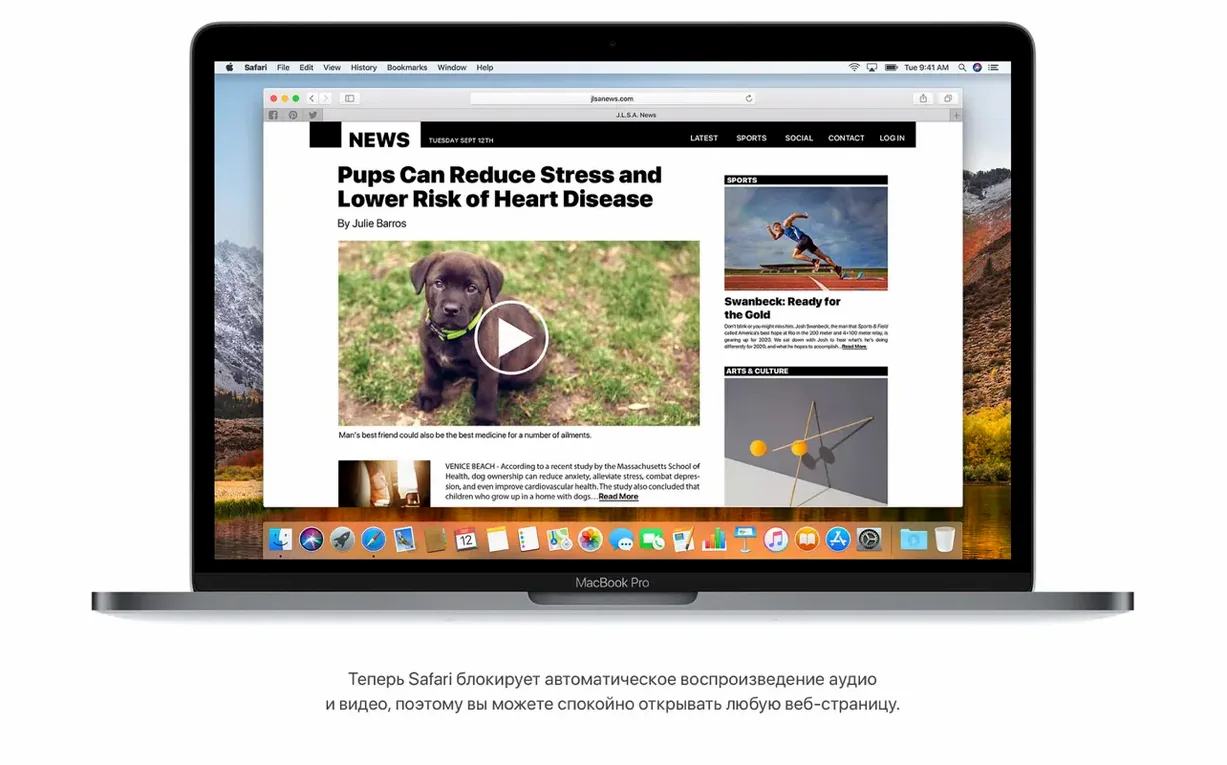
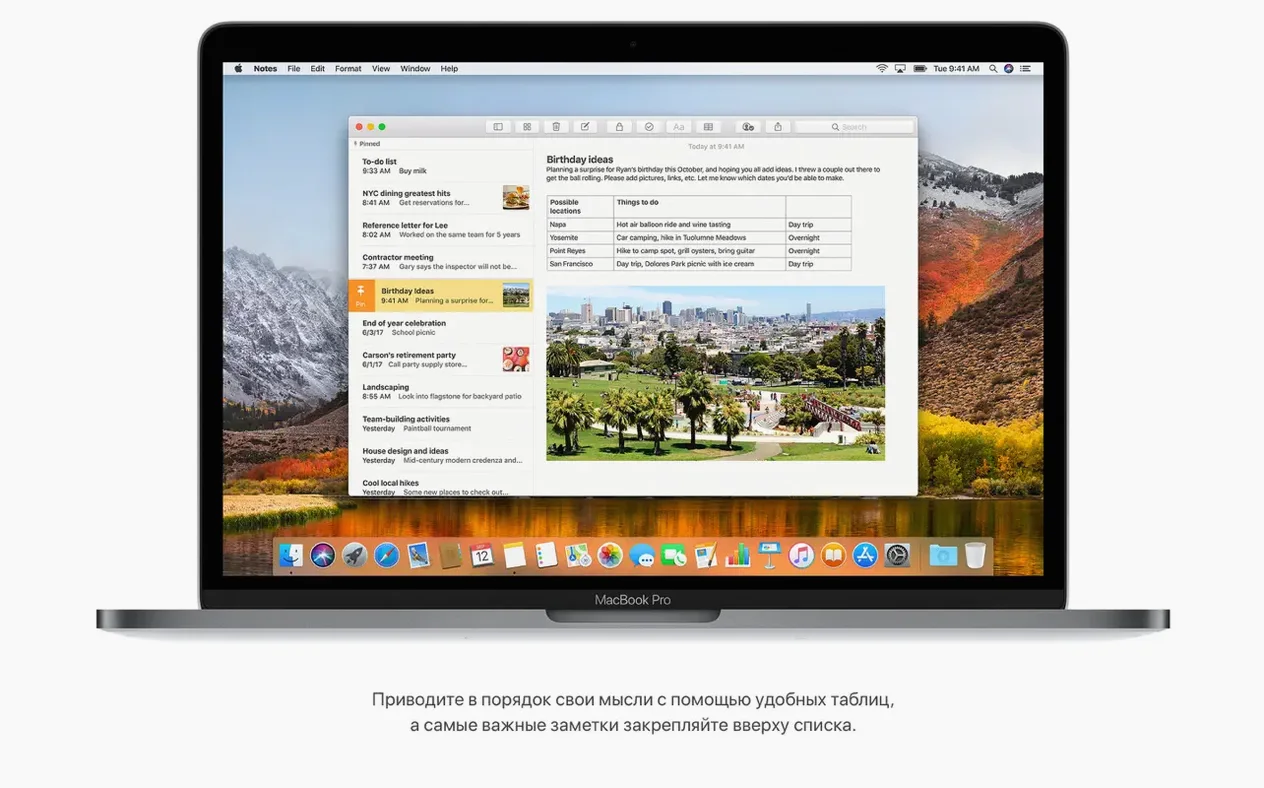
In Safari, turn on the option to automatically open articles in Reader mode if you read industry blogs between edits. The browser also blocks autoplay sound media by default, which saves you muting tabs when a wedding vendor's site starts playing music. For Mail, the Top Hits feature in search is enabled out of the box — it surfaces the most likely message first, handy when you're hunting for a client's email in a crowded inbox. Notes now supports simple tables, which I use to track shot lists and delivery dates. Spotlight can show flight information like arrival times and gate numbers, useful when you're travelling to destination weddings. None of these are critical, but they each save a click or two during a busy day.
Yes, High Sierra runs Photoshop and other Adobe creative tools. It supports 64-bit Intel architecture and includes the Apple File System (APFS) for improved storage performance.
Photos adds Curves and Selective Color editing tools in High Sierra, plus a fixed sidebar with albums and sorting tools for organising your library.
You need an Intel-based Mac with at least 2GB of memory, 14.3GB of available storage for the upgrade, and macOS 10.13.5 or later already installed.
Tip: Make sure you have at least 14.3GB of free storage before starting the upgrade.
Sign in or create your account to leave a comment.
No notes from photographers yet. If you have used this on a real folder, say which camera and which Mac.