
 Get it for my Mac (64 MB)
 Plugin Alliance Brainworx bx_mastering studio
1.0.0

- Version
- 7.0.65
- Developer
- Postbox Inc.
- Interface in
- Russian, English
- Licence on file
- k'ed by X-FORCE
- macOS it runs on
- macOS 10.13 or later
- Chip support
- Intel 64-bit
In the edit
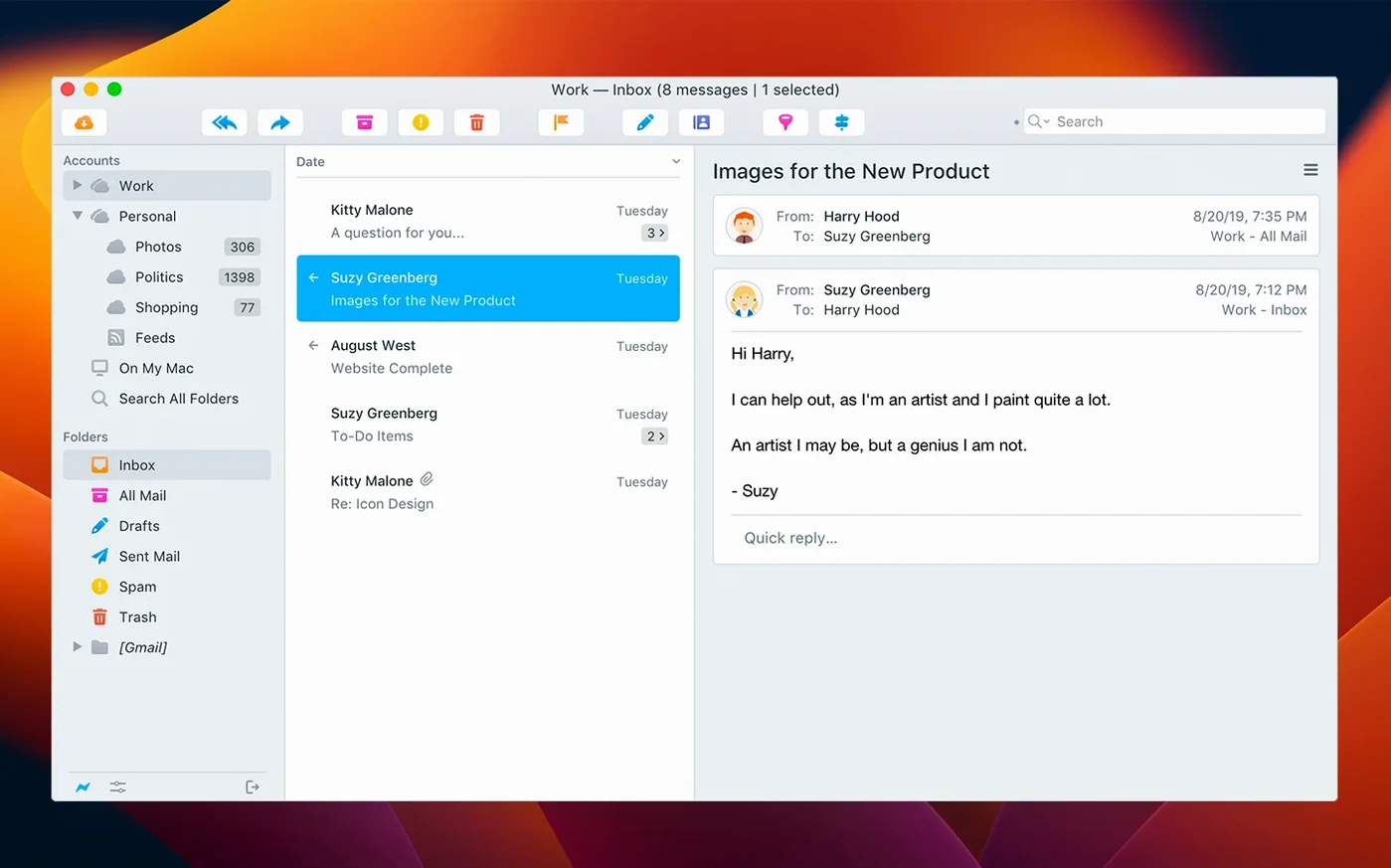
A wedding photographer sorting through client emails during a busy season needs an email client that doesn't get in the way. Postbox for Mac is a desktop email app built for macOS 10.13 and later, with an emphasis on handling multiple mailboxes and formatting messages without switching to a separate editor.
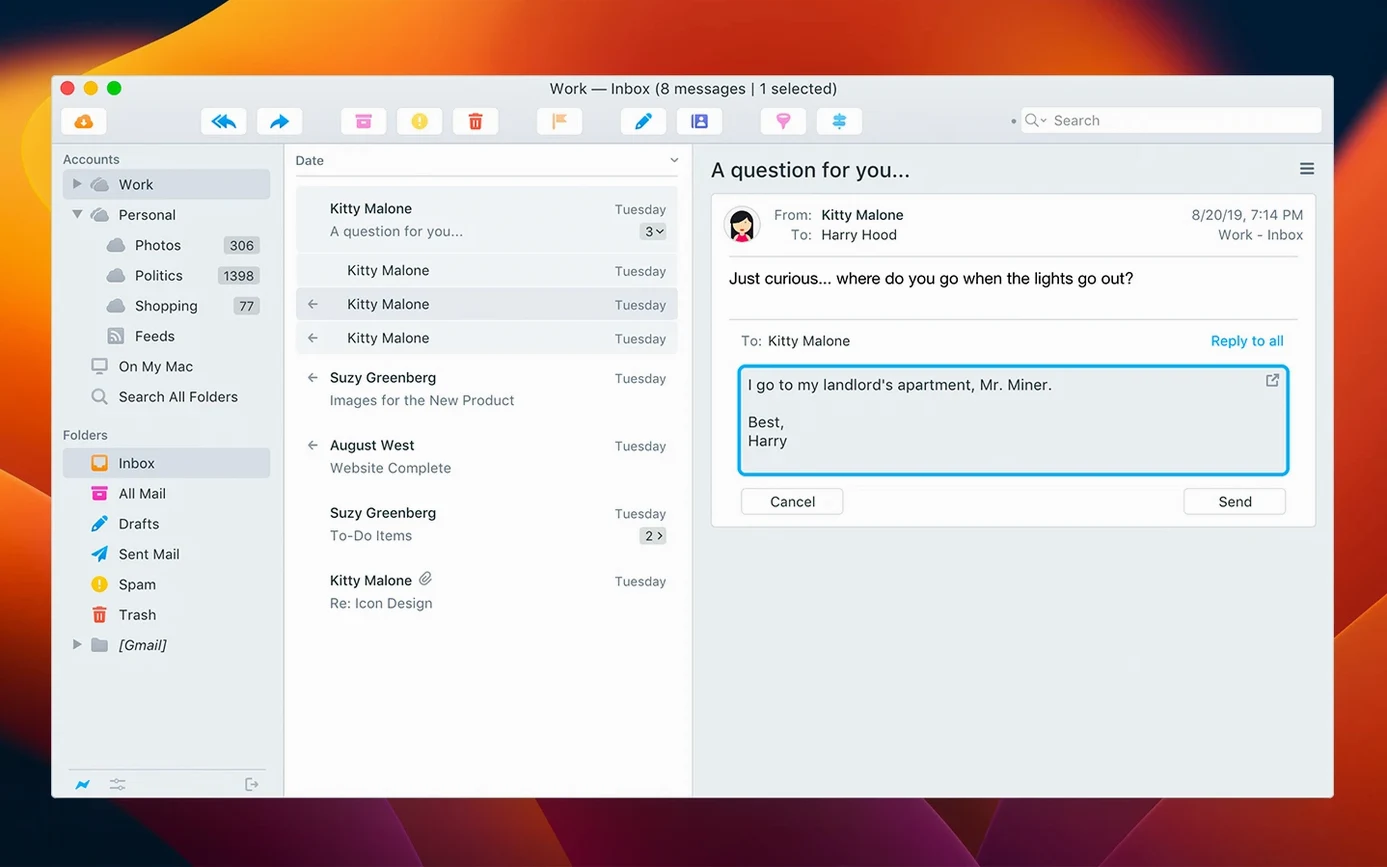
Built-in HTML editor — compose formatted emails with images and links right in the compose window, no external tool required.
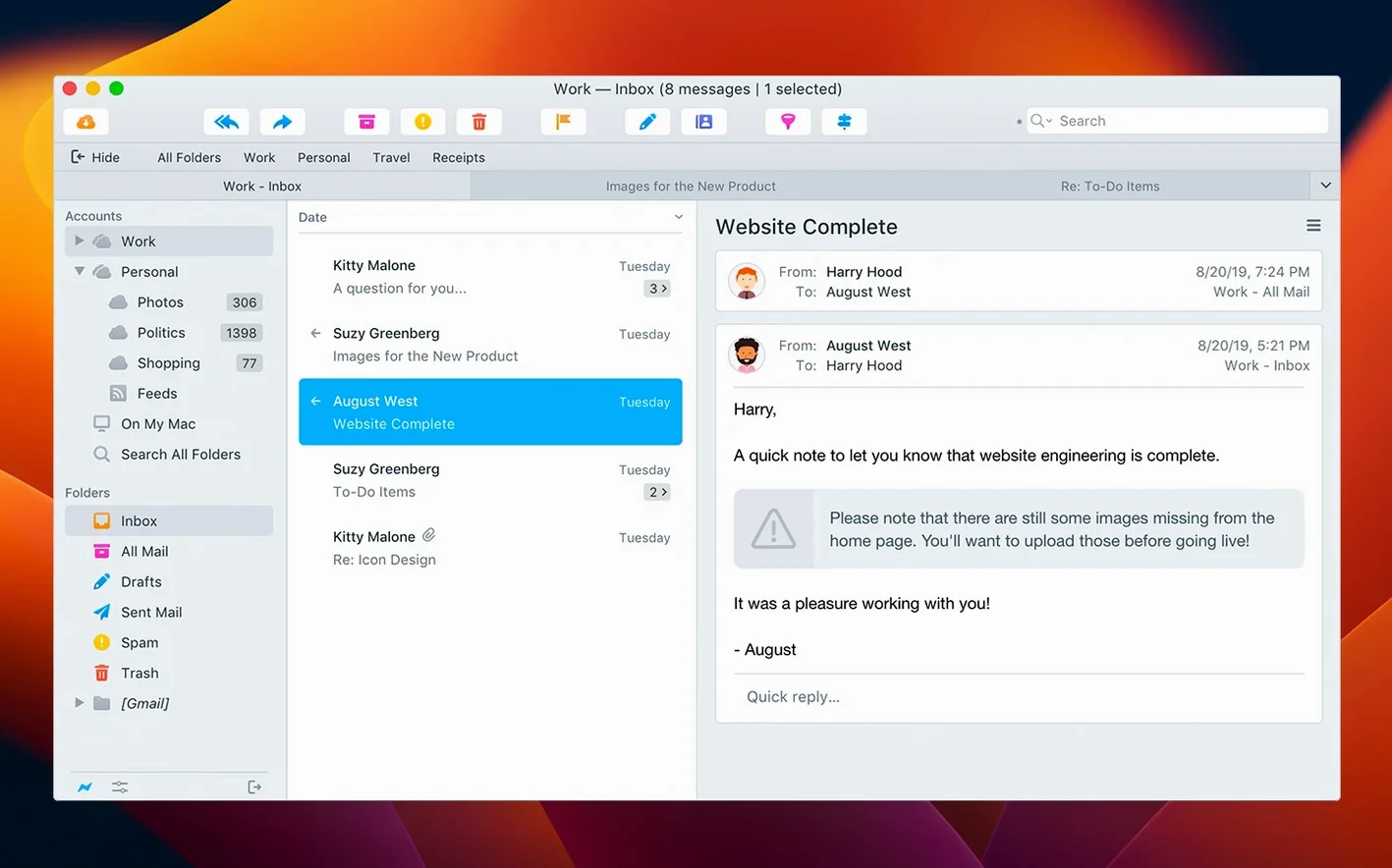
Multiple mailboxes — add several accounts and check them all from one window; useful when you run separate inboxes for enquiries, existing clients and suppliers.
Chat-style thread view — conversations appear as a back-and-forth list, so you can follow a discussion with a venue or planner without digging through individual messages.
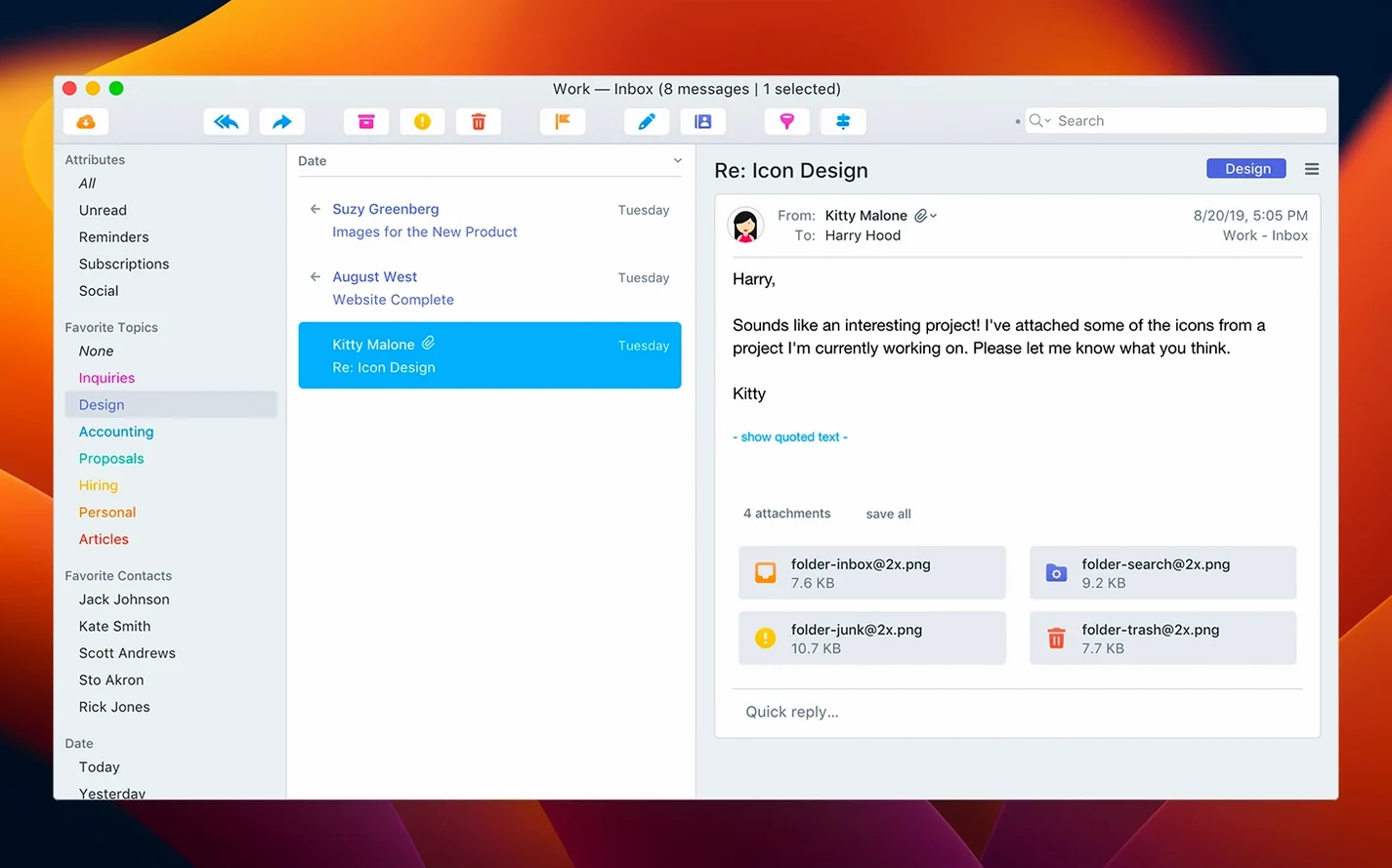
Attachments and images — drag files into messages or preview them inline before sending.
Message sorting options that save you time
Postbox has a few details that don't make the feature list but save time once you notice them. The message sorting options are more flexible than the default in most clients — you can organise by sender, subject or date in a single click, and the column headers stay responsive even with a crowded inbox. If you handle RSS feeds alongside email, the built-in feed reader sits in the same sidebar as your mail folders, so you don't need a separate app to scan blog posts or venue updates.
The automatic mail server detection is another quiet helper. When you add a new account, Postbox fills in the incoming and outgoing server details for most providers, which means fewer trips to your email settings page. It is not perfect for every niche host, but it covers the common ones and gets you sending in a couple of minutes.
A workflow for sorting a busy inbox
Here is a routine that works when you have just returned from a shoot and need to separate urgent replies from the rest.
- Open Postbox and select your main mailbox. The interface inherits the Thunderbird layout, so the folder pane is on the left and the message list fills the centre.
- Sort by sender. Click the From column header once to group messages by the person who sent them. This lets you see all emails from a particular client or venue in one block.
- Flag the urgent ones. Use the star or flag icon on messages that need a reply before you edit the next gallery — wedding planners often send time-sensitive confirmations.
- Apply a template if you need a quick reply. Postbox includes template creation, so you can insert a standard response for common requests like "when will the gallery be ready?" and then personalise it before sending.
- Switch to chat view for long threads. If a discussion with a coordinator runs over several messages, toggle the thread view to see the whole conversation in a single scrollable list.
- Move the rest to folders. Drag non-urgent emails into project-specific folders — one per client, one for invoices — so tomorrow's inbox starts clean.
Don't treat Postbox like a webmail wrapper
The most common slip is treating it like a webmail wrapper. Postbox stores messages locally, so if you delete an email inside the app and then check your provider's web interface, the message is gone from both sides. Get comfortable with the delete-and-archive distinction early, especially if you share an account with a colleague who uses a different client.
Another one is ignoring the RSS reader because it sits quietly in the sidebar. It takes one click to add a feed, but many people skip it entirely.
Postbox for Mac torrent is an email client that suits users who prefer a traditional, offline desktop interface. It works on macOS 10.13 through 15 with an Intel processor, and the activation instructions in the package are straightforward. Just follow the included steps and you are set.
New this release
- Maintenance release for Postbox end of life.
Mac it needs
- macOS 10.13 or later
- Intel processor (64-bit)
- 8 GB RAM
- 200 MB hard drive space for application files (excluding local message data)
Questions I actually get
What macOS version does Postbox 7.0.65 require?
Postbox 7.0.65 runs on macOS 10.13 and later. It uses 64-bit Intel architecture and needs 8 GB of RAM plus about 200 MB of hard drive space for the application files.
Installing on a Mac
- Follow the installation instructions included in the package.
- Follow the activation instructions included in the package.
Notes from photographers
Sign in or create your account to leave a comment.
No notes from photographers yet. If you have used this on a real folder, say which camera and which Mac.
Similar apps
Next to it in Mac Apps
All Mac Apps picks
Plugin Alliance Brainworx bx_mastering studio
1.0.0
 PlistEdit Pro
1.10.0
 QuickBooks Mac Plus
23.1.9
 PDFelement Pro
12.1.28
 Receipts
1.15
 PDF Reader Pro
6.5.0
 PDF Expert
3.13.4
 OmniReader Pro
3.4.4
