Get it for my Mac (169 MB)
 Plugin Alliance Brainworx bx_mastering studio
1.0.0
Plugin Alliance Brainworx bx_mastering studio
1.0.0

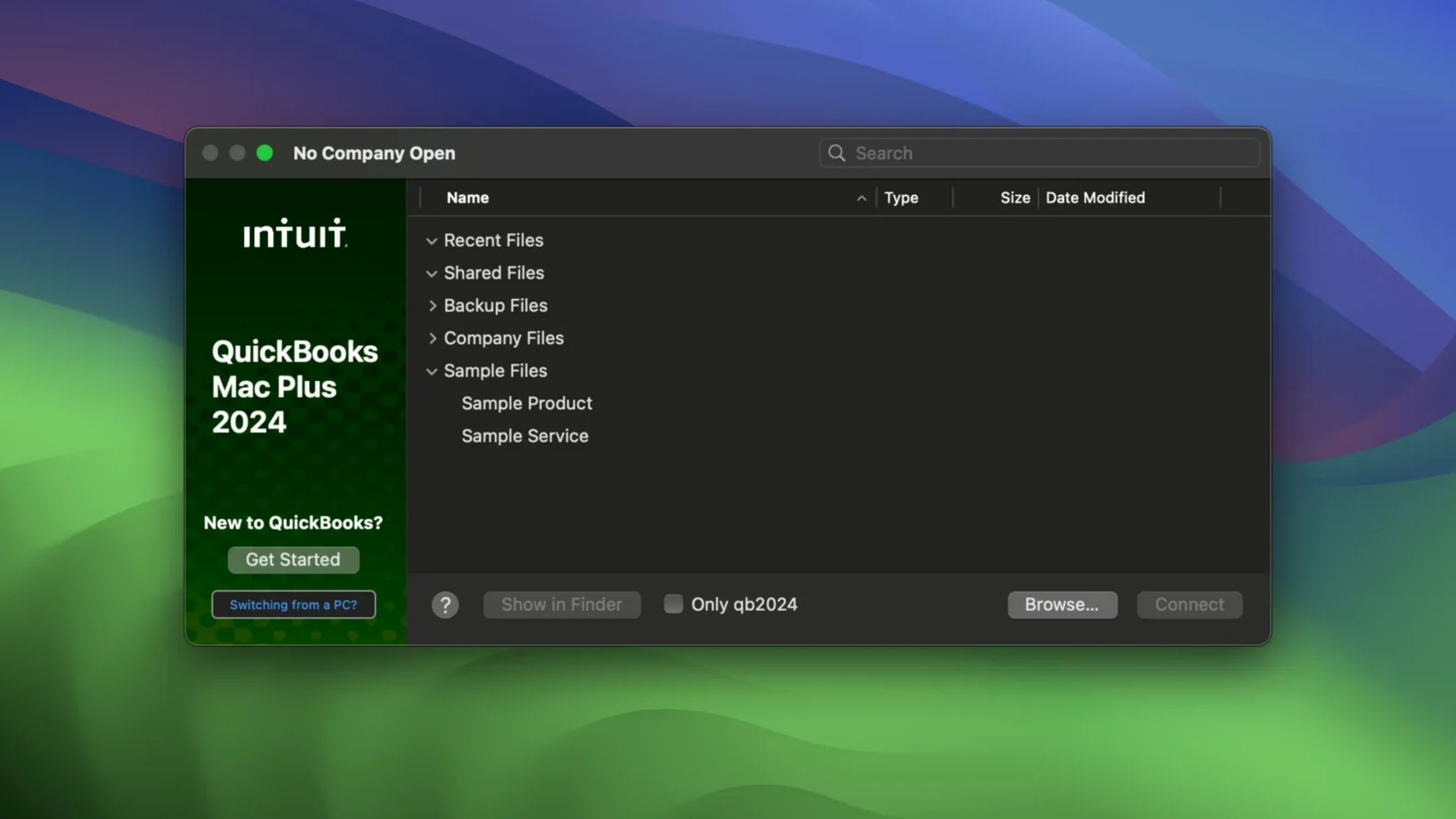
QuickBooks Mac Plus is accounting software for small businesses that works on both Intel and Apple Silicon Macs. It sits alongside the other tools on your machine, handling the numbers while you handle the work.
If you already manage invoices in another app or track expenses in a spreadsheet, QuickBooks Mac Plus offers a more connected approach. The dashboard shows income, expenses, and paid invoices at a glance, and the inventory tool lets you enter products and services and track them in real time.
You can generate detailed reports that include projected income and expenses for up to 90 days. That makes it easier to plan for slower months or gear upgrades without jumping between spreadsheets.
Once QuickBooks Mac Plus is on your Mac, open it from Launchpad. The first screen will ask you to create or open a company file. If you are moving from another system, use the import tool to bring in data from Excel or Xero tables — it saves retyping past transactions. Set up your bank account connection next; the app can pull in transactions automatically, which cuts down on manual entry.
Spend a few minutes adding your products and services to the inventory section. Even if you only have a handful of items now, entering them early means the real-time tracking starts working from day one. Then create a sample invoice and send it to yourself to check that your template looks right. Adjust the layout if needed before you send the first real one to a client.
Enable automatic tax calculation in the settings if your business deals with VAT or sales tax. That way every invoice and expense gets the correct rate without you having to remember it each time. Finally, set a schedule for manual backups using the Backup Save As option that arrived in the R10 update. You can choose a company-specific backup location, which is handy if you keep files for different businesses in separate folders.
It works on both Apple Silicon and Intel Macs, so whether you have an M-series chip or an older Intel model, you are covered. The current build is version 23.1.9.R10 Plus, and it does not need any kind of activation — install it and get going.
Can I use it alongside other accounting software?
Yes, because the app works with company files. You can keep your existing records in another program and bring them into QuickBooks Mac Plus when you are ready. The import from Excel and Xero tables means you are not locked into a single ecosystem.
Is it only for accountants?
Not at all. The audience is small business owners, bookkeepers and accountants, but the interface is built for someone who runs a business, not someone who studied accounting. If you can read a dashboard that shows income, expenses and paid invoices, you can use it. The inventory tracking and reporting tools are straightforward enough that you do not need a finance degree.
What happens with payroll?
The payroll features are included in the app. You can process payments and track deductions without switching to a separate service. It all lives inside the same company file, so your records stay consistent.
Does it need an internet connection?
The bank connection feature requires internet access to pull in transactions. Otherwise the app works locally on your Mac. You can create invoices, track expenses and run reports offline, then sync when you are back online.
The 90-day projection in reports is one of those features that does not shout about itself. The projected figures are based on your actual data, so they are grounded in what is happening, not guesswork.
The dashboard itself is worth a second look. It summarises income, expenses and paid invoices in one place, so you do not need to dig through menus to see how the month is shaping up. For a wedding photographer who is often away from the desk, that quick glance can be enough to know whether to chase a payment or hold off on spending.
The inventory tool tracks products and services in real time. If you sell prints or albums, you can see stock levels change as you create invoices. It is not just for physical goods either — services like editing or second-shooter coverage can be listed and tracked the same way.
Receipt upload and storage is built in. Snap a photo of a receipt with your phone and add it to the relevant expense. That keeps your records tidy without a pile of paper receipts sitting in a drawer until tax season.
QuickBooks Mac Plus is a desktop application, not a web app. It lives in your Applications folder and opens like any other Mac program. It requires macOS 12 Monterey or later, and it runs on both ARM and x86 64-bit architectures, so it works on the full range of recent Macs.
The app is in English only, which matches its target audience. It does not require activation, so there is no online check or account step before you start using it. The company file format keeps your data in a single file that you can back up, move or store however you like.
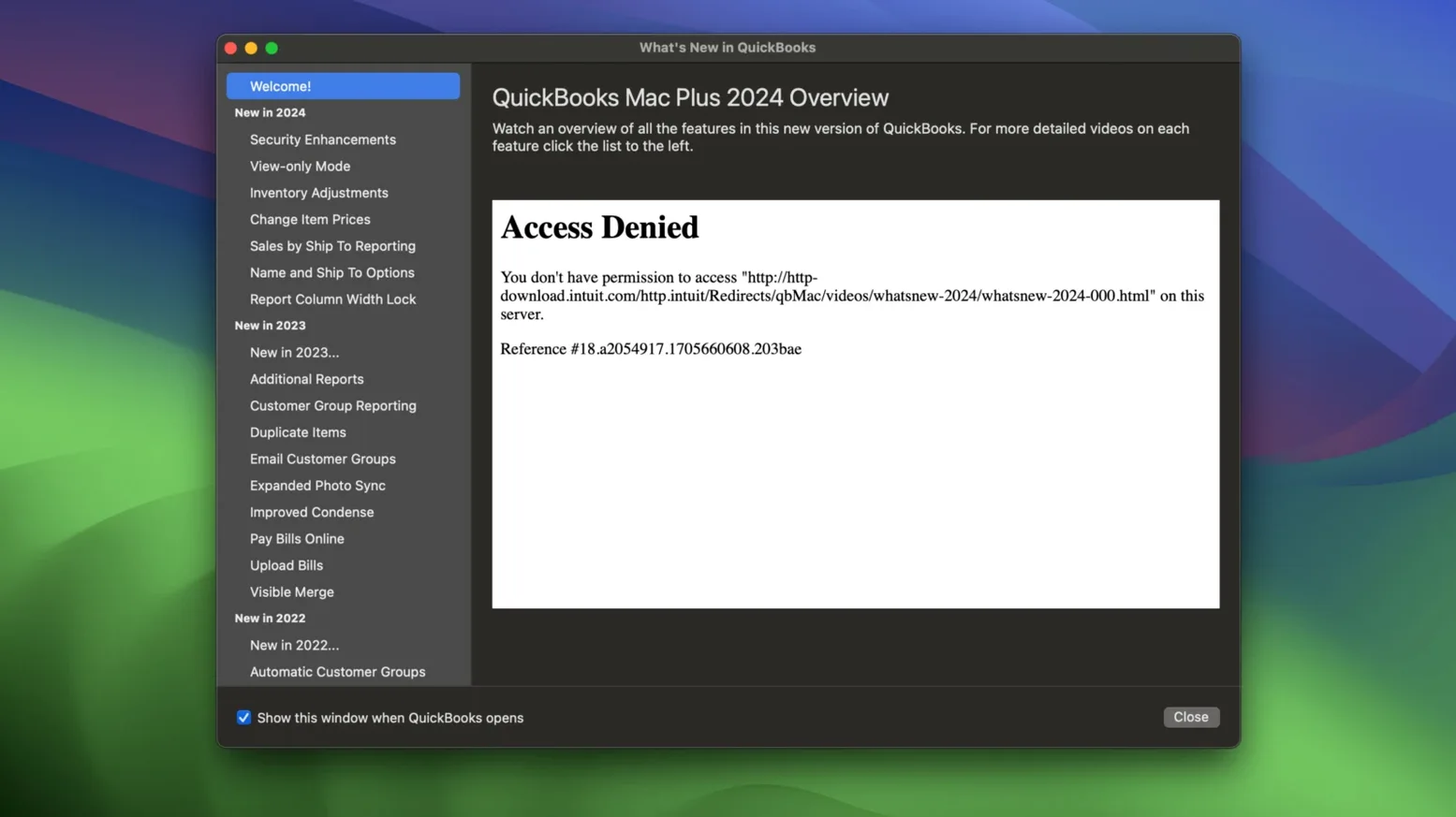
Intuit provides release notes for QuickBooks Mac Plus 2024 with each update, so you can see what changed between versions. The R10 update added the Backup Save As option and company-specific backup locations, which are small quality-of-life improvements for anyone who manages multiple businesses or likes to keep backups organised.
If you are coming from a spreadsheet-based system, the transition involves importing your data and setting up your chart of accounts. After that, the day-to-day work of invoicing, expense tracking and reporting happens inside the app. It is a tool designed to sit on your Mac and handle the numbers so you can focus on the work that pays the bills.
Yes, the app includes payroll features. It also works with company files, so you can keep everything in one place.
It runs on both Intel and Apple Silicon Macs with macOS 12 Monterey or later.
Yes. Version 23.1.9.R10 Plus adds a Backup Save As option and company-specific backup locations for manual backups.
Sign in or create your account to leave a comment.
No notes from photographers yet. If you have used this on a real folder, say which camera and which Mac.