Get it for my Mac (73 MB)
 Pixologic Zbrush
2026.2.1
Pixologic Zbrush
2026.2.1

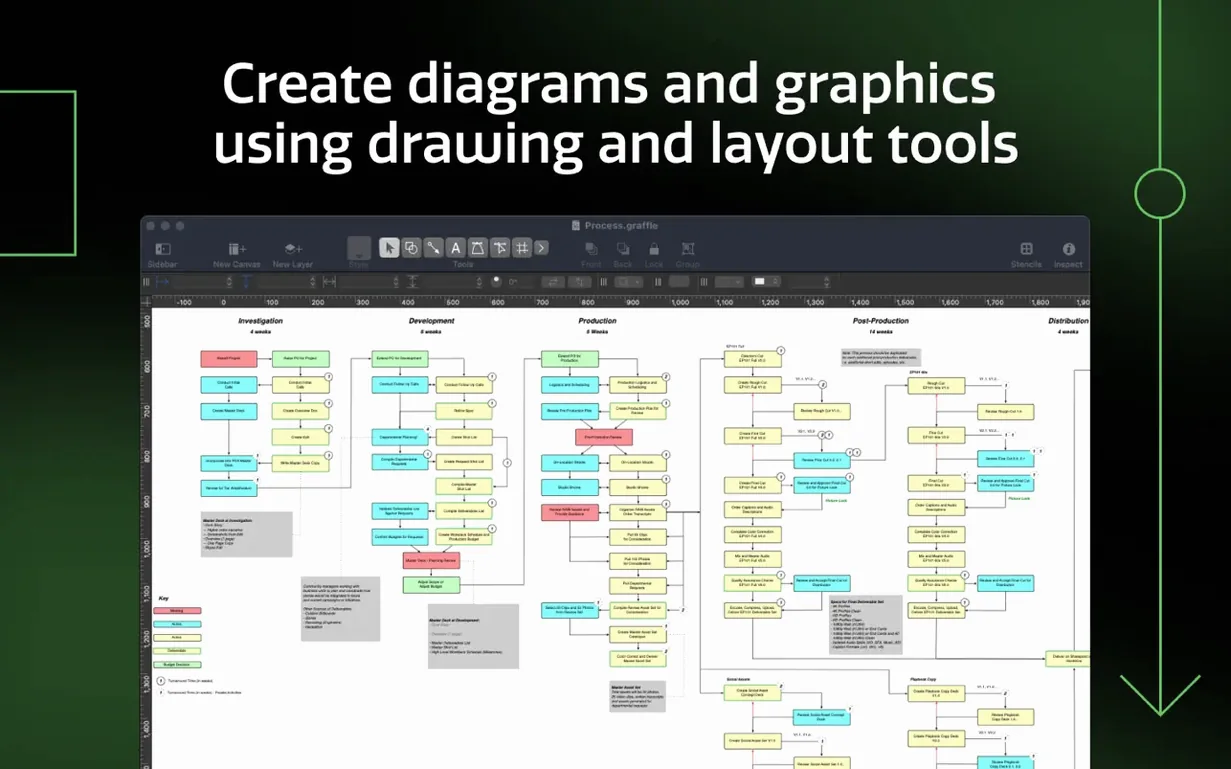
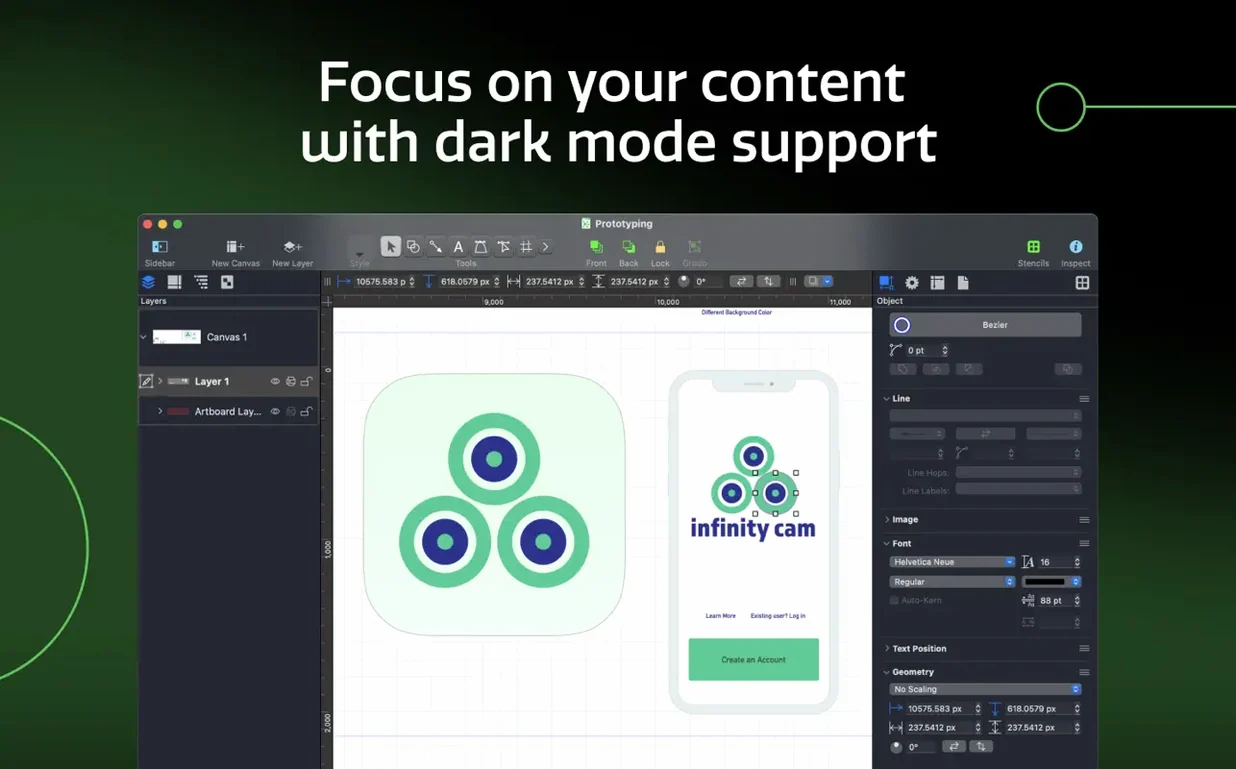
If you have ever wrestled a flowchart into submission with a general-purpose drawing app, you know the feeling of wanting something built for the job. OmniGraffle Pro is that something. It is the diagramming and visual communication tool for macOS that treats shapes, lines and layers as first-class citizens, not afterthoughts. Whether you are mapping a process, sketching a website wireframe or laying out a software interface, it gives you the structure to move fast and the control to make it look right.
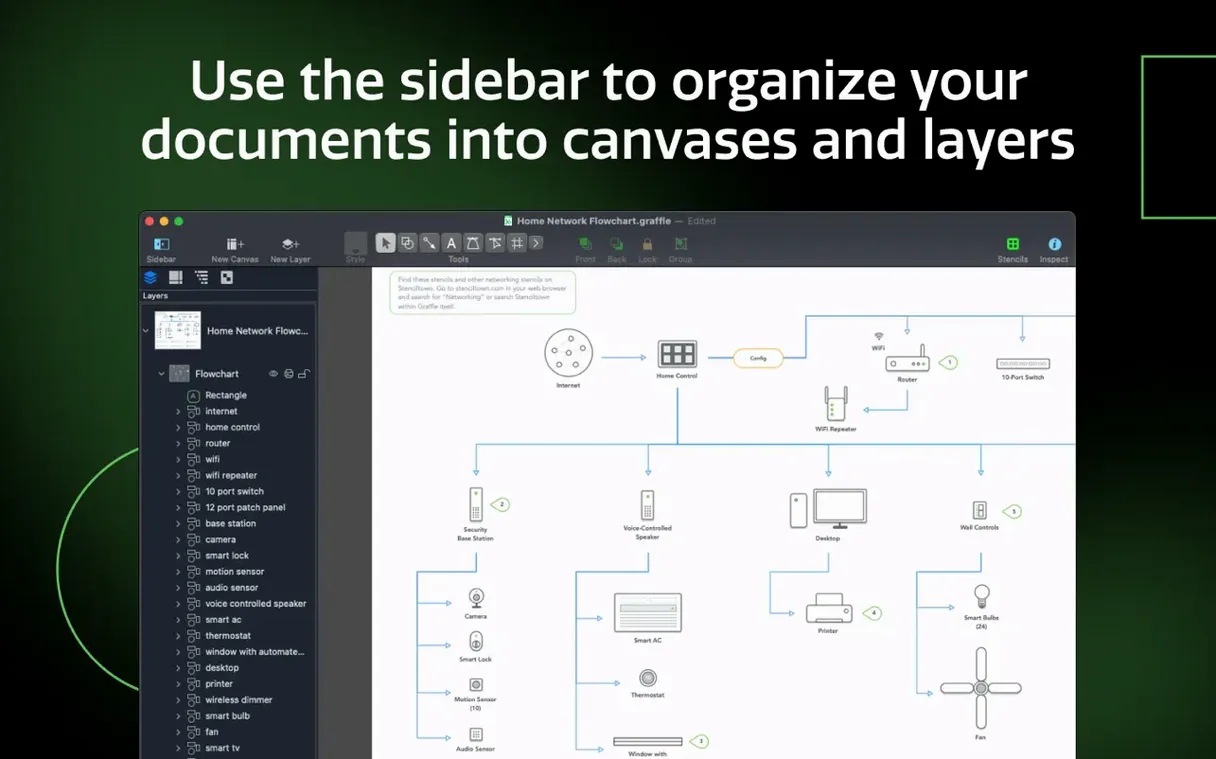
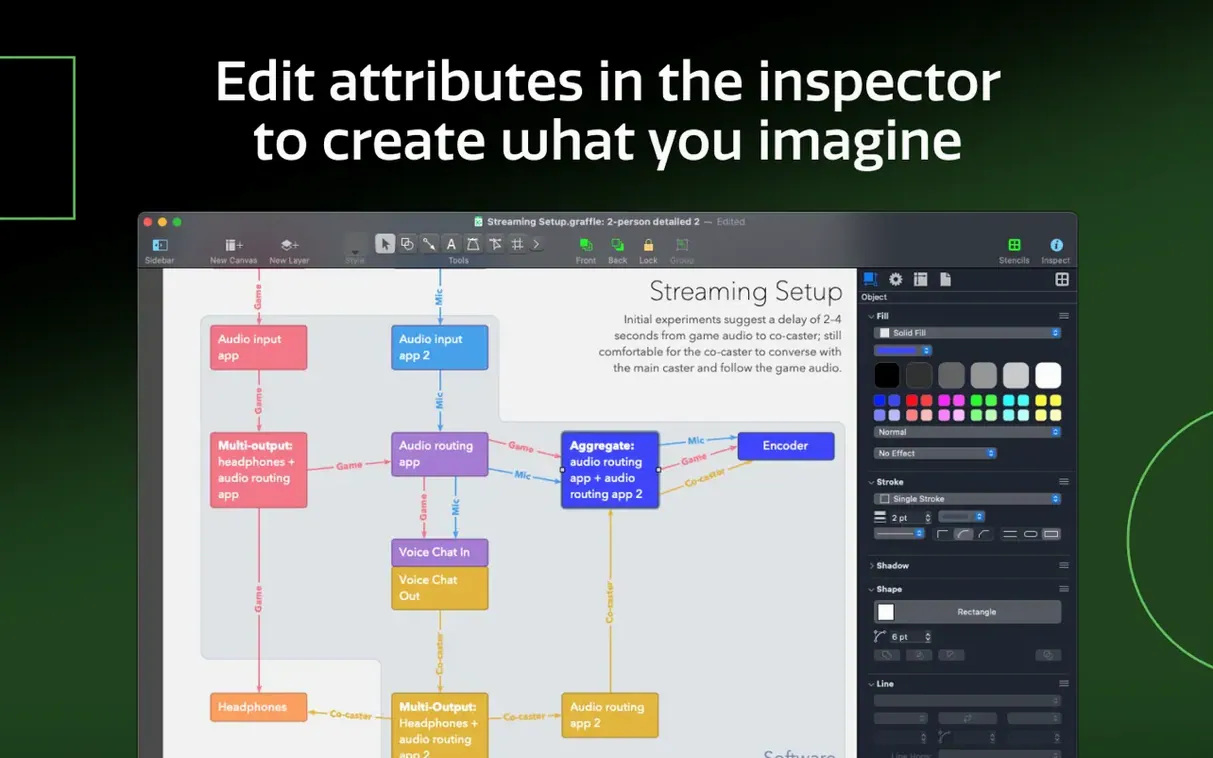
The Pro version earns its name through features that matter when a diagram has to be precise and presentable. You can import Microsoft Visio VSD and VDX files, and export back as VDX when a client needs to open it in Visio. It can automatically generate Xcode project diagrams from your code, and it converts lines or text into shapes when you need to edit something that started as a sketch. Layers, advanced drawing tools and per-canvas notes live in a sidebar that keeps everything visible without clutter. The app also handles tables for grouping shapes and adding rows or columns, which is handy for org charts or dependency grids.
OmniGraffle Pro 7.26 runs on macOS 14 or newer, works on both Intel and Apple Silicon Macs, and ships with interface languages from English and French to Japanese, Korean and Simplified Chinese. If you share keyboard shortcut sets across machines or collaborate with people who prefer a different language, that is covered too.
One of the first things that comes up is whether OmniGraffle Pro can replace a dedicated wireframing tool. The answer depends on how deep you go. The app handles artboards, shared layers and canvas management through its sidebar and inspectors, so you can build multi-screen flows without switching windows. It is not a prototyping tool — you will not get click-through interactivity — but for static wireframes and process diagrams, it holds its own against anything else on the Mac.
Another frequent question is about Visio compatibility. OmniGraffle Pro imports VSD and VDX documents, VSS stencils and VST templates, and exports as VDX. That means you can open a diagram a colleague sent from Windows, edit it, and send it back in a format they can reopen. The translation is not always pixel-perfect on complex stencils, but for the vast majority of business diagrams it saves you from redrawing everything by hand.
People also ask whether the Pro features are worth it compared to the standard edition. The Pro version adds the layer-to-Photoshop export, Visio import and export, Xcode project diagram generation, table objects and advanced text handling. If you collaborate with designers who use Photoshop or developers who work in Xcode, those features alone can justify the choice.
Maria documents internal APIs for a mid-sized SaaS company. Her week usually involves mapping out a new microservice architecture, then turning those diagrams into pages for a developer portal. Before OmniGraffle Pro, she kept a Visio licence running in a Windows VM just for the stencil libraries her team had built over the years. Now she imports the VSS stencils directly, rebuilds the diagrams in OmniGraffle, and exports the finished layers to Photoshop when the design team needs to drop them into a branded template. The shared layer feature means her header and footer stay consistent across a dozen diagrams without manual copying.
Start by creating a new document and setting up artboards for each major step in the process. Use the sidebar to add a shared layer for the title block and legend — anything that should appear on every artboard goes there. Drag shapes onto the canvas and use the table tool to group related elements into rows and columns; this keeps org charts and decision matrices aligned without nudging each box by hand. Convert any text labels into shapes if you need to customise their outlines. Once the diagram is complete, export the whole document as VDX for the Windows team or as a Photoshop document with layers intact for your in-house designer. Save the file as a template so next month’s process map starts with the same layout and shared layers already in place.
Yes, the Pro version can import Visio VSD and VDX documents and export diagrams as VDX for Visio users.
Sign in or create your account to leave a comment.
No notes from photographers yet. If you have used this on a real folder, say which camera and which Mac.