Get it for my Mac (256 MB)
 Pixologic Zbrush
2026.2.1
Pixologic Zbrush
2026.2.1

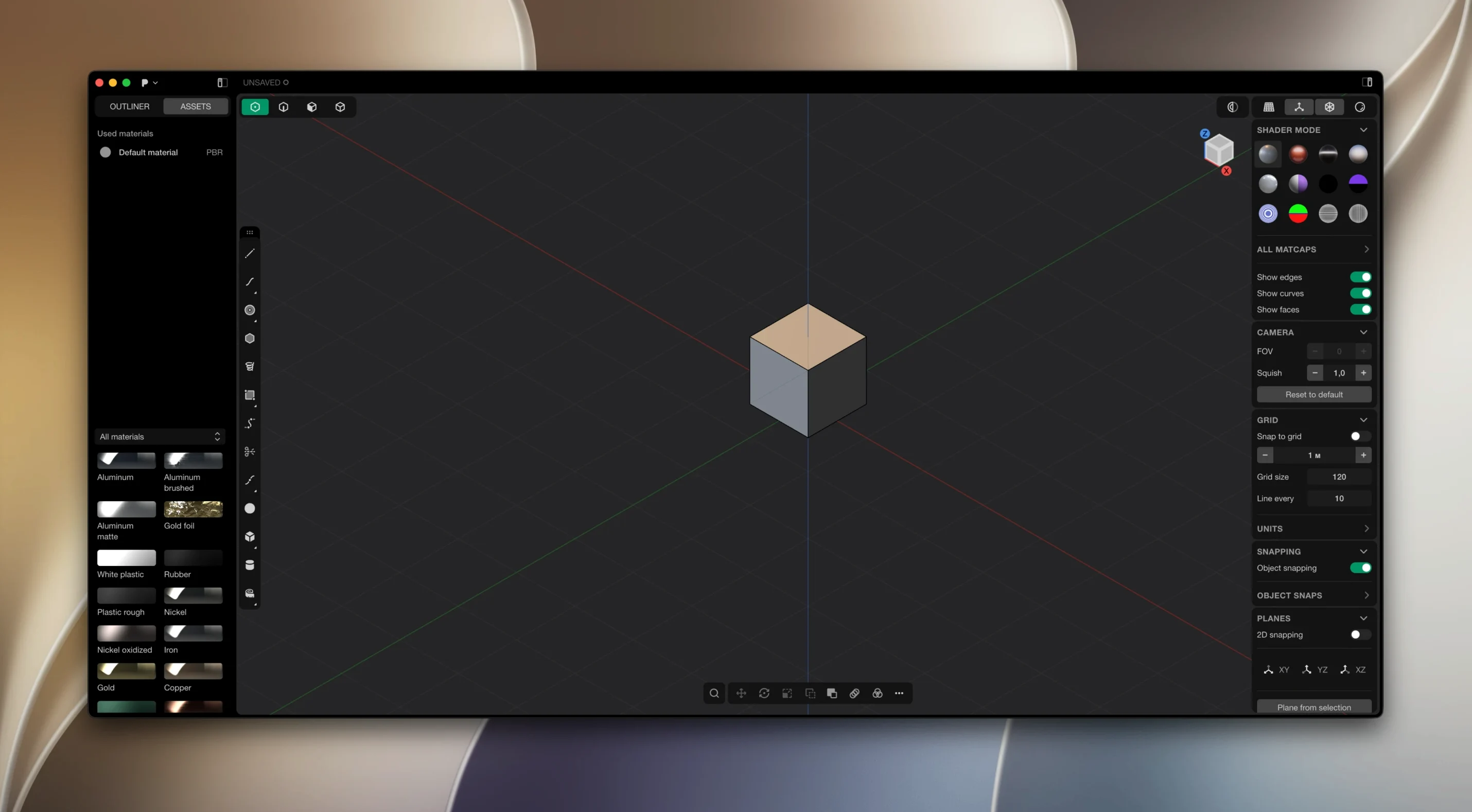
XNURBS Surface blending for G2-continuous surfaces — that is the kind of detail Plasticity brings to solid and surface modelling on the Mac. It is a professional 3D CAD-style modeller built on Parasolid and xNURBS geometry kernels, aimed at artists and designers who want direct editing rather than history-based workflows.
Plasticity — a 3D modeller that works with solids and surfaces, no timeline or feature tree required.
Direct editing — you click and move geometry directly, without wading through a history stack.
Precise fillets — fillets that respect your exact dimensions, not approximations.
Parasolid kernel — the same geometry engine found in high-end CAD packages.
xNURBS kernel — handles complex freeform surfaces with G2 continuity.
Platform — runs on macOS 10.14 and later, Apple Silicon native.
Plasticity 2026.1 brought two additions that shift how you work day to day, especially if you move between concept modelling and technical drawing. PolySplines, available in the Studio edition, let you convert a polygon mesh into a smooth NURBS surface in one step. That changes the starting point of a project: you can rough out shapes in a poly modeller, bring them into Plasticity, and have clean, editable surfaces ready for fillets and booleans.
Export Hidden Line is the other addition that affects everyday work. It generates technical SVG line drawings from your 3D model — hidden lines included — so you can drop those into a presentation or a spec sheet without a separate CAD viewer. For anyone who sends geometry to a client or a manufacturer, that saves a round trip through another app.
Because updates are not automatic — you download and install them manually — it is worth checking the Plasticity website every few months to see what has landed.
Plasticity suits three groups especially well. Industrial designers who sketch forms in 2D and need to move quickly to a 3D solid will appreciate the direct editing. You are not rebuilding a feature tree every time you change a radius or an offset; you just pick the face and move it.
Engineers who work with precise dimensions benefit from the live dimensions that update geometry as you type. If you have ever set a value, confirmed it, then realised it needs to change, you know the frustration of history-based modellers that force a rebuild. Plasticity lets you click the dimension and type a new number.
3D artists who come from polygonal modelling and want to cross into CAD-accurate geometry will find the interface less intimidating than traditional NURBS packages. The direct manipulation feels familiar, while the Parasolid kernel gives you watertight booleans and precise fillets that hold up in production.
Start by creating a basic solid block using the box primitive. Scale it to approximate the dimensions of your device — say 150 mm by 70 mm by 20 mm. Use the live dimension tool to type exact values rather than dragging by eye.
Add fillets to the long edges. Set a radius of 3 mm for the four vertical edges and 1 mm for the top and bottom perimeter. Because Plasticity handles precise fillets, the radius stays constant along the whole edge, even where the geometry changes direction.
Now subtract the internal cavity. Create a second box slightly smaller than the first, position it inside, and use the boolean subtract operation. The result is watertight — no gaps or non-manifold edges to fix later.
Add the button holes. Place cylinders where the buttons will sit, then boolean subtract them from the shell. For a recessed area around a display, use the surface offset tool to push a face inward by 2 mm, then fillet the inner edge.
Finally, export the model. If you need a technical drawing, use Export Hidden Line to generate an SVG with the hidden edges shown as dashed lines. That SVG can go straight into a spec sheet or a presentation.
Booleans produce unexpected results. This usually happens when two solids share a face exactly. Move one solid by a tiny amount — 0.01 mm — before running the boolean. The geometry kernels resolve the operation cleanly when there is a clear overlap.
Fillets fail on complex edges. If a fillet refuses to apply, check whether three or more edges meet at a single vertex. Plasticity can fillet most junctions, but reducing the radius or applying the fillet in two passes (first the edges that meet at the vertex, then the rest) often solves it.
Live dimensions stop responding. This is typically because the dimension is attached to a face that was consumed by a boolean or a fillet. Delete the dimension and recreate it after the operation. It is a small habit that saves confusion.
Patch installation issues. If the patch does not apply correctly, move the Patcher folder to the desktop and run it from there. The installation instructions in the package cover this, but it is easy to overlook when you are in a hurry.
Export Hidden Line produces a blank SVG. Make sure the view orientation is set before running the export. The tool uses the current camera angle, so if you are looking straight at a flat face, the hidden lines may not appear. Rotate the view to a perspective or isometric angle and try again.
It is designed for artists and designers who want a CAD-style modeller without the complexity of traditional parametric history.
Plasticity uses Parasolid for solid modelling and xNURBS for surface modelling, giving you both precision and freeform control.
Yes, it is also available for Linux on Ubuntu 22 and later.
Sign in or create your account to leave a comment.
No notes from photographers yet. If you have used this on a real folder, say which camera and which Mac.