Get it for my Mac (2.4 GB)
 Plasticity
26.1.3
Plasticity
26.1.3

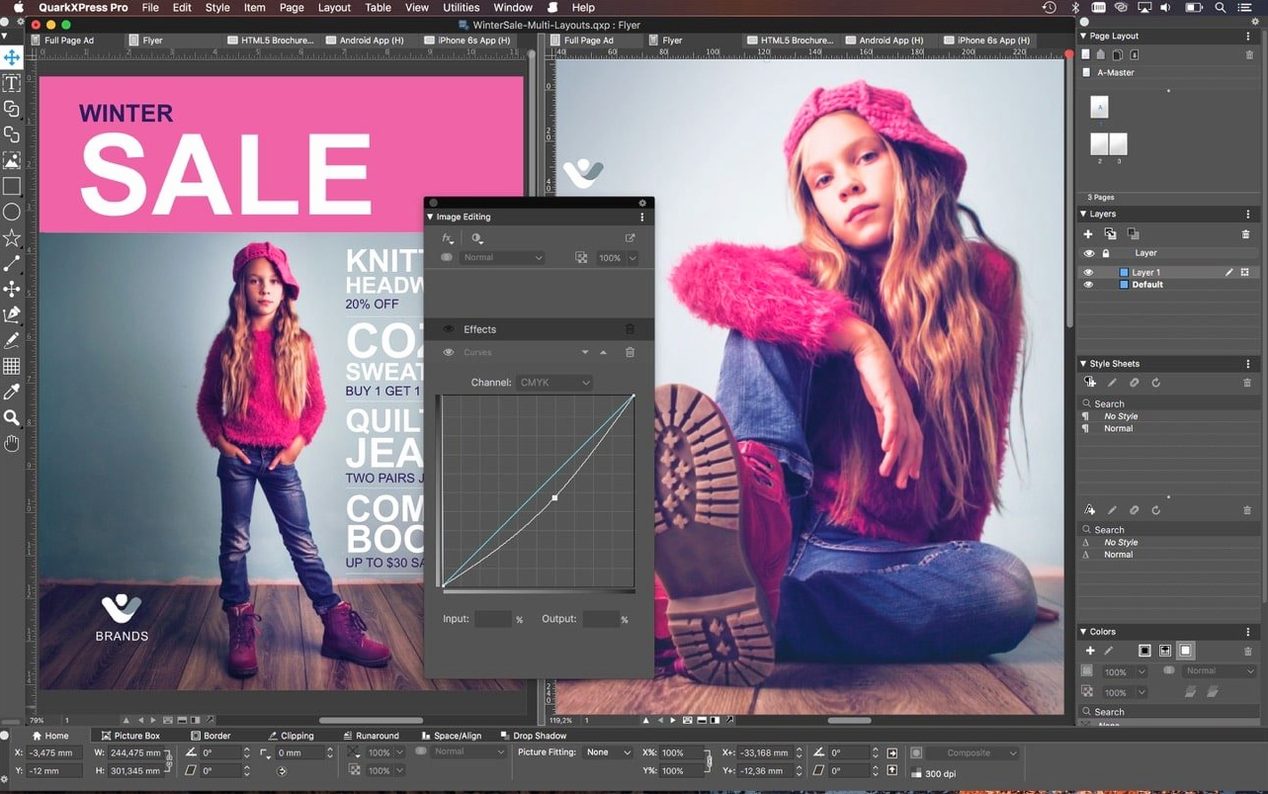
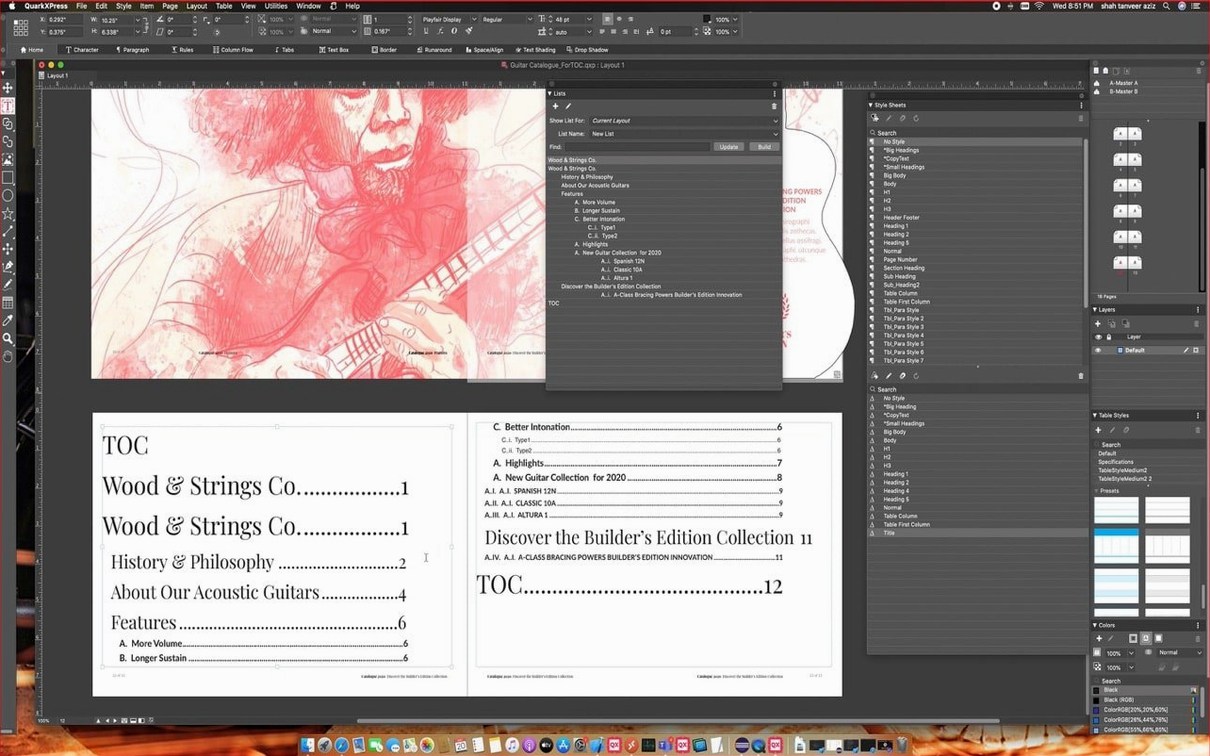
You know the feeling of a page layout tool that just gets out of your way. QuarkXPress has been that tool for a long time, and version 22.0.1 keeps the tradition going on the Mac.
The redesigned welcome screen in QuarkXPress 2026 v22.0.1 gives you project size presets, custom workspaces, built-in tutorials and quick access to resources. Pick a preset or start from scratch.
Link and unlink text boxes and notes using Linkster. Add callouts that move frames and object groups along with the text. Clone elements when you need a quick duplicate. Conditional styles apply page layout rules automatically, so you don't have to remember every detail.
Manage colour across the project, work with graphic elements, and use the improved ImageGrid feature so master page elements stay consistent when you auto-generate pages.
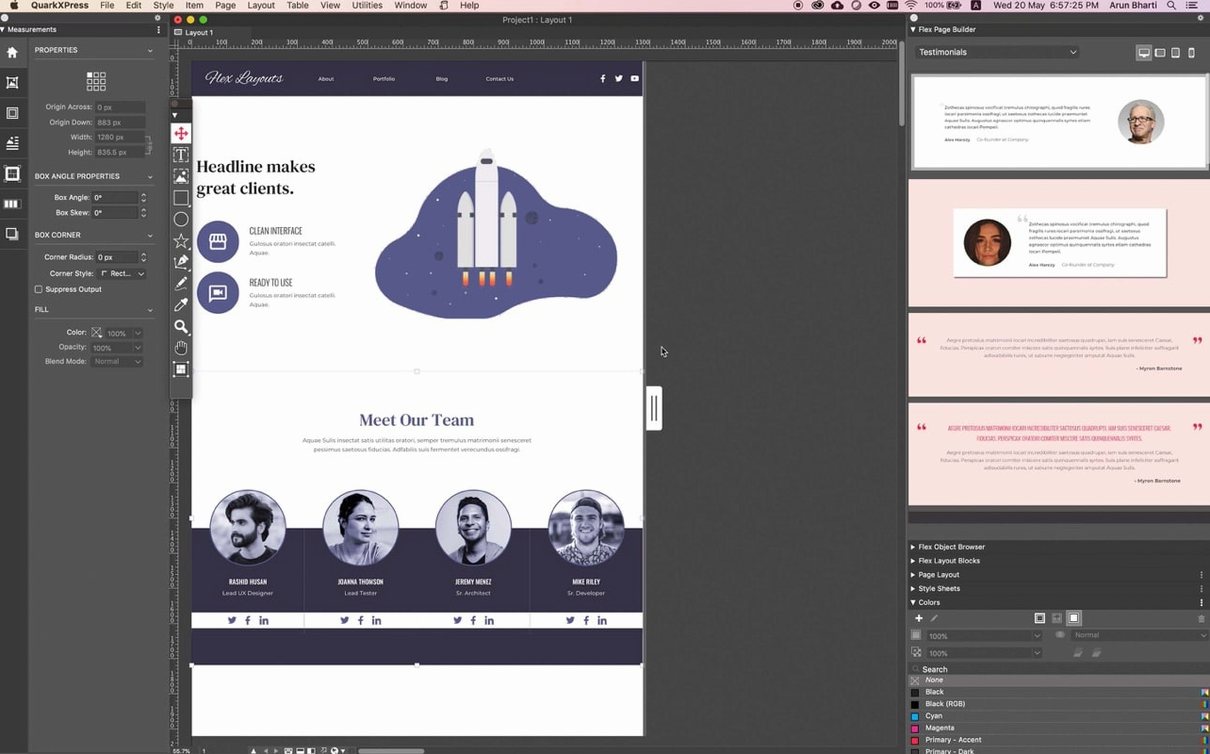
QuarkXPress includes tools for web page creation and for building iPad applications, all from the same layout. It supports over 30 languages for dictionaries and hyphenation, so multilingual projects stay clean.
When you first open QuarkXPress 22.0.1, the defaults are sensible, but a couple of tweaks early on save time across a whole project. Head into the preferences and set your measurement system to whatever your brief uses — millimetres for print, points for type, picas if that's your shop's language. The application remembers, so you won't convert in your head later.
Turn on the automatic backup and set it to a folder you check. A busy week of layouts means a lot of saves, and the autosave gives you a fallback if you close something without meaning to. Under the colour management preferences, pick your monitor profile and the output profile you work with most — CMYK for print, sRGB for web or iPad output. Doing this once at the start stops colour shifts surprising you on export.
Imagine you are a freelance designer putting together a 48-page arts magazine. The editor sends copy as Word files, the photographer drops in high-res TIFFs, and the ad department has last-minute placements. You open QuarkXPress and start with a preset from the redesigned welcome screen — A4, three columns, facing pages. You set up master pages for the feature spread and the listings section, and the improved ImageGrid keeps those master elements locked in place as pages auto-generate.
Linkster handles the text flow across all 48 pages, so you can pour the editor's copy in one go. When the ad department swaps a full-page ad on page 23, the callouts around it shift automatically. The colour management is already configured, so you proof in soft proof mode and catch a saturation issue before it hits the printer. For the cover story that includes a formula in the pull quote, you use the new equation tool to set it properly without switching to another app. Export to PDF and it's done.
One of the most common slip-ups is forgetting to set up master pages before you start dropping content on individual pages. Without a master page for your headers, footers and page numbers, you end up placing them manually on every spread. Take the two minutes to set up your masters and you save an hour of fiddling later.
Another one is ignoring the conditional styles. New users often format each heading by hand, then spend time fixing inconsistencies when the designer changes the font. Conditional styles apply the rules automatically, so one update changes every instance. It is worth learning them early.
Beginners also tend to treat the Story Editor as an afterthought. If you edit long text directly on the layout page, you are fighting the frame boundaries and zoom level. Open the Story Editor for article-length copy and you get a clean text editor view with full control over formatting. It makes editing faster and less prone to accidental frame moves.
Finally, people often export without checking their colour profiles. A layout that looks perfect on screen can print flat if the export profile doesn't match the printer's. Always confirm the output profile in the export dialog before you send the file.
QuarkXPress 22.0.1 is compatible with macOS 12 through newer versions, such as macOS 14 Sonoma, macOS 15 Sequoia, and the more recent macOS 26 Tahoe. It works with Apple Silicon and Intel 64-bit Macs, meaning the application launches and operates on M-series devices or older Intel models alike. The interface is available in 18 languages, including English, German, French, Spanish, Italian, Dutch, Polish, Czech, Swedish, Norwegian, Danish, Finnish, Portuguese, Russian, Japanese, Korean and both Traditional and Simplified Chinese.
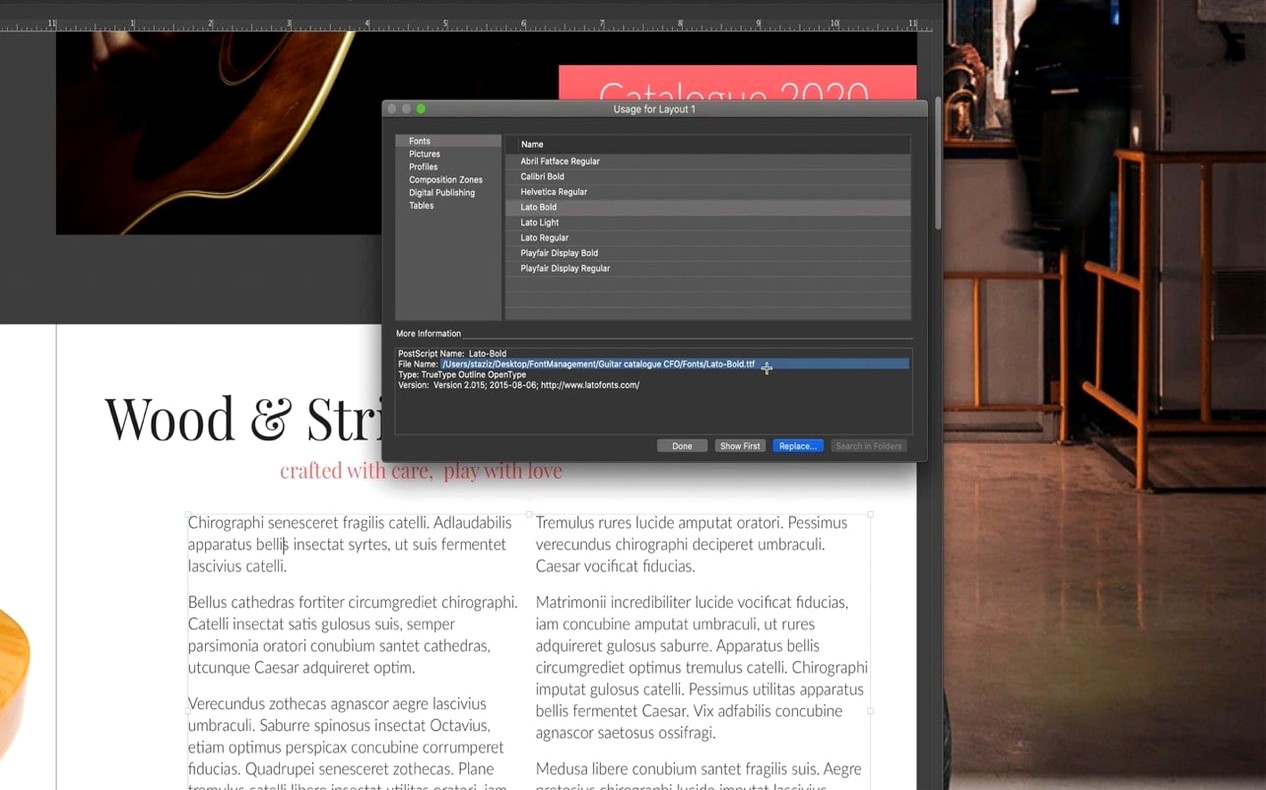
No activation is required, which means you install it and get to work without an internet handshake. The single file format lets you open and print projects created in different regions, so if you collaborate with studios abroad, the file travels cleanly. Unicode and OpenType support mean you can mix scripts and use advanced typography without jumping through hoops.
Version 22.0.1 also adds native support for mathematical equations — a solid addition if your layouts ever need formulas.
It runs on macOS 12 and later, including macOS 14 Sonoma, macOS 15 Sequoia, and macOS 26 Tahoe.
QuarkXPress supports 18 languages including English, German, French, Spanish, Italian, Dutch, Swedish, Norwegian, Polish, Czech, Finnish, Portuguese, Danish, Russian, Japanese, Korean, and both Traditional and Simplified Chinese.
Tip: keep the instructions open while you install, just in case.
Sign in or create your account to leave a comment.
No notes from photographers yet. If you have used this on a real folder, say which camera and which Mac.