Get it for my Mac (5.6 GB)
 Crusader Kings III
1.20.1.2 Native
Crusader Kings III
1.20.1.2 Native
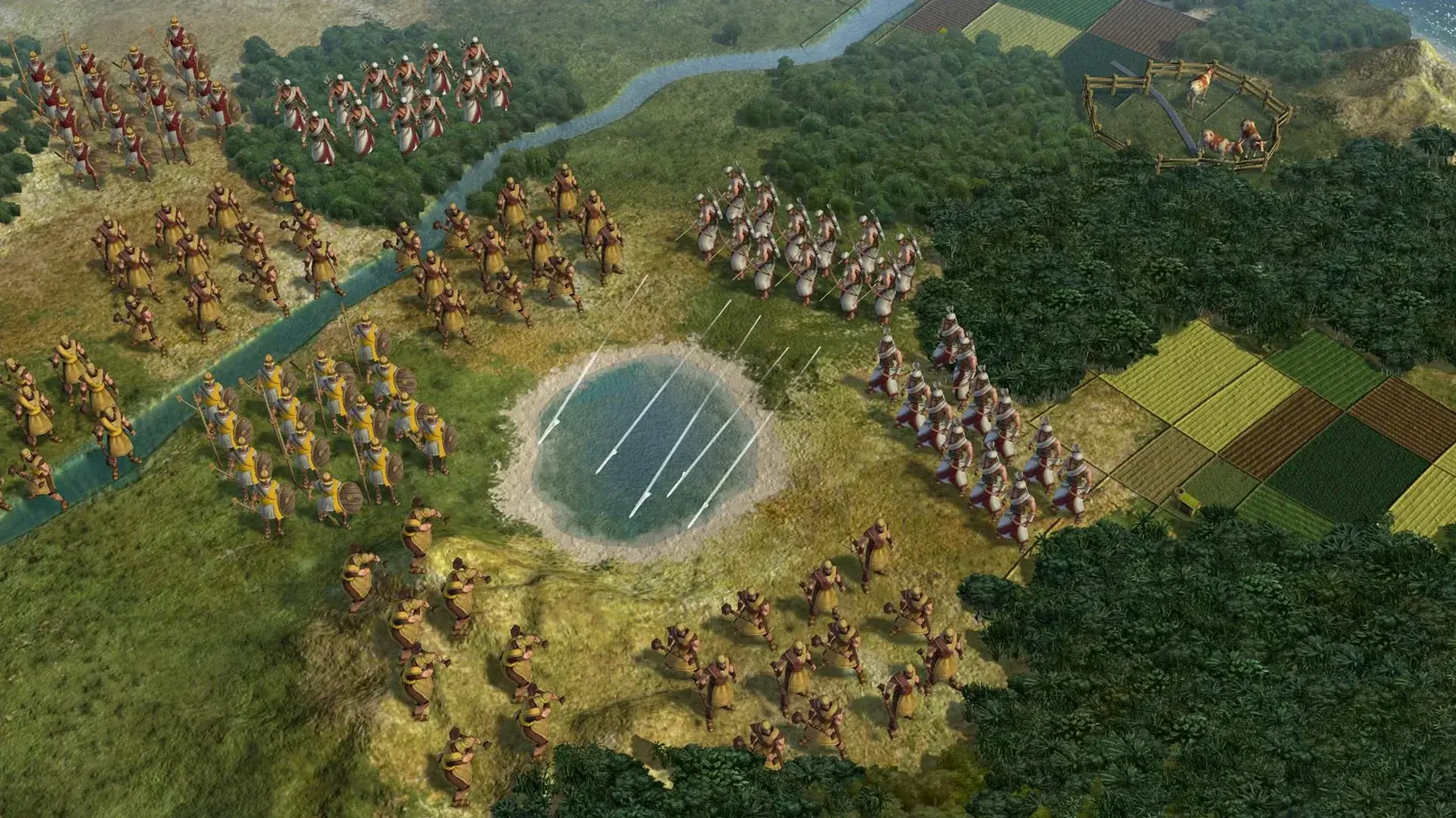
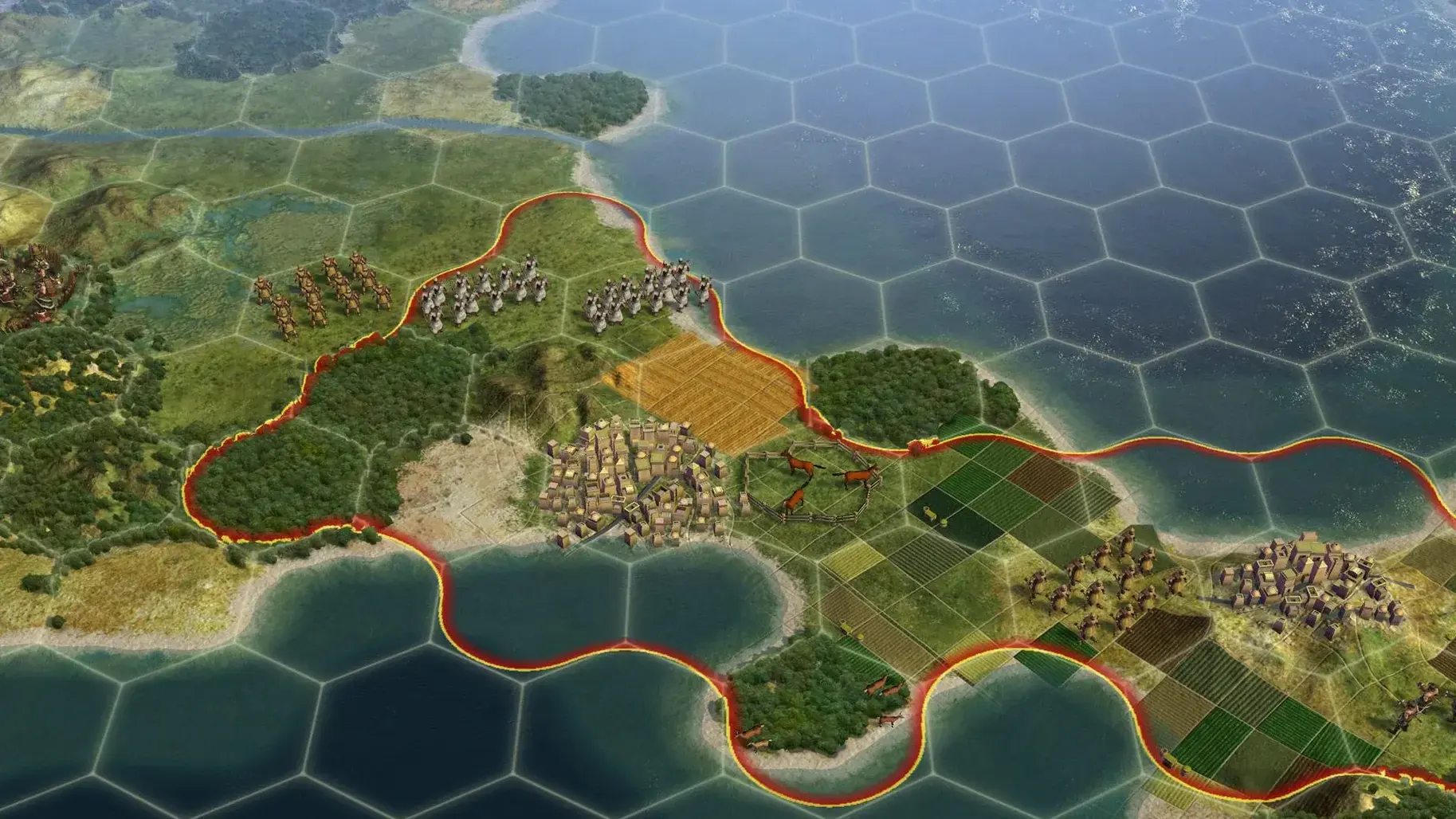
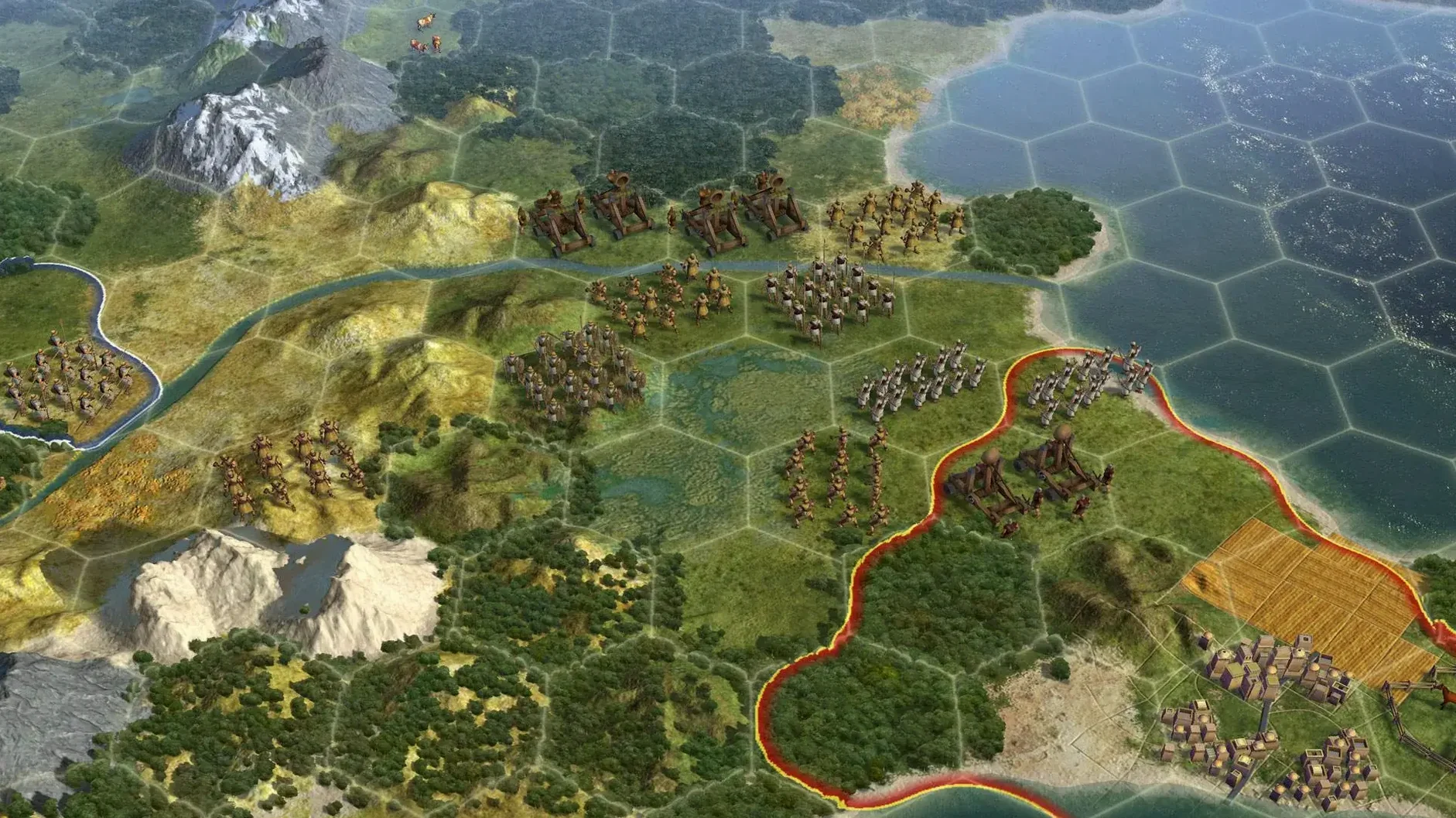
One city can house a combat unit, a non-combat unit, a ship and up to ten air units at the same time. That tight stacking rule is the kind of constraint that makes Civilization V a thinking player's game. Every decision about where to settle, what to build and when to push out a settler carries weight, and the Mac version keeps all that intact whether you're playing solo or against friends in multiplayer.
If you enjoy long sessions where you manage a civilisation from a single settler to a sprawling empire, this is your game. You'll decide whether to annex a captured city, turn it into a puppet state for resources without direct control, or raze it entirely. Liberating a destroyed civilisation brings it back with its previous development, which adds a diplomatic layer that rewards patience. The ranged attacks from cities also mean defence requires thought, not just numbers.
Players who prefer fast action or linear stories will find the pace slow. The early turns involve a lot of waiting while your scout explores fog of war and your worker improves tiles. If micromanaging city production, trade routes and tech trees sounds like homework, this isn't the one for you. The Mac port runs on Intel hardware and Sonoma, so older machines may struggle with the later game when the map fills with units.
When you open the game for the first time, take a moment to check the language setting. The build includes Russian, English, German and French, and it switches cleanly between them from the options menu. I usually start a quick game on a small map to test that the interface feels right and to confirm the 64-bit port works on my setup. The disk image install is straightforward — drag the app into Applications, wait for the copy, then launch from Launchpad.
If you're coming from a newer Civilization game, the hex grid and one-unit-per-tile rule take a little getting used to. Play the tutorial or a low-difficulty game for the first hour. That gives you time to see how city growth, tile buying and combat stack without pressure. And remember: a city can attack units at range, so don't panic if an enemy marches towards your capital before you've built a proper army.
Let's walk through one specific approach, a culture victory, from the first turn to the end. This is a solid way to learn the game's systems without the pressure of constant warfare.
Step one: choose your civilisation wisely. Pick one with an early culture bonus if you can. Settle your first city near a river or coast for the growth and trade bonuses. Start building a monument or a scout — the scout reveals good spots for your second city.
Step two: manage your first three cities. By turn 50 or so you should have two or three cities. Each city works tiles at a distance of three hexes, so place them close enough to share defence but far enough to avoid overlapping the best resources. Buy tiles with gold when a city is about to claim a luxury or a strategic resource — it's cheaper than waiting for culture to reach it.
Step three: focus on culture buildings and great people. Build amphitheatres, opera houses and museums in every city. Generate great artists and writers by assigning specialists in those buildings. Their great works fill your museums and generate the tourism that drives a culture victory. Puppet cities pay taxes but you can't control their builds, so I prefer to annex a captured city once the unrest settles, then build the culture buildings myself.
Step four: defend without over-expanding militarily. A few ranged units stationed in your cities are enough for most of the game. Cities attack enemy units at range, so you don't need a massive army. Keep one combat unit and one non-combat unit per city. That frees your production for culture.
Step five: push for the victory. Once your tourism exceeds the culture of every other civilisation, the game ends. You can speed this up by trading for great works from other civs, or by using diplomats to open their borders. Liberating a destroyed civilisation is a nice touch here — it earns goodwill and can become a long-term source of tourism.
If you're browsing the Mac strategy shelf, you'll find a few games that sit near Civilization V. Each one takes the 4X formula in a different direction.
Civilization VI is the obvious comparison. It adds districts and a more complex city-building system, which some players love and others find cluttered. The art style is brighter and more cartoony, but the Mac version demands more recent hardware. If you're on an Intel Mac running Sonoma, Civilization V often feels more stable and less demanding on the later turns when the map gets busy. The one-unit-per-tile rule is present in both, but Civ V's simpler city management makes it easier to jump into a quick game.
Endless Legend is a fantasy 4X with a strong narrative flavour. It uses a similar turn-based structure but adds quests, heroes and a winter cycle that changes the map. The combat is more tactical — you move units on a separate battle grid rather than watching them fight automatically. The Mac version is well-ported and runs on Intel machines, but the setting and pace are different. Civilization V feels more grounded in history; Endless Legend leans into fantasy lore and asymmetric factions.
Age of Wonders III blends 4X empire management with tactical combat. You build cities and manage resources on the world map, then zoom into a hex-based battlefield when armies clash. It's a good middle ground if you want both strategy and detailed battles. The Mac port is stable on Sonoma, but the empire layer is less deep than Civilization V's. You'll spend more time fighting and less time managing culture, diplomacy and city development.
Each of these games has its own strengths, but Civilization V's balance of depth and approachability keeps it on my drive. The Russian language option is a nice bonus for native speakers, and the straightforward install makes it easy to get started without hunting for extra patches or configuration files.
The game is listed with Intel requirements, but it has been tested on an M1 MacBook Air and runs fine under Rosetta 2.
Original capitals cannot be razed. You can annex them, turn them into a puppet state, or liberate them if they belong to a destroyed civilisation.
Sign in or create your account to leave a comment.
No notes from photographers yet. If you have used this on a real folder, say which camera and which Mac.