
 Get it for my Mac (1.7 GB)







 CHUCHEL
2.0.0

- Version
- 1.0 [Wineskin]
- Developer
- Chilla's Art
- Interface in
- English, Japanese
- Licence on file
- Not required
- Chip support
- Apple Silicon
- Edited with it on
- macOS Tahoe, Mac mini 2024 M4
- Out on
- 17.02.2020
- Voices in
- Japanese
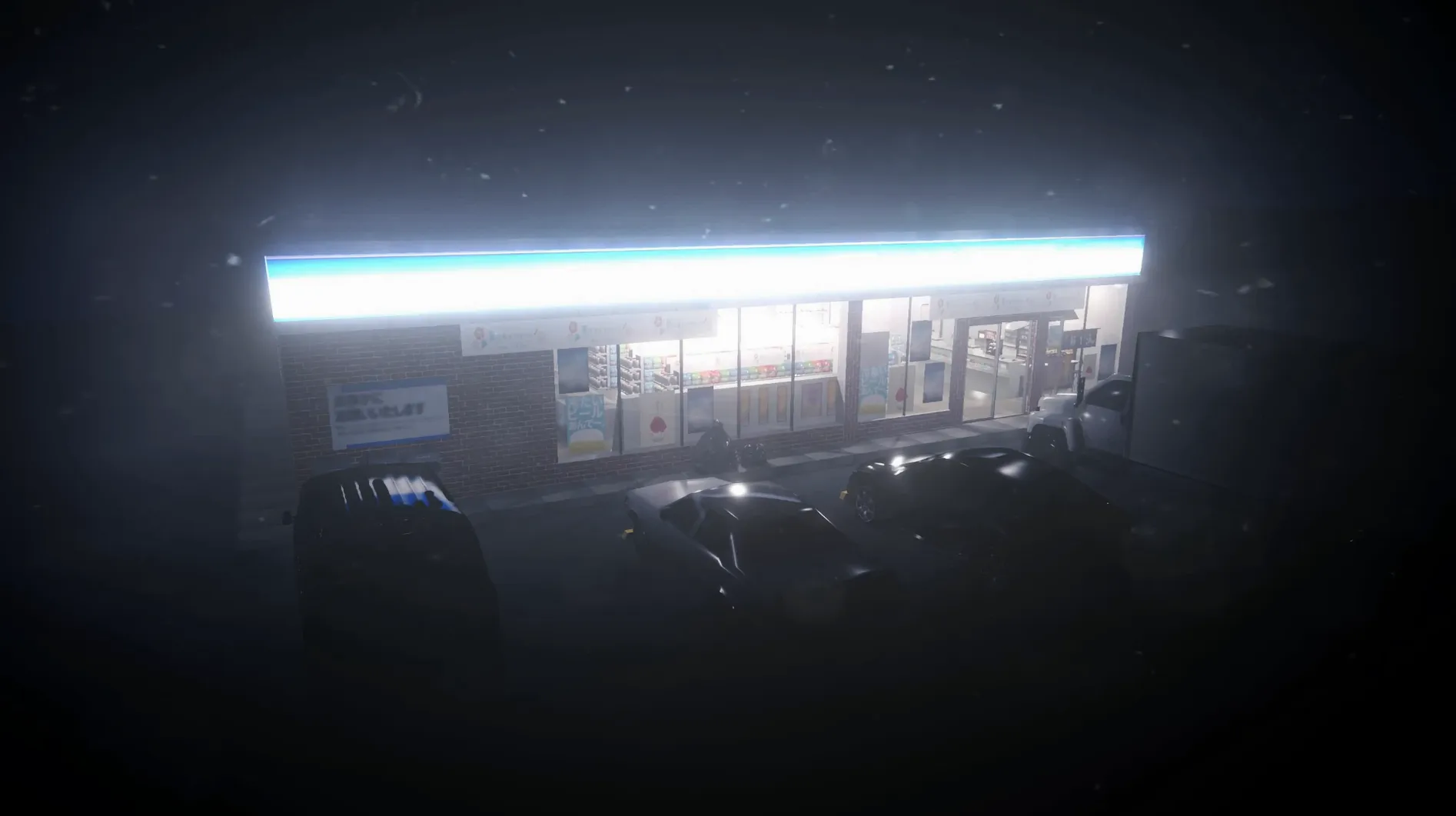
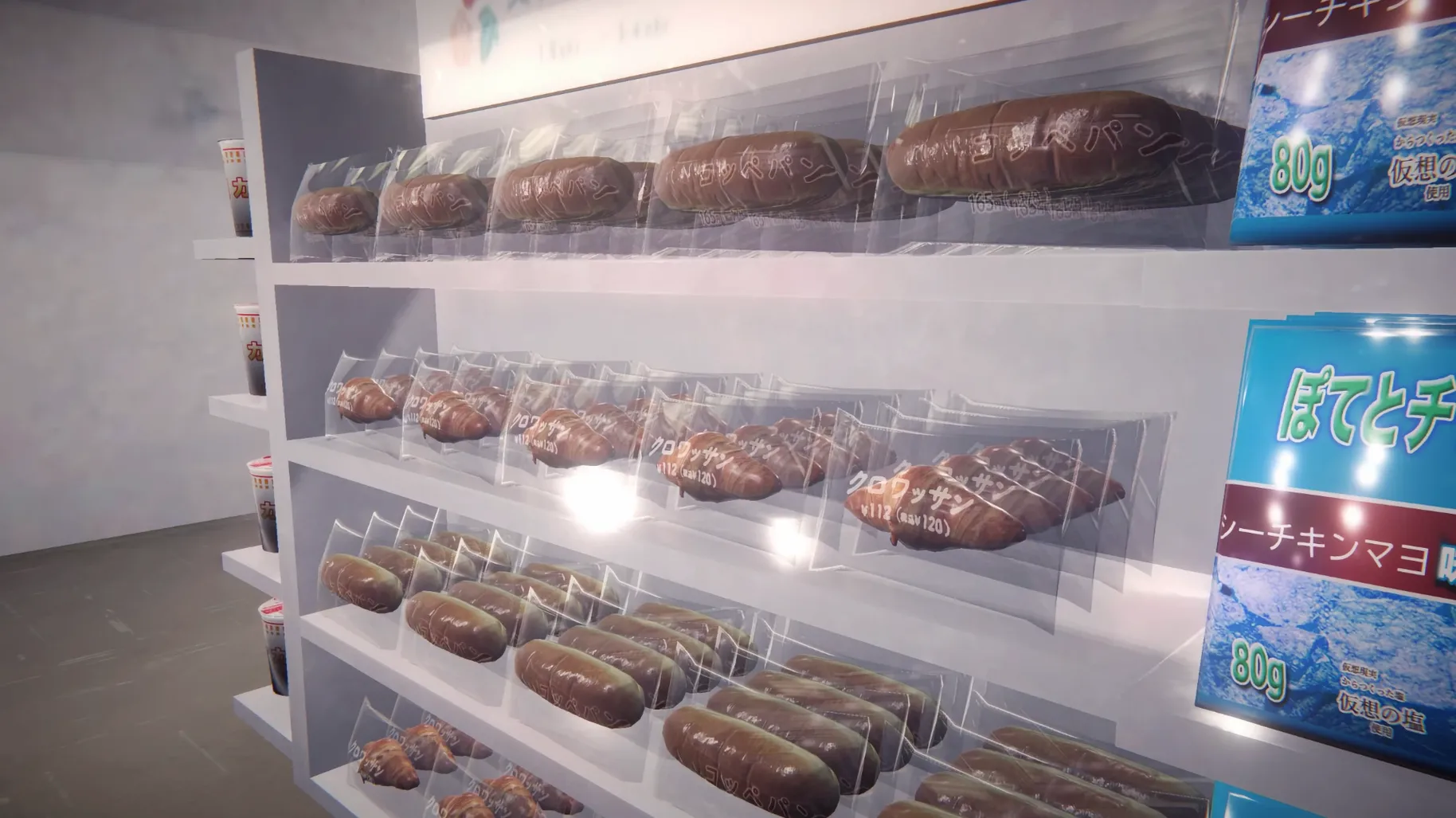
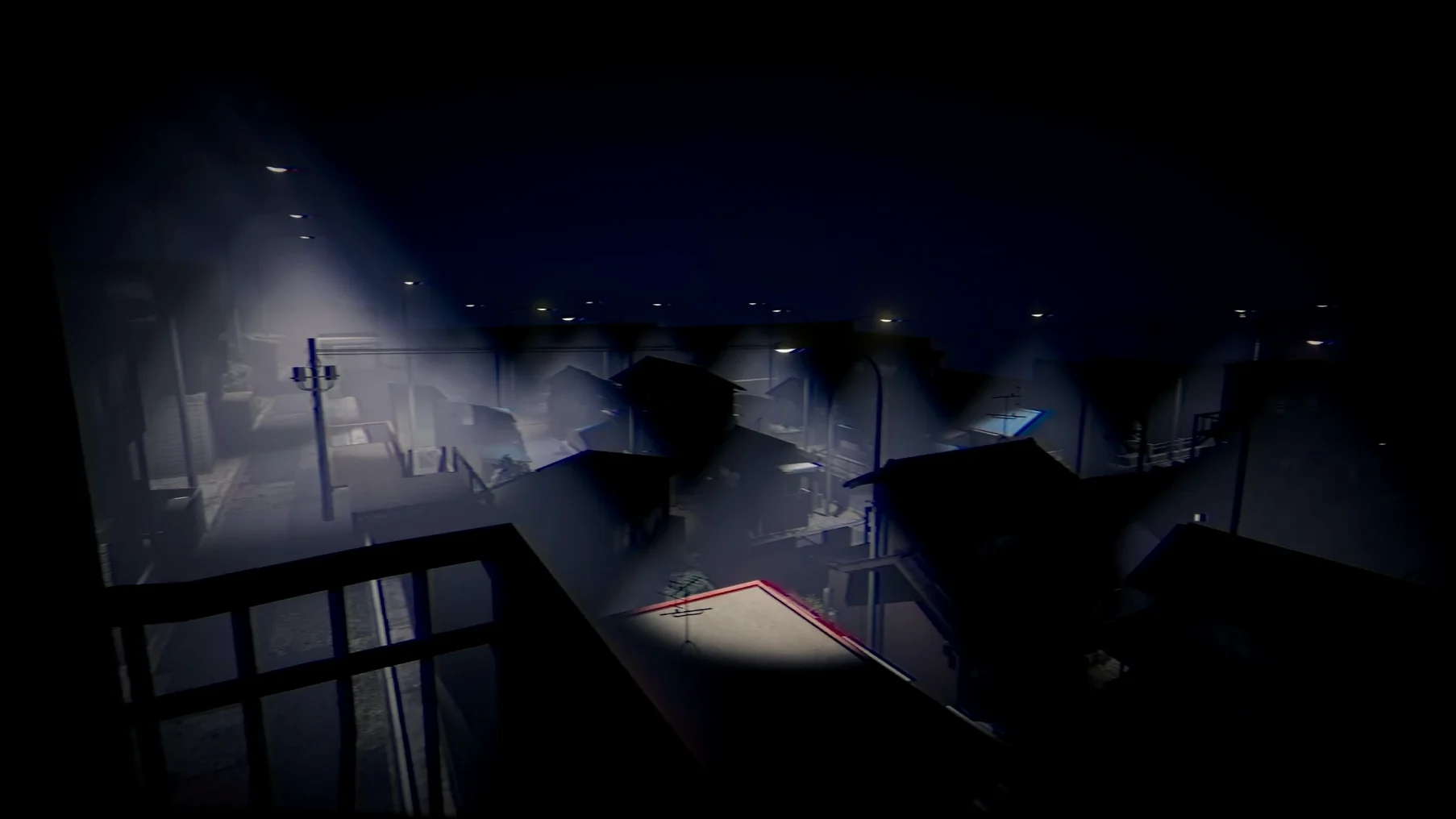
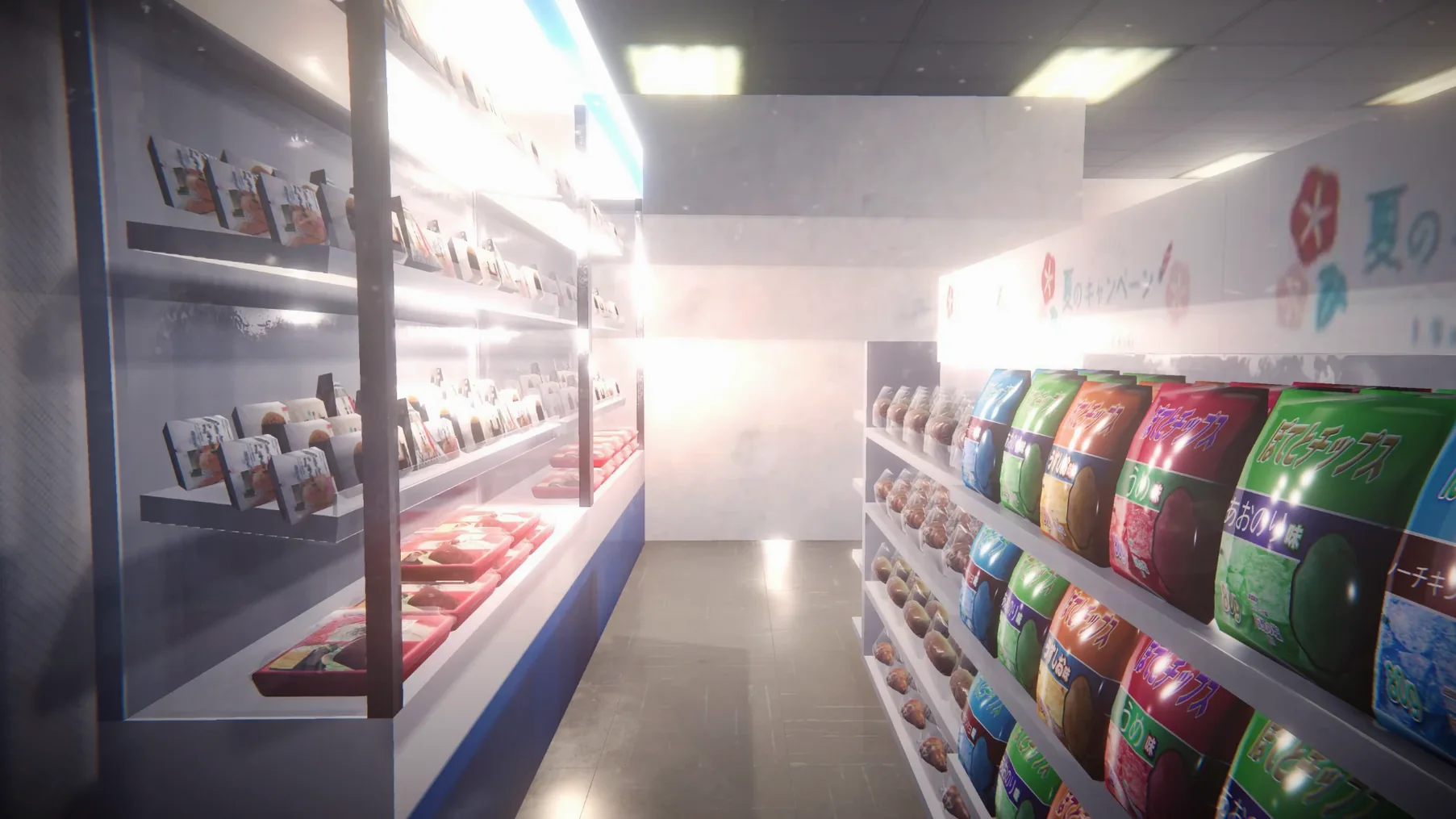
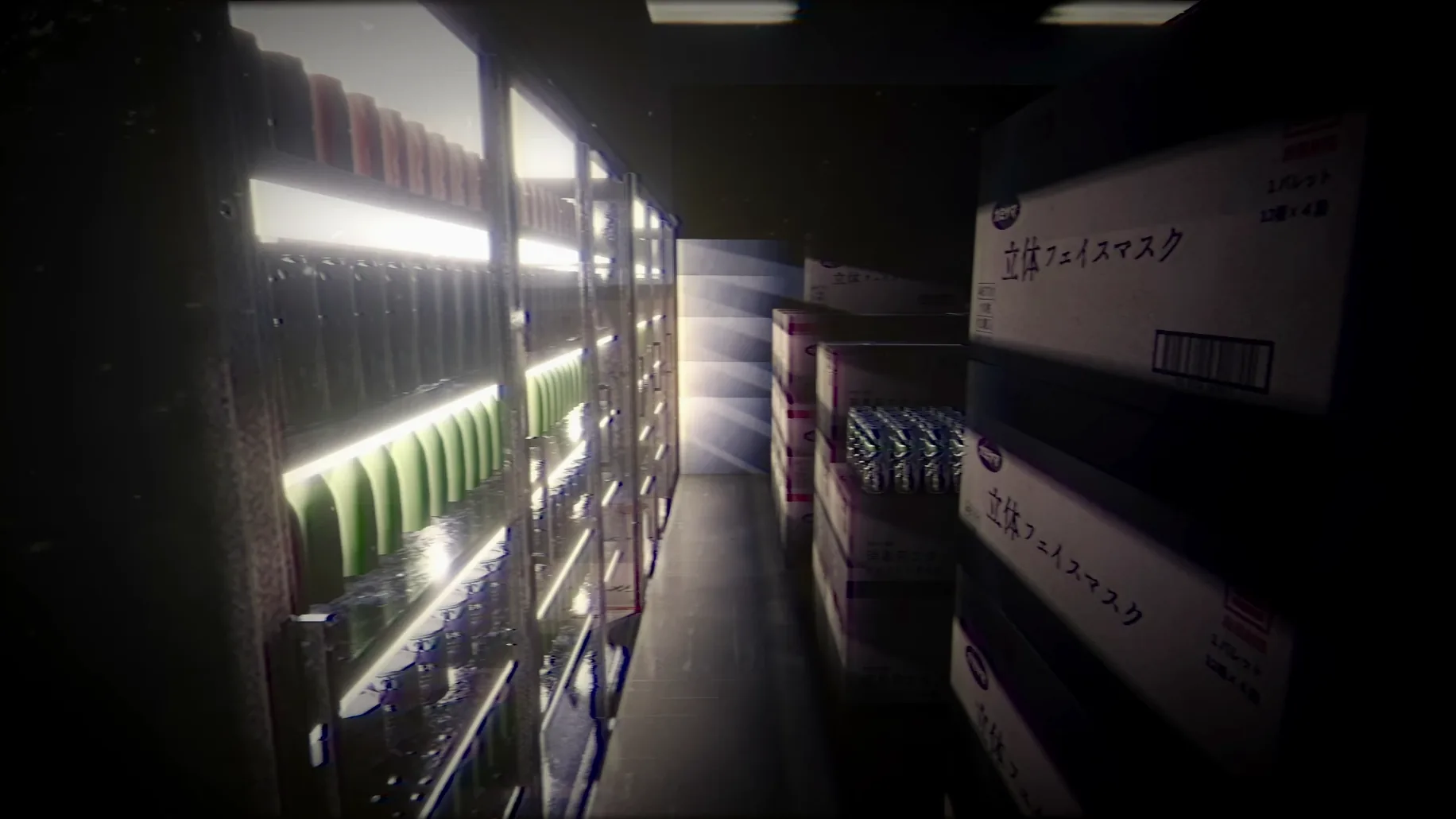
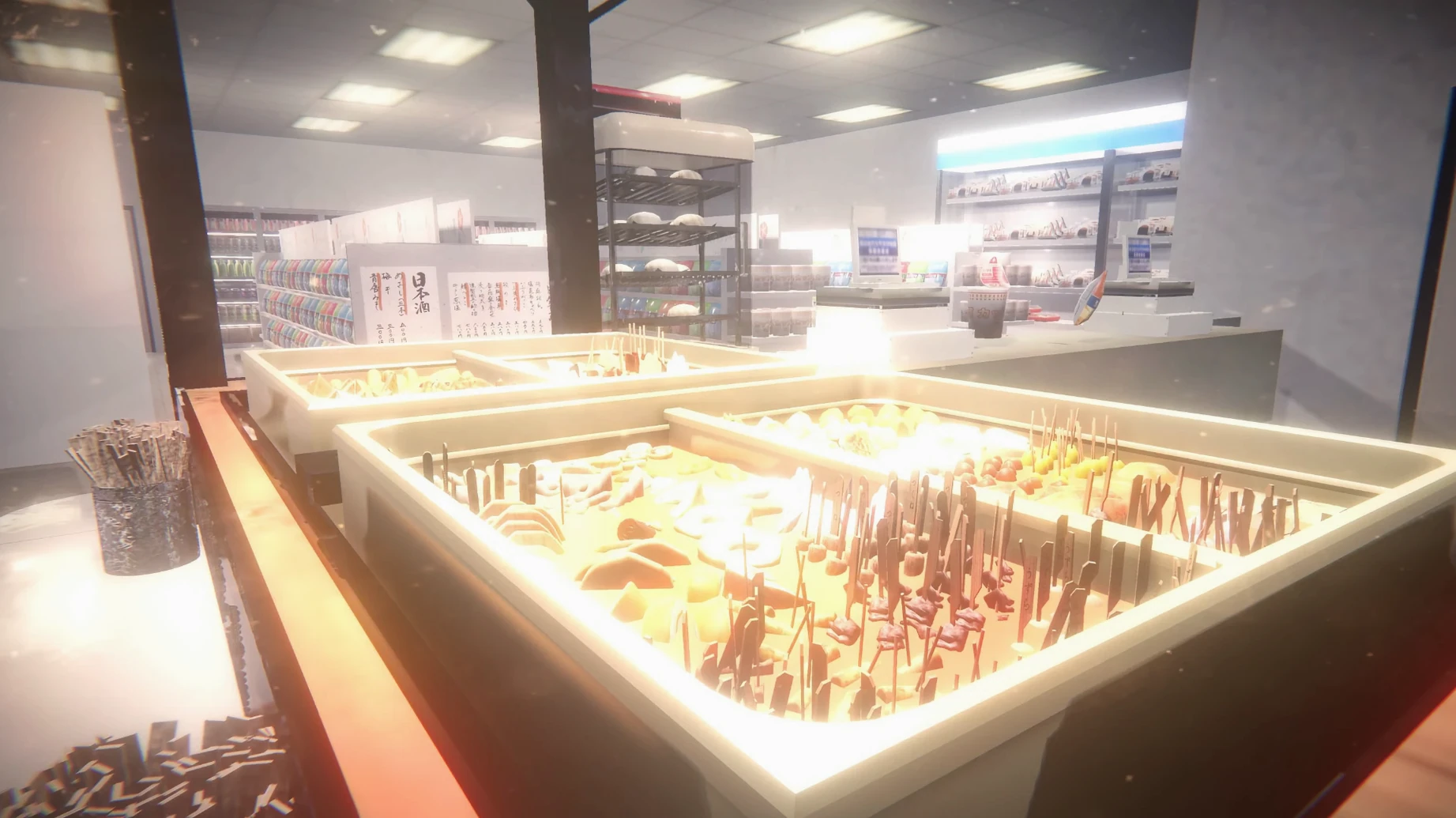
In the edit
Version 1.0 of Chilla's Art The Convenience Store arrives on Mac via Wineskin, bringing its quiet, unnerving J-horror atmosphere to Apple Silicon machines. You play a college student working the night shift at a convenience store in Japan — what starts as a mundane job slowly turns into something far stranger.
- Walking simulator with light puzzle elements — explore the store and its surroundings at your own pace
- Two different endings, depending on your choices during the shift
- Full Japanese voice acting throughout
- Interface in both English and Japanese
- Part of Chilla's Art's catalog of indie horror games, originally released on Steam on February 17, 2020
It is not a long game, but the atmosphere and slow-burn dread make it a memorable one. If you like quiet horror with an everyday setting, this one is worth a go.
Plan a quiet evening for your first playthrough
The first time you open The Convenience Store, give yourself a quiet evening. The game is short enough to finish in one sitting, and the atmosphere works best when you are not interrupted.
If the app shows an error on first launch, grab the Fix file from the disk image you mounted earlier — it sorts out the common Wineskin quirks. And if the game does not want to quit cleanly, Option+F4 or Command+Option+Esc will close it without fuss.
I recommend playing with headphones. The Japanese voice acting and the ambient store sounds are a big part of the tension, and speakers flatten that out. Also, take your time exploring the store before anything strange happens — the developers packed the shelves with small details that set the mood.
A night shift scenario
Imagine you are a student who plays horror games mostly for the story, not the jump scares. You sit down after a long day, launch the game, and spend the first ten minutes just reading the product labels and listening to the bell above the door. The puzzles are light enough that you never feel stuck, and the two endings give you a reason to replay once you know what to look for. This is the kind of experience that stays with you for a few days after the credits roll, not because it is loud, but because it is quiet in the wrong way.
Ideal for Mac fans of atmospheric short narrative games
This one suits Mac users who already enjoy short narrative games — think walking simulators, visual novels, or anything where atmosphere carries the story. Because the whole thing runs inside a Wineskin wrapper on Apple Silicon, you do not need a powerful machine; a MacBook Air or a Mac mini handles it fine, as long as it is an M-series chip. Horror fans who are tired of action-heavy scares will appreciate the slow pace and the Japanese horror film influence. And if you are new to Chilla's Art's work, this is a good entry point — it is short, self-contained, and gives you a clear sense of their style without a big time commitment.
Mac it needs
- macOS with Apple Silicon
Questions I actually get
Does the game have multiple endings?
Yes, there are two endings depending on your actions during the night shift.
What language is the voice acting in?
The voice language is Japanese.
Is this a walking simulator or a full horror game?
It is described as a walking simulator with puzzle elements, so it is more about exploration and atmosphere than action.
Installing on a Mac
- Mount the downloaded disk image and drag the app into the Applications folder alias.
- After copying finishes, launch the app from Launchpad.
- If the game shows an error at startup, run the Fix file from the disk image.
- If quitting does not work, use Option+F4 or Command+Option+Esc.
Notes from photographers
Sign in or create your account to leave a comment.
No notes from photographers yet. If you have used this on a real folder, say which camera and which Mac.
