
 Get it for my Mac (35 GB)







 Everafter Falls
2.1.4
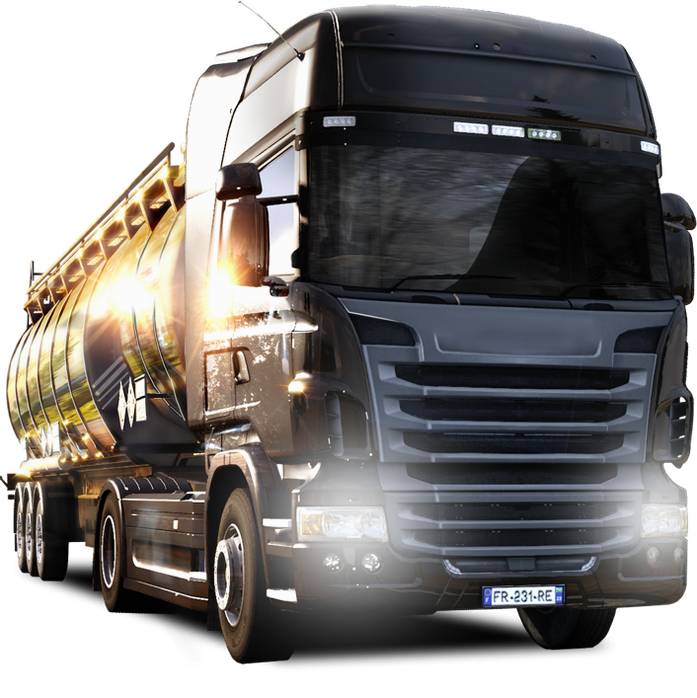
- Version
- 1.62.1.0s Native
- Developer
- SCS Software
- Interface in
- Russian, English, German, Bulgarian, Hungarian, Greek, Danish, Spanish, Italian, Chinese (Simplified), Korean, Dutch, Norwegian, Polish, Portuguese, Romanian, Turkish, Ukrainian, Finnish, French, Czech, Swedish, Japanese
- Licence on file
- Not required
- Chip support
- Intel 64-bit
- Edited with it on
- macOS Tahoe, Mac mini 2024 M4
- Out on
- 13.10.2012
- Voices in
- Music only
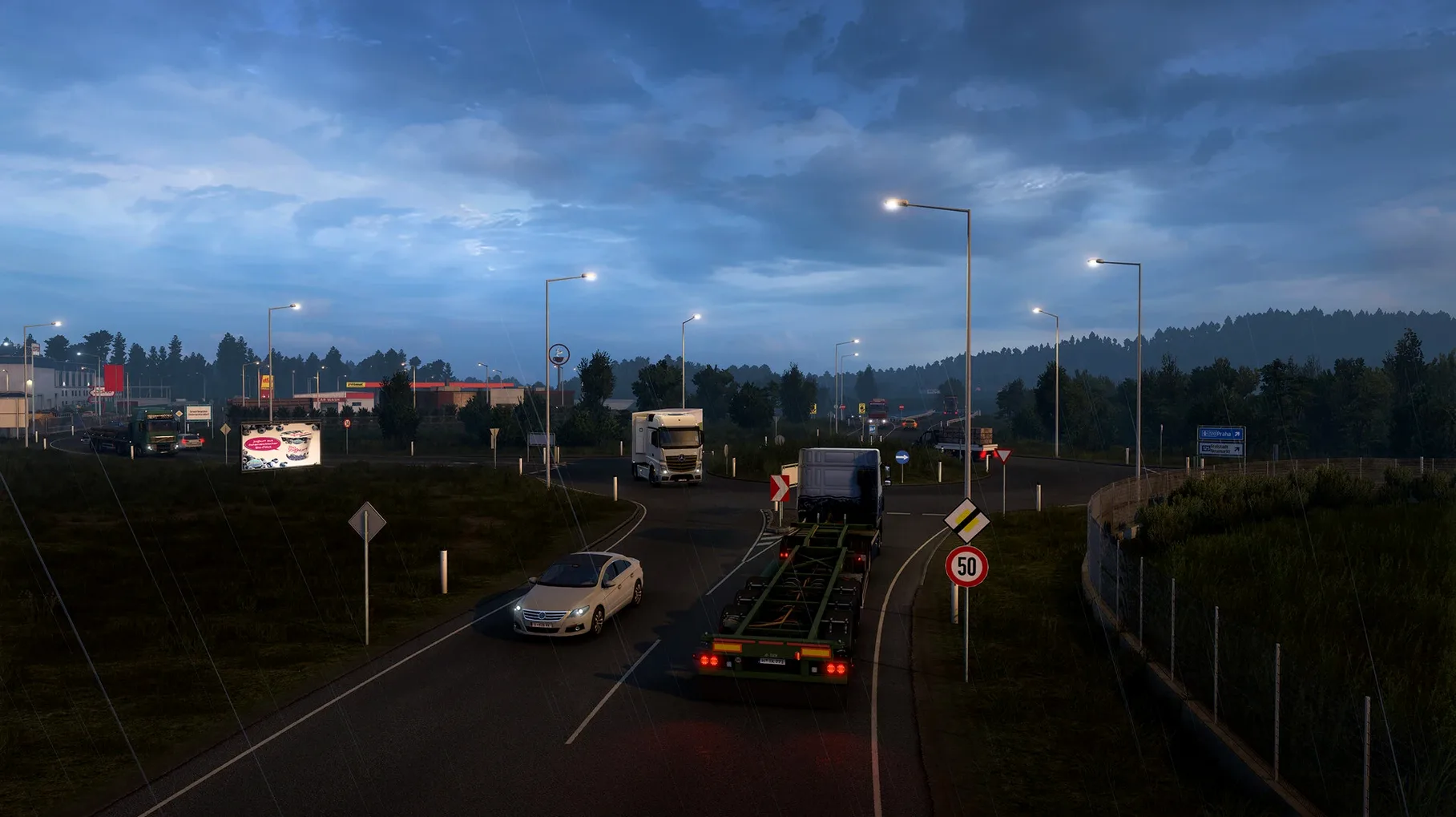
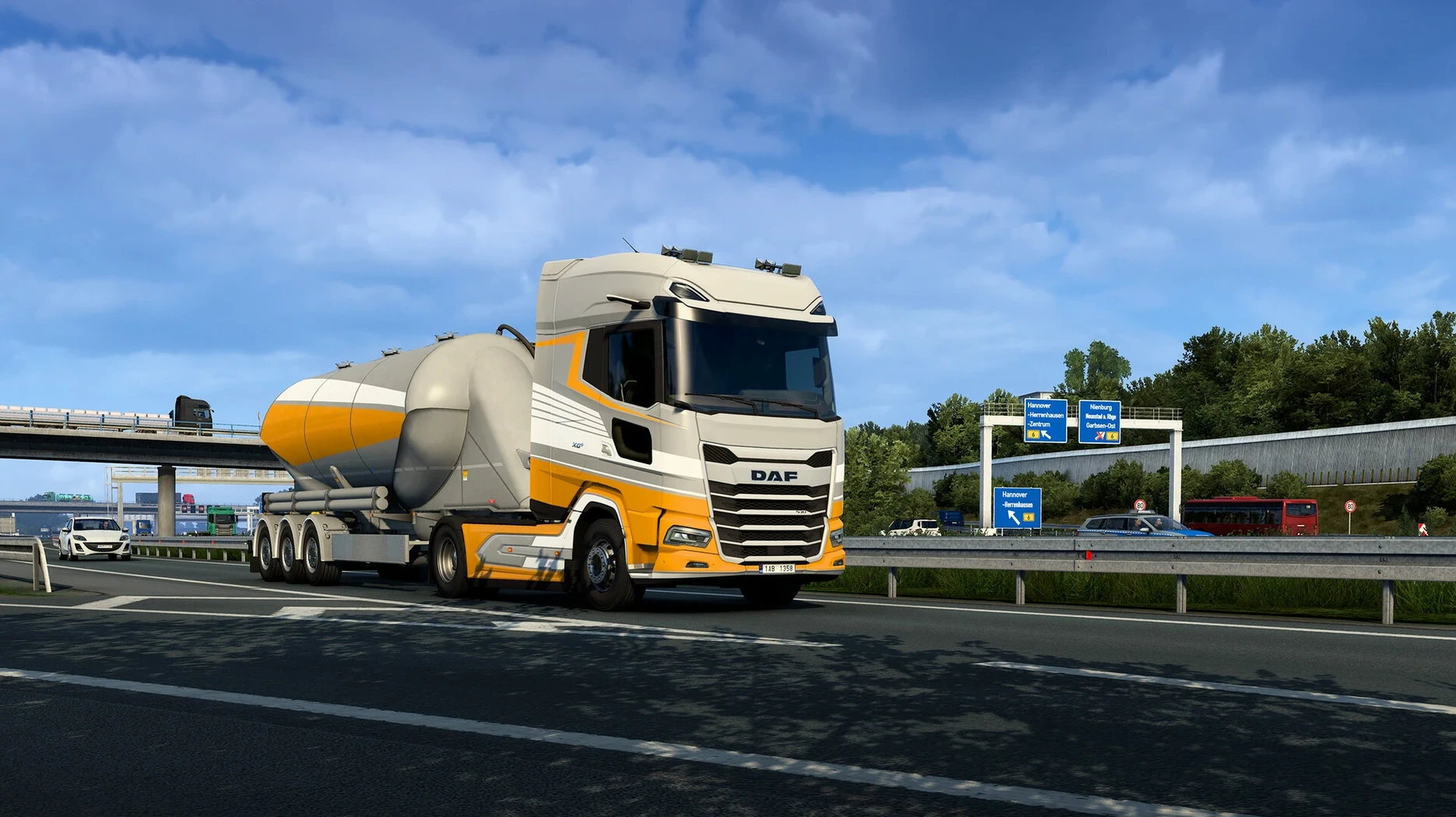
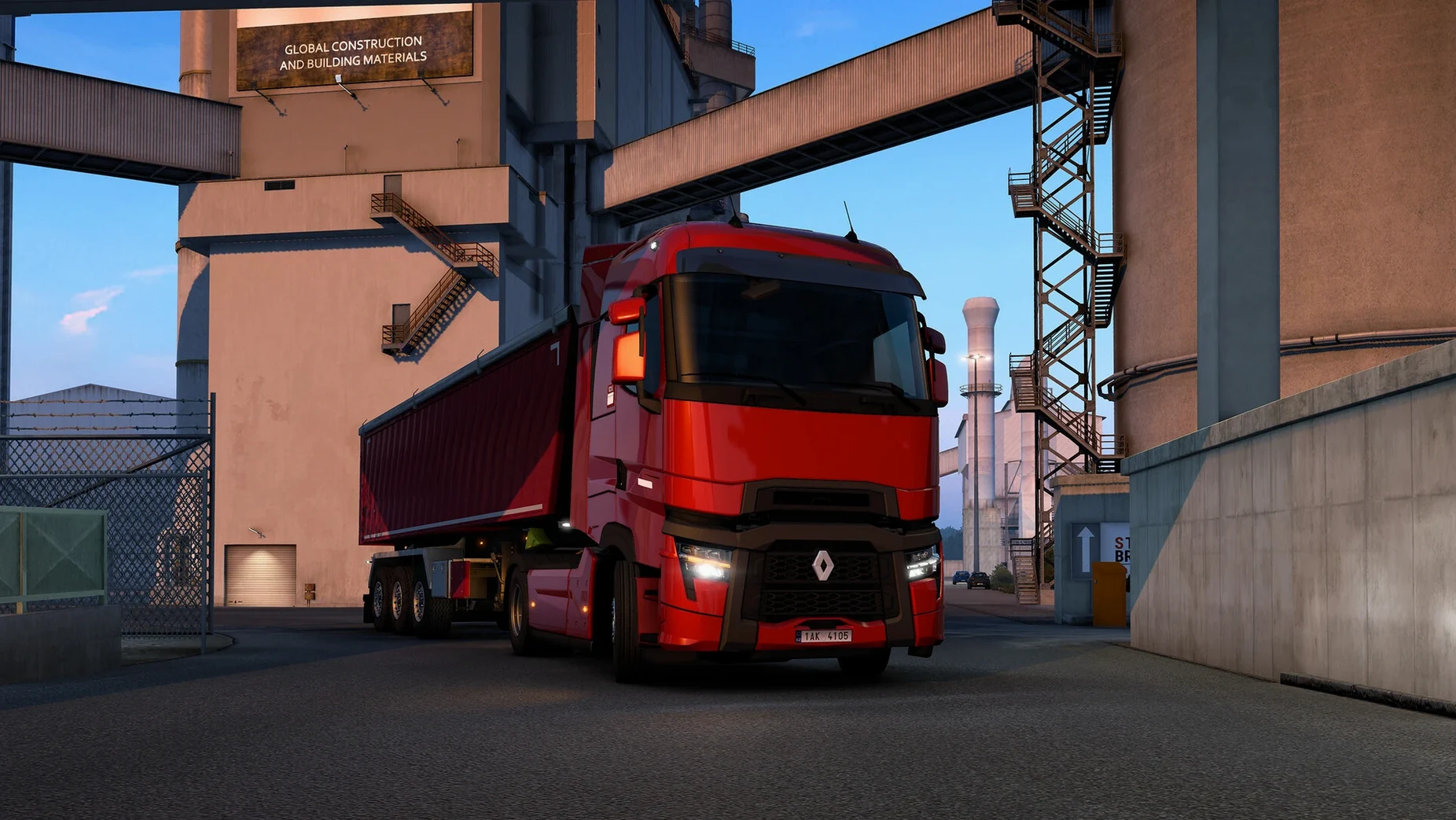
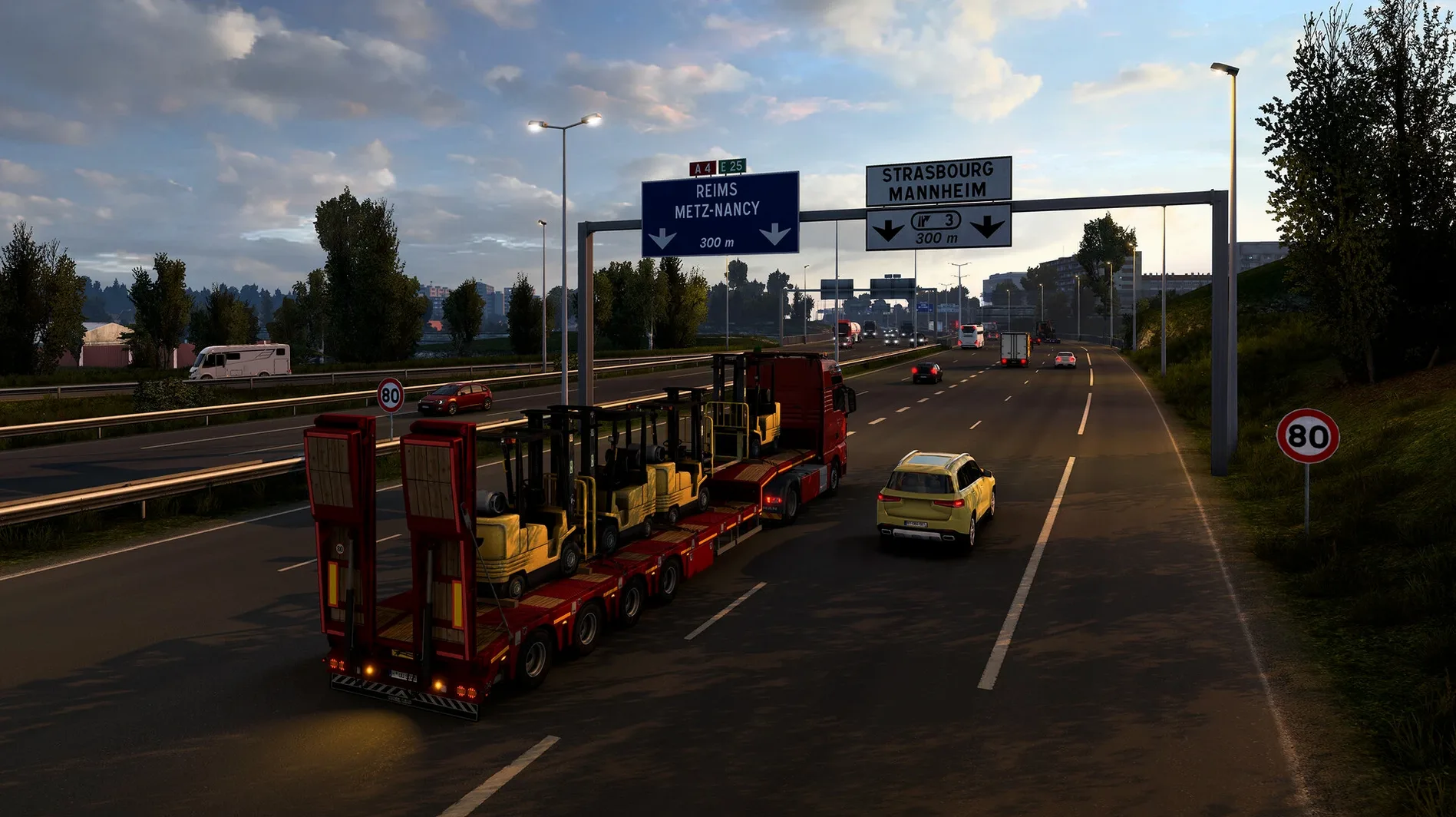
In the edit
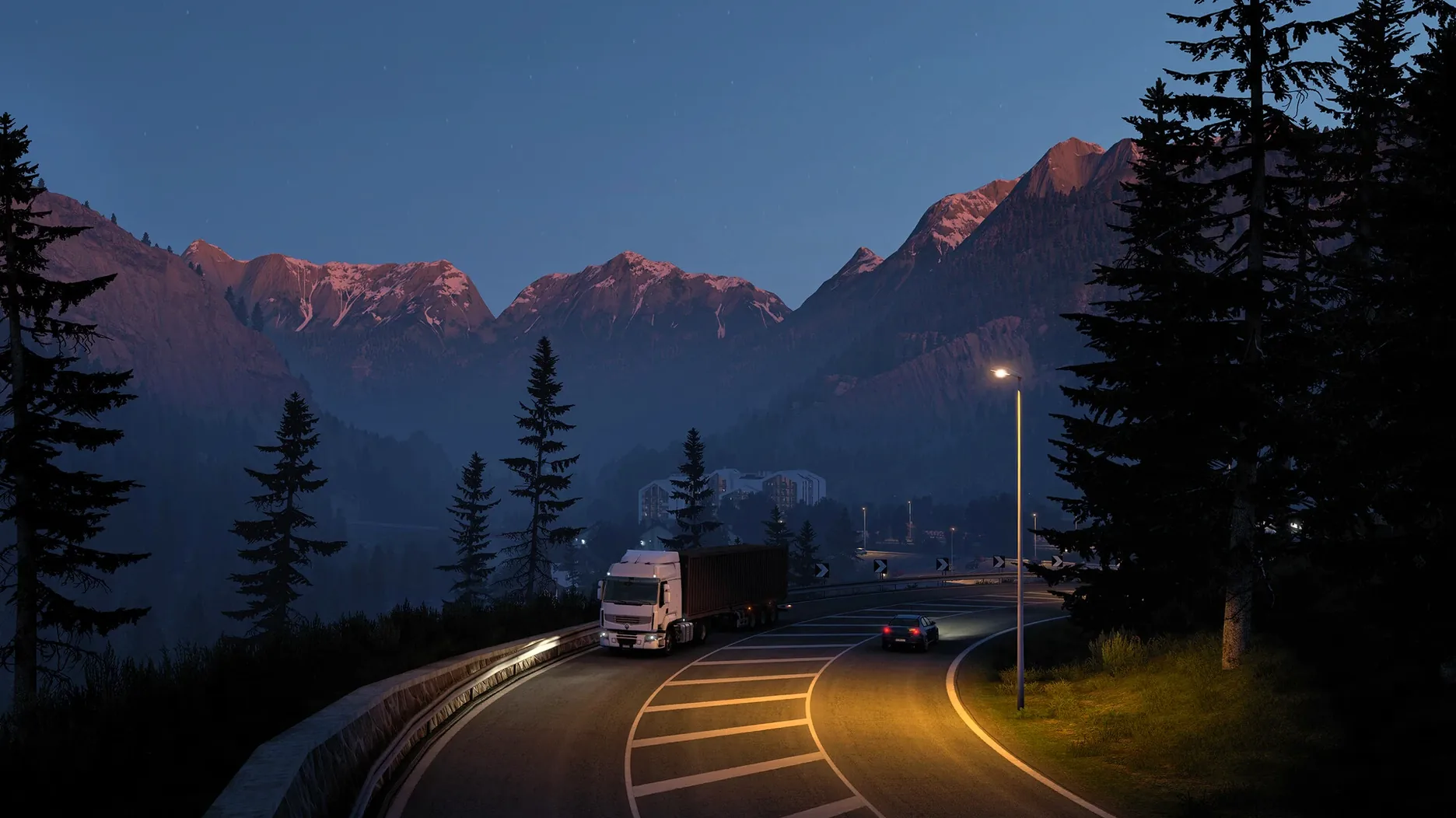
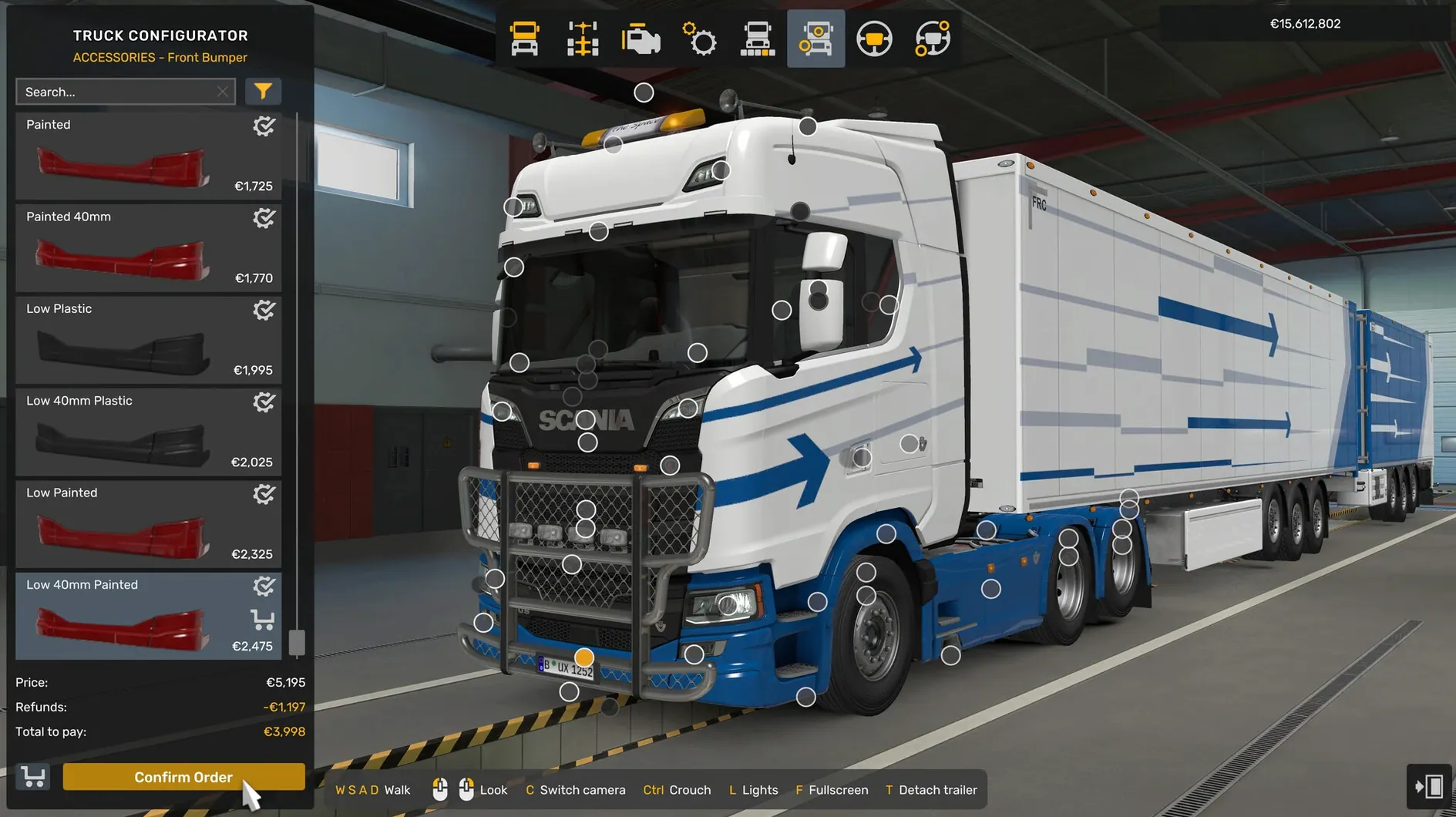
Euro Truck Simulator 2 covers over twenty thousand kilometres of real roads across Europe, from the UK to Turkey. It’s a slow-burn driving sim built around long hauls, cargo contracts and truck customisation — you can swap headlights, exhausts, beacons and almost anything else on your cab. On a Mac, the game runs on Intel machines only; Apple Silicon users will need Rosetta 2 to get it going. The controls work best with a wheel or a controller, but a keyboard setup is perfectly playable once you dial in the sensitivity. Performance on an average Intel MacBook Pro hovers around medium settings at 1080p, with occasional frame drops in built-up cities like Paris or Berlin. After you move the application from the mounted disk image into your Applications folder, Launchpad will start the game.
How a typical haul plays out
You start in your home garage — whichever city you picked when you first set up your profile. A quick glance at the job market board shows available contracts: everything from a pallet of auto parts to Milan to a full livestock trailer bound for Warsaw. The pay per kilometre varies, as does the time window, so you pick something that sends you through a part of the map you haven't explored yet.
After you accept the job, you reverse up to the loading bay — or skip that if you'd rather just get moving. The GPS plots a route on the dashboard screen. You can accept it as is or zoom out on the map to choose a different motorway, maybe avoid toll roads or skip the scenic coastal route if you're in a hurry. Then you pull out of the depot, flick the indicator and merge onto the roundabout.
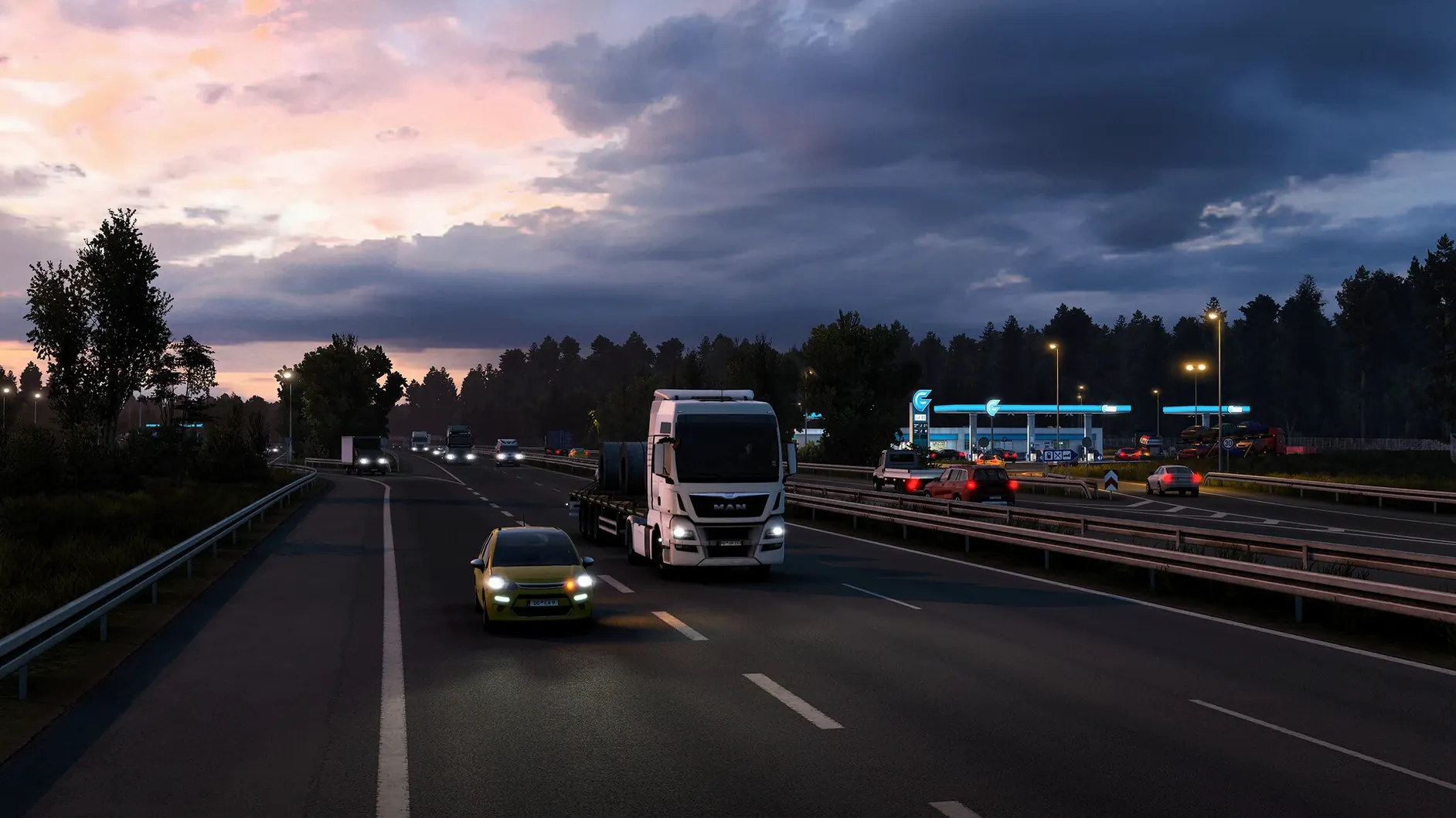
The first hour is mostly motorway. Speed limiters keep you around 90 km/h unless you've upgraded your truck's governor in the service shop. You manage fuel, keep an eye on the tachograph, and watch the road signs for upcoming exits. If you're running with fatigue simulation on, you'll need to pull into a rest area before the driver gets too tired — the screen starts to blur, and the game prompts you to sleep. Some players turn that off, but I like the structure it adds to a long run.
You reach the drop-off point, reverse into the bay (the game's parking assist helps here, but doing it manually is more satisfying), and the job completes. Your XP goes up, your bank balance ticks over, and you unlock new skills — longer hauls, fragile cargo, higher-value contracts. Back to the job board, or time to visit the garage and hire a second driver.
Drop steering sensitivity for smoother highway driving
Euro Truck Simulator 2's default settings are fine for a quick test drive, but a few adjustments make the game feel more natural over a proper session.
- Steering sensitivity and non-linearity. The default keyboard steering can feel twitchy. Drop the sensitivity a notch and increase the non-linearity so small taps don't throw the truck into the next lane. If you're using a controller, these sliders behave differently — experiment with the response curve until the wheel feels heavy.
- Automatic or sequential gearbox. The game defaults to automatic, which works fine for cruising. If you want more control, switch to sequential and map the paddle shift keys to your steering wheel buttons or keyboard. The realistic gearbox mode adds a clutch pedal, but that's really only usable with a three-pedal setup.
- Traffic density and fines. Crank traffic up to high if you want the motorway to feel busy. Turn traffic fines on for the full experience — running a red light or speeding past a police car will cost you. If you're new to the game, leave fines off until you've got the hang of roundabouts on the wrong side of the road.
- Field of view. The interior camera's default FOV is quite narrow. Bump it up to around 70 degrees so you can see the passenger-side mirror without craning your neck. The game saves this per truck, so you'll need to adjust it again if you switch cabs.
- Proximity Exploration. This was added in version 1.61.1.1s and it's worth turning on if you like discovering the map. It automatically reveals a small area around your truck as you drive, so you don't have to manually drive down every side road to uncover the city layout. It's subtle, but it makes the map feel more alive.
A quick workflow to test the reworked livestock trailer
The update in 1.61.1.1s includes a complete rework of the Livestock Trailer. If you want to test it properly, here's a short workflow that puts it through its paces.
- You can also take a quick job that specifically lists livestock cargo — the job market filter helps here.
- The reworked model has updated geometry and textures, so take a look at the rear doors, the side panels and the interior details if you're inspecting it in the showroom.
- Accept a livestock job from a farm depot — these are usually marked with a barn icon on the map. The pickup point is often a rural location with narrow roads and tight gates, so the reworked trailer's handling matters more here than on a straight motorway.
- Drive the route at a steady pace. The livestock trailer has a higher centre of gravity than a dry van, so take roundabouts slower than you think you need to. The rework includes updated physics parameters, so the trailer should feel a bit more planted than the old version.
- Deliver the cargo and check the damage report. If not, adjust your braking distance and try again with a heavier load.
The reworked trailer is a small but noticeable improvement — the old model had started to look dated next to the newer truck interiors, so it's good to see SCS Software giving the equipment the same attention as the cabs.
Mac users who prefer a relaxed, no-timer experience
Euro Truck Simulator 2 is not a fast-paced sim. There are no countdown timers, no AI opponents trying to push you off the road, no split-second reaction checks. The people who enjoy it most on a Mac tend to share a few habits.
Intel Mac users with dedicated graphics get the best experience. The game's system requirements list Intel architecture only, and while it runs through Rosetta on Apple Silicon, the performance is noticeably smoother on a native Intel machine with an AMD GPU. If you're on a MacBook Pro from 2018 or later with a discrete graphics card, you can run medium to high settings at 1080p without much trouble.
Players who like route planning and logistics will find a lot to sink into here. The game rewards thinking ahead — which cities to unlock first, which skills to level up, which garage locations give you the best coverage for cross-continent jobs. If you enjoyed games like Transport Tycoon or the more management-heavy side of Farming Simulator, the business layer in Euro Truck Simulator 2 scratches the same itch.
Anyone who treats driving as a wind-down activity will appreciate the pace. A typical session might involve one or two deliveries, some music or a podcast in the background, and the quiet rhythm of motorway driving. It's not uncommon to see players talk about using the game as a way to decompress after work. The new Proximity Exploration feature helps here — you don't have to actively explore every junction; the map fills in naturally as you drive your routes.
Players who enjoy truck customisation get a lot of mileage out of the garage. You are able to exchange headlights, signals, beacons, and exhaust parts, repaint the vehicle, enhance the motor and gearbox, and install various cabin add-ons. The Volvo FH Series 6 100 Year Edition added in this update is a good example — it's a specific variant with unique trim details that give collectors a reason to visit the dealer. If you like spending time in the upgrade menu as much as on the road, the game supports that split personality well.
For everyone else — the arcade racers, the competitive sim fans, the people who want to unlock everything in a weekend — Euro Truck Simulator 2 probably isn't the right fit. It's a game that asks you to slow down, plan ahead and enjoy the journey. If that sounds like your kind of evening, it's worth the download.
New this release
Version 1.62.1.0s Native has arrived, compiled straight for Intel Macs. SCS Software haven't published specific notes for this build, so think of it as a maintenance refresh that keeps your haulage running smooth.
Mac it needs
- Intel 64-bit Mac
Questions I actually get
Can I play Euro Truck Simulator 2 on an Apple Silicon Mac?
The game is built for Intel architecture, but it runs through Rosetta 2 on Apple Silicon Macs without major issues.
What languages does the game support on Mac?
It supports 23 languages including English, Russian, German, French, Spanish, Italian, Polish, Simplified Chinese and Japanese.
Installing on a Mac
- Mount the downloaded disk image.
- Drag the game to the Applications folder alias.
- Once copying finishes, launch the game from Launchpad.
Notes from photographers
Sign in or create your account to leave a comment.
No notes from photographers yet. If you have used this on a real folder, say which camera and which Mac.
