
 Get it for my Mac (1.3 GB)






 Frogsong
1.2.9
- Version
- 12.4.40
- Developer
- game54 Software, Out of the Park Developments
- Interface in
- English
- Licence on file
- Not required
- Chip support
- Intel 64-bit
- Edited with it on
- macOS Tahoe, Mac mini 2024 M4
- Out on
- 23.10.2025
- Voices in
- Music only
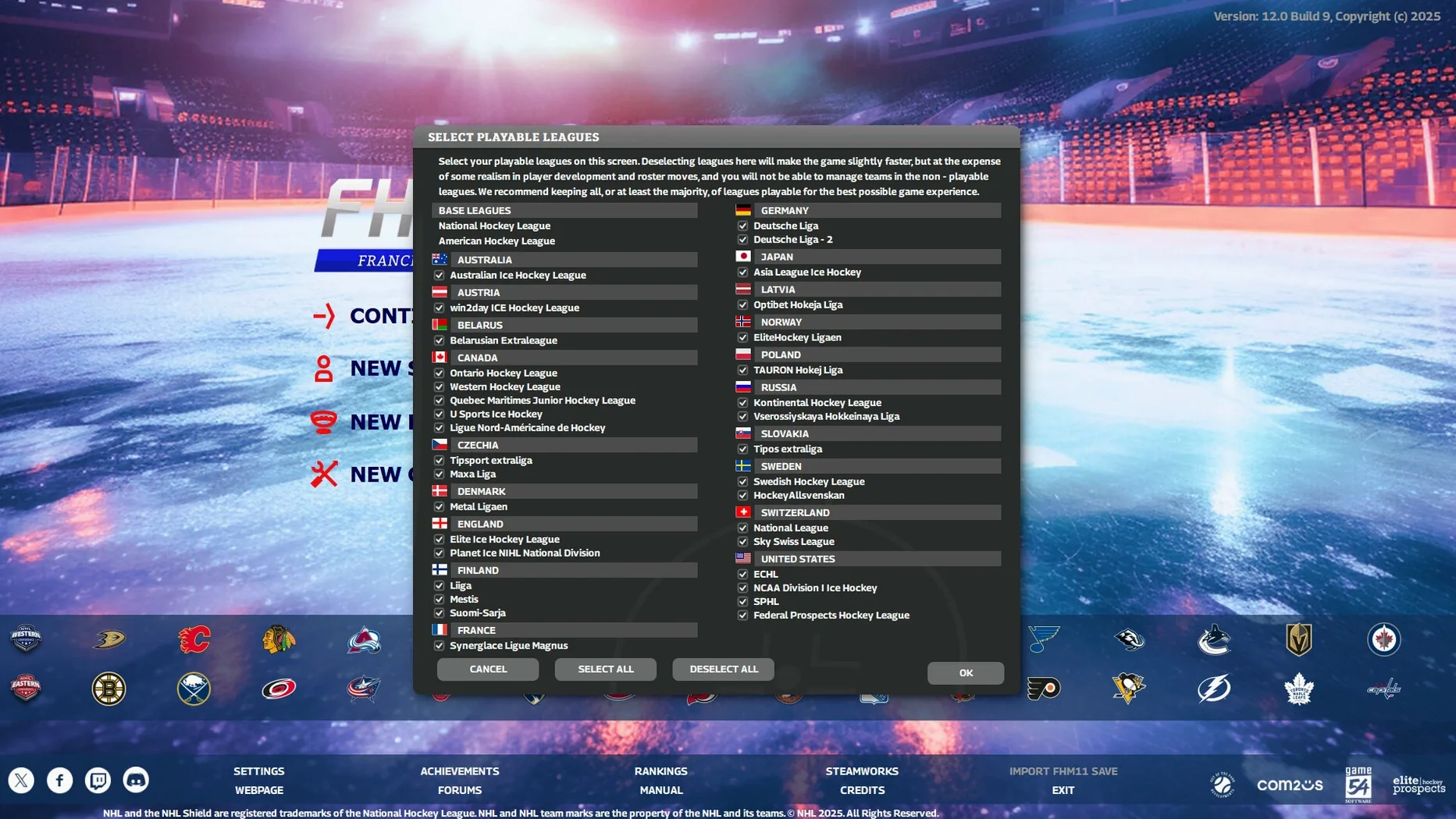
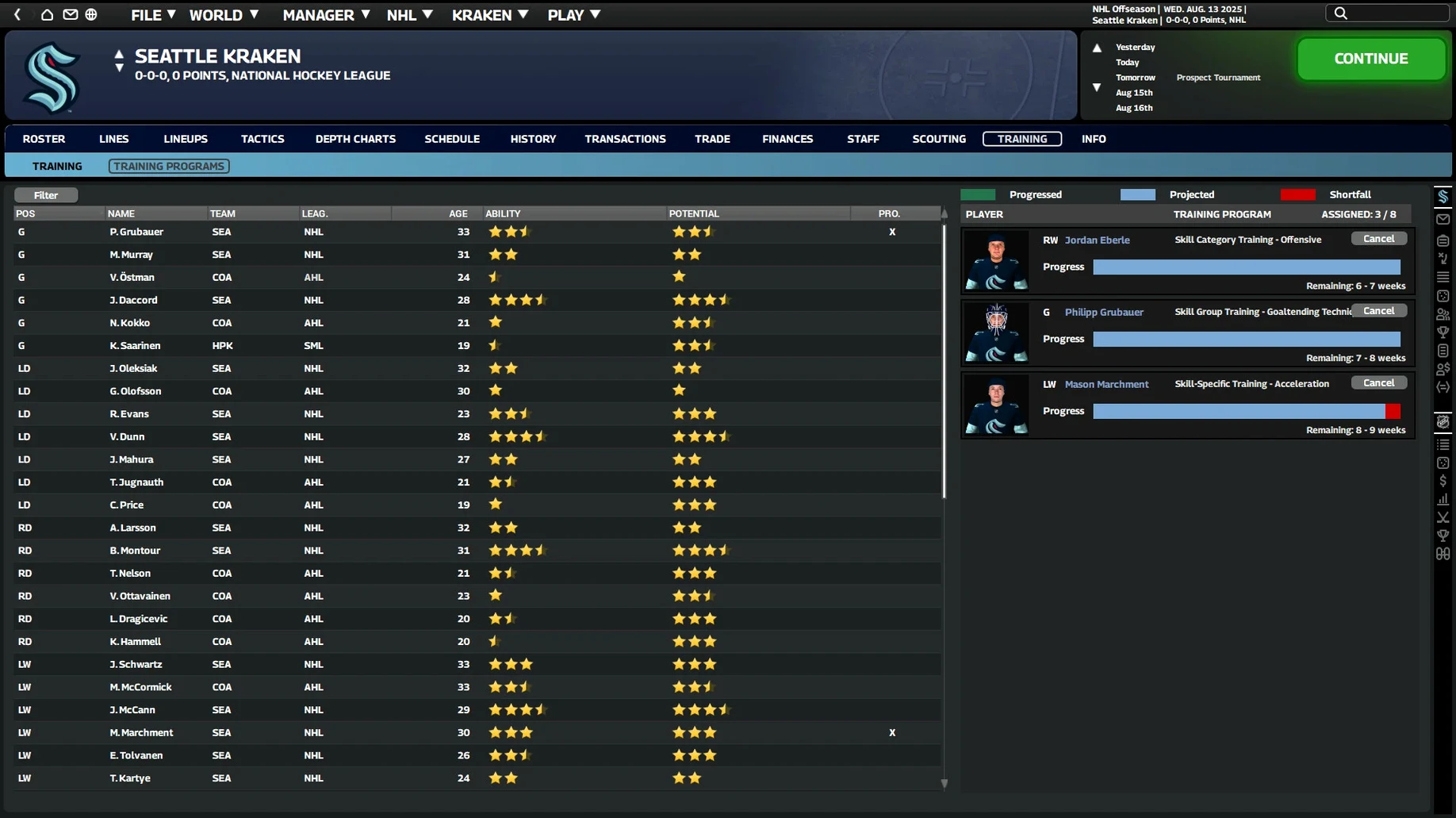
In the edit
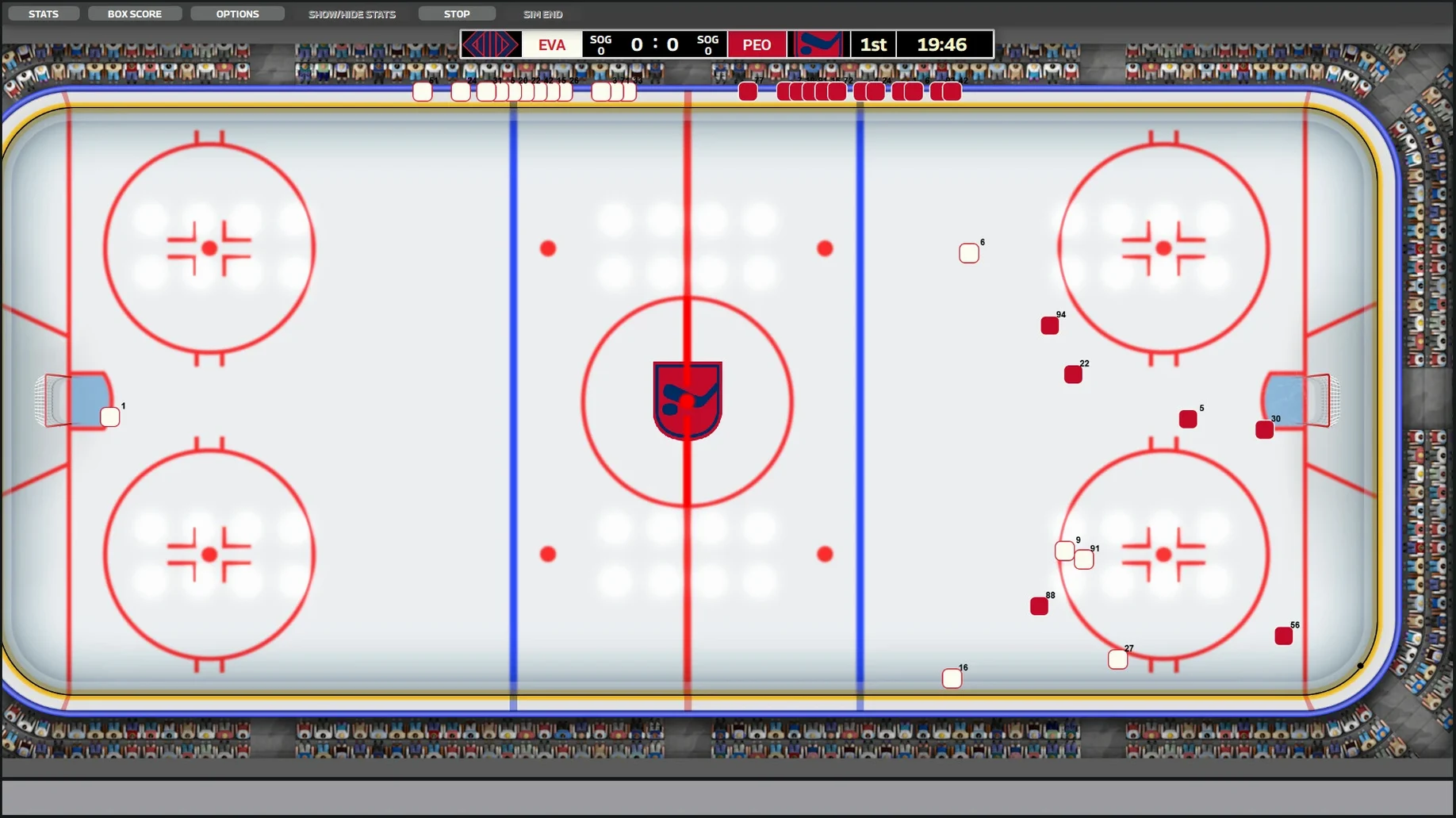
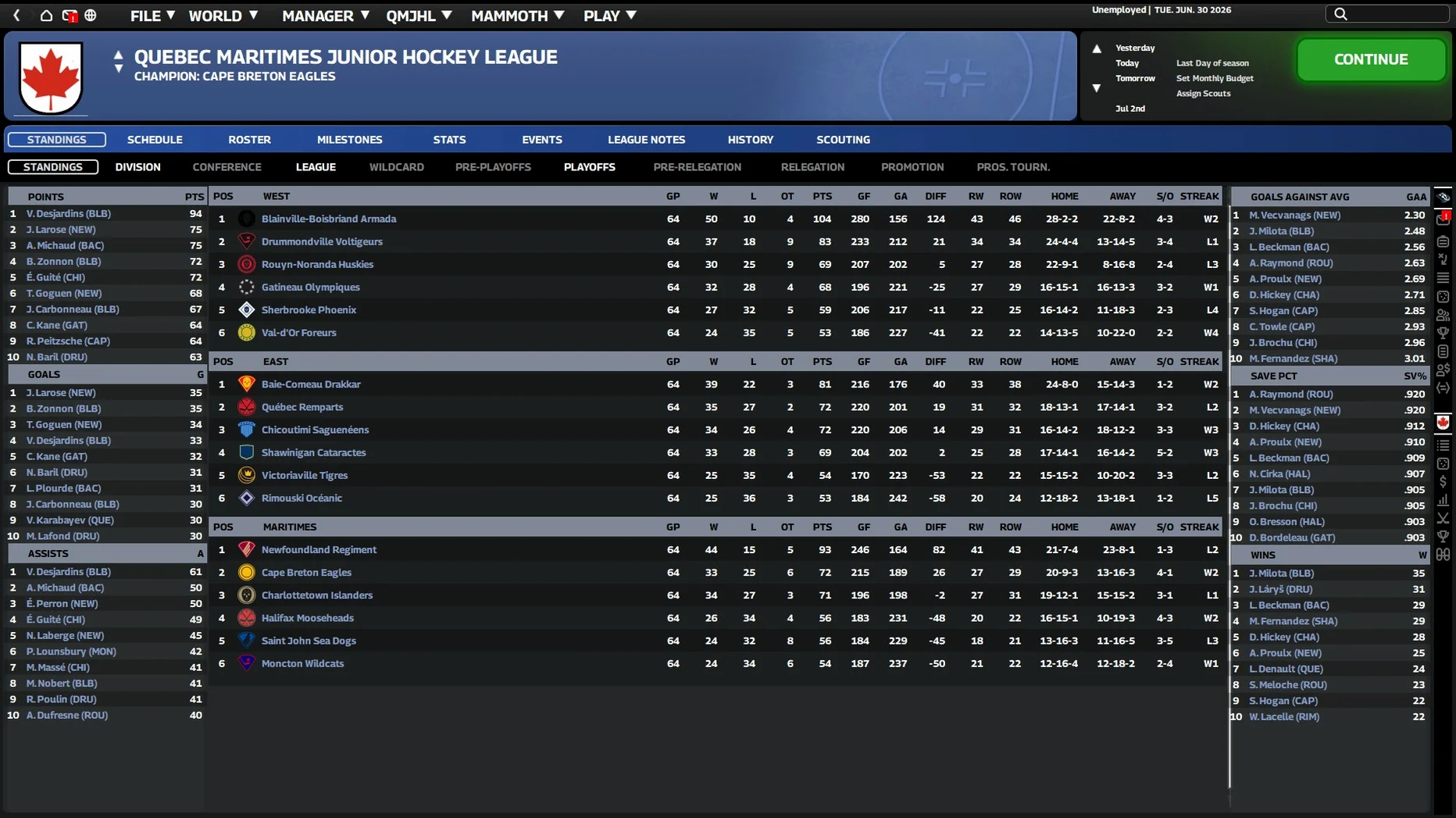
Franchise Hockey Manager 12 is a hockey management simulation that puts you behind the bench and in the front office. You take control of a team across dozens of leagues worldwide, making roster decisions, setting tactics, and watching your plan play out season after season.
Let’s say you want to take a struggling NHL club from the basement to the playoffs. You start by loading a save from the previous season, then open the tactic screen. You tweak the forechecking system, adjust the powerplay setup, and save the new set under a custom name. The game lets you save and reload tactic sets, so you can test different approaches without rebuilding from scratch. If things go wrong mid-season, you can fall back to a known-working system.
Beyond the day-to-day management, the historical mode lets you jump back to World Championships from 1929 onward. The 12.4.40 update added new CSV export files for injuries, managers, awards, events, and draft classes, which helps if you run your own stats or a league spreadsheet. The build was tested on macOS Tahoe with a 2024 Mac mini with M4, though the app itself uses x86 64-bit architecture, so Rosetta 2 handles it on Apple Silicon machines. Minimum display is 1280×768, and you’ll want 8 GB of RAM and about 6 GB free disk space.
Where Franchise Hockey Manager 12 really earns its place on a Mac is in how it fits alongside other apps you already have open. I often keep a browser tab with CapFriendly or a similar salary-cap site pulled up while the game runs in a window. The 1280×768 minimum display means it works fine on a 13-inch MacBook screen without taking over the whole desktop. If you use Numbers or a free spreadsheet app to track your own draft rankings, the new CSV exports for injuries, managers, awards, events, and draft classes drop straight into those files. No manual typing, no copying from a screenshot.
Compared to similar management sims, FHM 12 leans hard into its official NHL licensing. That means real team names, real logos, and the actual schedule structure, which matters if you want the league to feel like the one you watch on TV. On the other end of the spectrum, a game like Eastside Hockey Manager covers the same sport but has a smaller database of leagues and lacks the NHL branding. For someone who wants to run a fictional league or a lower-tier European setup, that might be enough. FHM 12 gives you both the real-world structure and the historical depth going back to 1929, so you can take the 1980s Oilers through the 1990s expansion era if you want.
Another option is the older FHM 11, which still works on macOS 10.12 and later. The big difference is the roster data: FHM 12 ships with post-trading-deadline lineups, and the 12.4.40 update keeps those current. If you are starting a new save in 2025, you get the real player movements from day one. FHM 11 would require manual edits or community rosters to match. For a single season’s worth of play, that might not matter. For a long-term franchise save that runs ten or fifteen years, starting with accurate rosters saves a lot of spreadsheet work down the road.
Mac it needs
- macOS 10.12 or later
- Intel processor (Rosetta 2 on Apple Silicon)
- 1280×768 display
- 8 GB RAM
- About 6 GB free disk space
Questions I actually get
Does Franchise Hockey Manager 12 run on Apple Silicon Macs?
The game uses x86 64-bit architecture, so it runs through Rosetta 2 on Apple Silicon machines. It was tested on a 2024 Mac mini with M4 running macOS Tahoe.
Installing on a Mac
- Open the downloaded disk image.
- Drag the app into the Applications folder alias.
- After copying finishes, launch the app from Launchpad.
Notes from photographers
Sign in or create your account to leave a comment.
No notes from photographers yet. If you have used this on a real folder, say which camera and which Mac.
