
 Get it for my Mac (3.2 GB)







 Garden Story
1.1.0

- Version
- 1.0.8
- Developer
- Rain Games
- Interface in
- English, Norwegian
- Licence on file
- DRM-free
- Chip support
- Apple Silicon, Intel 64-bit
- Edited with it on
- macOS Sonoma, MacBook Air (M1. 2020)
- Out on
- 5.09.2023
- Voices in
- Music only
In the edit
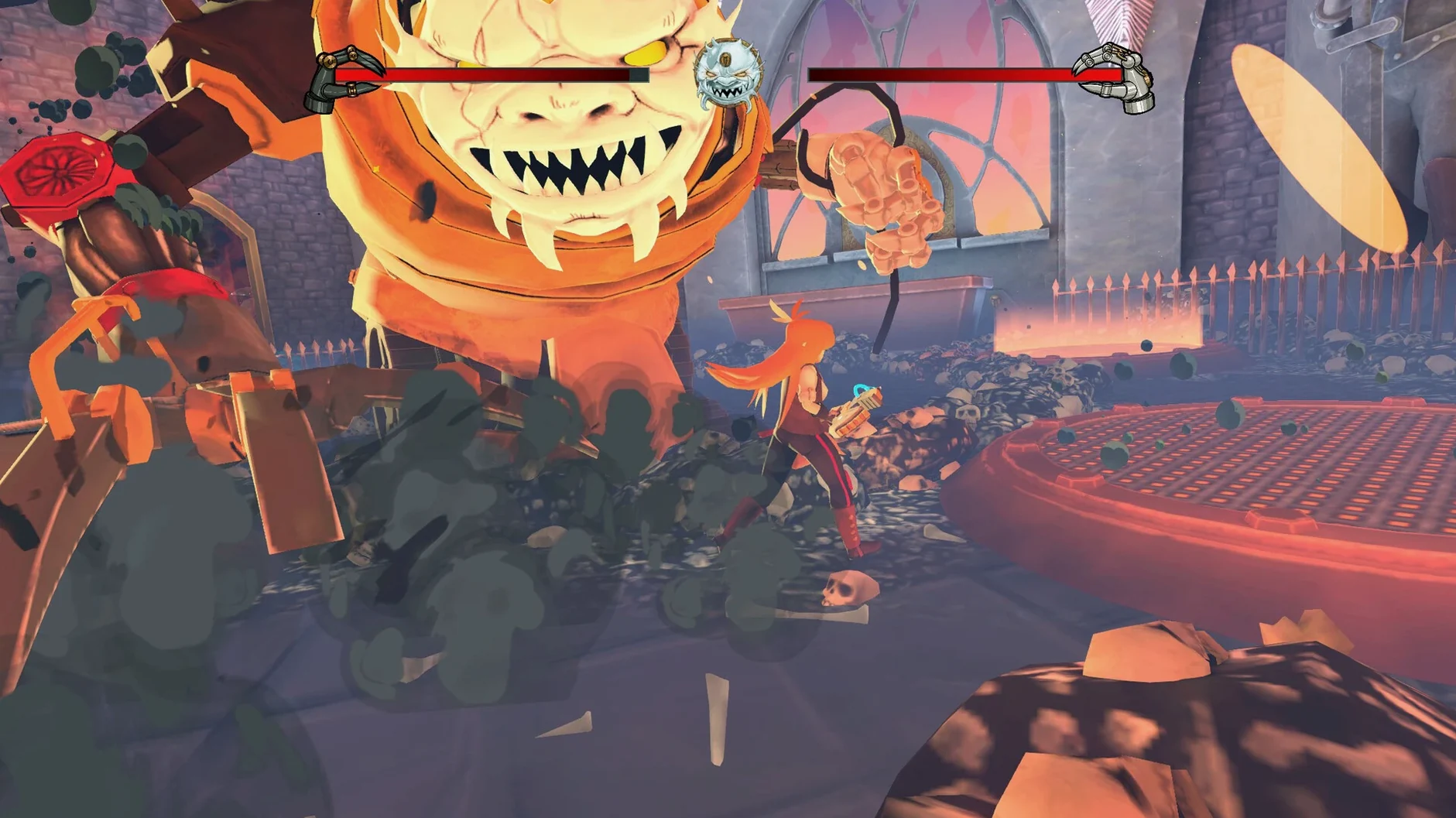
The current version of Girl Genius: Adventures In Castle Heterodyne is 1.0.8, so if you’ve been waiting for a stable build, this is the one. It’s an action-adventure game set in a steampunk version of old Europe, inside the sprawling Castle Heterodyne. The developer is Rain Games, and the game came out on 5 September 2023.
| Detail | Info |
|---|---|
| Developer | Rain Games |
| Release date | 5 September 2023 |
| Languages | English, Norwegian |
| Architecture | x86 64-bit (Intel and Apple Silicon) |
This one is for you if you like exploring a hand-crafted world with puzzles, quirky characters and a strong sense of place. The steampunk setting is well-drawn, and the story leans into the comic’s existing lore. If you’re after fast combat or a tight action platformer, this might feel a bit slower than you’d like. The pace is deliberate, more about discovery and dialogue than reflexes. On an M1 MacBook Air running macOS Sonoma, it ran fine — nothing flashy, but solid.
Getting into the game: a quick walkthrough
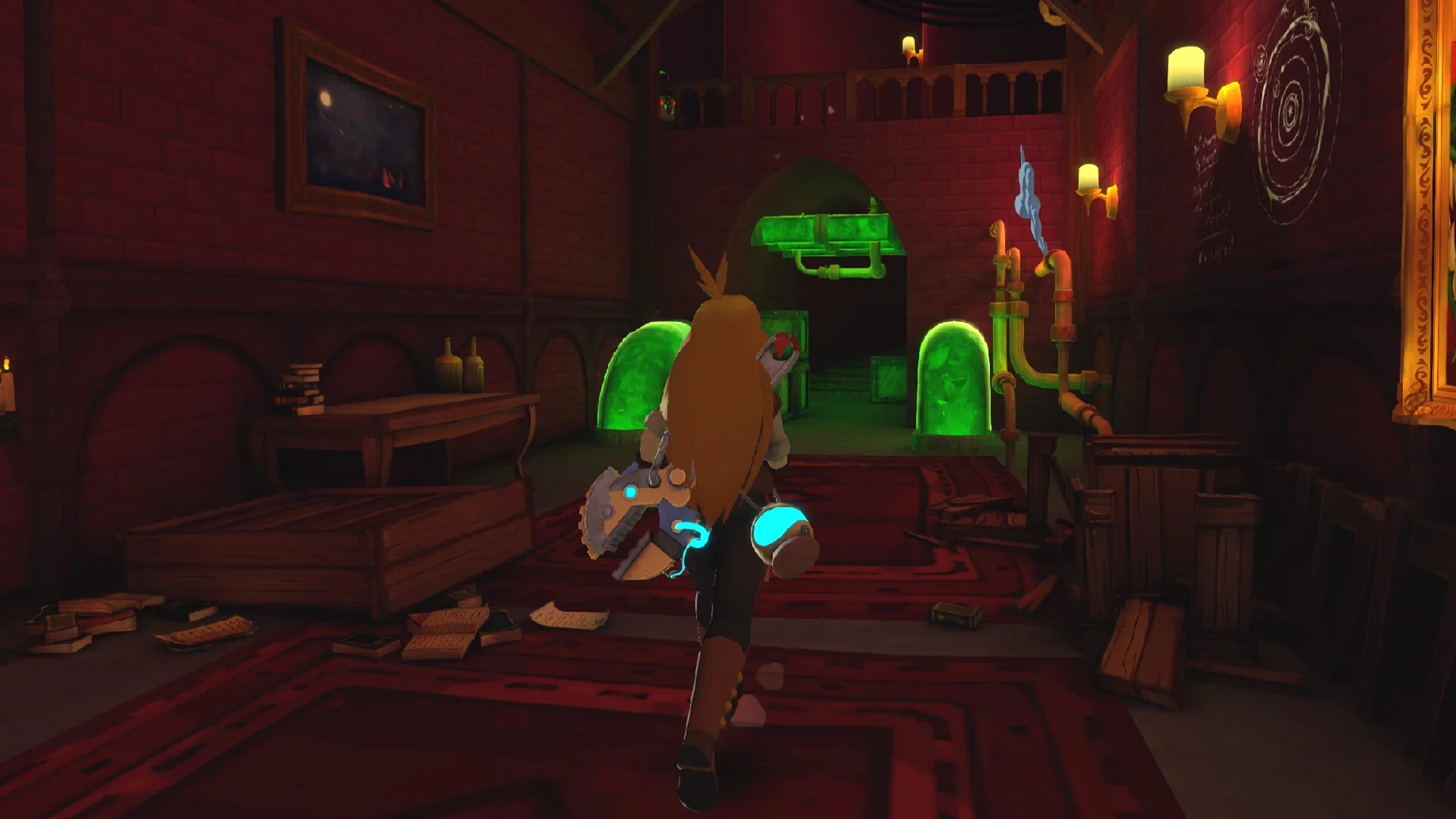
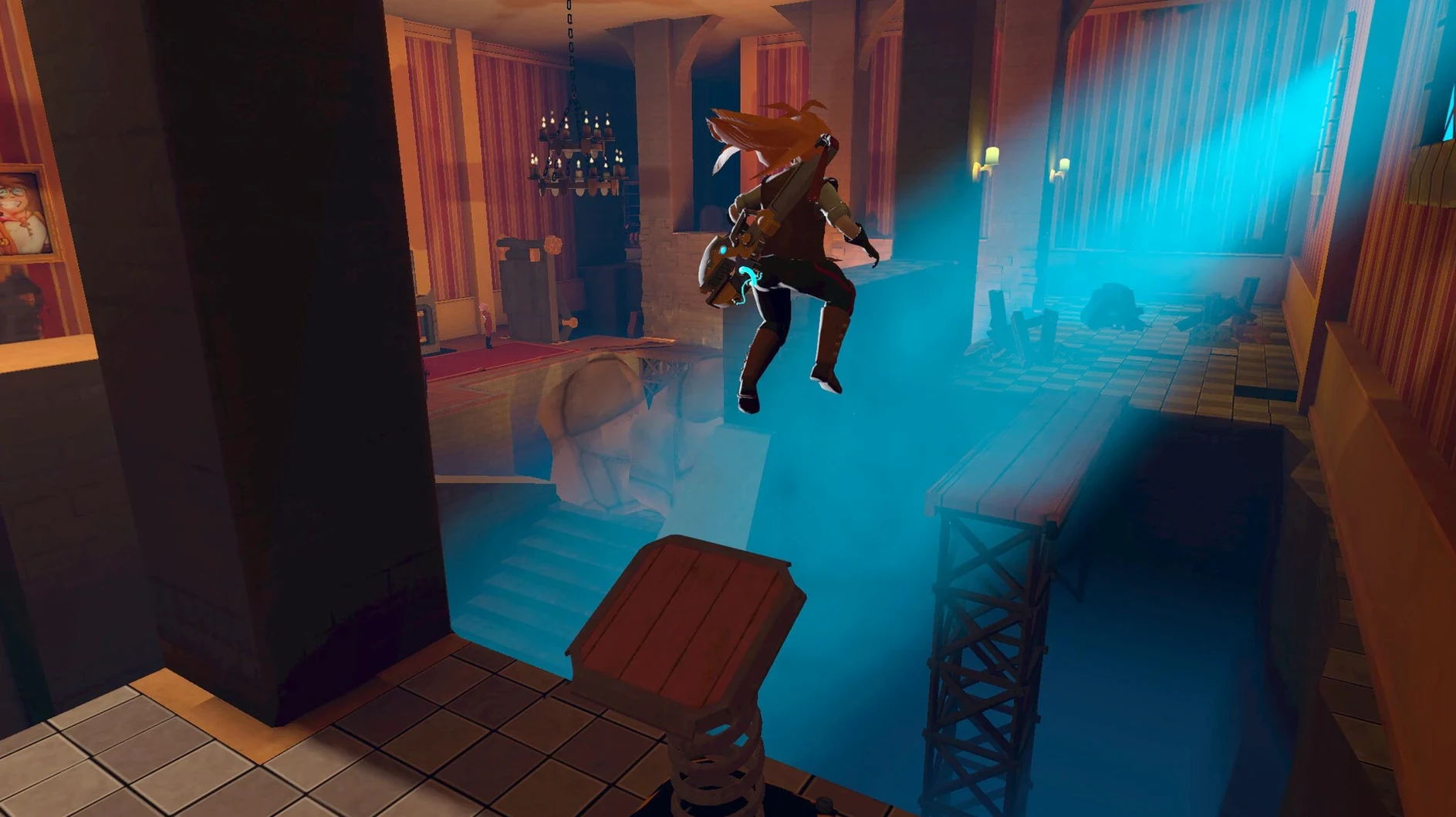
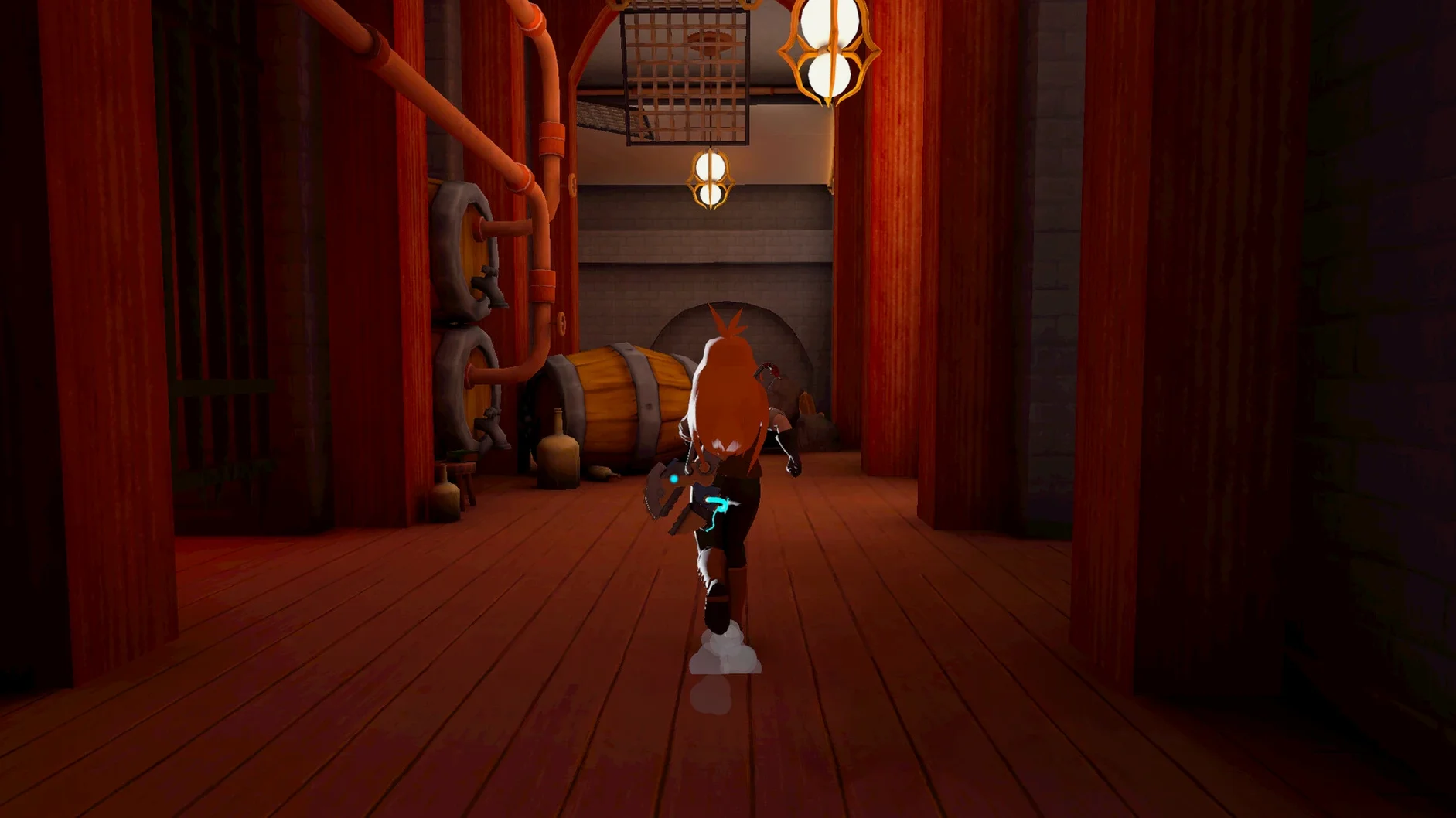
After you install the game — and yes, pop it in Applications if the option comes up — launch it like anything else: double-click the icon. The main menu gives you a clean start. Choose New Game, and you’re straight into Castle Heterodyne’s opening corridor. The game doesn’t throw a tutorial screen at you; instead, it teaches through environmental clues and a few lines of dialogue. You control Agatha Heterodyne with the keyboard, moving through rooms that each feel like a little puzzle box — levers to pull, switches to flip, paths that loop back on themselves.
My usual approach: I open the map early (the game lets you access it from the pause screen), mark the rooms I’ve visited, and work methodically. The story beats trigger when you reach certain areas, so backtracking is part of the deal. The save system is autosave-only, which means you never lose progress, but you also can’t save-scum a conversation choice. It’s fine — the game’s design respects your time.
Runs quietly alongside your browser on an M1 MacBook Air
Girl Genius runs natively on both Intel and Apple Silicon, so you don’t need an emulation layer. On an M1 MacBook Air, the fan didn’t spin up much, and the game sat quietly in a window alongside a browser or a messaging app. I found it easy to switch out to check a walkthrough on one monitor and jump right back. The game doesn’t use macOS’s fullscreen exclusive mode by default, but you can toggle it in the settings. If you’re used to running games in a window while keeping Slack or Discord visible, this one cooperates.
It also integrates nicely with macOS’s audio routing — the soundtrack plays through whatever output you’ve set, and there’s no weird latency if you’re using wireless headphones. The game’s voice language is listed as “musical accompaniment,” so don’t expect spoken dialogue; it’s all text and music. That makes it a good candidate for playing with the sound off while listening to a podcast, if that’s your style.
Works on older Macs thanks to native ARM and x86 support
Will this run on an older Mac?
The official spec doesn’t call out a minimum macOS version, but it’s a 2023 release, so anything from the last few years should handle it. The build supports both ARM and x86, so Intel Macs and Apple Silicon ones are both covered. A MacBook Air (M1, 2020) on macOS Sonoma ran it fine.
Is it a direct adaptation of the comic?
Not exactly. The game follows Agatha Heterodyne through a new story set inside Castle Heterodyne, drawing on the comic’s tone and setting. You don’t need to have read the webcomic to follow the plot, but fans will spot callbacks and characters they know. The official press sheet describes it as an action-adventure game in a steampunk interpretation of old Europe — that’s the flavour.
How long does it take to finish?
I can’t give a number because I haven’t timed it, but it’s not a short romp. The castle is big, with multiple paths and hidden areas. Expect to spend several sessions exploring, solving puzzles and talking to characters. The game respects exploration — if you rush, you’ll miss things.
Does it need an internet connection?
No. It’s DRM-free, as the build notes say. Install it, play it, no online check required. That’s the kind of thing that makes a game easy to keep on a laptop for travel.
Can I play it in Norwegian?
The game supports both English and Norwegian text. So if you want to practise your Norwegian or just prefer it, switch the language in the settings. The music and interface remain the same.
Mac it needs
- macOS version not specified by the developer
- Architecture: Intel and Apple Silicon (x86 64-bit)
Questions I actually get
Does the game support Apple Silicon?
The build supports x86 64-bit, which means it runs on both Intel and Apple Silicon Macs through Rosetta 2.
Installing on a Mac
- Run the standard installation procedure.
- Choose the install location when the setup finishes.
- If the Applications folder is offered as an option, use it.
Notes from photographers
Sign in or create your account to leave a comment.
No notes from photographers yet. If you have used this on a real folder, say which camera and which Mac.
