Get it for my Mac (32 GB)
 Sid Meier’s Civilization VII
1.5.0.1 Native
Sid Meier’s Civilization VII
1.5.0.1 Native
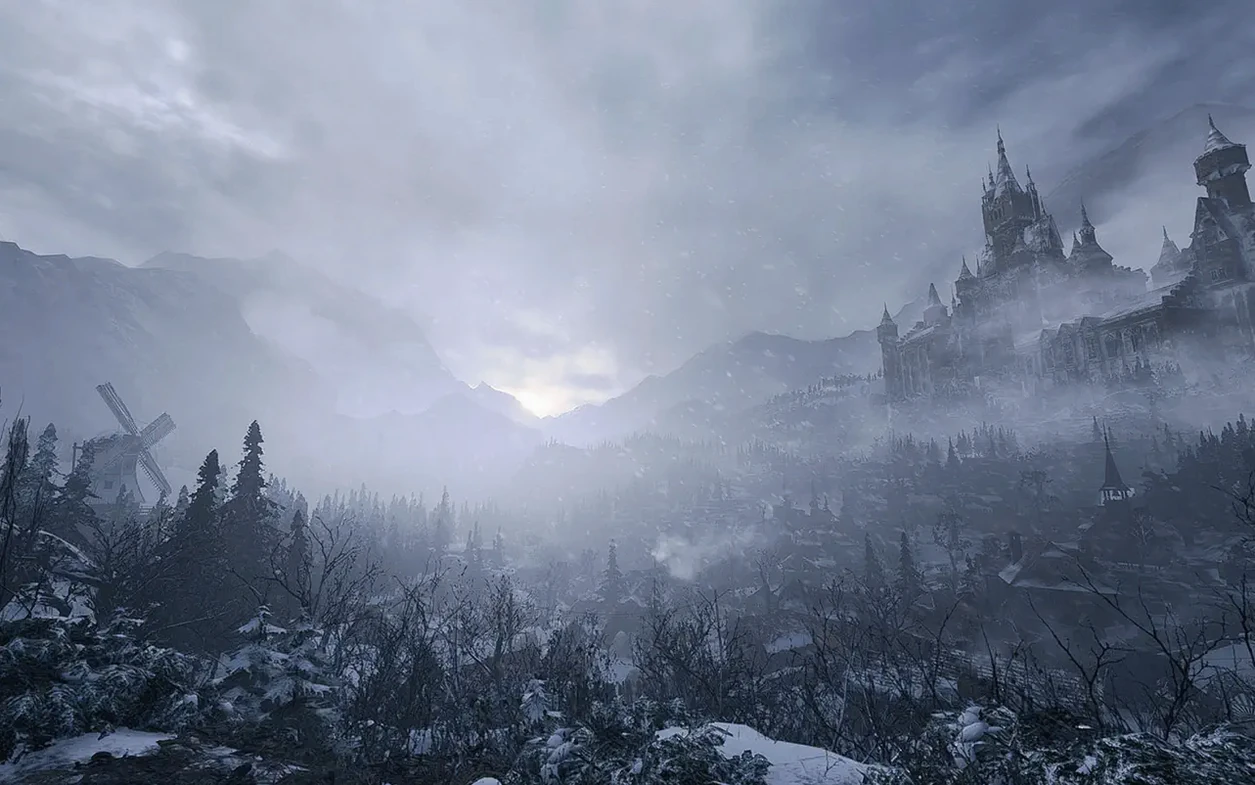

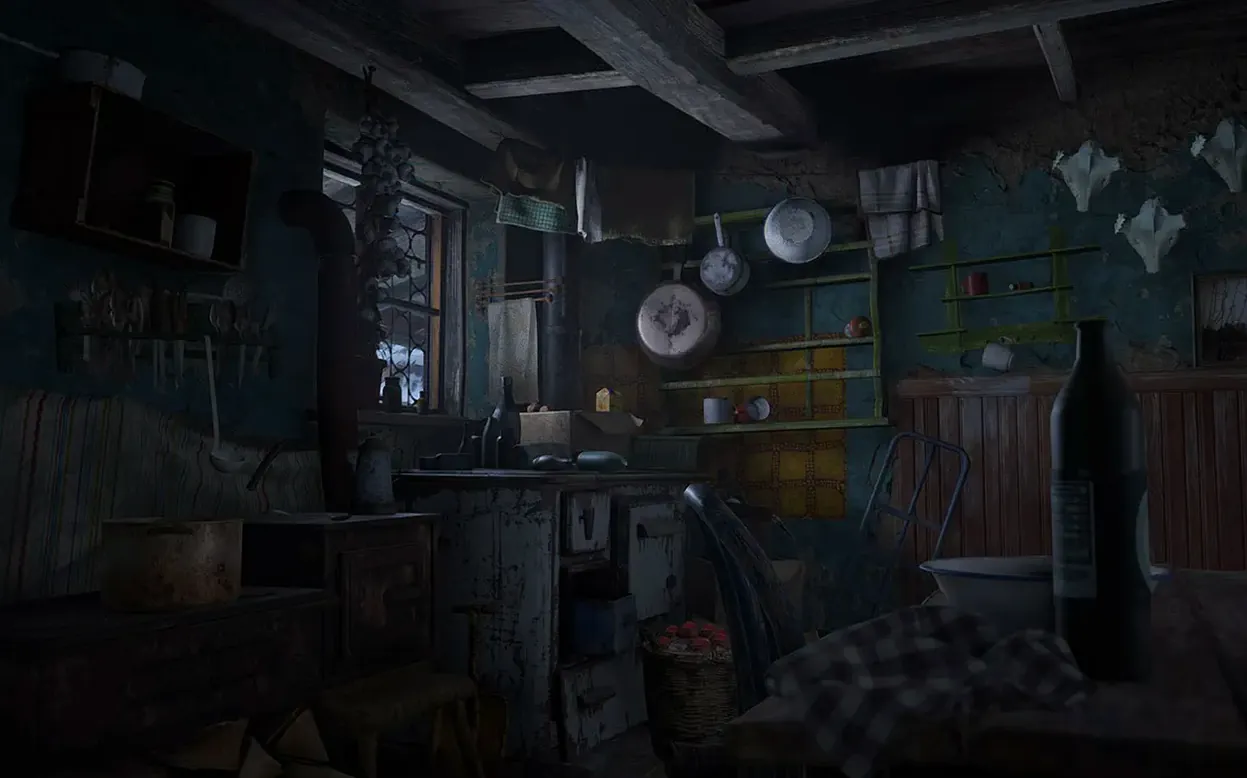
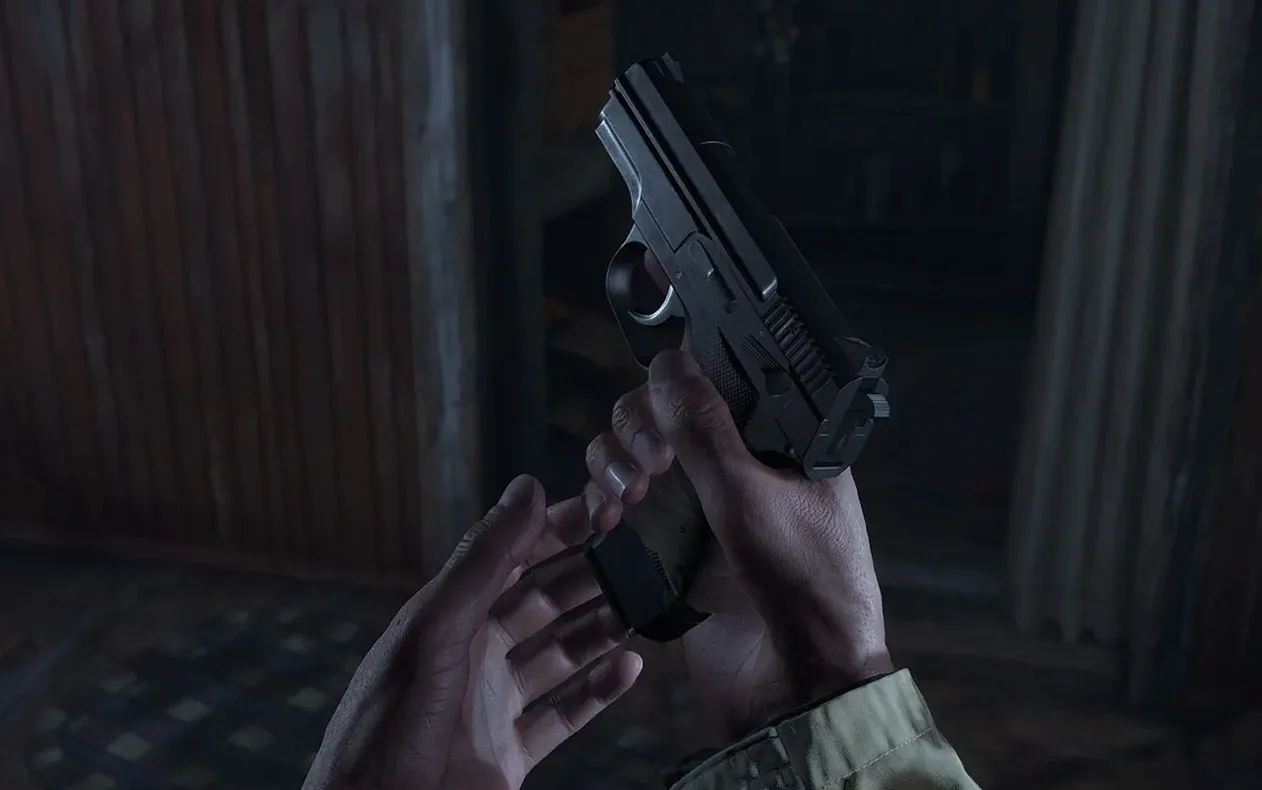

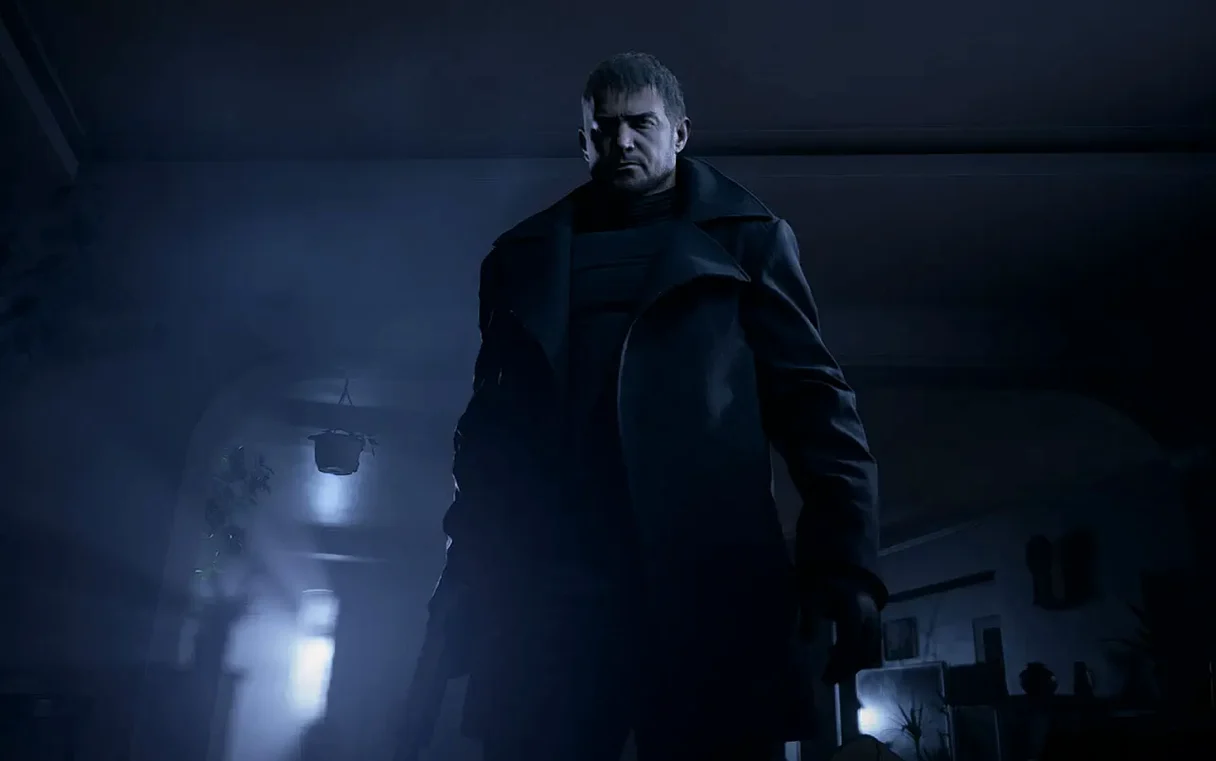
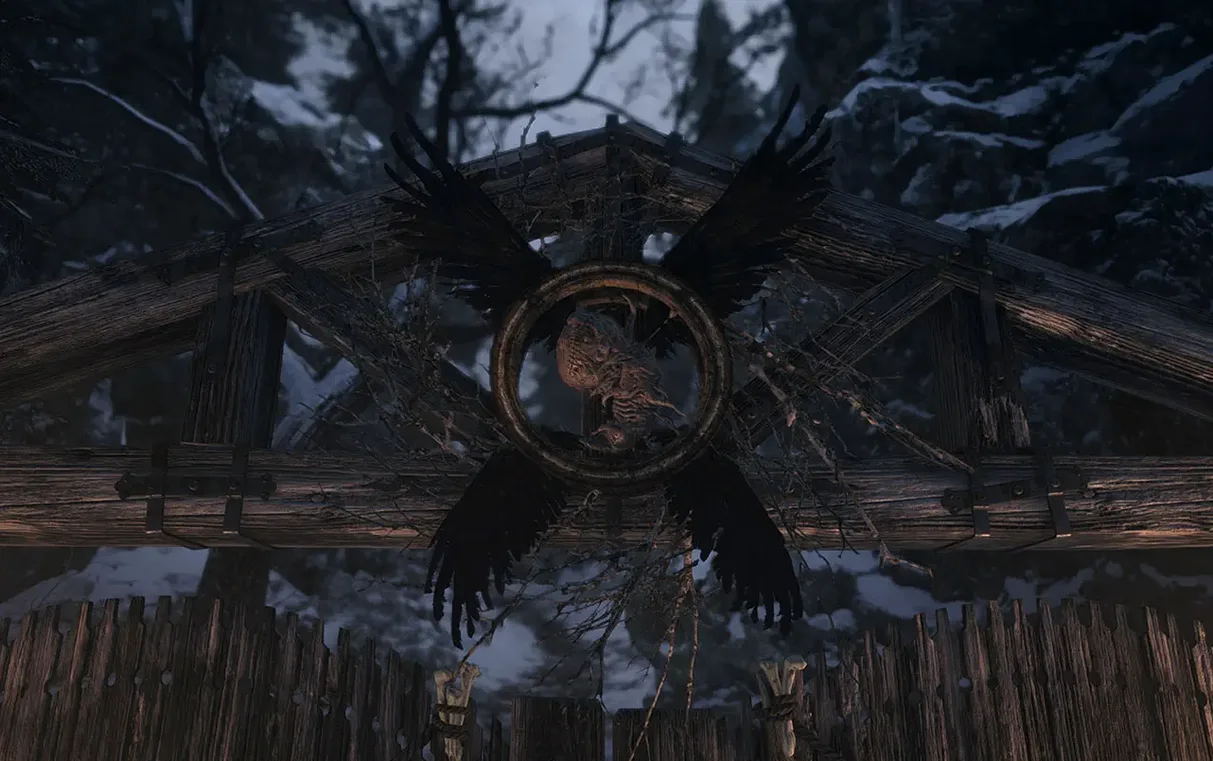
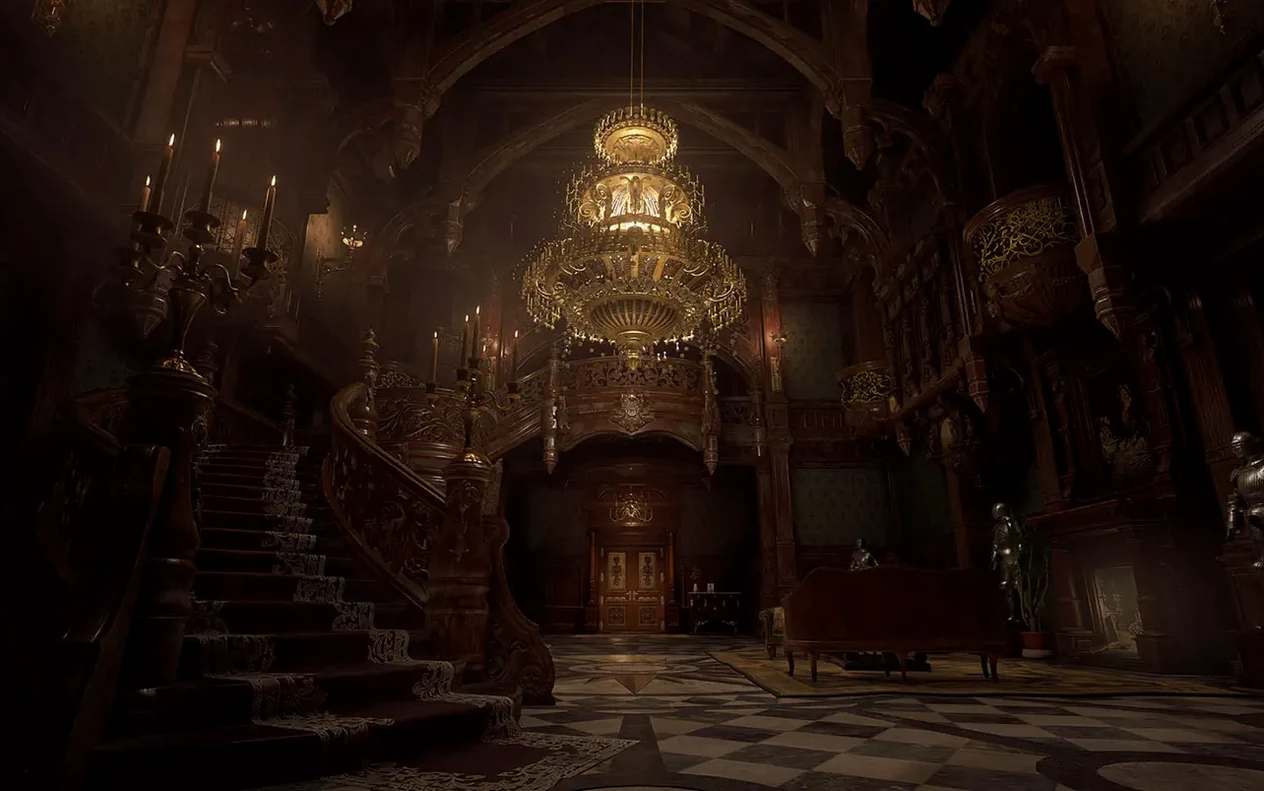
The current version, 1.1.2 fix, brings the eighth major entry in the Resident Evil series to Macs with Apple Silicon. You control Ethan Winters from a first-person perspective, picking up after the events of Resident Evil 7 biohazard. Chris Redfield appears, and the village itself is packed with new enemies that keep you on edge.
Players who like a strong story and a creepy, atmospheric world will find plenty to sink into. The first-person view makes every corner of the village feel immediate, and the mix of combat, exploration, and puzzle-solving keeps things varied. If you enjoyed Resident Evil 7, you will feel right at home.
If you prefer slower, more methodical horror or games that let you avoid combat entirely, this one leans heavier into action than some earlier entries. The village can feel overwhelming for players who want a straightforward path. And if you cannot handle jump scares, this game will test you.
The Mac version supports in-game achievements and runs on macOS Monterey 12.x and macOS Ventura 13.0. Interface languages include English, French, Japanese, and ten more. It requires an Apple Silicon Mac and macOS 12.0 or newer.
The 1.1.2 fix is a targeted update that addresses stability during the opening hours of the game. For anyone starting a fresh run, the most noticeable difference is that the initial village sequence loads without the hiccups some players saw in earlier builds. The fix also smooths out the transition between cutscenes and gameplay, so you stay in the moment rather than staring at a loading ring.
In practice, that means the first encounter with the village's inhabitants feels tighter. If you have played previous versions, you will notice fewer interruptions when the game autosaves or when you cross into a new area. For a game that relies on atmosphere, those small gaps matter.
Resident Evil Village works well with macOS's controller support. Pair a PlayStation or Xbox pad via Bluetooth, and the game recognises it immediately without extra configuration. That is handy if you already use the same controller for other Mac games or even for navigating the system.
The game also plays nicely with macOS window management. If you need to check a walkthrough or keep an eye on a guide, you can run the game in a window and switch between spaces without the game dropping frames or freezing. For anyone hunting down collectibles or specific enemy spawns, that makes a real difference when you are cross-referencing a resident evil village torrent or a strategy page.
Voice language options let you choose between English, Japanese, and several other languages independently of the interface. That is a nice touch if you prefer the original Japanese audio with English subtitles, or if you want the full Russian dub for a different feel.
Before you dive in, there are a few adjustments that make the experience better from the start.
Take a few minutes to tweak these, and the village will feel like it was built for your setup rather than the other way around.
No. The Mac version requires an Apple Silicon Mac and macOS 12.0 or later.
Yes. The game supports multiple interface languages including Japanese and English, so you can mix and match.
Yes. It is the eighth main entry in the series, following Ethan Winters after Resident Evil 7, with the same story and characters.
Sign in or create your account to leave a comment.
No notes from photographers yet. If you have used this on a real folder, say which camera and which Mac.