
 Get it for my Mac (3.3 GB)


 Resident Evil Village
1.1.2
- Version
- 1.00.999 v2 Build (28549) [Wineskin]
- Developer
- Ubisoft
- Interface in
- Russian, English
- Licence on file
- Not required
- Chip support
- Apple Silicon, Intel 64-bit
- Edited with it on
- macOS Sequoia, MacBook Air (M1. 2020)
- Out on
- 30.11.2004
- Voices in
- Russian, English
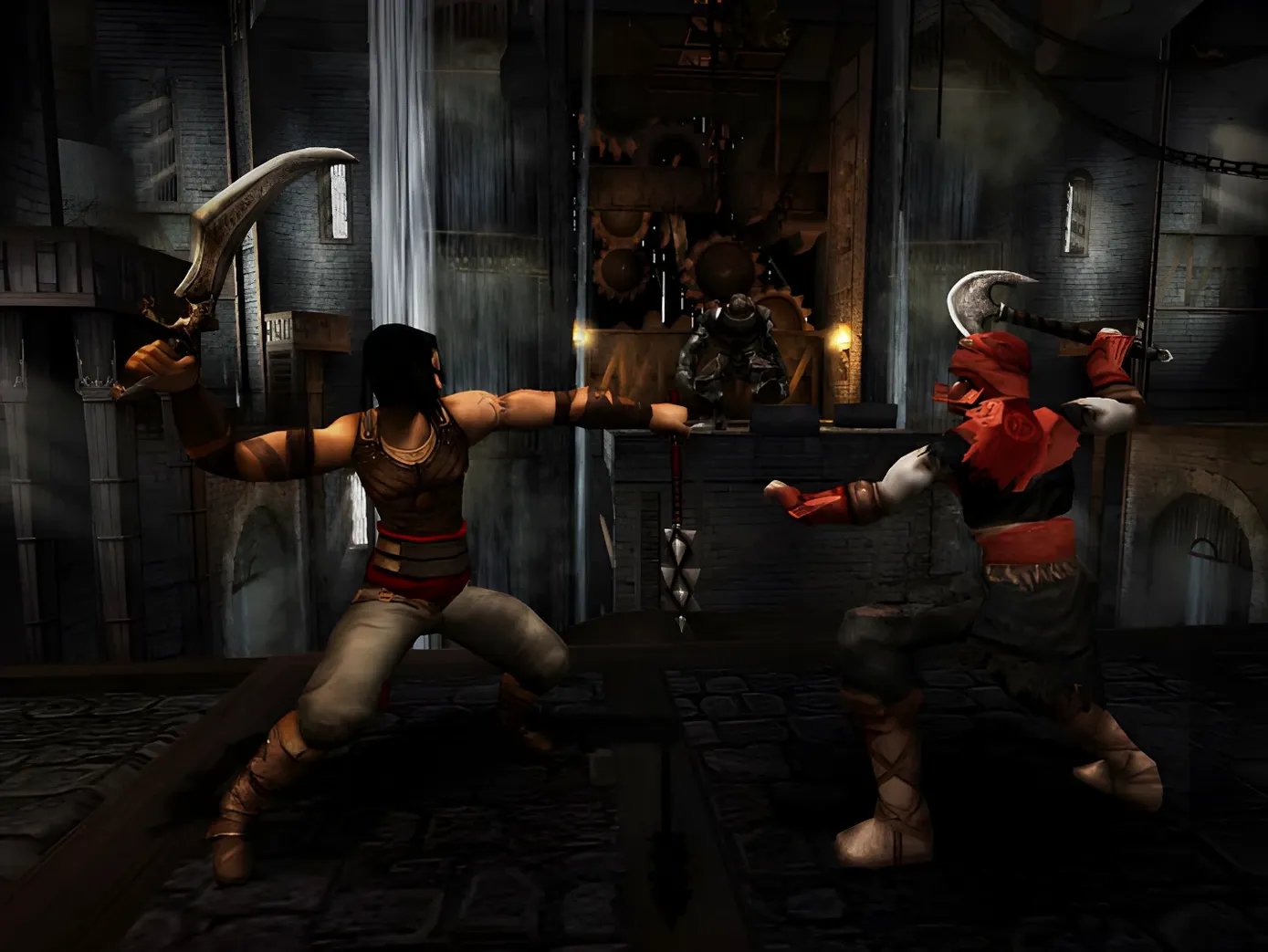
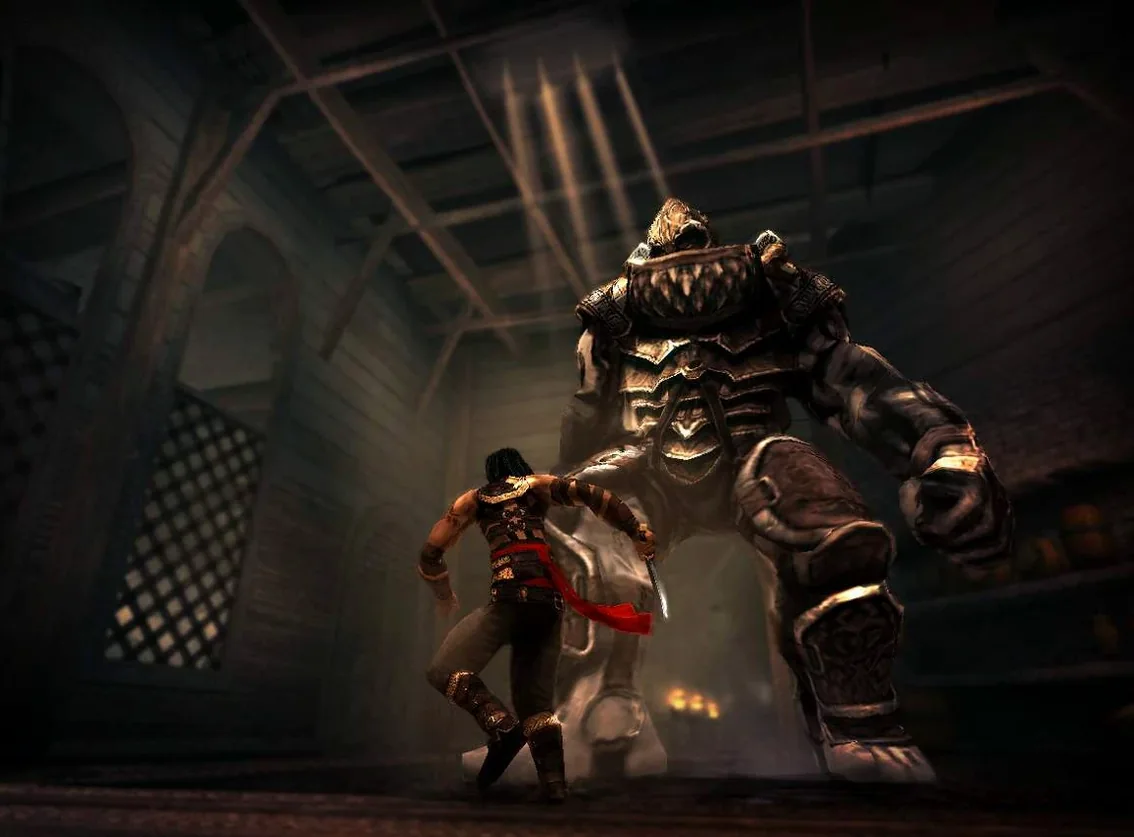
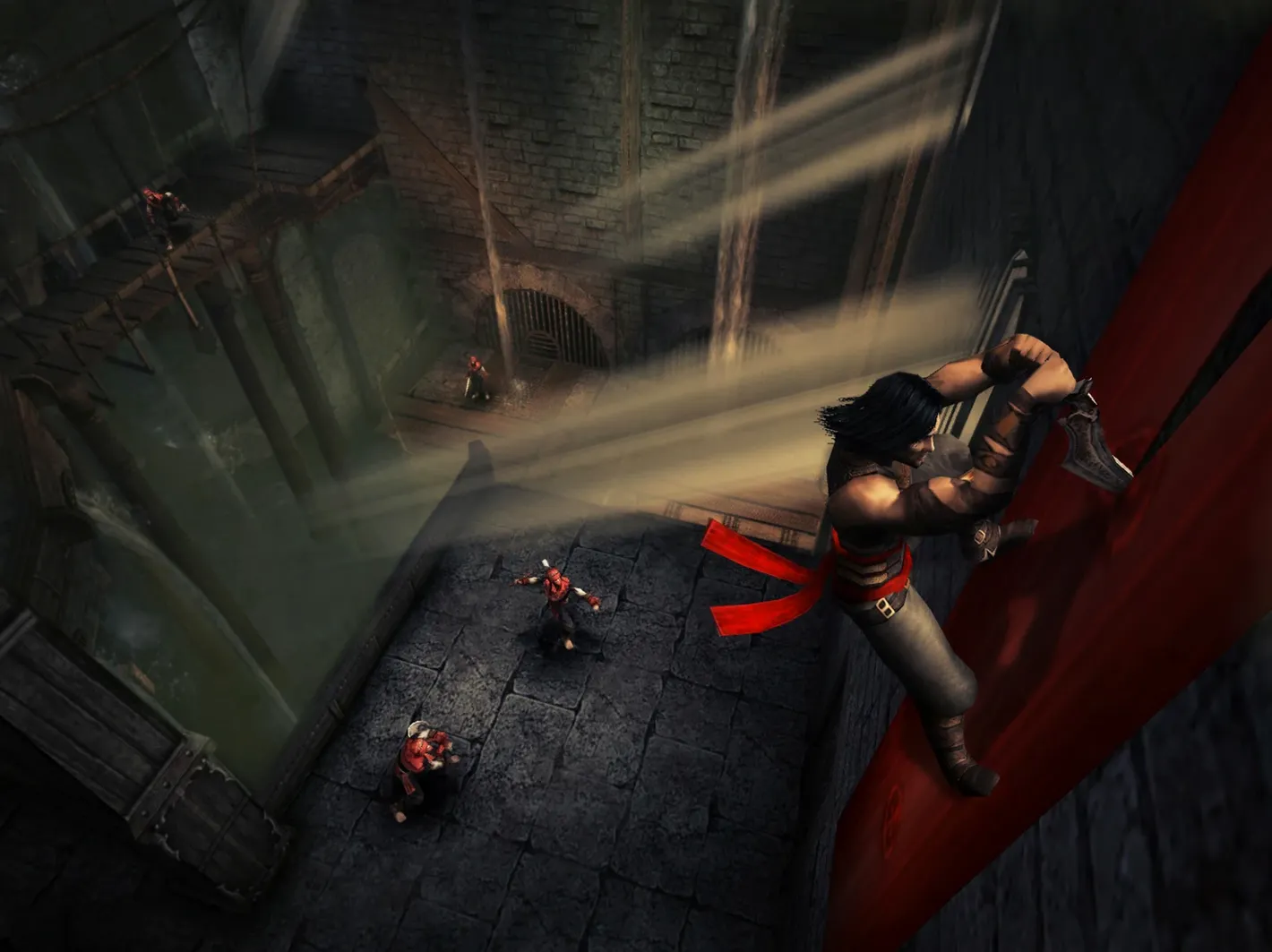
In the edit
You've got a MacBook Air on macOS Sequoia, an evening to yourself, and a craving for the dark, acrobatic combat that defined mid-2000s action-adventure. Prince of Persia: Warrior Within for Mac torrent delivers exactly that — the 2004 sequel to The Sands of Time, running on ARM and Intel alike through a Wineskin build (1.00.999 v2 Build 28549).
Play the full campaign with English or Russian voice acting
- Playing through the full single-player campaign with English or Russian voice acting
- Running on both Apple Silicon and Intel Macs under macOS Sequoia
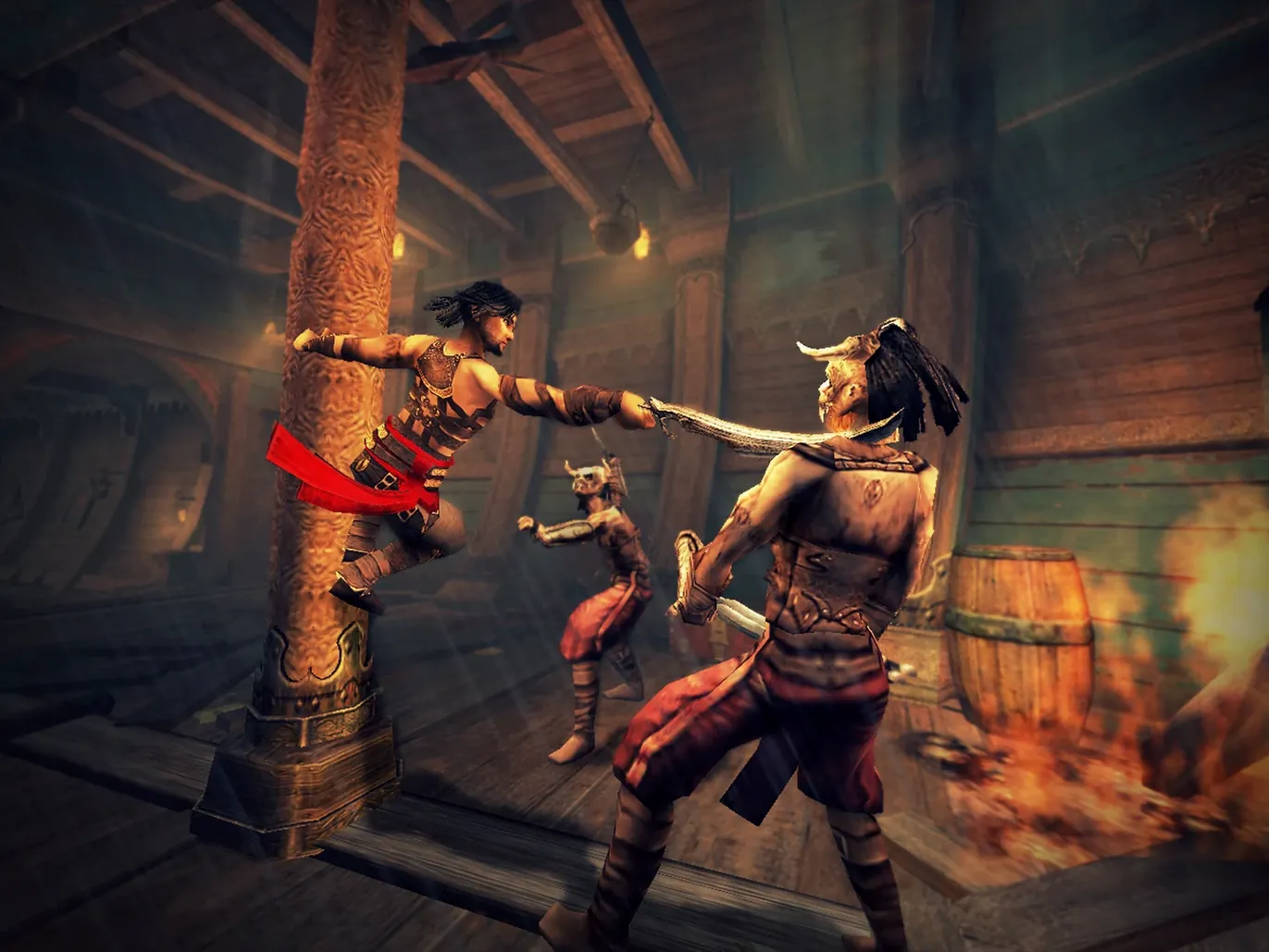
- Getting that classic Prince of Persia flow — wall runs, time powers, brutal finishers
You need an external 16:9 display or a virtual monitor
- An external 16:9 display is required; use BetterDisplay to create a virtual monitor if you don't have one
- If the game errors on first launch, run the Fix file from the mounted disk image
- Interface languages are limited to English and Russian
The current Wineskin wrapper runs the 2004 PC release without emulation overhead
The current build — 1.00.999 v2 (28549) — is a Wineskin wrapper that brings the 2004 PC release to modern macOS without emulation overhead. For someone playing through the game day to day, the main difference from older wrappers or Boot Camp setups is how it handles display detection. The game now expects a 16:9 external monitor from the start, which means no more wrestling with stretched or cropped visuals on the built-in display. On an M1 MacBook Air, the game recognised a connected 16:9 screen immediately and the aspect ratio locked in correctly, so the camera angles and platforming distances feel as they did on a PC monitor back in 2004. The Russian and English voice tracks are both present in the same install, letting you switch between them without separate downloads.
Set up a virtual display before launching on a MacBook
Once you've mounted the disk image and dragged the app to Applications, don't launch it straight away if you're on a MacBook without an external display plugged in. The game will throw an error and refuse to start. Instead, set up BetterDisplay first — create a virtual 16:9 monitor at 1920x1080 or 2560x1440, then launch the game. It will pick up the virtual display and run normally.
If you do get an error at first launch, the Fix file on the disk image is your next stop. Run it, then try again. In my experience, that sorts out the Wineskin configuration in one go, and the game boots cleanly after.
For the best combat experience, spend a few minutes in the early courtyard area to get used to the free-form fighting system on keyboard and mouse. The timing for parries and wall jumps is a bit tighter than the Sands of Time, and the first Dahaka chase sequence will punish you if you haven't dialled in the movement rhythm.
Plugged into a 16:9 monitor and launched from Launchpad
I plugged my MacBook Air into a 16:9 monitor, opened BetterDisplay to confirm the virtual display was active, and launched the game from Launchpad. The Wineskin wrapper took a few seconds to initialise, then the Ubisoft logo appeared and the main menu loaded with the familiar dark, metallic theme.
I selected my saved game — I was halfway through the Island of Time, in the mechanical tower section. The game picked up right where I left off, no syncing issues. The first thing I did was run through a few wall-run sequences to check the frame pacing. The camera followed smoothly, and the Prince's animations felt responsive. I fought a group of guards using the new free-form combat: a quick combo with the secondary weapon, a dodge roll, then a finishing move that triggered the slow-motion kill cam. The controls mapped well to the keyboard — no ghosting or missed inputs.
After twenty minutes of exploration and combat, I hit a puzzle room with rotating blades and pressure plates. The time powers came back into play — I rewound a few seconds to reposition a guard, then used the dash to clear a gap. The game saved automatically at a checkpoint, so I didn't lose progress when I stepped away for a drink.
Back at the menu, I switched the voice language to Russian for a change. It's a small thing, but the Russian cast gives the dialogue a different mood — grittier, more fitting for the cursed island setting. I played for another hour, reached a new save point, and quit. The whole session felt like the original PC experience, just running on a laptop from two decades later.
Mac it needs
- macOS Sequoia
- ARM and Intel architectures supported
- External display with 16:9 aspect ratio
Installing on a Mac
- Mount the downloaded disk image and drag the app to the Applications folder shortcut.
- After copying finishes, launch the app from Launchpad.
- If the game shows an error at startup, run the Fix file from the disk image.
- If needed, use BetterDisplay to create a virtual monitor and bypass the 16:9 display limitation.
Notes from photographers
Sign in or create your account to leave a comment.
No notes from photographers yet. If you have used this on a real folder, say which camera and which Mac.
