
 Get it for my Mac (331 MB)




 The Sims 4
1.127.41

- Version
- 1.07b (21422)
- Developer
- Puzzling Dream
- Interface in
- Russian, English, German, Spanish, Italian, Polish, Ukrainian, French
- Licence on file
- DRM-free
- Chip support
- Intel 64-bit
- Edited with it on
- macOS Sonoma, MacBook Air (M1. 2020)
- Out on
- 20.05.2016
- Voices in
- Music only
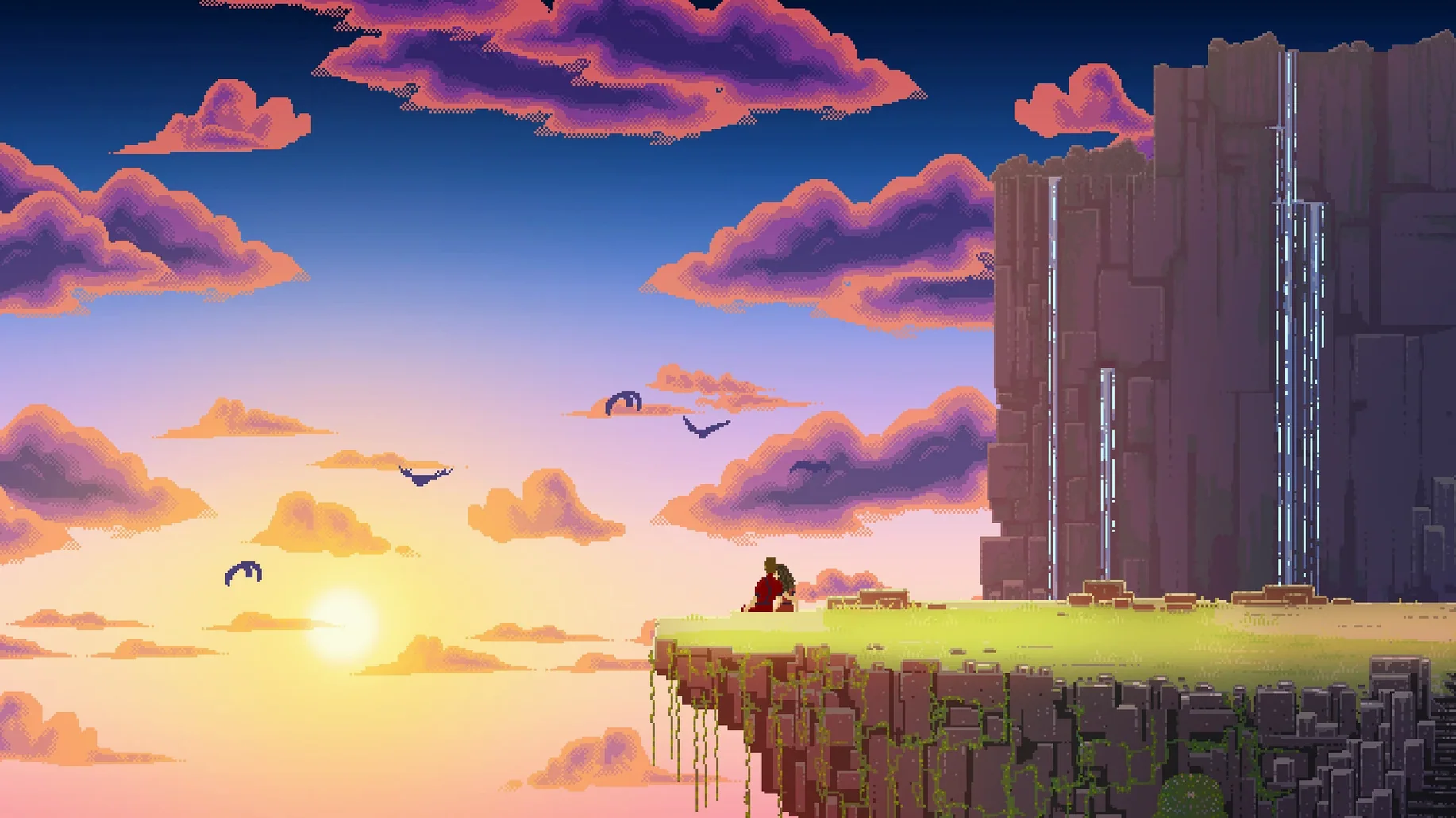
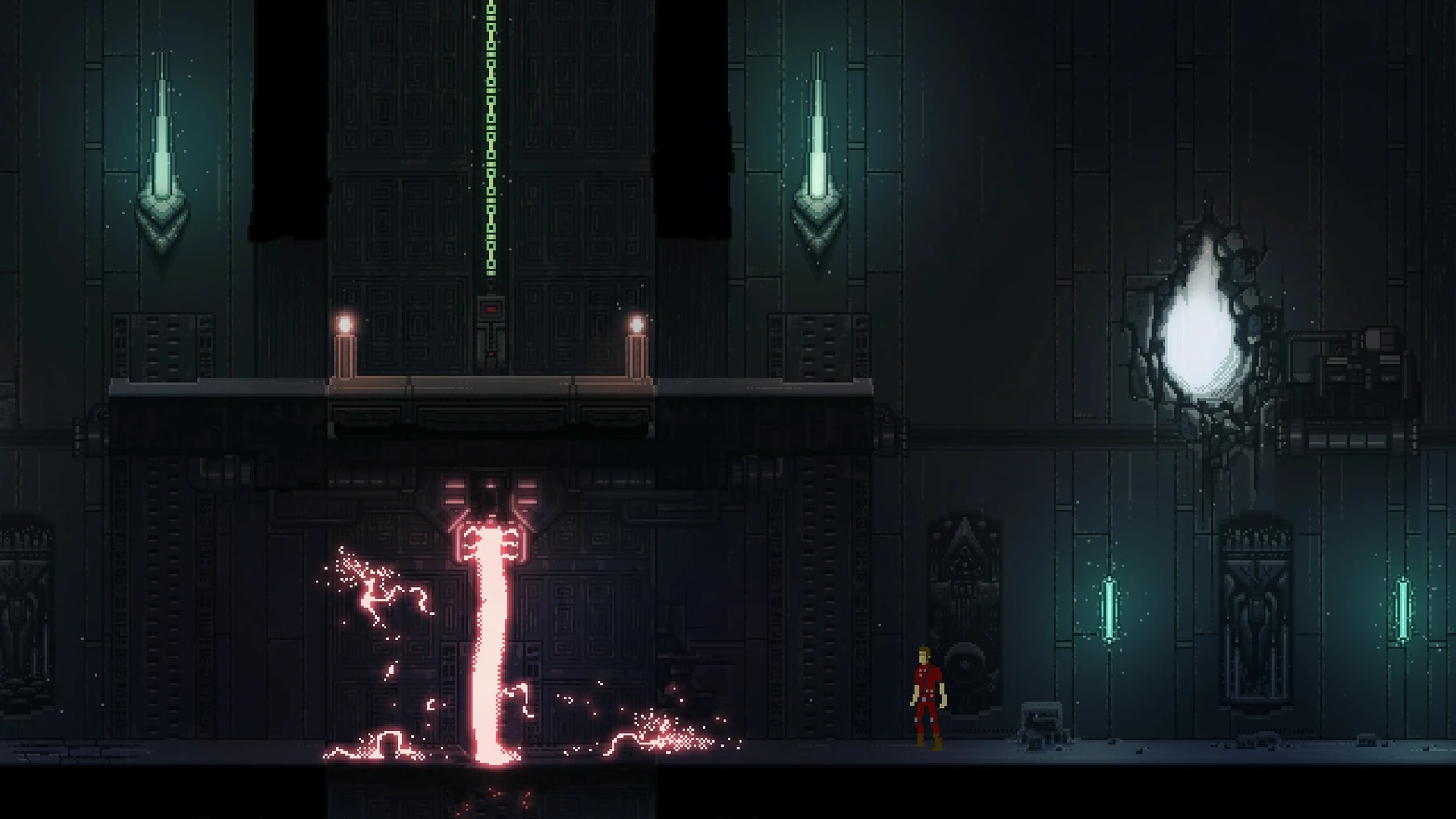
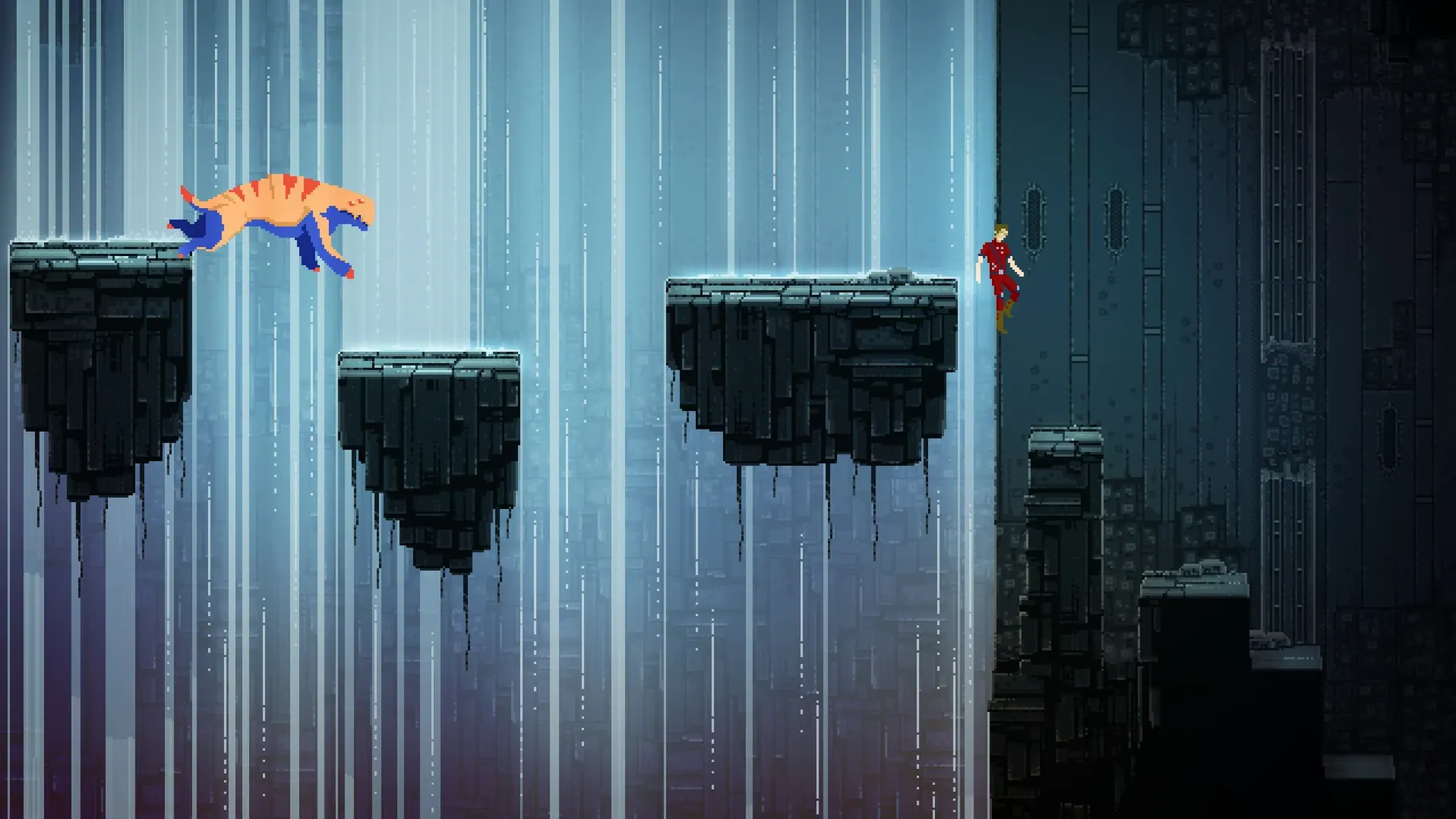
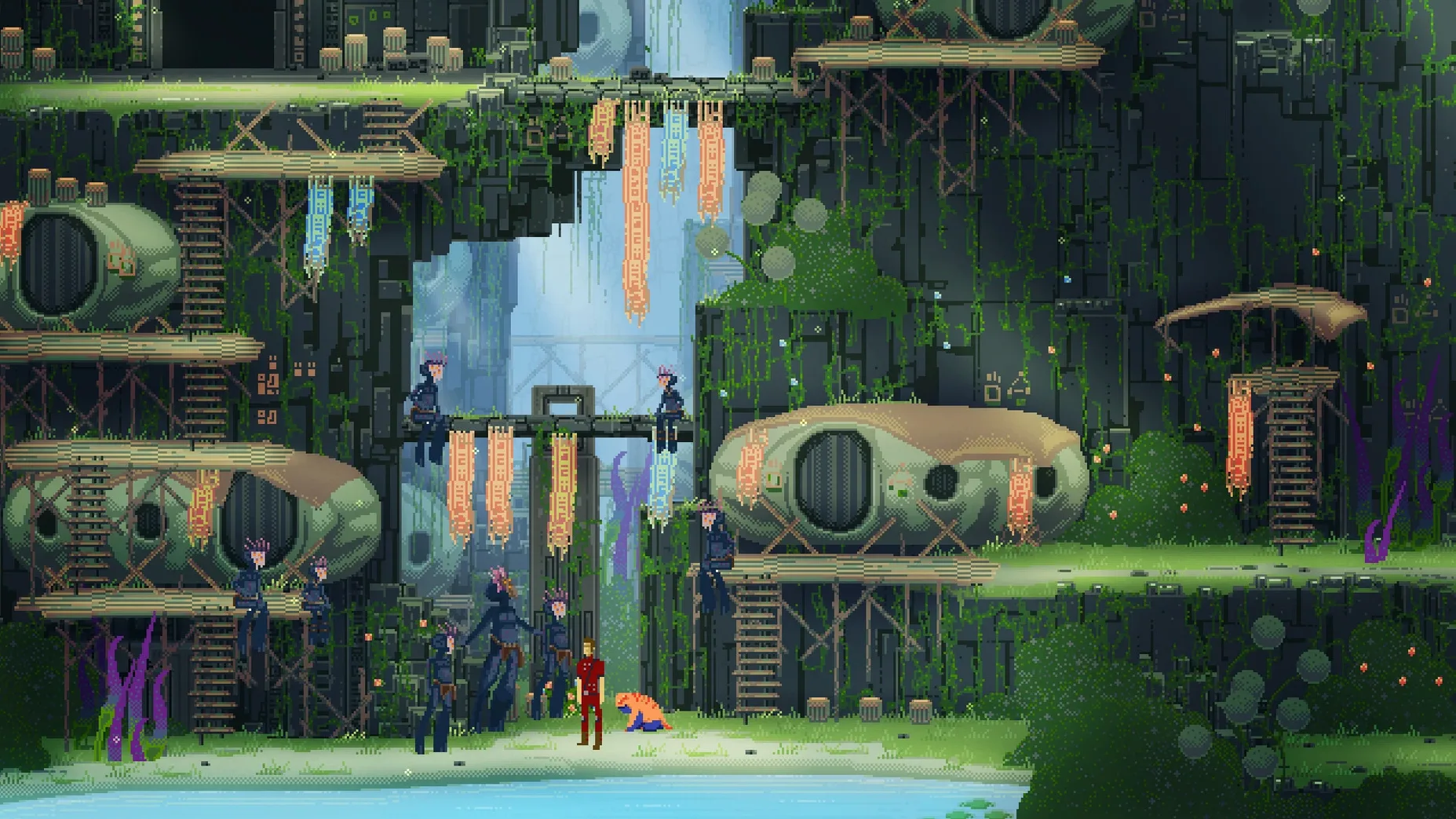
In the edit
Sometimes you need a game that pulls you into its world rather than just filling a spare ten minutes. The Way does exactly that. It is a 2D puzzle-platformer from Puzzling Dream, wrapped in a science-fiction story about loss and discovery. The retro visuals are packed with animation, and the puzzles ask you to think rather than just react. You explore several unique planets, each with its own look and logic, which keeps things fresh from one chapter to the next.
What's in the box
- A story-driven campaign set across multiple alien worlds
- Classic puzzle-platforming with a focus on environmental puzzles
- Richly animated pixel art that gives the world personality
- A melancholic sci-fi narrative told through exploration and quiet moments
Why it fits on a Mac
The Way runs on x86 64-bit Macs, so it works on most Intel models. The build is labelled 1.07b (21422), and the developer has kept it stable through updates. It was tested on macOS Sonoma on a MacBook Air with Apple M1 from 2020, which shows it handles modern systems well. If you are looking for a thoughtful platformer with a real sense of place, this one is worth a spot on your drive.
I have been running The Way for a while now, and a few things became clear pretty quickly. Here is what I would tell someone who just installed it, plus answers to the questions that come up before you click download.
Check the language settings on your first launch
When you first launch the game, take a moment to check the language settings. The Way supports Russian, English, German, Spanish, Italian, Polish, Ukrainian, and French, so you can switch if the default is not yours. The menu is straightforward, so you will not need to dig through a manual.
I recommend playing through the first planet without a walkthrough. The puzzles are designed to teach you their logic as you go, and figuring them out yourself is part of the fun. If you get stuck, step away for an hour. Coming back with fresh eyes often does the trick.
Save often. The game uses manual save points, and while they are placed generously, it is easy to forget in the middle of a tricky section. I got caught out once when I had to backtrack further than I wanted.
Sound is important here. The game uses music only for voice-related content, so the ambient sounds and the sparse soundtrack carry the mood. Play with headphones if you can. It makes the alien worlds feel more immersive.
Works on Intel Macs including M1 via Rosetta
Does it run on Intel Macs? Yes. The build is x86 64-bit, so it works on most Macs from the last decade. The developer tested it on a MacBook Air with Apple M1 from 2020, but the architecture is Intel, so older Macs are the natural audience.
How long is the campaign? That depends on how fast you solve the puzzles. A first playthrough usually takes a few hours, but if you take your time exploring each planet and reading the ancient writings about eternal existence, you can stretch it further.
Is it a pure platformer or more of a puzzle game? It is both. The platforming is there, but the focus is on environmental puzzles. You will spend more time thinking about how to reach the next area than you will on precise jumps.
Does it have controller support? The game works with a keyboard and mouse, and many players prefer a controller for platformers. I would test both and see what feels natural to you.
Fix scaling issues by toggling windowed mode
Sometimes the game window does not scale perfectly on modern displays, especially if you are using a high-resolution screen. Try switching to windowed mode in the options, then back to fullscreen. That usually fixes it.
If the game feels sluggish on an older Mac, lower the resolution.
A few people have reported that the game does not launch the first time. The fix is simple: restart your Mac and try again. The Way is DRM-free, so there is no online check slowing things down, but a clean boot helps clear any minor system hiccups.
If you lose your save progress, check that the save folder is not set to read-only. The game saves locally, so permissions matter. You can find the save files in your user directory under ~/Library/Application Support/The Way.
Lastly, if you are running macOS Sonoma or later and see visual glitches, update your graphics drivers. The game was tested on Sonoma, but older Intel drivers can cause minor display issues. A quick update usually sorts them out.
Mac it needs
- macOS version not specified
- Intel x86 64-bit architecture
- Interface languages: Russian, English, German, Spanish, Italian, Polish, Ukrainian, French
Questions I actually get
What kind of game is The Way?
It is a 2D puzzle-platformer with a science-fiction story, retro visuals, and rich animation.
How many planets can I explore in The Way?
The game features several unique planets, each with its own environments and puzzle mechanics.
Does The Way run on Apple Silicon Macs?
The official requirements list Intel x86 64-bit, but it was tested on macOS Sonoma on an Apple M1 MacBook Air from 2020.
Installing on a Mac
- Run the standard installation procedure.
- Choose the install location when prompted.
- Pick the Applications folder if you can.
Notes from photographers
Sign in or create your account to leave a comment.
No notes from photographers yet. If you have used this on a real folder, say which camera and which Mac.
