
 Get it for my Mac (4 GB)




 Tiny Bookshop
2026.05.11

- Version
- 1.01 [Wineskin]
- Developer
- Aspyr (Mac), Crystal Dynamics
- Interface in
- Russian, English, German, Hungarian, Greek, Danish, Spanish, Italian, Chinese (Simplified), Dutch, Polish, Portuguese, Slovak, Turkish, Ukrainian, Finnish, French, Czech, Swedish, Japanese
- Licence on file
- Not required
- Chip support
- Apple Silicon
- Edited with it on
- macOS Sequoia, MacBook Air (M1. 2020)
- Out on
- 14.02.2024
- Voices in
- Russian, English, German, French, Japanese
In the edit
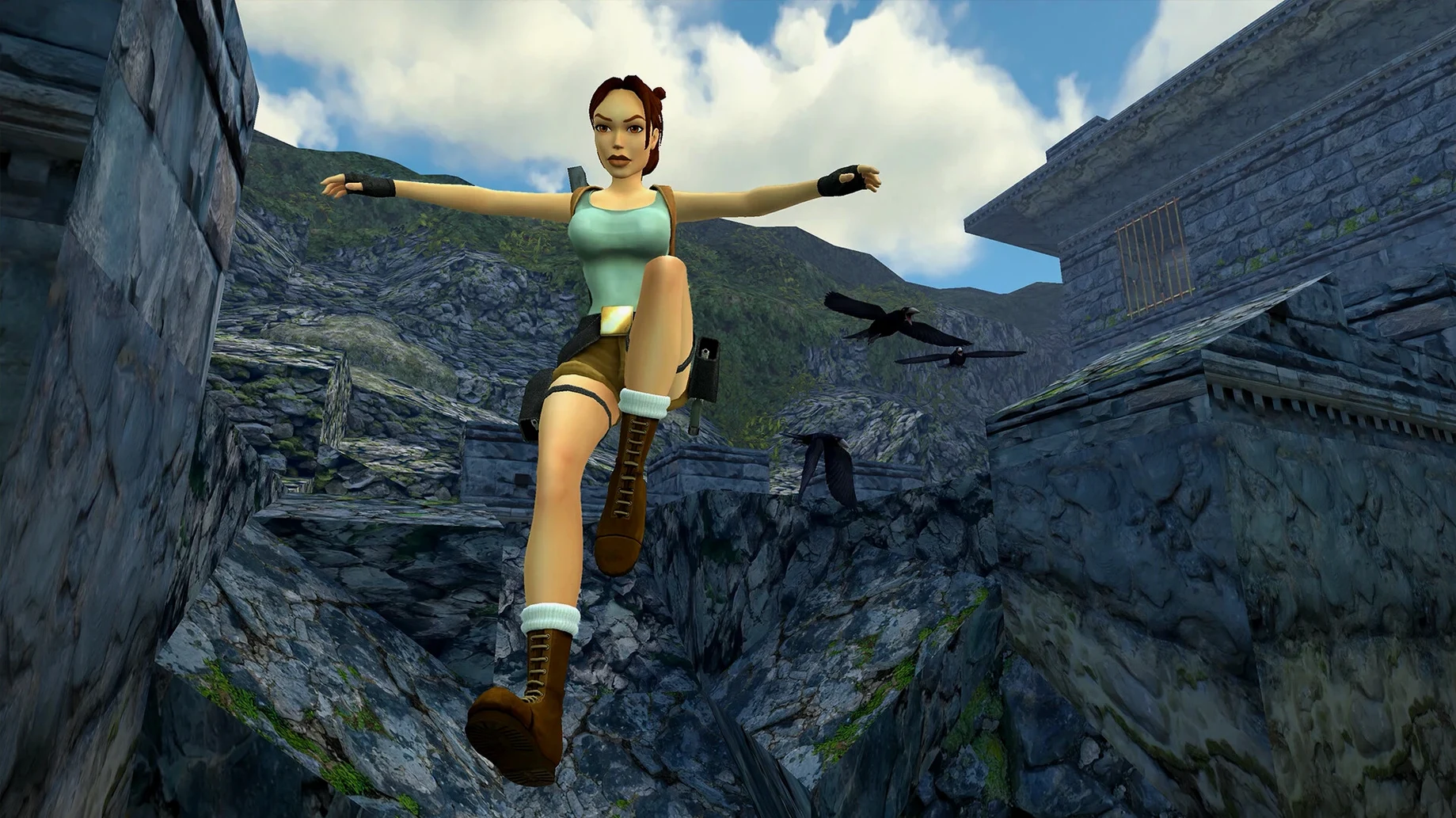
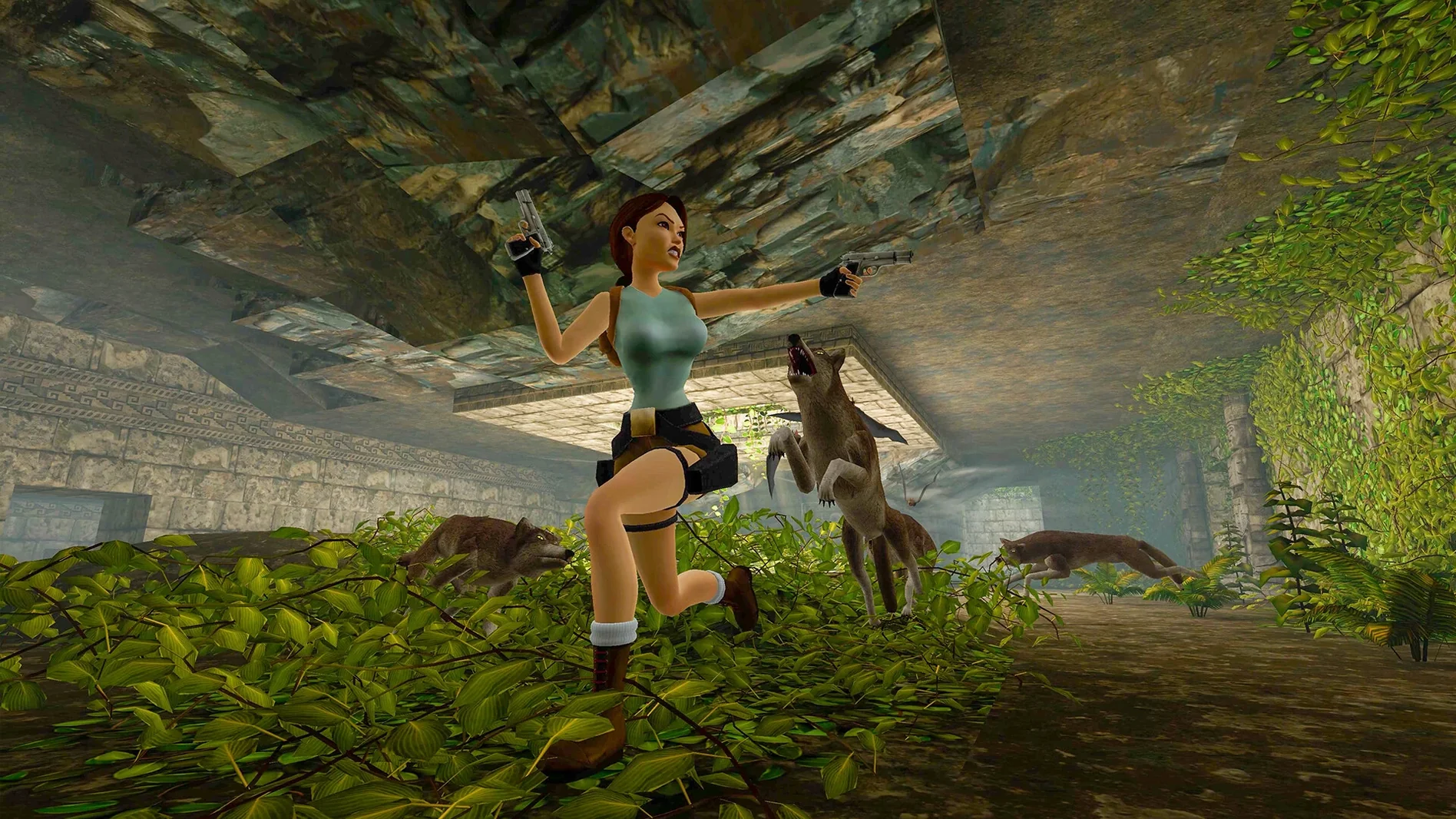
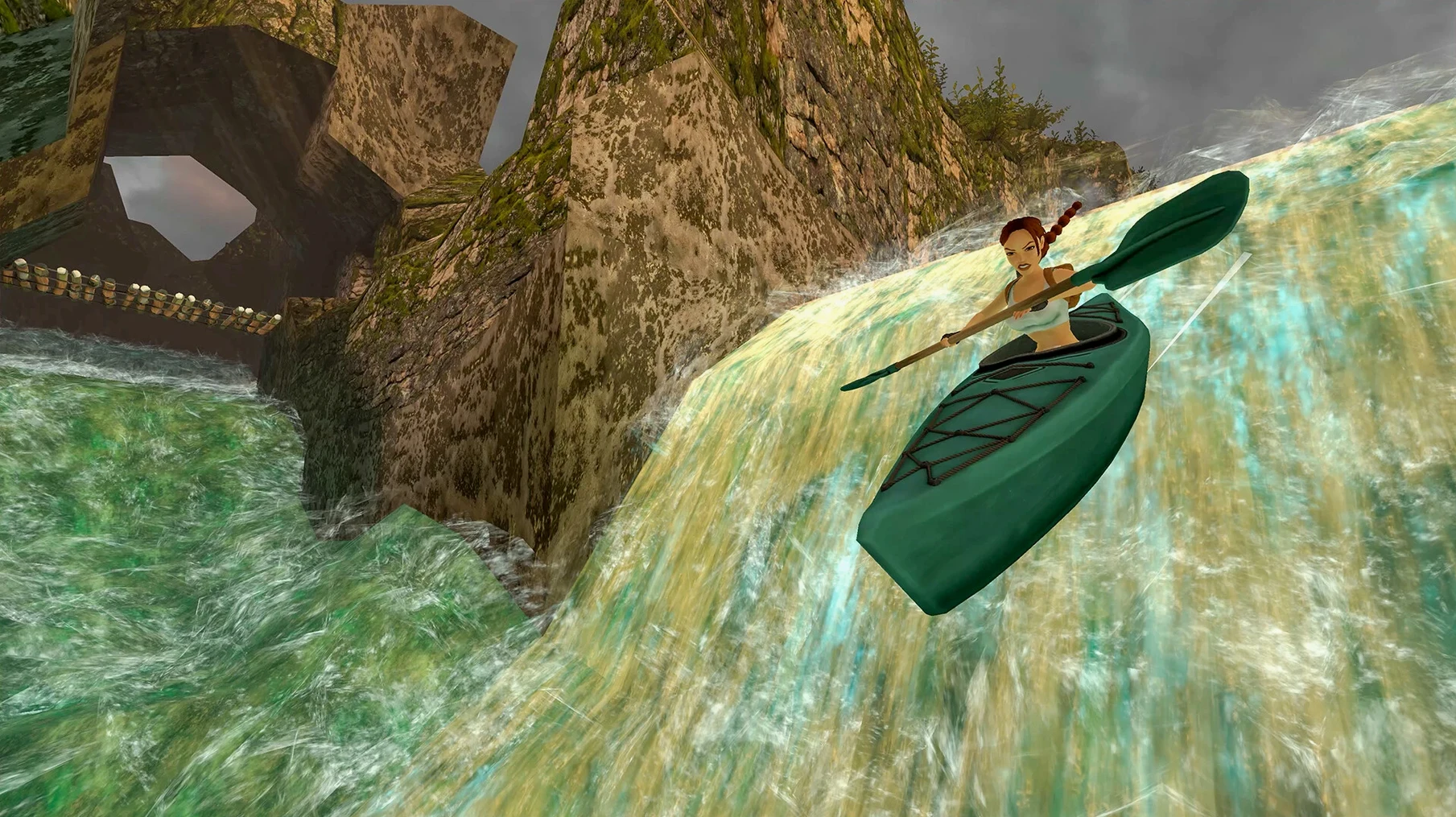
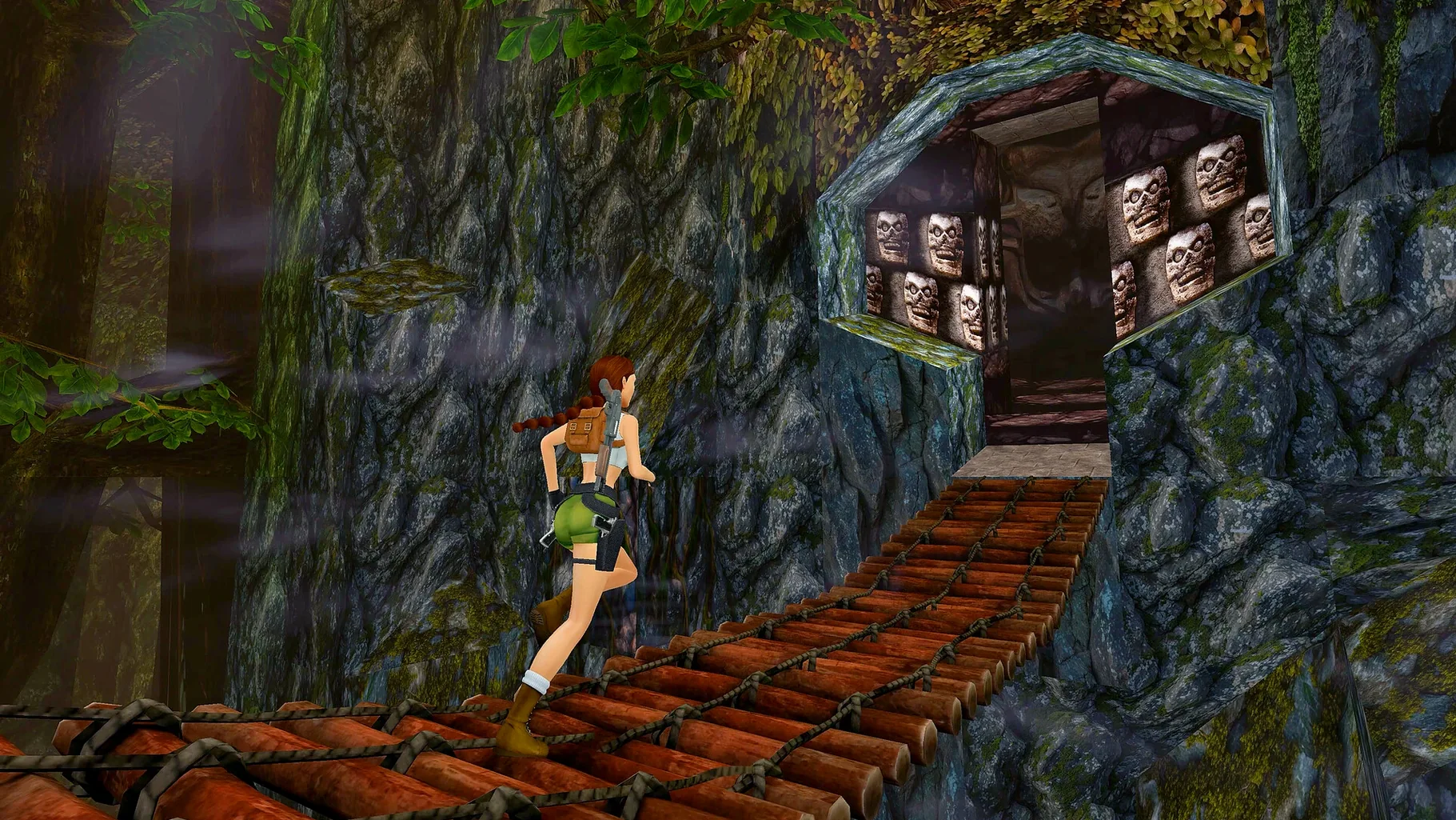
Anyone who grew up with Lara Croft’s early adventures — or wants to see where the series began — will feel right at home here. This remastered collection bundles the first three Tomb Raider games, complete with their expansion packs, and wraps them in updated visuals that keep the original feel intact.
Switch between old and new graphics
You can flip to the original polygonal look at any moment. It is not a locked-in remaster; the option is there whenever you want to compare or just feel the nostalgia of those blocky angles.
Play the expansions as well
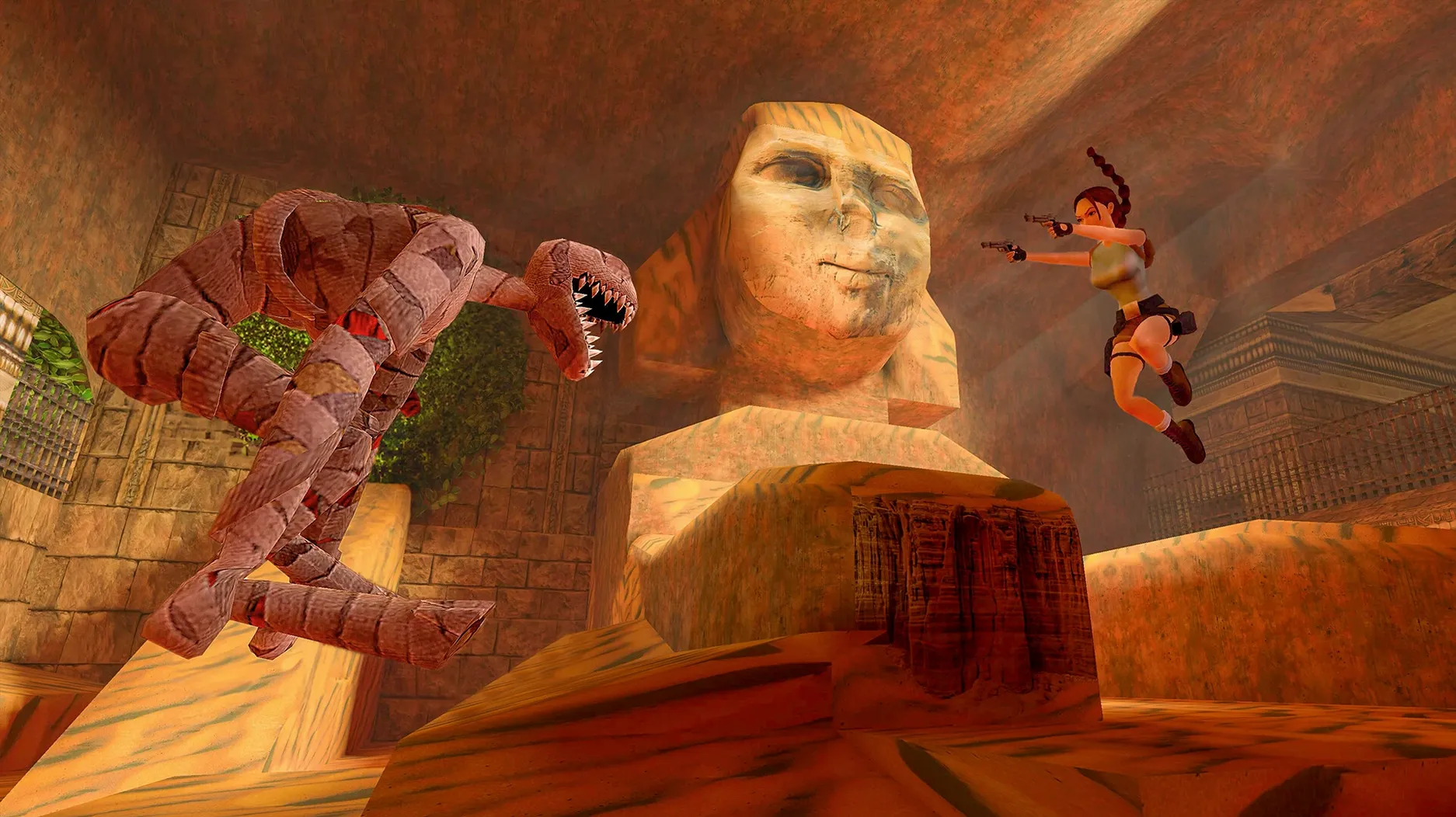
Tomb Raider I comes with Unfinished Business, and Tomb Raider II includes The Golden Mask. Both expansions are part of the collection, so you get the full package without hunting for extras.
Built for M-series Macs with no emulation
The game is built for ARM architecture, meaning it runs directly on M-series Macs without emulation layers. Activation is not required, so you can jump straight into the action.
Getting started: a quick run through the first level
Launch the game and head straight for the first level of Tomb Raider I — the classic Peru section. The modern controls are mapped to keyboard and mouse in a way that feels familiar if you have played recent action games. Move Lara with the WASD keys, look around with the mouse, and use the spacebar to jump. It takes about two minutes to get the hang of the grid-based platforming again. When you reach a ledge that seems too high, remember that a running jump with a grab works the same way it did in 1996. Switch to the original graphics mid-level by pressing a single button, just to see how far the textures have come.
Switch to modern controls before you play
Before you get deep into the game, open the options menu and turn on the modern control scheme if it is not already selected. The tank controls are there for purists, but the modern layout makes camera movement and aiming much quicker. Set the subtitles to your preferred language from the list — English works well, but the voice languages include Russian, German, French and Japanese if you want a different feel. The brightness slider is worth adjusting too, especially in the darker sections of Tomb Raider III.
Behaves like a standard Mac app in your Dock
Because the game runs through a Wineskin wrapper (version 1.01), it behaves like a standard Mac app once it is in your Applications folder. You can add it to the Dock for one-click launching, or use Spotlight to find it by typing “Tomb Raider.” The game does not require an internet connection after installation, so it works fine on a MacBook that is offline during a flight. If you use macOS Stage Manager, the game window switches in and out without trouble. The save files are stored locally, which makes them easy to back up with Time Machine or copy to another Mac if you want to continue your progress elsewhere.
For anyone who wants to download tomb raider i-iii remastered starring lara croft for mac, the disk image contains everything you need — no extra downloads, no account sign-in. Just drag, launch and start playing.
New this release
- The collection includes the three original games with their expansion content.
- You can switch to the original polygonal graphics at any time.
Mac it needs
- macOS 26.2
- Architecture: Apple Silicon
- Activation is not required.
Installing on a Mac
- Open the downloaded disk image.
- Drag the app into the Applications folder shortcut.
- After copying finishes, launch the app from Launchpad.
- If the game shows an error when starting, run the file named Fix in the disk image.
Notes from photographers
Sign in or create your account to leave a comment.
No notes from photographers yet. If you have used this on a real folder, say which camera and which Mac.
