
 Get it for my Mac (3 GB)







 The Sims 4
1.127.41

- Version
- 2.2.334
- Developer
- Daedalic Entertainment
- Interface in
- Russian, English, German, Spanish, Italian, Chinese (Traditional), Chinese (Simplified), Korean, Polish, Portuguese, French, Czech, Japanese
- Licence on file
- DRM-free
- Chip support
- Apple Silicon, Intel 64-bit
- Edited with it on
- macOS Sequoia, MacBook Air (M1. 2020)
- Out on
- 28.05.2013
- Voices in
- English, German
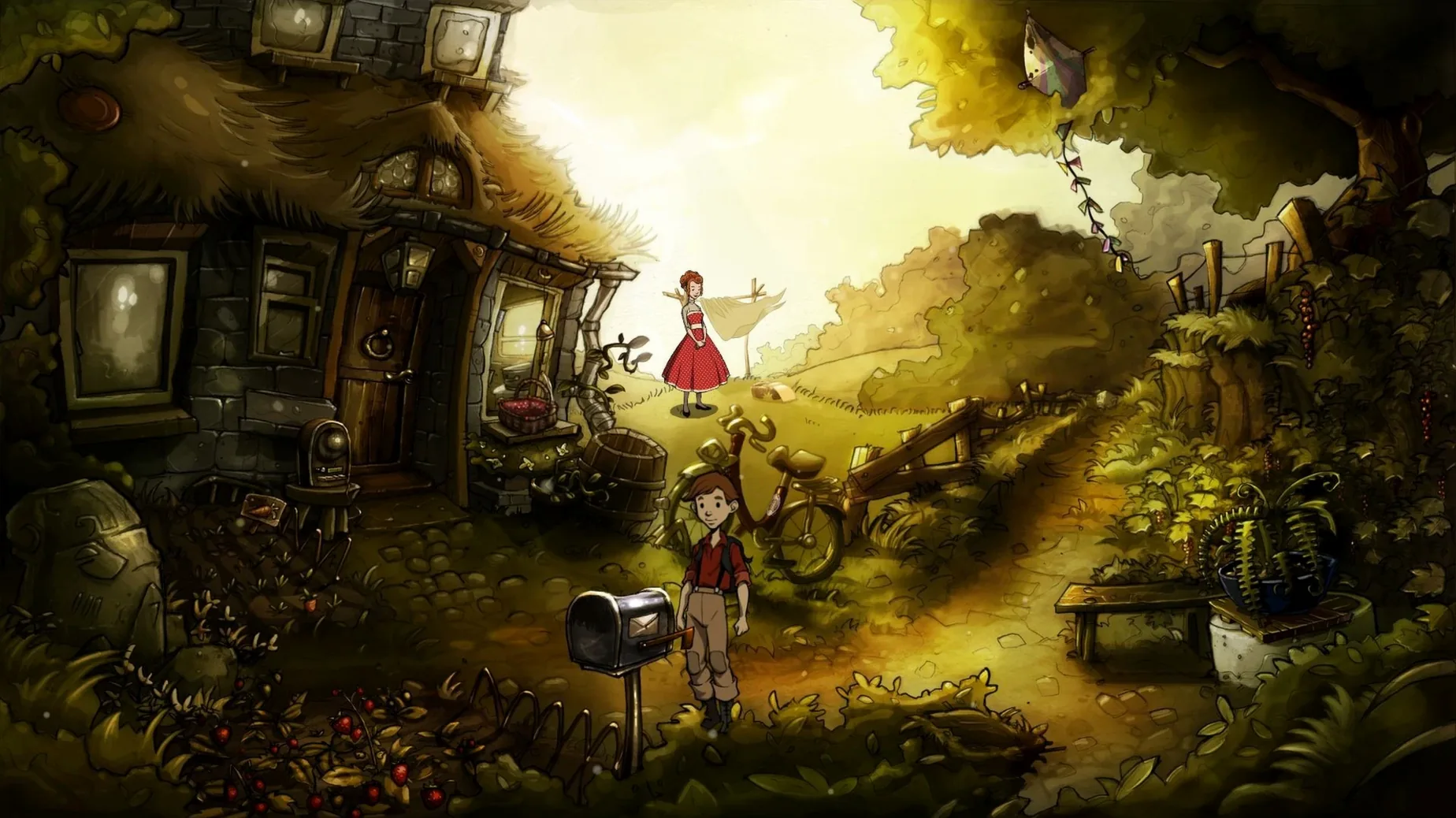
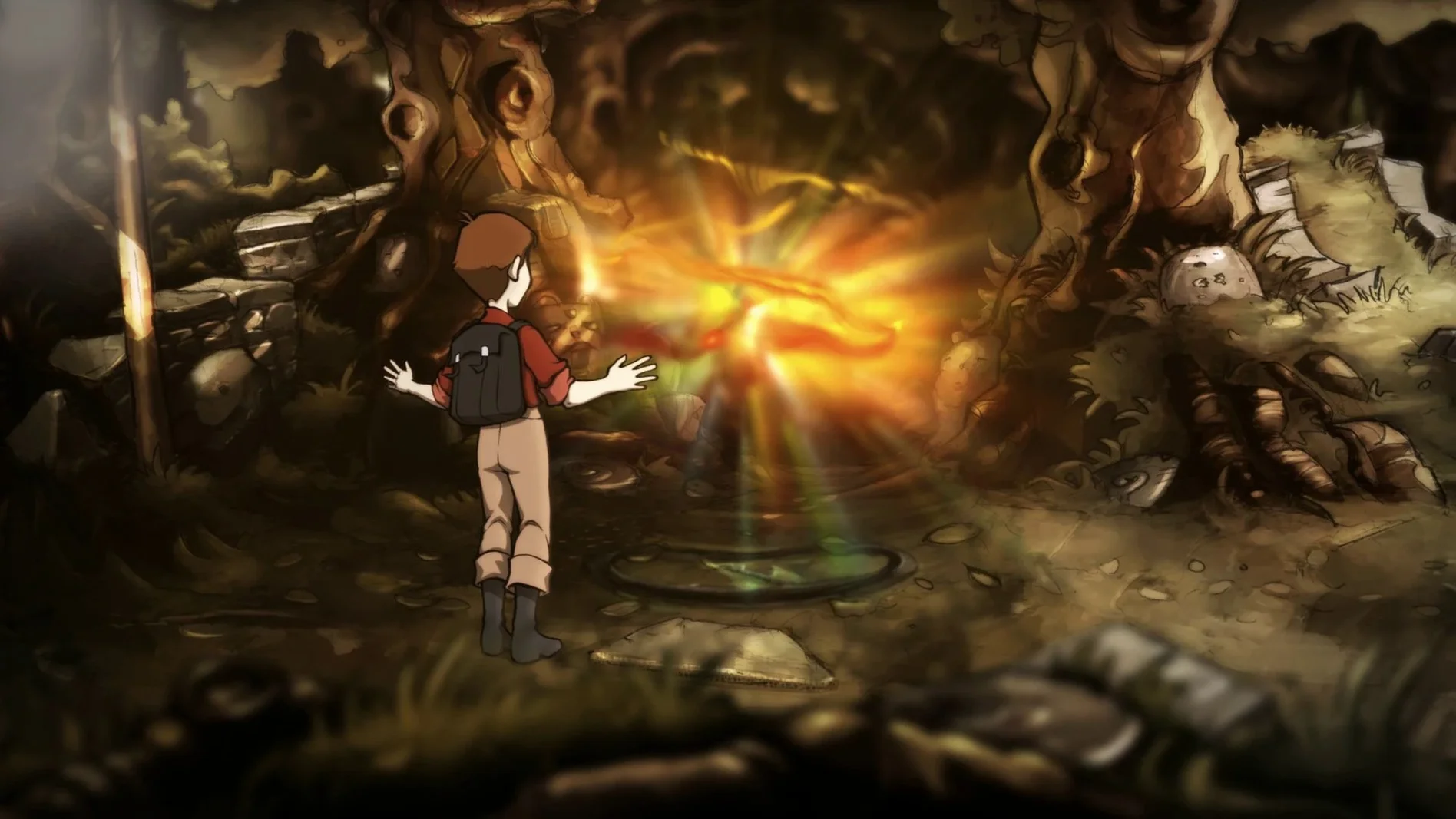
In the edit
The Night of the Rabbit is a point-and-click adventure game for Mac, created by Daedalic Entertainment, where a boy named Jerry follows a white rabbit into the magical realm of Mousewood and learns real magic from a mysterious mentor.
What's in the box
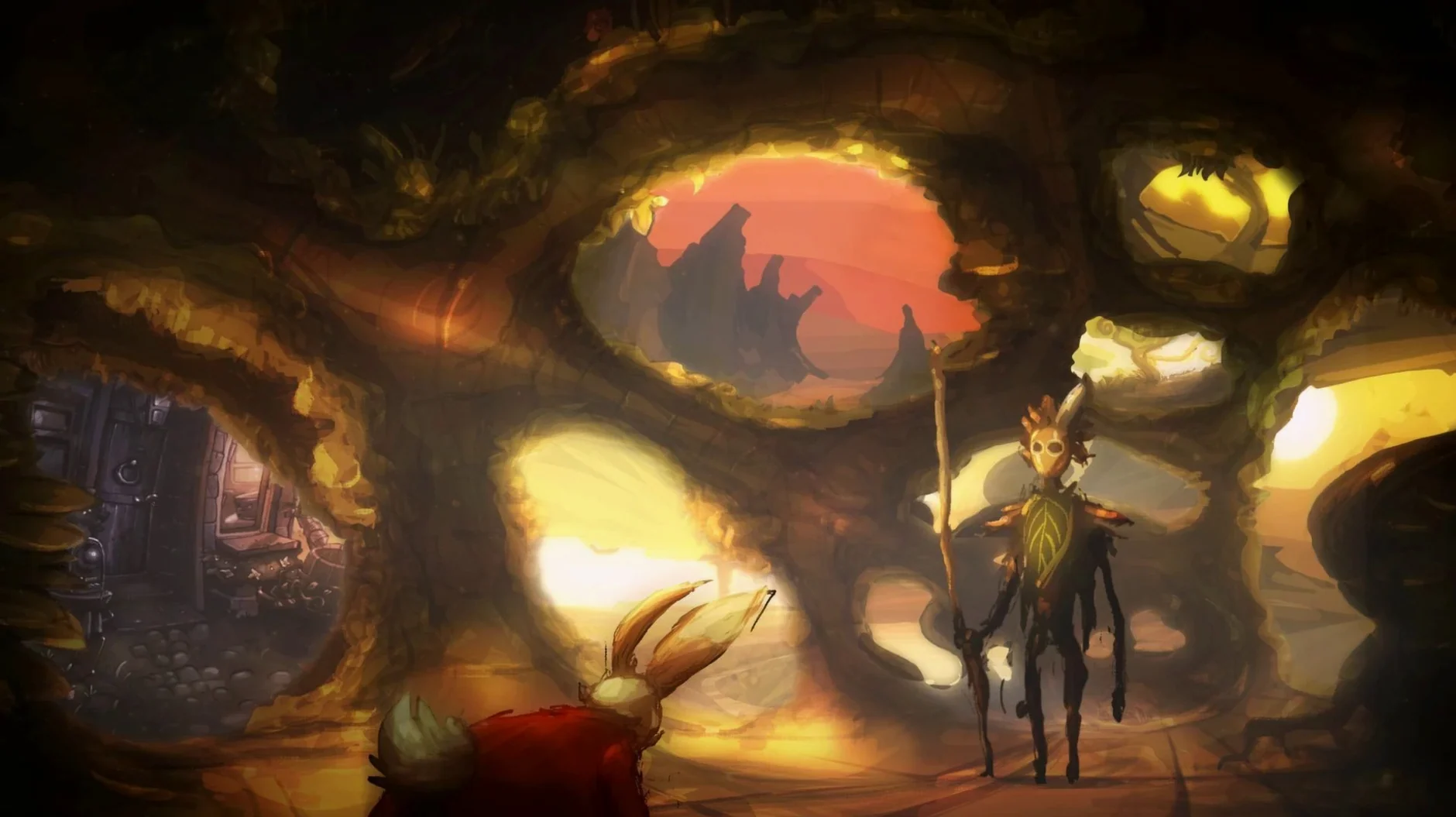
Story and setting — Jerry's journey into Mousewood, the third project by designer Matthias Kempke. The narrative hints at danger for the forest's residents, who may lose their savings and their lives.
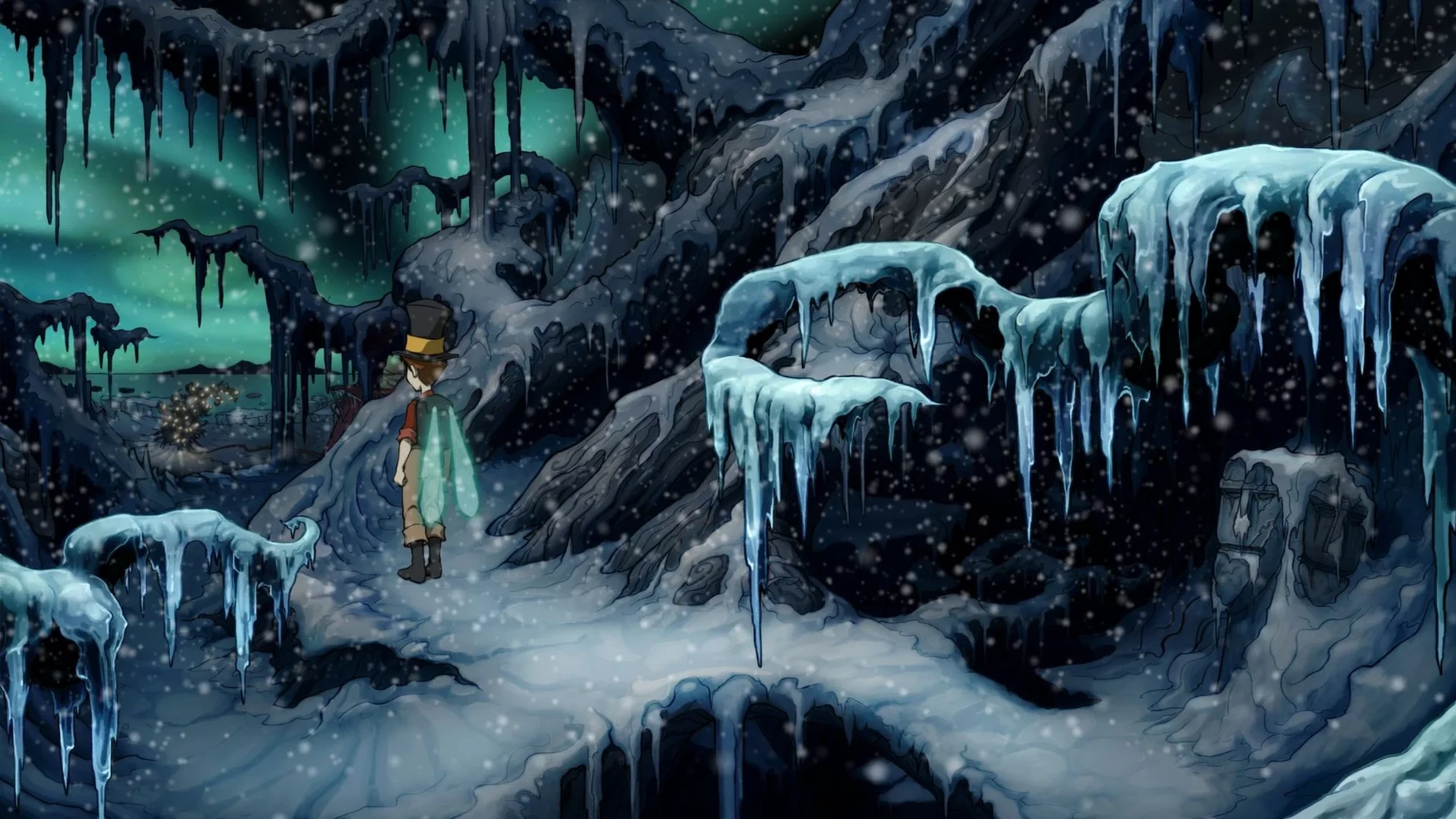
Gameplay — Classic point-and-click adventure with puzzles, dialogue, and exploration. Jerry picks up spells as he goes, which open new paths and solve problems.
Languages — Full interface and subtitles in English, German, French, Spanish, Italian, Portuguese, Polish, Czech, Russian, Japanese, Korean, Traditional Chinese and Simplified Chinese.
System support — Runs on macOS 10.7 and later. The current build (version 2.2.334) supports both Intel 64-bit and Apple Silicon natively.
How version 2.2.334 behaves on modern Macs
Version 2.2.334 is the current release, and it's the one you'll find in the disk image. For a game that came out in 2013, the main difference in everyday use is how it behaves on modern Macs. The build includes native support for Apple Silicon, so on an M-series machine it runs without Rosetta translation.
The other notable change is the DRM-free setup. No launcher, no online check, no extra account. You mount the image, run the installer, pick a folder, and you're done. On a Mac that's been through a few OS upgrades, that simplicity saves a lot of headache.
Switch to fullscreen for Retina displays before exploring Mousewood
Before you start exploring Mousewood, open the settings panel from the main menu. The game defaults to a windowed resolution that might feel small on a modern Retina display. Switch to fullscreen and pick a resolution that matches your screen's aspect ratio — the hand-painted backgrounds benefit from the extra real estate.
Audio is worth a look, too. The voice acting is in English and German, and the default may not be what you expect. Set the voice language before you begin a new game; swapping it mid-playthrough isn't as straightforward. Subtitles are on by default, which I'd keep on — some of the woodland characters speak in a thick accent or a low murmur that the subtitles catch cleanly.
If you're playing on a laptop, check the cursor speed. The default can feel a bit sluggish when you're scanning the screen for hotspots, and a small nudge upward makes a difference in how quickly you can move between items.
Installing and launching the game from the disk image
I mounted the disk image, ran the installer and pointed it at /Applications. That takes about thirty seconds. From the dock, I launched the game from /Applications/The Night of the Rabbit/Contents/MacOS/The Night of the Rabbit — the first time, macOS asked if I was sure I wanted to open it, since it's not notarised. One trip to System Settings to allow it, and that was the only friction.
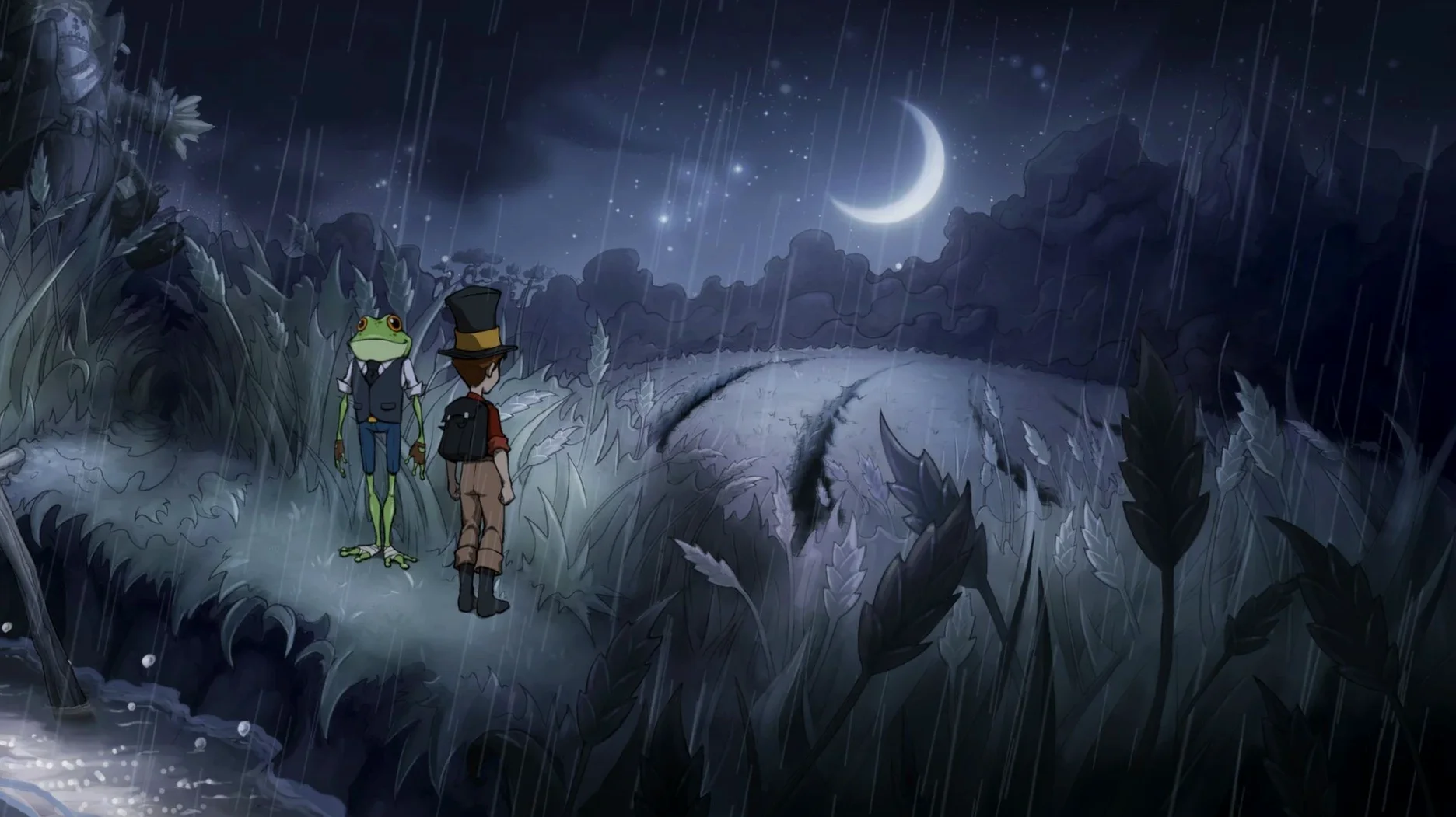
The opening screen shows a storybook illustration. I started a new game and watched Jerry's house appear, drawn in that warm, slightly melancholy style Daedalic does so well. The first few minutes are about learning to walk around, pick up objects and talk to the animals. The tutorial is light — you learn by trying things.
I spent the first proper session just inside Mousewood's borders. There's a hedge maze, a talking frog with a favour to ask, and a locked gate that needs a spell. I found the ingredients for the spell by listening to a squirrel's rambling story, then combining a mushroom with a bit of moonlight. That's the rhythm of the game: listen, explore, combine, cast.
I saved manually after every puzzle solution. The game autosaves at checkpoints, but I prefer to have a slot from right before a tricky bit, in case I want to try a different approach later.
Why clicking frantically like an action game will miss clues
The most common one is treating it like a modern action game. You can't click everywhere frantically and expect something to happen. The Night of the Rabbit rewards patience. If you click through dialogue too fast, you miss the clue that tells you where to go next. Slow down, read the lines, watch the character animations — they often point at something off-screen.
Another mistake is ignoring the inventory combos. Beginners tend to try each item on every hotspot individually, which works but takes forever. The smarter way is to combine items in your inventory first. If you have a stick and a piece of string, try putting them together before you look for a place to use them. The game logic is old-school adventure logic: if two things look like they belong together, they probably do.
New players also miss the value of talking to everyone twice. After you solve a puzzle or reach a new area, go back and speak to the characters again. They often have new dialogue that nudges you toward the next step. In a game where the story is the main draw, skipping that means you lose half the flavour.
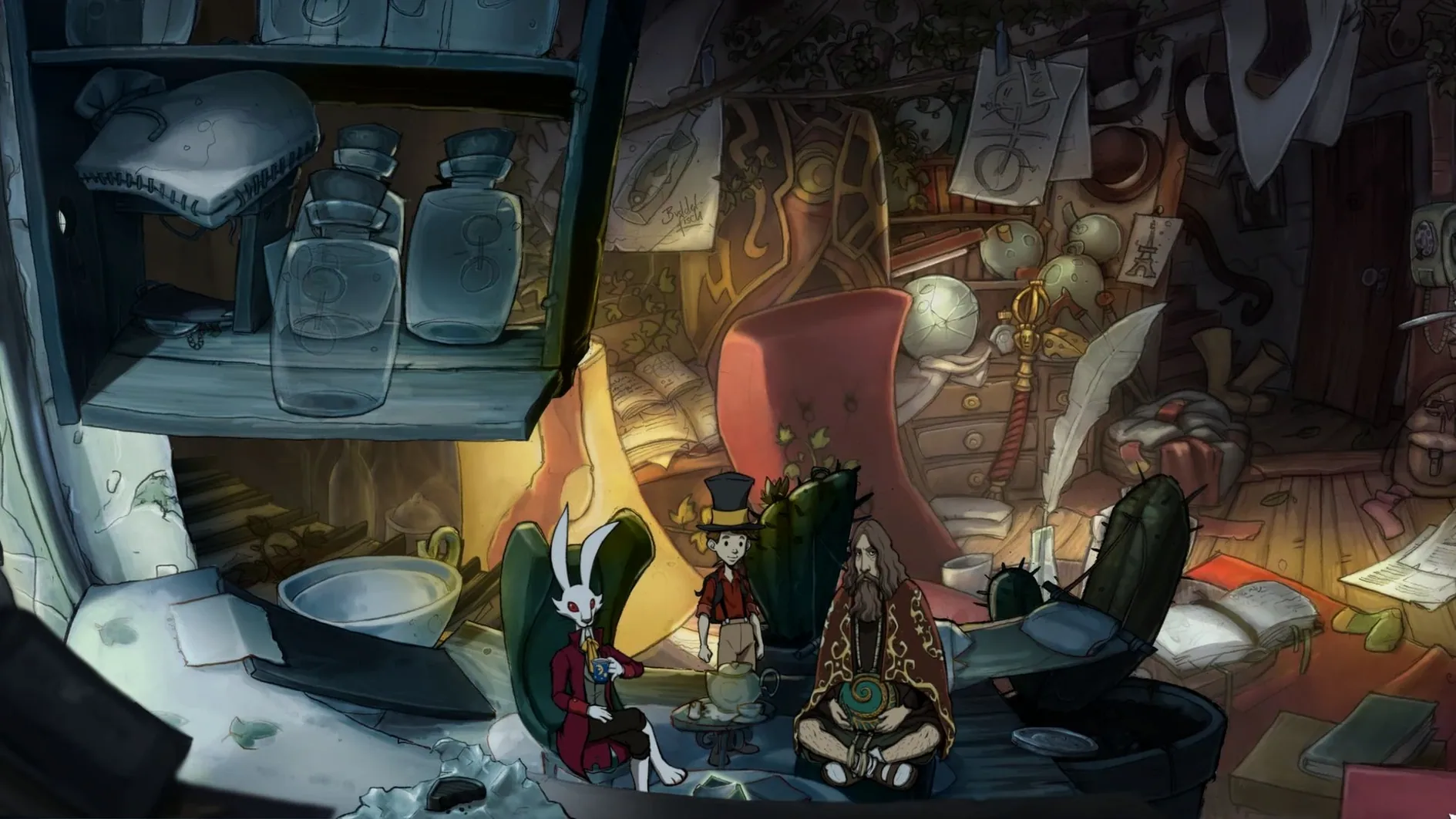
And a small thing: don't forget to look at the scenery. The background art in Mousewood is dense with detail, and some interactive objects blend in deliberately. If you're stuck, move the cursor slowly across the screen and watch for the highlight. The hotspots aren't always obvious at first glance.
The Night of the Rabbit Mac free download is a point-and-click adventure for fans of whimsical puzzle stories. That's a one-time step, and after that it opens normally every time.
Mac it needs
- macOS 10.7 or later
- Intel 64-bit or Apple Silicon
Questions I actually get
How do I install The Night of the Rabbit on a Mac?
Mount the downloaded disk image, run the standard installer, and choose an install location (the Applications folder is recommended). Launch the game from /Applications/The Night of the Rabbit/Contents/MacOS/The Night of the Rabbit.
Does The Night of the Rabbit work on Apple Silicon Macs?
Yes, the current build supports both ARM and 64-bit x86 architectures, so it runs natively on M-series and Intel Macs alike.
Installing on a Mac
- Mount the downloaded disk image and run the standard installer.
- Choose where to install the game when the installer finishes.
- The Applications folder is the recommended spot.
- Launch the game from /Applications/The Night of the Rabbit/Contents/MacOS/The Night of the Rabbit.
Notes from photographers
Sign in or create your account to leave a comment.
No notes from photographers yet. If you have used this on a real folder, say which camera and which Mac.
