
 Get it for my Mac (26 MB)
 Cocktail Sequoia Edition
18.7.1

- Version
- 6.1
- Developer
- BZG
- Interface in
- English, German, Spanish
- Licence on file
- Not required
- macOS it runs on
- macOS 13 or later
- Chip support
- Apple Silicon, Intel 64-bit
In the edit
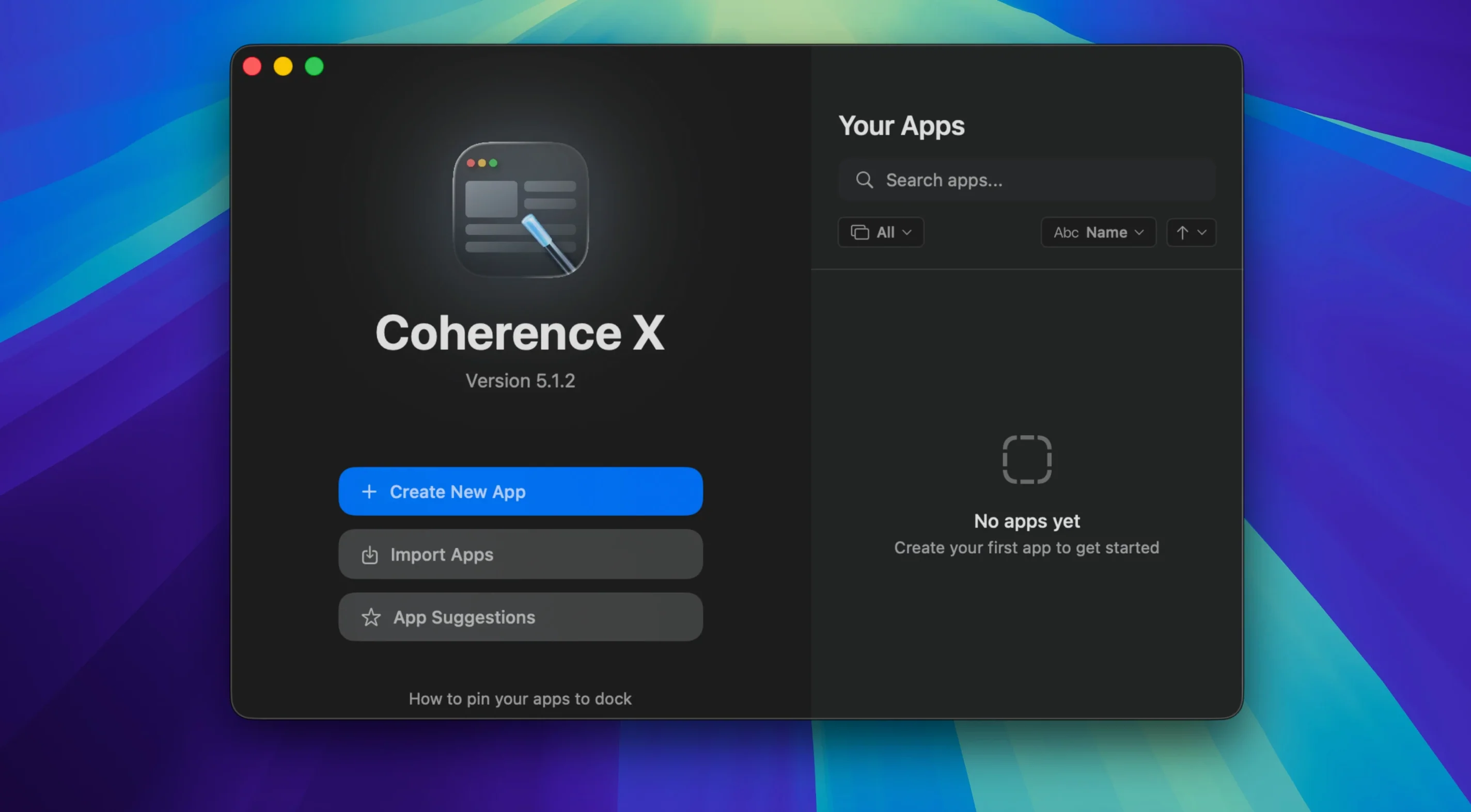
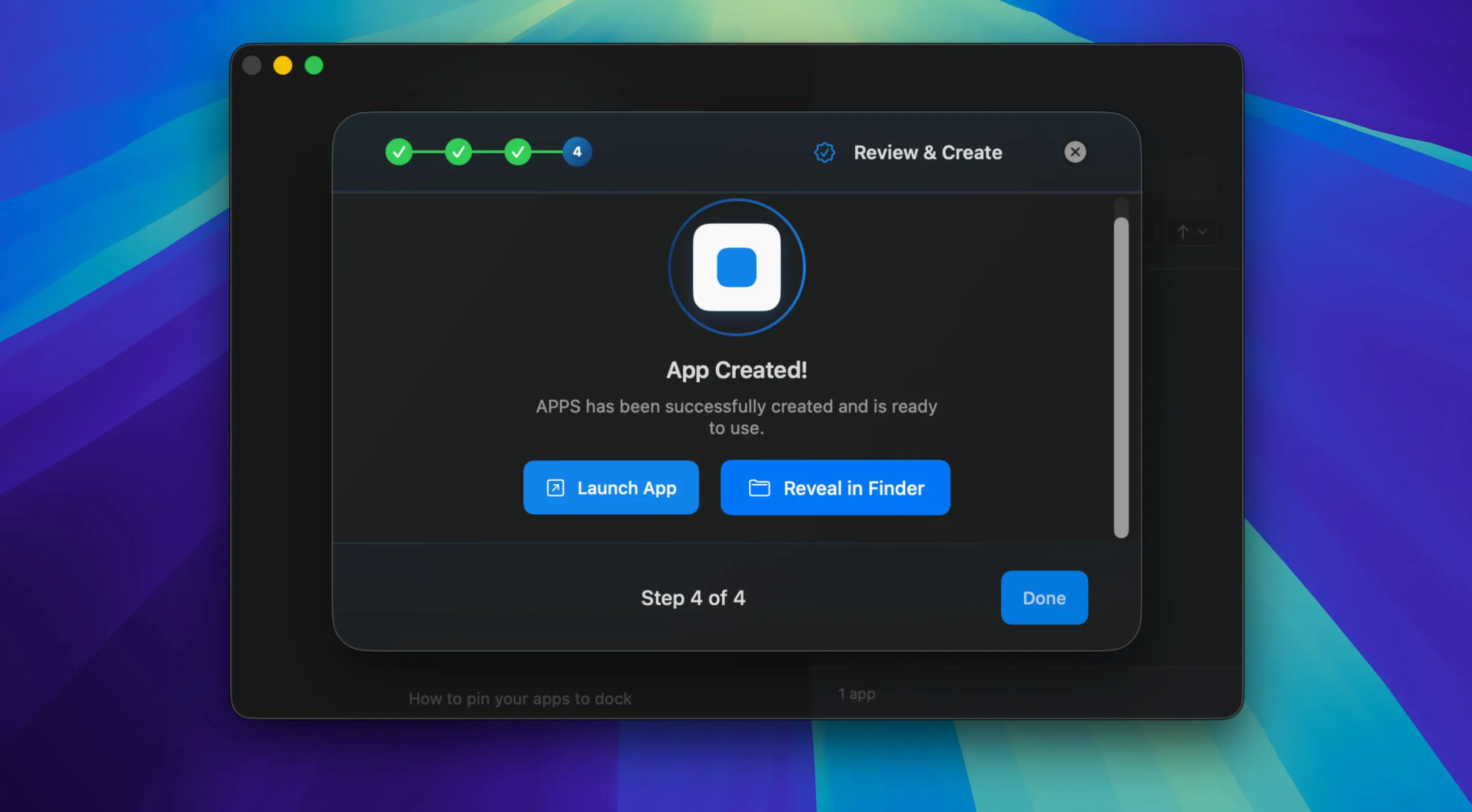
Coherence X 6.1 landed with a few workflow tweaks that make a real difference when you're managing several web apps. The headline change is easier link routing: you can now add multiple domains per rule, and new rules come with a suggested destination so you spend less time configuring. Changes to link routing and appearance also save without forcing a rebuild, which cuts down on waiting.
Good for
- Creating lightweight, focused apps from web tools like Trello, Notion, or a CMS.
- Running those apps in their own window with a choice of Standard or Tabbed mode.
- Incognito mode for sessions you don't want cached.
- Dock clicks that either restore a minimised window or open a fresh one.
Keep in mind
- Requires macOS 13 or later; runs on both Intel and Apple Silicon.
- Apps are powered by the Chrome engine, so you'll need Chrome installed.
- Interface is available in English, German, and Spanish.
- After copying the app to Applications, launch it from Launchpad rather than the disk image.
Tuesday morning with your web tools in the Dock
Let's say it's a Tuesday morning and you're juggling a handful of web-based tools that don't have proper Mac apps. You open Coherence X, and the first thing you see is a clean list of the apps you've already set up. Maybe there's a project management board, a cloud storage interface, and a writing tool you use for drafts. Each one sits in its own window, with its own Dock icon, and none of them are buried in browser tabs.
To start a new one, you paste in the URL, pick a name, and choose between Standard or Tabbed mode. Standard is good for a single-page tool like a calendar. Tabbed makes sense when you want a few related services grouped together, like a help desk dashboard with separate tabs for tickets and knowledge base. You can also flip on Incognito if you're checking something that shouldn't leave a trail of cookies.
Once the app is created, it behaves like any other Mac app. You can hide it, minimise it, or quit it. Click its Dock icon and it brings back the window you left open, or starts a new one if nothing was there. That might sound small, but when you're switching between six different services during a busy afternoon, it saves a lot of cmd-tabbing through a crowded browser window.
The link routing feature comes into play when you click a link inside one of these apps. Maybe you want certain domains to open in your main browser, while others stay inside the app. With version 6.1, you can add several domains at once to a single rule, and Coherence X suggests a destination as soon as you start typing. If you change your mind later, the routing updates without rebuilding the whole app, so you're not waiting around.
Near the end of the session, you close everything down. When you relaunch Coherence X the next day, any app you set to restore tabs picks up where you left off. It's not dramatic, but it's the kind of thing you notice when it works.
Start with one or two apps, not a dozen
Start with one or two apps, not a dozen. Pick the web tools you open most often during the day and turn those into Coherence X apps first. That way you get a feel for how they behave in their own windows before you commit to converting your whole workflow.
If you use Chrome extensions heavily, install them inside the Coherence X app rather than relying on the main browser's extensions. The app can handle extensions from the Chrome Web Store, and they'll run only in that specific app, which keeps things tidy. The Manage in Coherence button in the extension menu is more reliable in version 6.1, so it should point you to the right app without confusion.
Experiment with Standard versus Tabbed mode early on. A single-service tool like a to-do list works fine in Standard. Something like a social media manager with separate panels might suit Tabbed better. You can change the mode later without starting from scratch.
Pay attention to link routing from day one. When you click a link inside an app and it opens somewhere unexpected, that's your cue to add a rule. The suggested destination in version 6.1 helps you set it up quickly, and since routing changes save without a rebuild, you can tweak it as you go without interrupting your work.
Coherence X apps sit alongside Mission Control and Spaces
Coherence X apps sit alongside native Mac apps without much friction. They show up in the Dock, respond to Mission Control, and appear in the App Switcher like anything else. You can assign them to different Desktops or full-screen spaces if you like to keep work and personal stuff separate.
Because the apps use the Chrome engine, they share Chrome's rendering and extension ecosystem. If you already have Chrome profiles set up for different accounts, Coherence X can use separate profiles for the same service. That means you could have one app for a work Gmail account and another for a personal one, each with its own extensions and settings, without ever opening Chrome itself.
Exporting an app is straightforward if you need to share it with a colleague or move it to another Mac. The exported app includes its configuration, so whoever receives it gets the same setup without reconfiguring everything.
Coherence X lets you run web apps as standalone Mac programs, useful for anyone who keeps a coherence download torrent. The workflow stays consistent across updates, so version 6.1 feels familiar even with the new routing features.
New this release
- Link routing now accepts multiple domains per rule.
- New routing rules begin with a suggested destination.
- Link routing and appearance changes save without rebuilding the app.
- The Manage in Coherence button in the extension opens the correct app more reliably.
Mac it needs
- macOS 13 or later
- Intel or Apple Silicon
- Google Chrome installed (for the engine)
Questions I actually get
Does Coherence X support Intel Macs?
Yes, it runs on both Intel and Apple Silicon Macs, as long as you're on macOS 13 or later.
Installing on a Mac
- Open the downloaded disk image.
- Drag the app into your Applications folder.
- After the copy finishes, launch Coherence X from Launchpad.
Notes from photographers
Sign in or create your account to leave a comment.
No notes from photographers yet. If you have used this on a real folder, say which camera and which Mac.
Similar apps
Next to it in Utilities
All Utilities picks
Cocktail Sequoia Edition
18.7.1
 CloudMounter
4.18
 Commander One PRO
3.18.0
 CleanMyMac
5.7.0
 Compressor
5.3
 CopyQueue
3.1
 Cisdem AppCrypt
7.11.0
 CCleaner Pro
1.18.30
