Get it for my Mac (53 MB)
 Compressor
5.3
Compressor
5.3
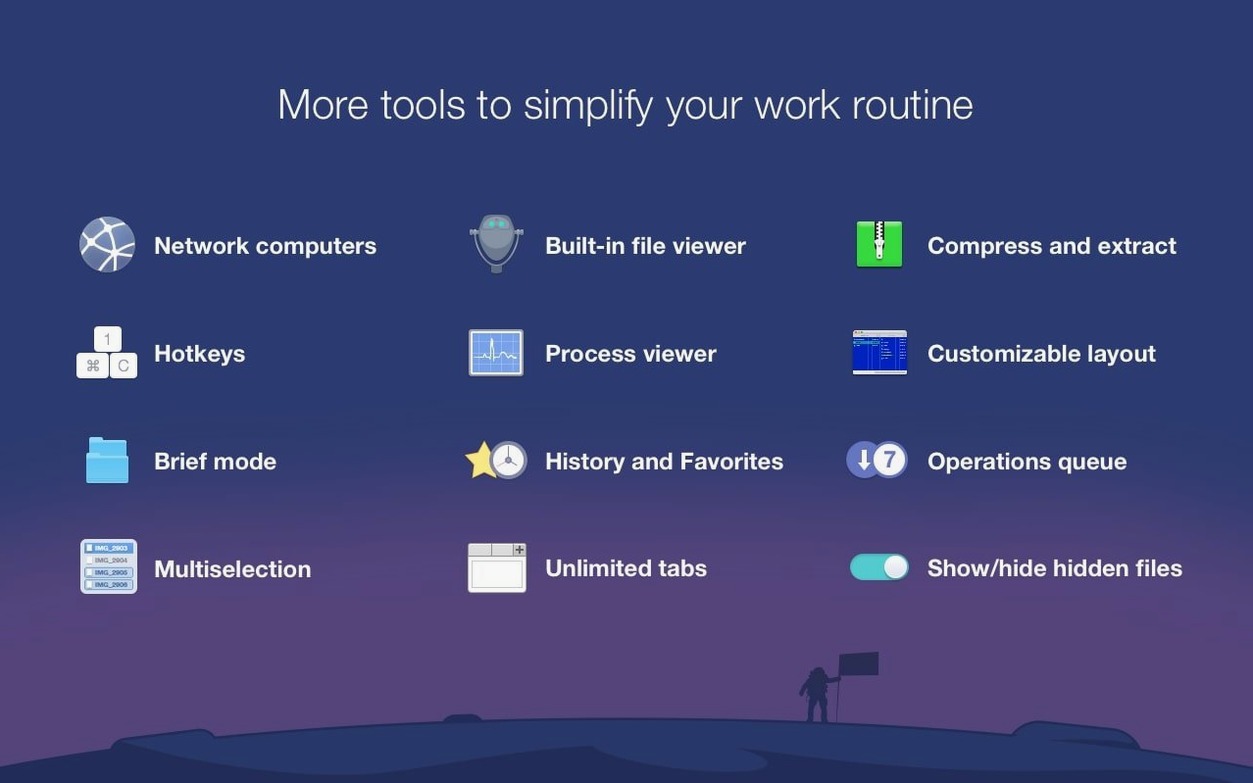
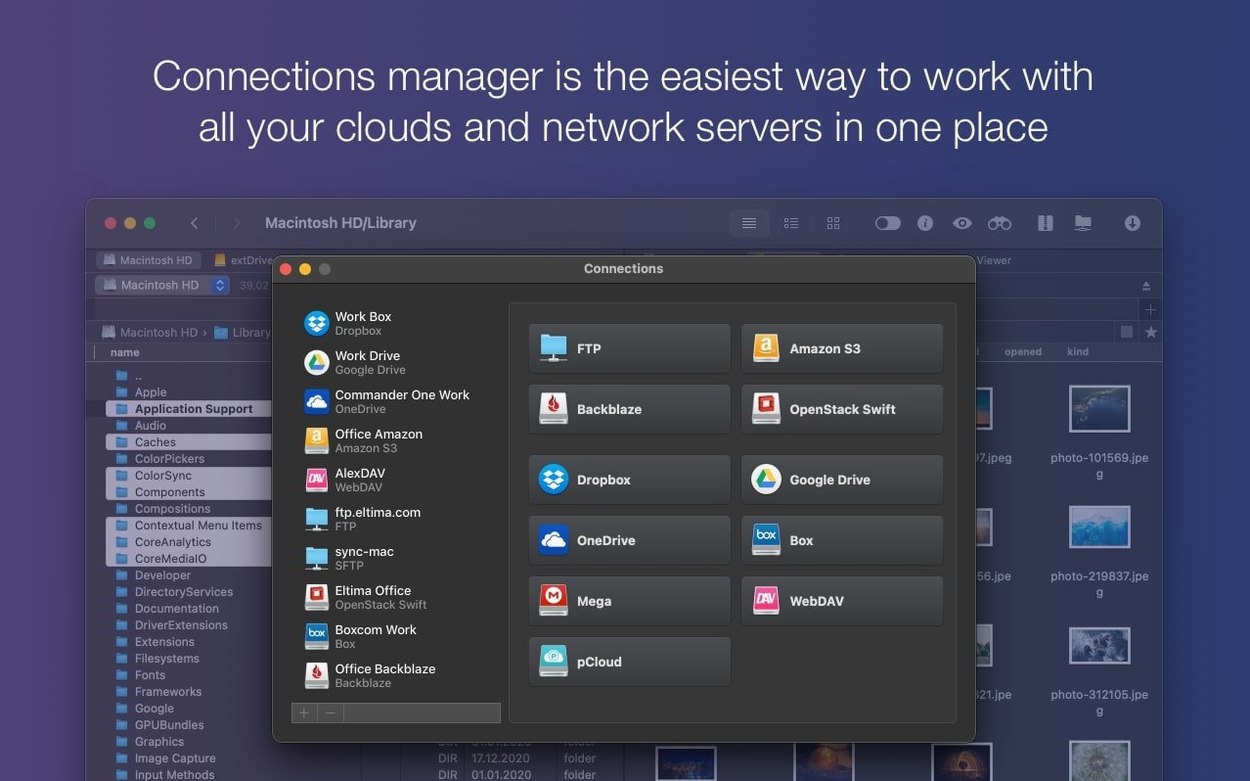
This is for the Mac user who moves files all day and wants fewer windows open. If you work with a mix of local folders, remote servers and cloud storage, Commander One PRO saves you tabbing between Finder, a separate FTP client and a browser tab for Dropbox. Photographers who shoot tethered to a laptop and then offload cards to a NAS or a Google Drive folder will like having both destinations visible in the two panels at once. The same goes for video editors who juggle rushes on an external drive and a project folder on the internal SSD — one window, two panes, done.
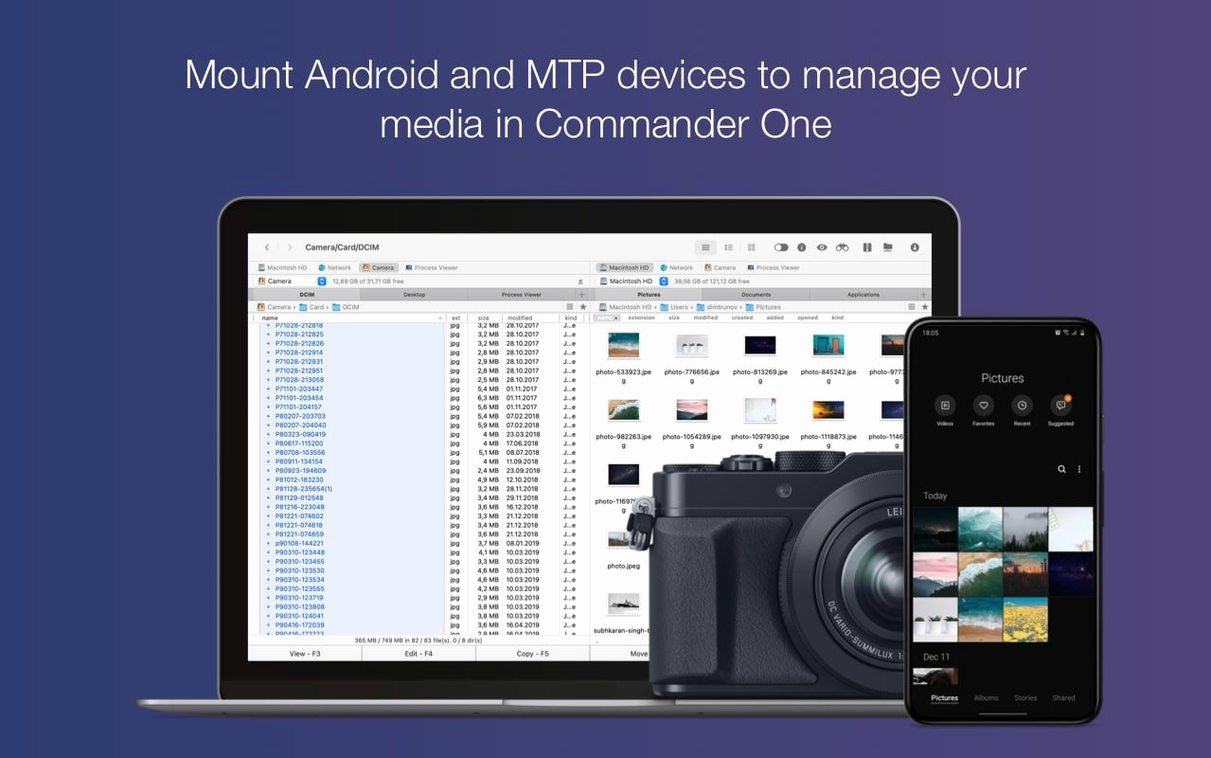
IT and support people who regularly connect Android phones or MTP devices to a Mac find that the built-in device access removes one more step. The Process Viewer is also a quiet time-saver for anyone who has ever force-quit an app only to wait while Finder relaunches. It is not aimed at the casual user who opens Finder twice a day. It is aimed at the person who manages files in volume and wants to keep moving.
None of these are headline features, but they are the kind of things you notice after a week of daily use, especially when you are deep in a folder tree and want to stay in one interface.
ForkLift is probably the best-known dual-pane manager on macOS. It has a polished interface and supports cloud and FTP connections much like Commander One PRO. Where Commander One PRO differs is in the breadth of cloud providers it can connect to — Amazon S3, Google Drive, Dropbox — and the direct access to iOS and Android devices. ForkLift handles SFTP well, but Commander One PRO feels more oriented toward the user who needs to touch several different storage types from one session.
Marta is another dual-pane option, free and open-source, with a minimal design that some people prefer. It is fast and lightweight, but it does not include FTP or cloud account support out of the box. If you need to connect to a remote server or a Google Drive folder, you would still reach for something else. Commander One PRO bundles those connections into the same interface, which saves you from running a second app.
Transmit is a strong FTP and cloud client, but it is not a file manager in the dual-pane sense. It is built for transferring files to and from servers, not for managing local folders side by side. If your workflow is mostly local with occasional remote uploads, Commander One PRO covers both sides in one window. If you live entirely in FTP transfers, Transmit might still be the specialist tool, but for the mixed workload — local, network, cloud, connected device — Commander One PRO keeps everything together.
Yes, it can browse and transfer files to and from iOS, MTP and Android-connected devices directly from the dual-pane interface.
Sign in or create your account to leave a comment.
No notes from photographers yet. If you have used this on a real folder, say which camera and which Mac.