
 Get it for my Mac (47 MB)






 Ghost Buster Pro
7.1.0

- Version
- 2.10.2
- Developer
- MacPaw
- Interface in
- Russian, English, German, Spanish, Italian, Chinese (Simplified), Dutch, Polish, Portuguese, Ukrainian, French, Japanese
- Licence on file
- K'ed by TNT team
- macOS it runs on
- macOS 10.13 or later
- Chip support
- Intel 64-bit
In the edit
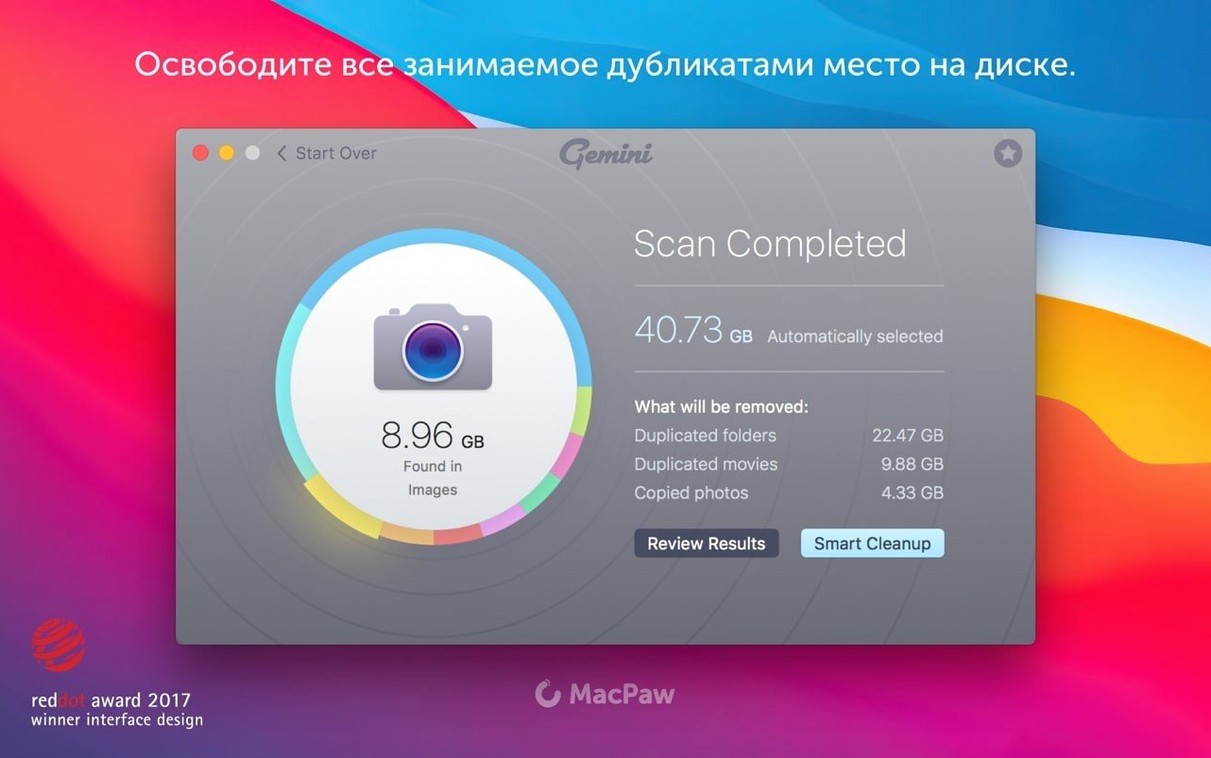
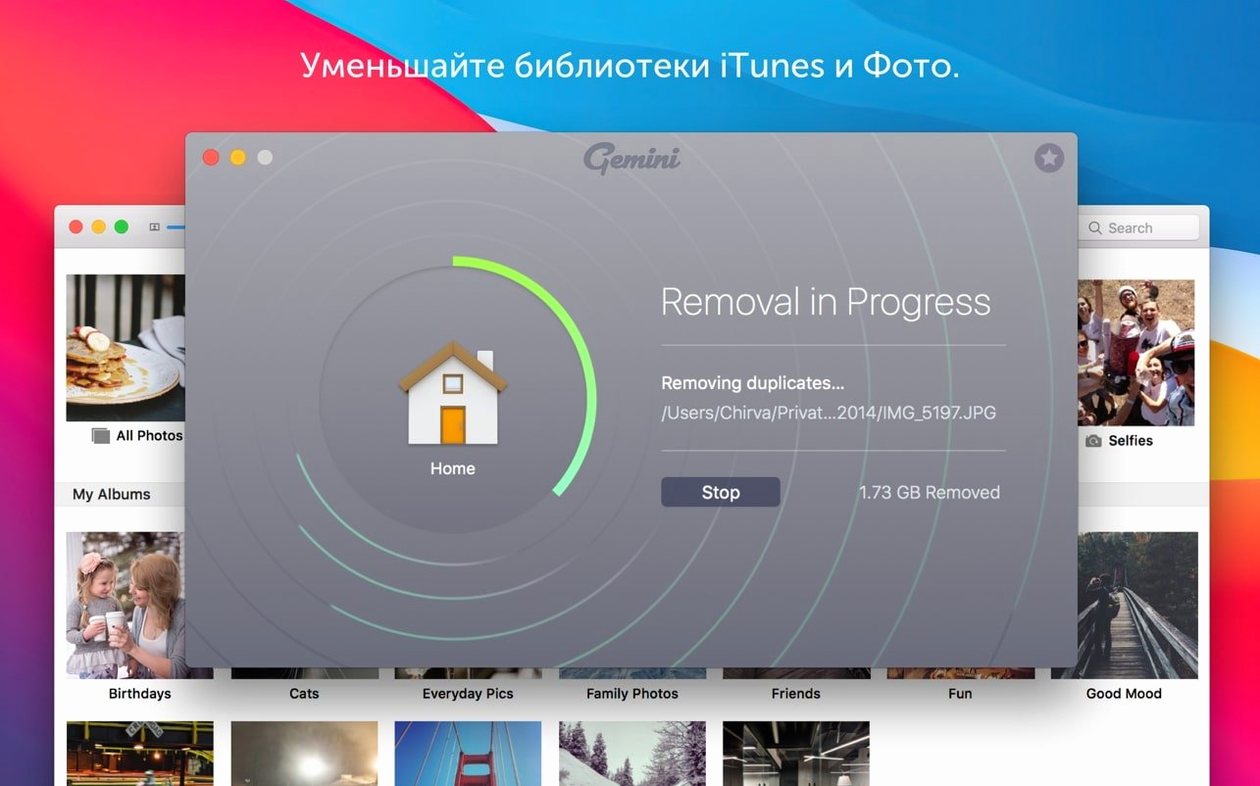
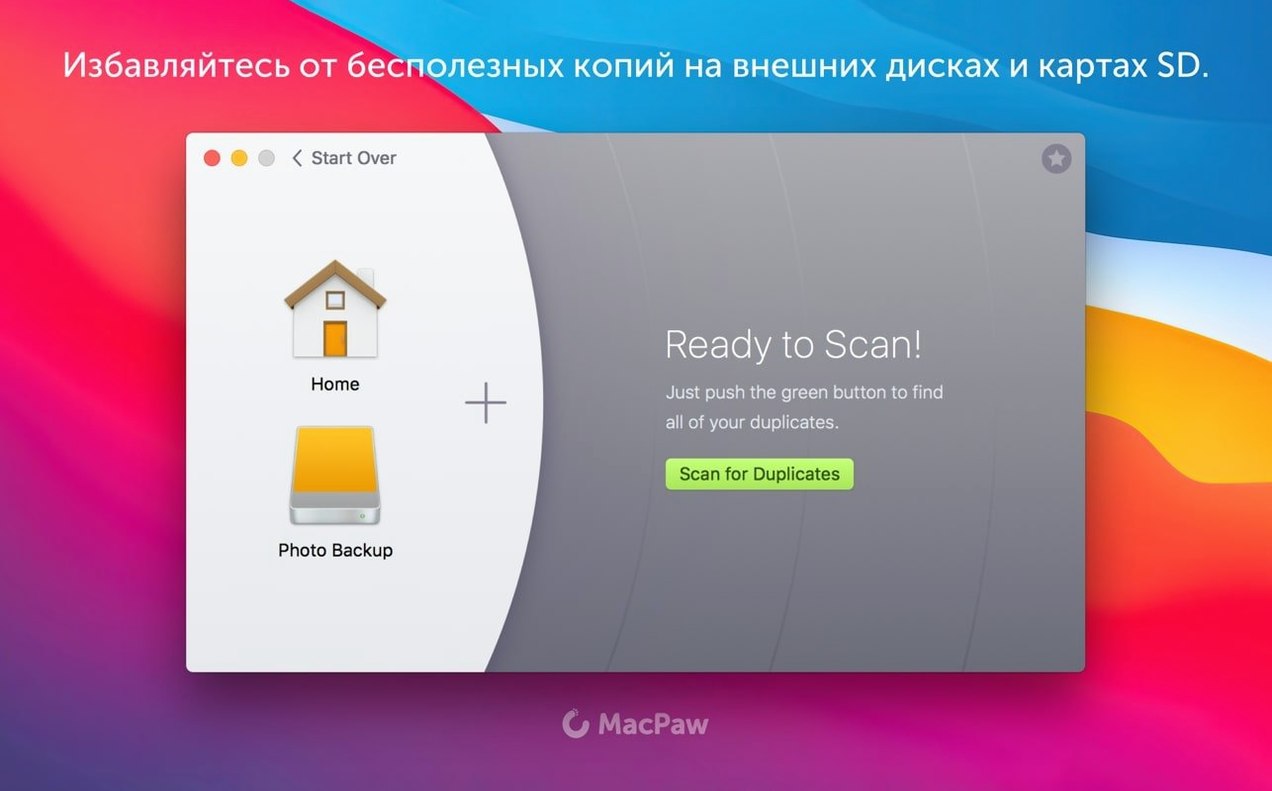
Gemini 2 v2.10.2 scans the whole Mac for duplicate and similar files — images, music, video, folders, even libraries from iTunes and Photos. It finds copies hiding in the usual places and in the more remote parts of the system. The interface shows results clearly so you can review what it found before deleting anything.
One feature that stays useful across versions is the way it learns. Gemini remembers which files you chose to delete in previous scans and reuses those choices later, so you don’t have to make the same decision twice. It also supports a good range of interface languages, including English, Russian, German, Spanish, Italian, French, Japanese, and several others.
The current version runs on macOS 10.13 High Sierra and later, on Intel Macs only. Installation is the usual drag-to-Applications method, with a quick Terminal step to get past Gatekeeper if needed. No major new features this time around, but the core work — finding duplicates and helping you clear them — stays solid.
Before you install, a few practical questions tend to come up. Gemini scans the whole system by default — your home folder, applications, system directories, everything. If you'd rather limit it to specific folders, the interface lets you pick and choose. The scan covers standard file types like documents, images, music and video, but it also reaches into Photos libraries and iTunes (or the Music app) to find duplicates inside those databases. That's useful if you've imported the same set of holiday photos twice.
What about similar files, not just exact copies
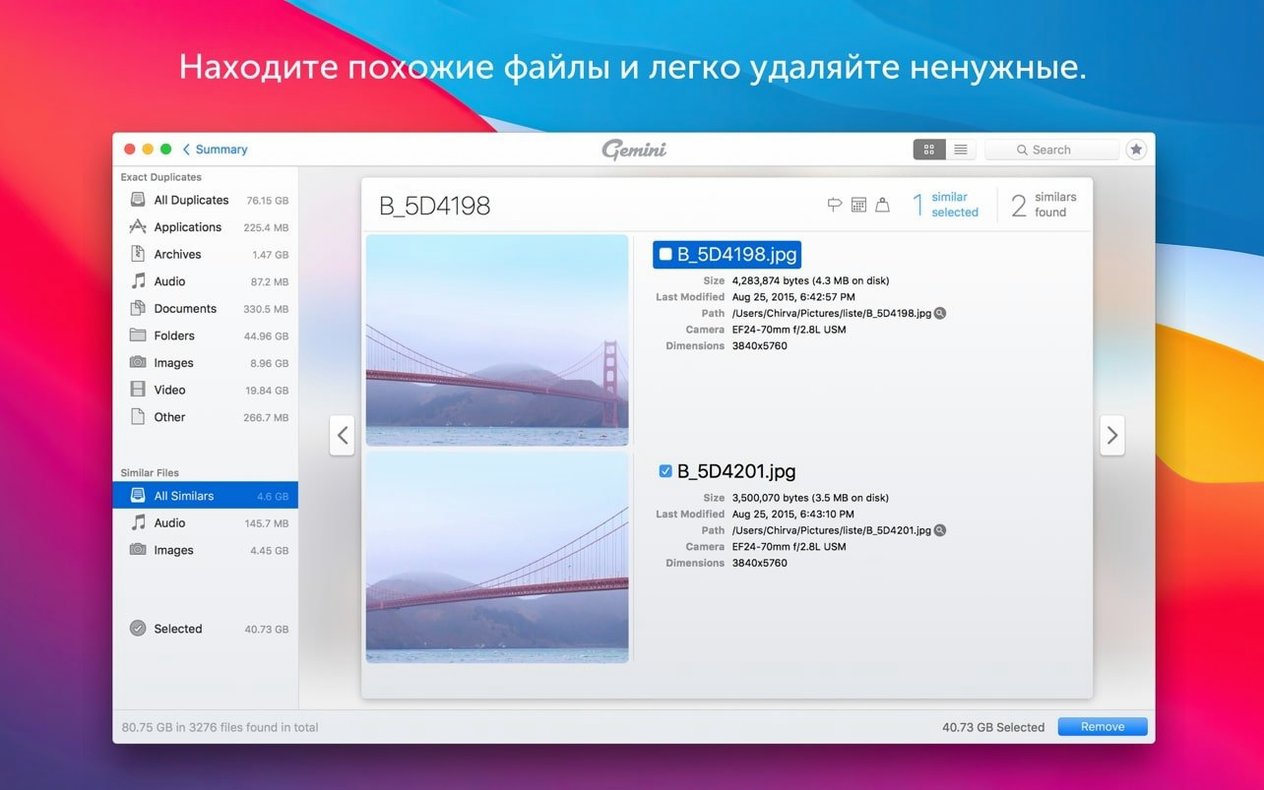
Gemini doesn't only flag files with identical checksums. It can group files that look alike or have the same content but different names — similar images, near-identical audio tracks, documents that share most of their text. It presents these in groups so you can decide which version to keep. The Smart Select feature handles a lot of the choosing automatically, picking files that are safe to remove based on common patterns. If you'd rather pick manually, it's a matter of clicking through the groups.
Restore files you accidentally trashed
A few things don't get mentioned often but make a difference once you're using the app regularly. The Recently Deleted area keeps removed files for a while, so if you realise you trashed something you needed, you can restore it without rescanning the drive. Gemini also remembers your previous deletion decisions across separate scans — if you told it last week that a certain duplicate was safe to remove, it won't ask about that pair again.
The scanning process itself is straightforward: start a scan, wait for results, review the groups. The interface is organised so that similar files stay together, and you can switch between list view and group view depending on how you like to work. None of this is flashy, but it's the kind of thought that keeps you from losing time to repetitive choices.
Works on Intel Macs from High Sierra onward
Gemini 2 v2.10.2 is built for Intel Macs running macOS 10.13 High Sierra or any later version of macOS up to the current one. It's a 64-bit app, which means it won't run on very old systems — anything before High Sierra is out. The disk image installs the usual way: mount it, drag the app into Applications, and open it. On recent macOS versions, Gatekeeper will block the first launch because the app isn't signed by the developer; the install instructions suggest a quick Terminal command to bypass that. After that, it opens normally every time.
The app supports a dozen interface languages, so you can set it to English, Russian, German, Spanish, Italian, French, Japanese, Dutch, Polish, Portuguese, Ukrainian, Simplified Chinese, or any of the others in the list. The language follows your system setting, but you can switch it inside the app if you prefer.
Not limited to iCloud like Duplicate Cleaner
There are a few other duplicate finders on Mac, and they approach the same problem differently. Duplicate Cleaner for iCloud focuses on one service only — it won't touch your local drive or your Photos library. EasyDuplicates is lighter and faster for simple scans of chosen folders, but it doesn't handle similar files or learn from your previous choices. Gemini 2 sits in the middle: it scans broadly, groups exact and near-duplicates, and remembers what you decided last time. It also handles the deeper system areas without you having to point it there manually. If you only need to clear a download folder occasionally, a simpler tool might do. For a thorough system-wide clean that includes media libraries, Gemini covers more ground.
Mac it needs
- macOS 10.13 High Sierra or later
- Intel-based Mac
Installing on a Mac
- Mount the disk image and open it.
- Open Gatekeeper friendly — press Enter in the Terminal window when prompted to bypass the block.
- Drag the Gemini 2 app into the Applications folder.
- Open the app and start scanning.
Notes from photographers
Sign in or create your account to leave a comment.
No notes from photographers yet. If you have used this on a real folder, say which camera and which Mac.
