Get it for my Mac (622 MB)
 Motion
6.3
Motion
6.3

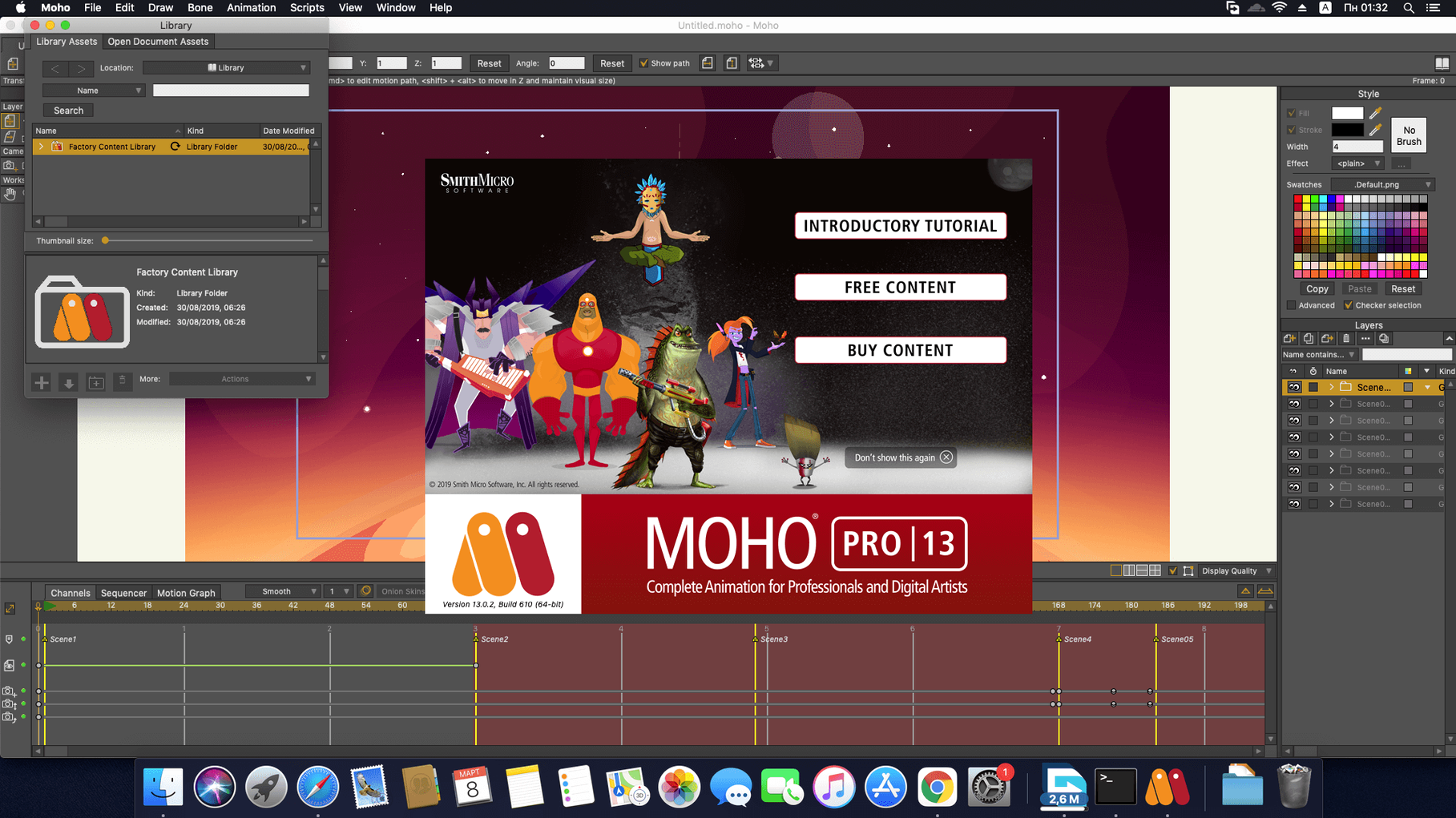
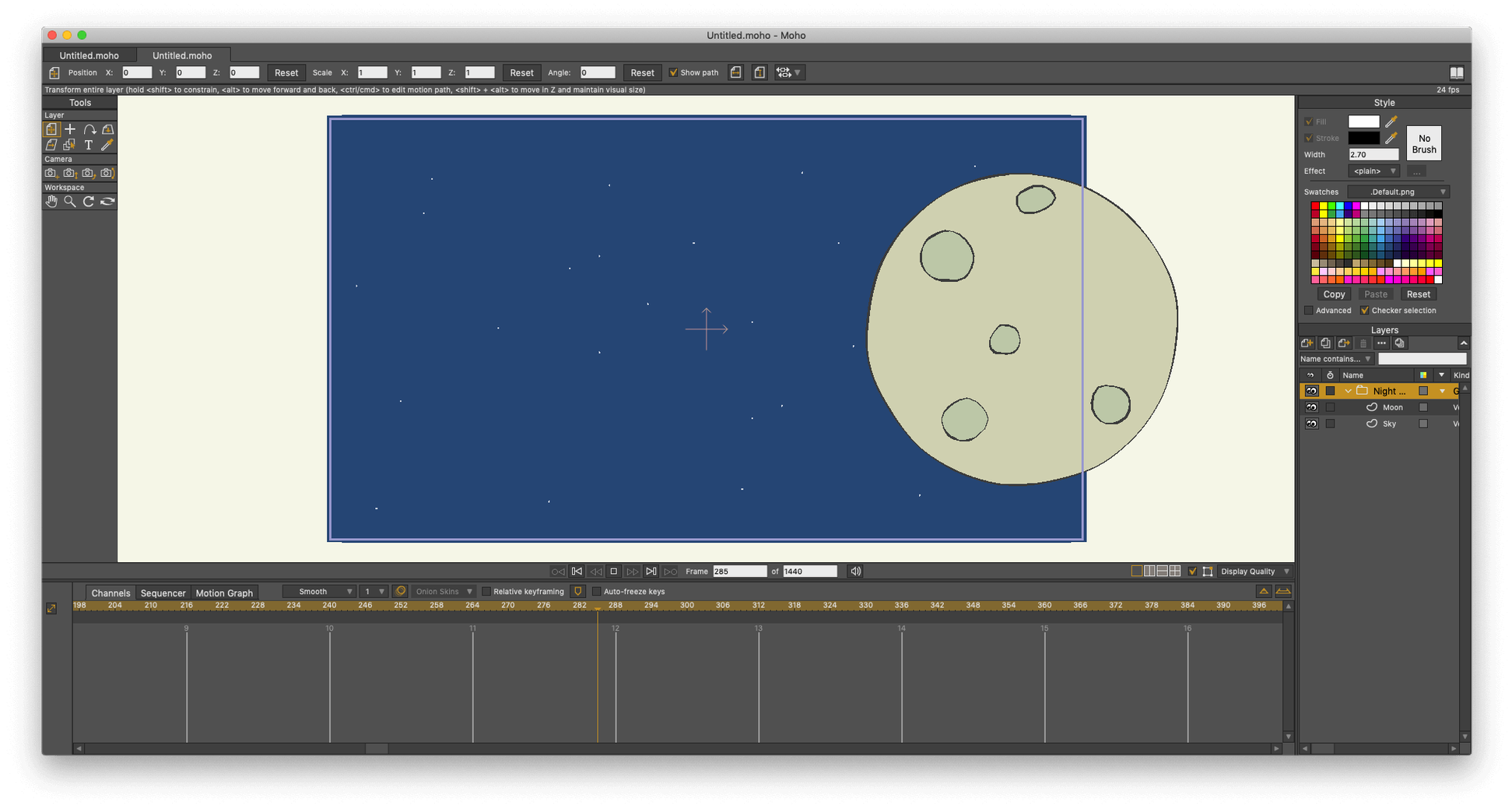
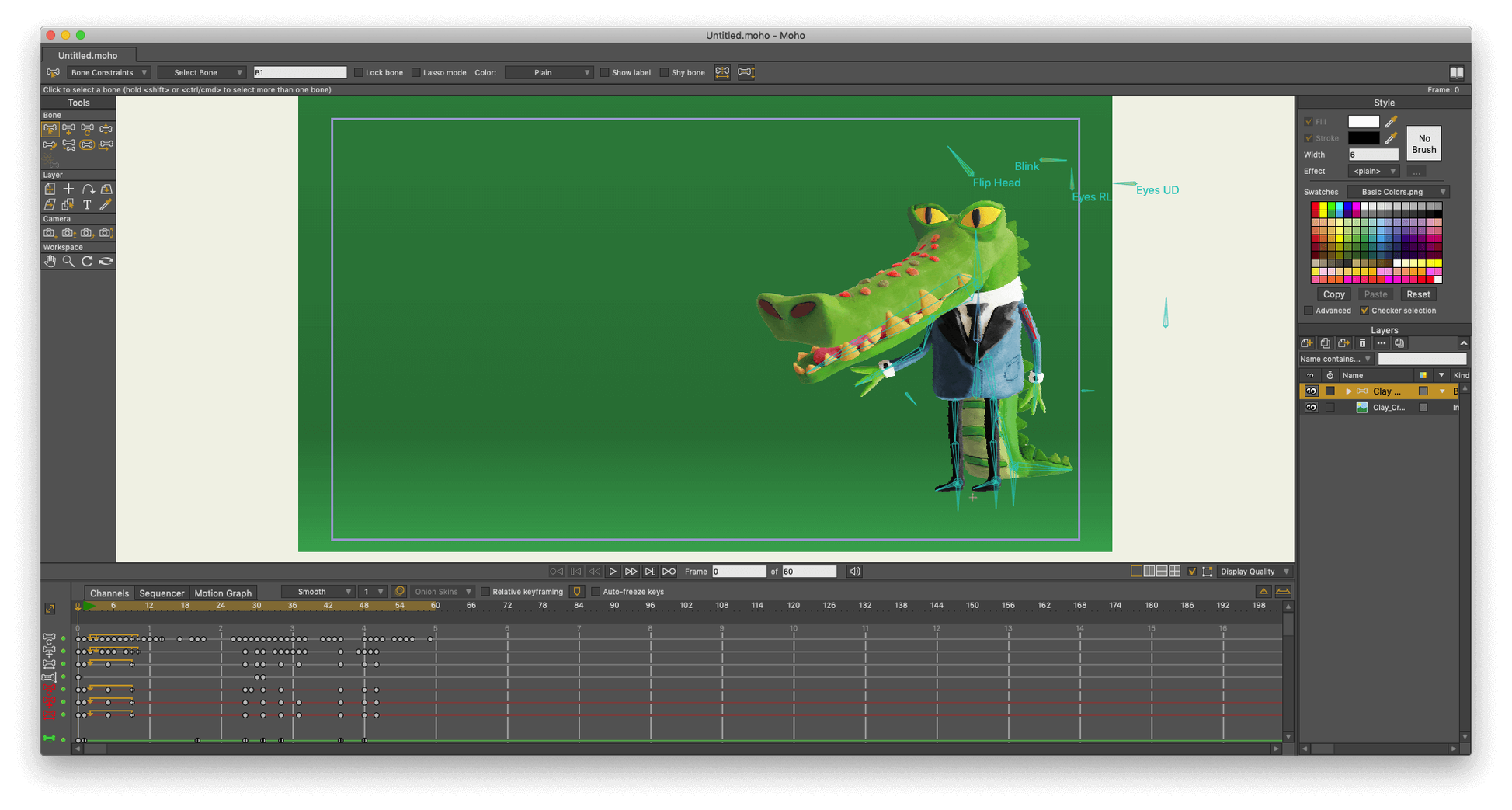
Moho Pro is the kind of software you pick up when you need proper 2D animation that doesn't look like a quick afterthought. It's used by independent animators, small studios, and motion designers who work with vector art and cut-out characters — people who need bone rigging, a timeline that makes sense, and the ability to export straight into Unity, Unreal, or Godot without jumping through hoops.
At its core, Moho Pro is a professional 2D animation program built around vector and cut-out workflows. You get a built-in sequencer, curve animation tools, and the ability to turn 2D shapes into 3D objects when the shot calls for a little depth. It also imports scenes from Poser, so mixing 3D backgrounds with 2D characters is a practical option rather than a headache. If you work with Adobe Photoshop documents, those come in too — no conversion fuss.
Version 14.4 updates the scripting interface to Lua 5.4.4, which keeps custom scripts running smoothly. The particle system and layers have received fixes and updates, and there's a new glTF/GLB export option that makes sending work to game engines and 3D software much more direct. It still runs on both macOS and Windows, and it handles full HD video import and export without complaint.
I start most projects by dropping a vector character into the workspace — usually one I've built in Moho's own vector tools, but sometimes a layered Photoshop document that comes in without fuss. The first thing I do is set up the bone rig. Moho's bone system is the backbone of cut-out animation, and I find it quick to pin joints where they need to be: shoulders, elbows, wrists, the neck. Once the rig is in place, I test the movement by dragging a bone or two. If something twists wrong, I adjust the binding until the mesh deforms the way I want.
Next comes the timeline. Moho's built-in sequencer lets me stack actions — a walk cycle on one layer, a head turn on another — and see how they overlap. I keyframe the main poses first, then fill in the in-betweens with curve animation tools that handle the interpolation for me. When a character needs to pick up an object, I use the layer controls to parent the item to the hand bone, and the sequencer keeps everything in sync. It's the sort of workflow that rewards planning but doesn't punish you for experimenting.
Physics is where things get playful. I've used the physics simulation controls — density, gravity, friction, elasticity — to make hair bounce, tails wag, and loose clothing react naturally to movement. You set the parameters on a layer, hit play, and watch Moho calculate the motion. It saves time on repetitive secondary animation, though I still tweak the keyframes afterwards to make sure it feels right for the scene.
When the animation is ready, I export. For web projects I'll go to video or SWF; for game work I use the new glTF/GLB export, which sends the rigged character straight into Unity, Unreal, or Godot. The whole session, from rigging to final export, stays inside one application. That's the appeal — you're not stitching together tools from three different programs.
Moho Pro 14.4 functions under macOS 10.15 and newer, with compatibility for Intel and Apple Silicon Macs. The installer is a straightforward package — you get the application, the content library, and the activation instructions in one go. To run the software, you need a 64-bit operating system, a 2.0 GHz Intel Core i3 processor or above, a minimum of 4 GB of RAM, and roughly 1.6 GB of available storage. Your graphics card must support OpenGL 4.1, a requirement met by nearly all Macs released in recent years.
The interface itself is not heavy. It loads the workspace with the timeline, the tools palette, and the library of visual objects ready to use. If you're coming from an older Mac, the Intel build will run fine; if you're on Apple Silicon, the native ARM support means you don't need Rosetta. The online connection is only required for activation, not for daily work. Once you're in, you can work offline as long as you like.
People often wonder whether Moho Pro can replace a full 3D package for their work. The answer is that it's not trying to. It handles 2D animation with depth effects — you can create 3D objects from 2D shapes and import Poser scenes for hybrid shots — but its strength is in vector and cut-out animation, not in modelling or rendering a 3D scene. If your project is character animation for a game or a short film, Moho is a solid fit. If you need a full 3D pipeline, you'd use it alongside other tools.
Another common question is about file compatibility. Moho Pro opens Adobe Photoshop documents directly, imports and exports full HD video, and now exports glTF/GLB for game engines. It also supports LUA scripting, so you can write custom tools if the built-in features don't cover a specific need. The scripting interface was updated to Lua 5.4.4 in version 14, which keeps it modern and well-supported.
Some people ask about learning curve, especially if they're coming from frame-by-frame animation software. Moho's bone rigging and cut-out approach is different, but the sequencer and timeline are familiar enough that you can start moving things around in an afternoon. The included library of visual objects gives you ready-made elements to play with while you learn the tools. It's not a weekend mastery, but it's also not the kind of software that hides its core features behind menus.
Moho Pro 14 is professional 2D animation software for artists and studios, not a "moho 14 crack. The version you're looking at here is 14.4, and it's the same installer that's been shared in those circles. Whether you choose to work with it is your call. What matters is that the software itself is capable and stable, and it's been used by animators for years — back when it was called Anime Studio Pro, and now under the Moho name.
Yes, Moho Pro supports both Intel and Apple Silicon Macs, as long as you're running macOS 10.15 or later.
Sign in or create your account to leave a comment.
No notes from photographers yet. If you have used this on a real folder, say which camera and which Mac.