Get it for my Mac (2.6 GB)
 Moho Pro
14.4
Moho Pro
14.4

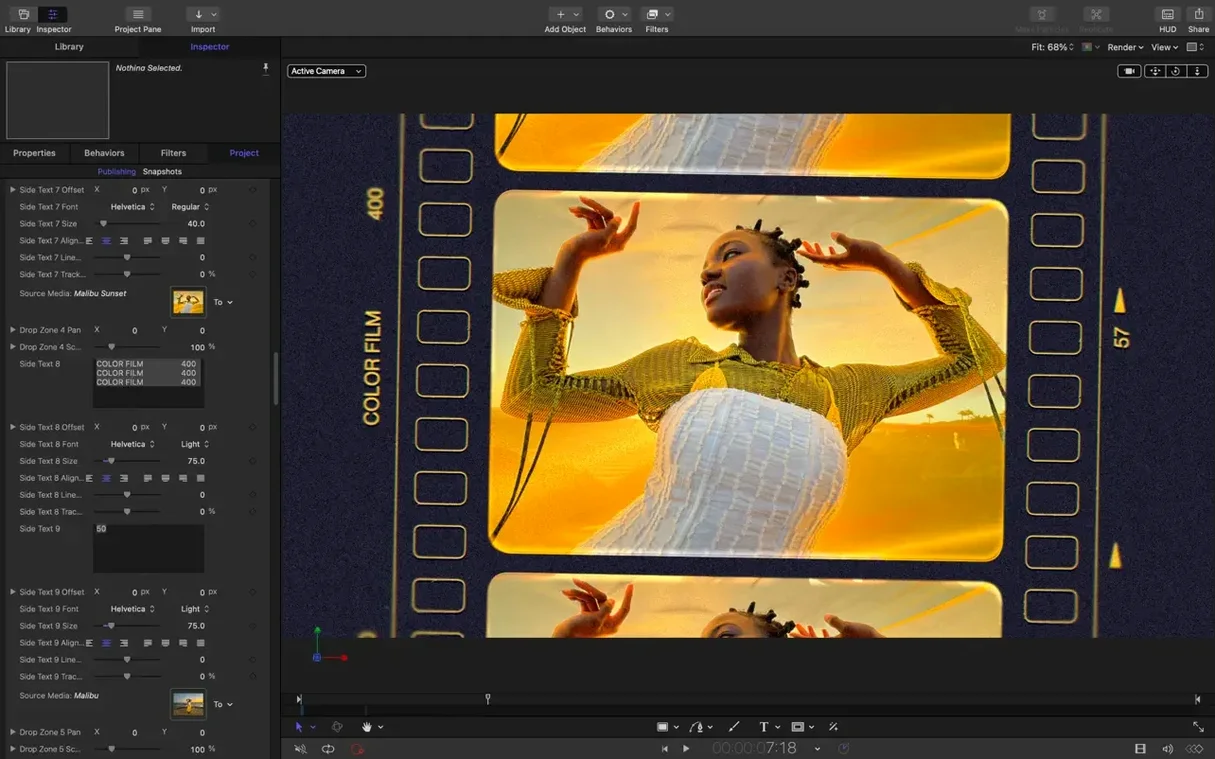
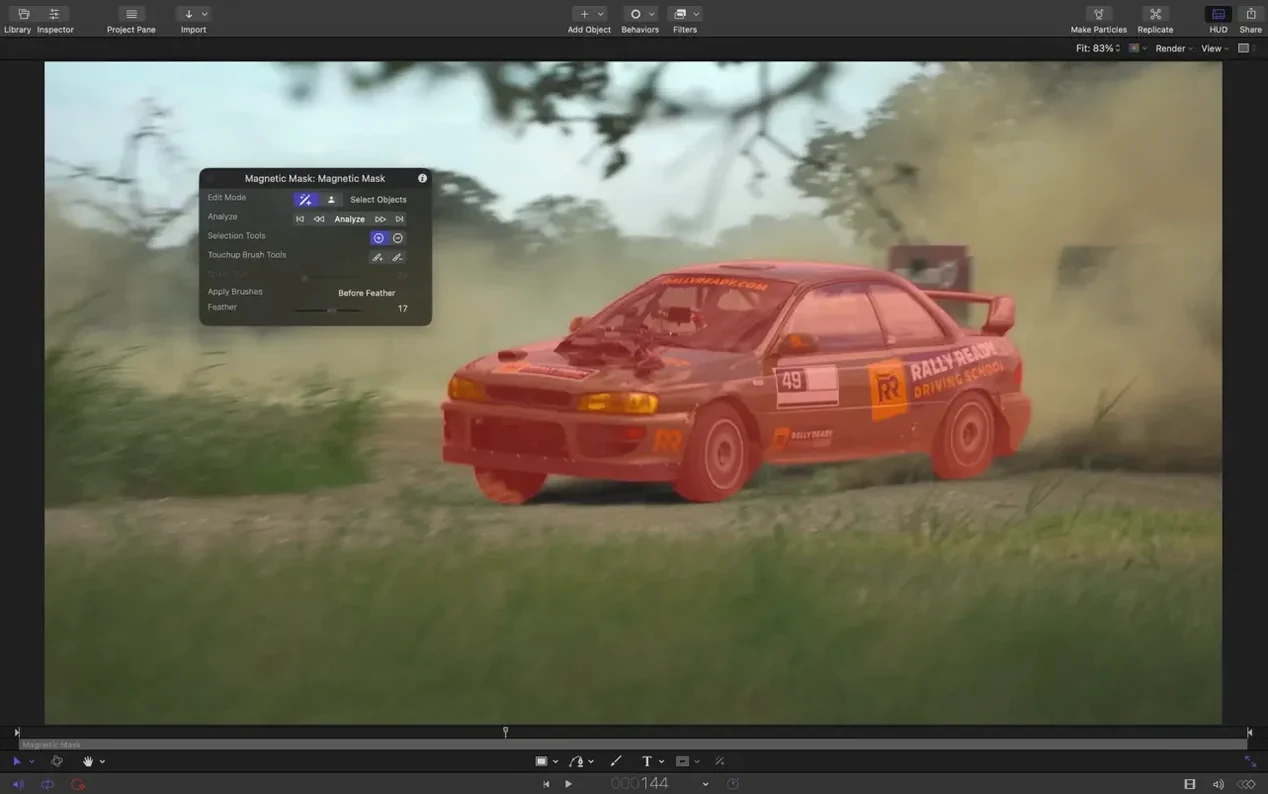
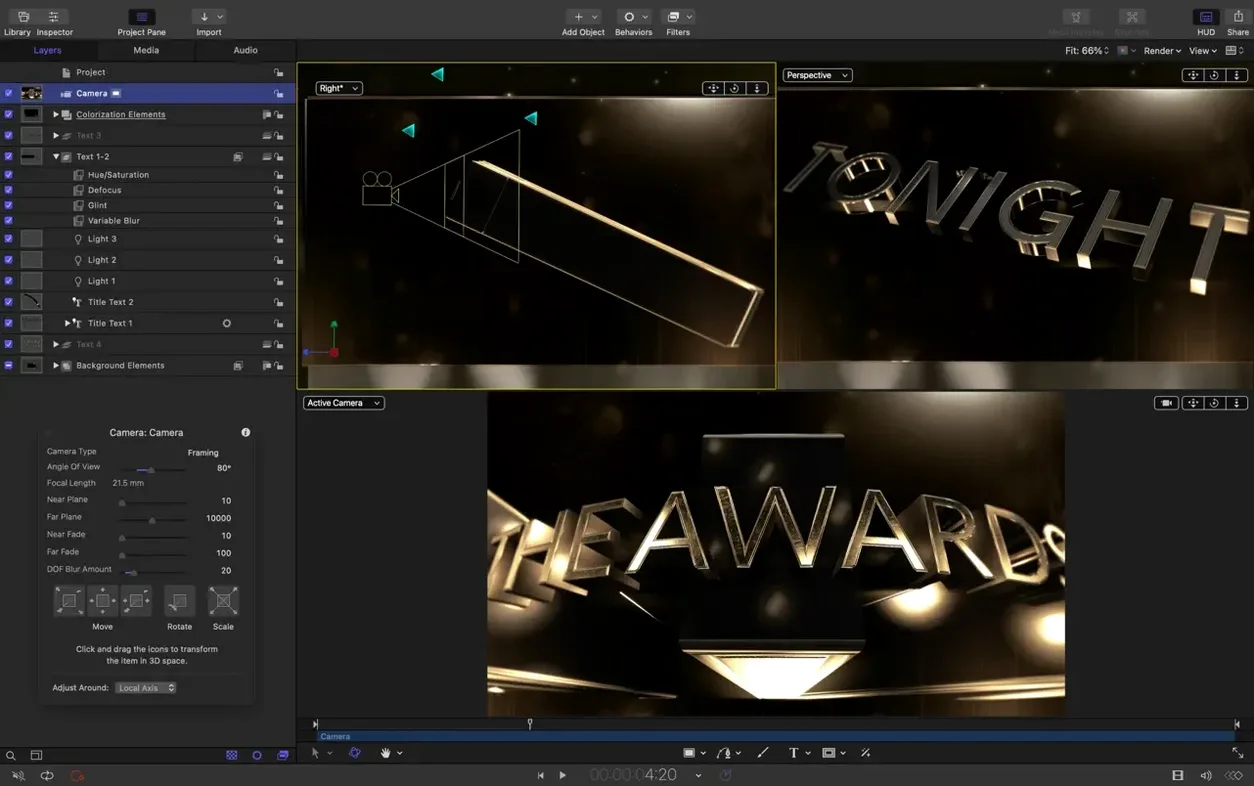
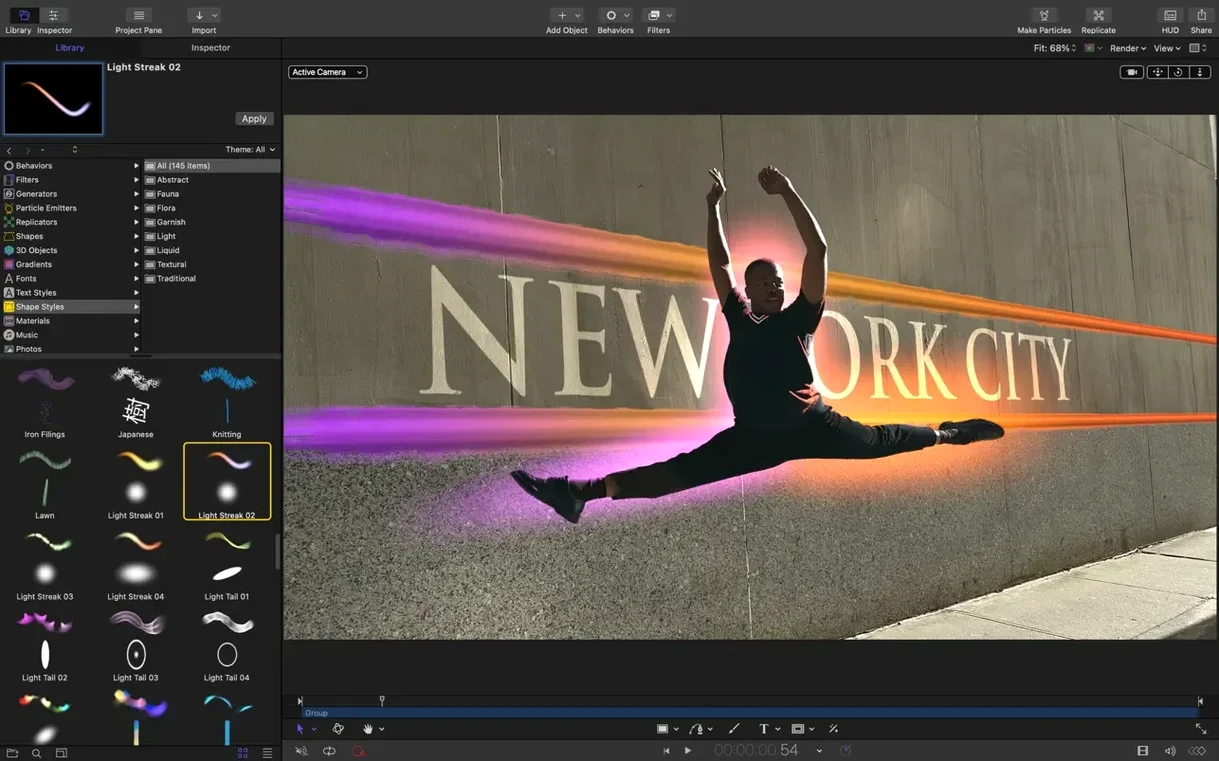
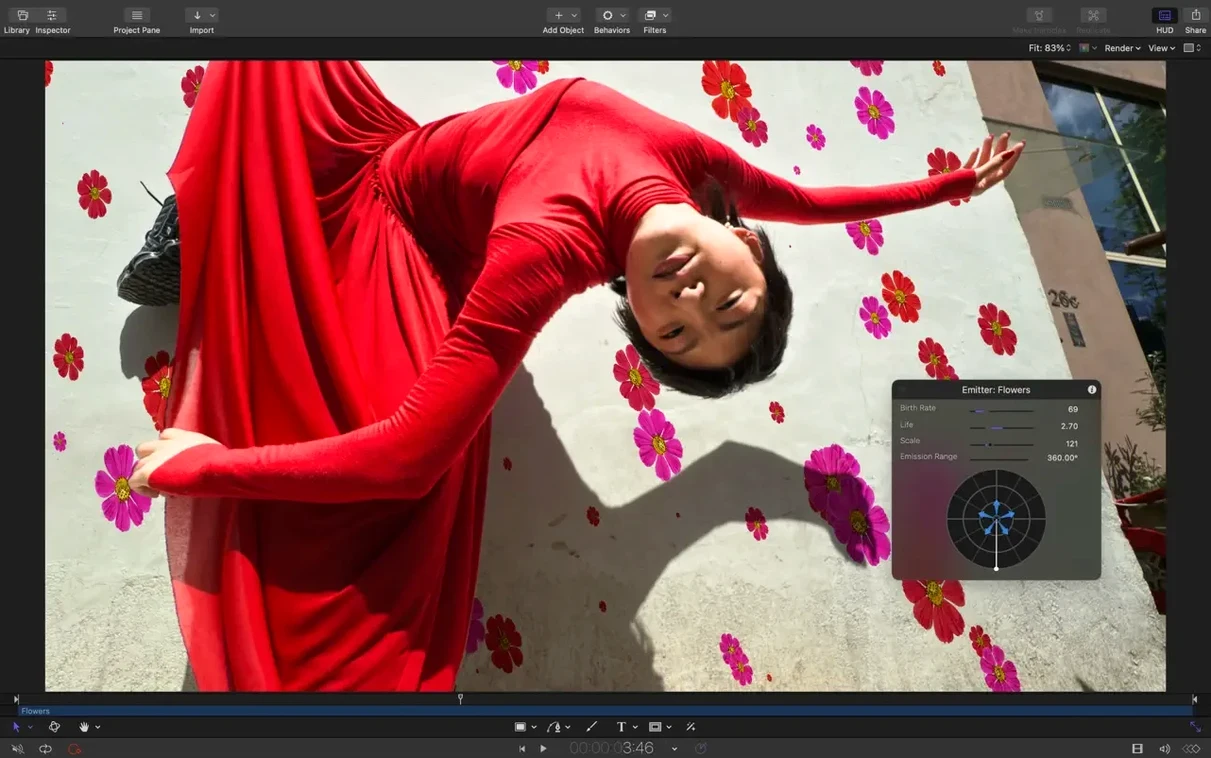
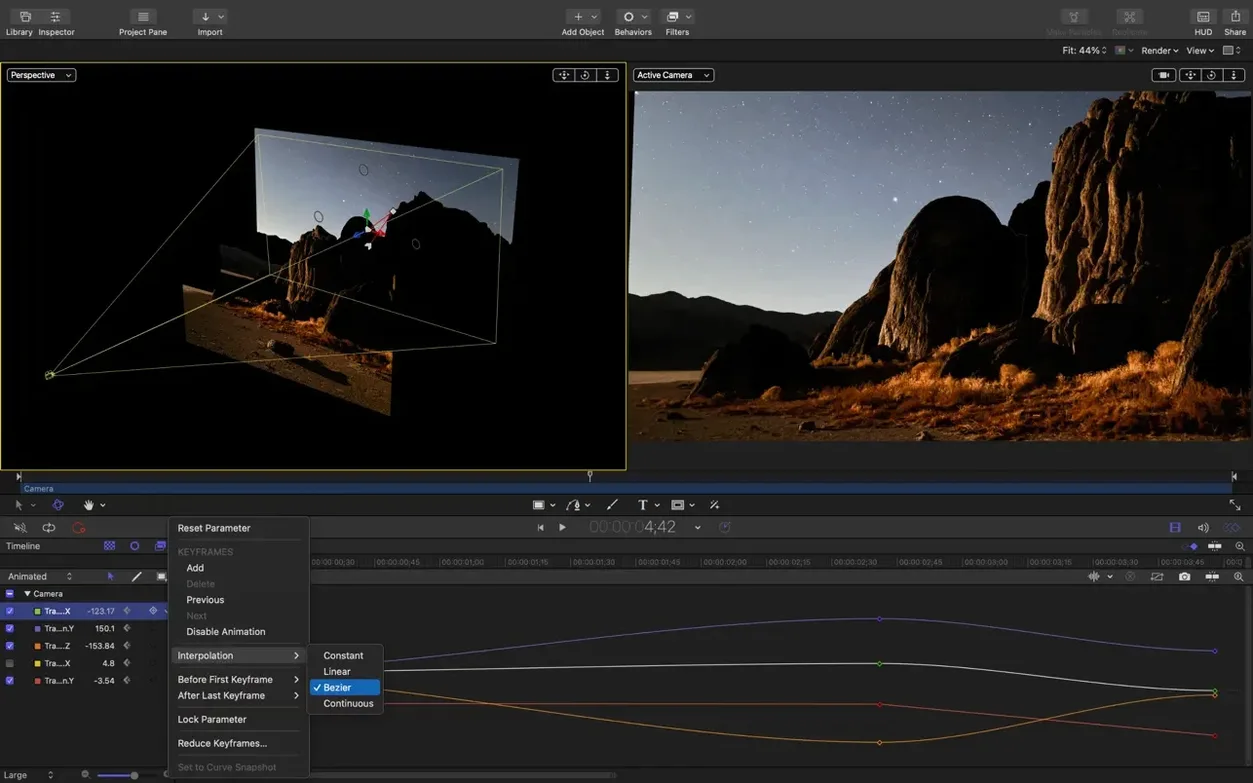
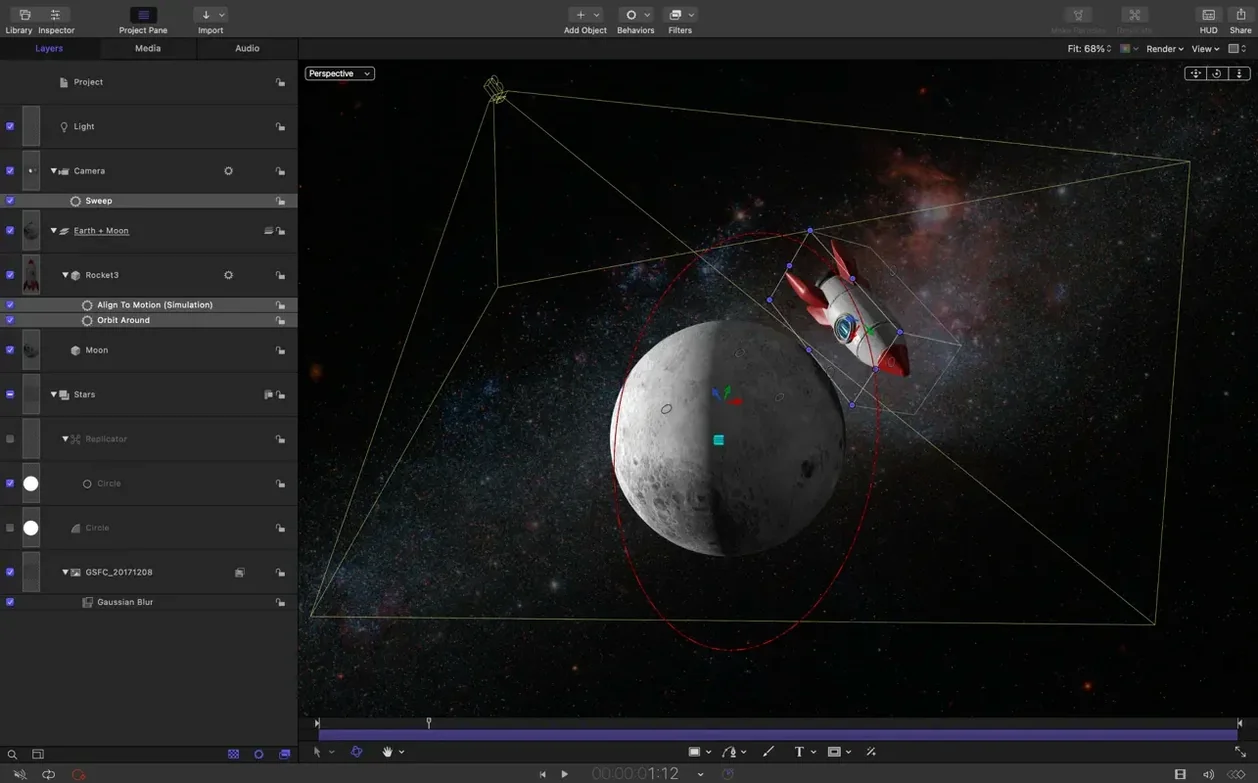
If you've spent any time in Final Cut Pro, you've probably bumped into Motion without realising it. It's the tool Apple built for crafting titles, transitions, and effects that you can then drop straight into your edits. The latest version, 6.3, stays true to that role while adding a few quality-of-life touches.
Motion still sits alongside Final Cut Pro X, so your custom builds feel like they belong. It's aimed at video editors, not just motion designers, and it keeps the real-time playback that makes tweaking parameters less of a guessing game. You can build something for a commercial or a presentation, and it'll hold up.
That Bezier Mask fix is one of those quiet wins. Dragging to select vertices used to be a pain, and now it behaves. Nothing flashy, just the kind of polish that keeps a busy season moving.
Motion is one of those apps that rewards different people in different ways. If you're a video editor who mostly works inside Final Cut Pro, it's the obvious companion: you build a title or a transition in Motion, save it, and it appears in your effects browser like it was always there. No round-tripping through other formats, no re-rendering. That alone saves time when you're juggling deadlines.
Motion graphics designers who work on broadcast or film projects will appreciate the real-time compositing engine. You can layer up 2D and 3D elements, tweak parameters, and see the result without waiting for a render preview. That matters when you're iterating on a look for a title sequence or a lower third that needs to feel right.
Then there's the odd presenter or marketing person who gets handed a Motion template and wants to customise it. If you're not a designer but you need to swap out text or change a colour, the interface is laid out clearly enough that you can do it without a tutorial. That's not an accident — Apple designed it for editors, not just animators.
And for anyone working with SVG assets — logos, vector graphics, icons — the 6.3 update makes a real difference. You can drop a vector file in, scale it up to billboard size, and it stays sharp. No more rasterising or hoping the client's logo doesn't look fuzzy on the big screen.
Motion 6.3 runs on macOS 15.6 or later, and it supports both Apple Silicon and Intel 64-bit Macs. That means it'll work on the M-series machines most people are using now, as well as the older Intel Macs still kicking around edit suites. The architecture is universal, so you don't need to think about which version to download.
The app itself is part of Apple's Creator Studio ecosystem, which also includes Final Cut Pro X and Compressor. If you already have those installed, Motion slots in neatly. The installer is straightforward: you open the disk image, drag the app to your Applications folder, and it's ready to go from Launchpad. No licence keys, no activation steps beyond the copy.
Language support covers English, German, Spanish, Simplified Chinese, French, and Japanese. So if you're collaborating with a team that works in a different language, the interface can switch without a reinstall.
One thing that trips people up early on is expecting Motion to behave like a full compositing app such as After Effects. It isn't that. It's a focused tool for building things that plug into Final Cut Pro. If you try to use it as a standalone animation suite, you'll hit limitations. Best to think of it as a specialised workshop, not a general-purpose studio.
Another common issue: importing a complex SVG and wondering why some elements don't appear. Motion supports SVG import, but heavily nested groups or unsupported filter effects might not translate perfectly. If something looks missing, try flattening or simplifying the vector file in a vector editor before bringing it in.
Performance can feel sluggish if you're working with massive particle emitters or 3D text with lots of geometry. The app does real-time playback, but if your project gets heavy, it helps to reduce the quality setting in the viewer while you're building, then bump it back up for the final look. That's a normal part of the workflow, not a sign that something's broken.
And if you're on macOS 26 and notice some colour correction filters looking brighter than expected, that's a known issue fixed in 6.3. Make sure you're running the latest version.
Motion's real strength is how it talks to the rest of your Mac. The tight integration with Final Cut Pro X means you can build a motion array of templates — titles, transitions, generators, effects — and access them all from inside Final Cut without exporting. You open Motion, build something, save it, and it's there. That workflow alone makes it worth the time to learn the basics.
Compressor is the other half of the equation. You can use it to encode your Motion projects directly, which is handy if you need to deliver a specific format for broadcast or web. It's all within the same Apple ecosystem, so you don't end up juggling codec packs or third-party exporters.
SVG import in 6.3 also opens up some interesting possibilities. You can grab vector assets from design tools like Illustrator, Figma, or Affinity Designer, drop them into Motion, and keep them resolution-independent. Motion lets you animate vector assets from any source, ideal for designers and motion artists.
And because Motion is a Mac-native app, it plays well with macOS features like Quick Look, Spotlight, and the built-in screen recording tools. You can preview project files in the Finder, search for them by name, or capture a quick demo of your animation without leaving the system. It's the kind of integration you don't think about until you need it.
For editors who also use Logic Pro or other Apple pro apps, there's a consistency to the interface that makes switching between tools feel natural. The colour pickers, the inspector panels, the way keyframes work — it all follows the same logic. That might not matter if you only use one app, but if you bounce between audio, video, and motion graphics in a day, it saves a lot of mental overhead.
If you've been working with an apple motion download from a while back, the jump to 6.3 is worth it for the SVG import alone. And if you're new to the app, it's a solid entry point into motion graphics that doesn't force you to learn a completely separate toolchain. It's built to sit alongside the editing work you're already doing.
Tip: if you're moving it from a download location, dragging to the Applications alias does the copy for you, no extra steps.
Sign in or create your account to leave a comment.
No notes from photographers yet. If you have used this on a real folder, say which camera and which Mac.