Get it for my Mac (428 MB)
 EZdrummer
3.1.2

- Version
- 29.10.2026
- Developer
- FabFilter
- Interface in
- English
- Licence on file
- K'ed by MORiA
- macOS it runs on
- macOS 10.13 or later
- Chip support
- Apple Silicon, Intel 64-bit
In the edit
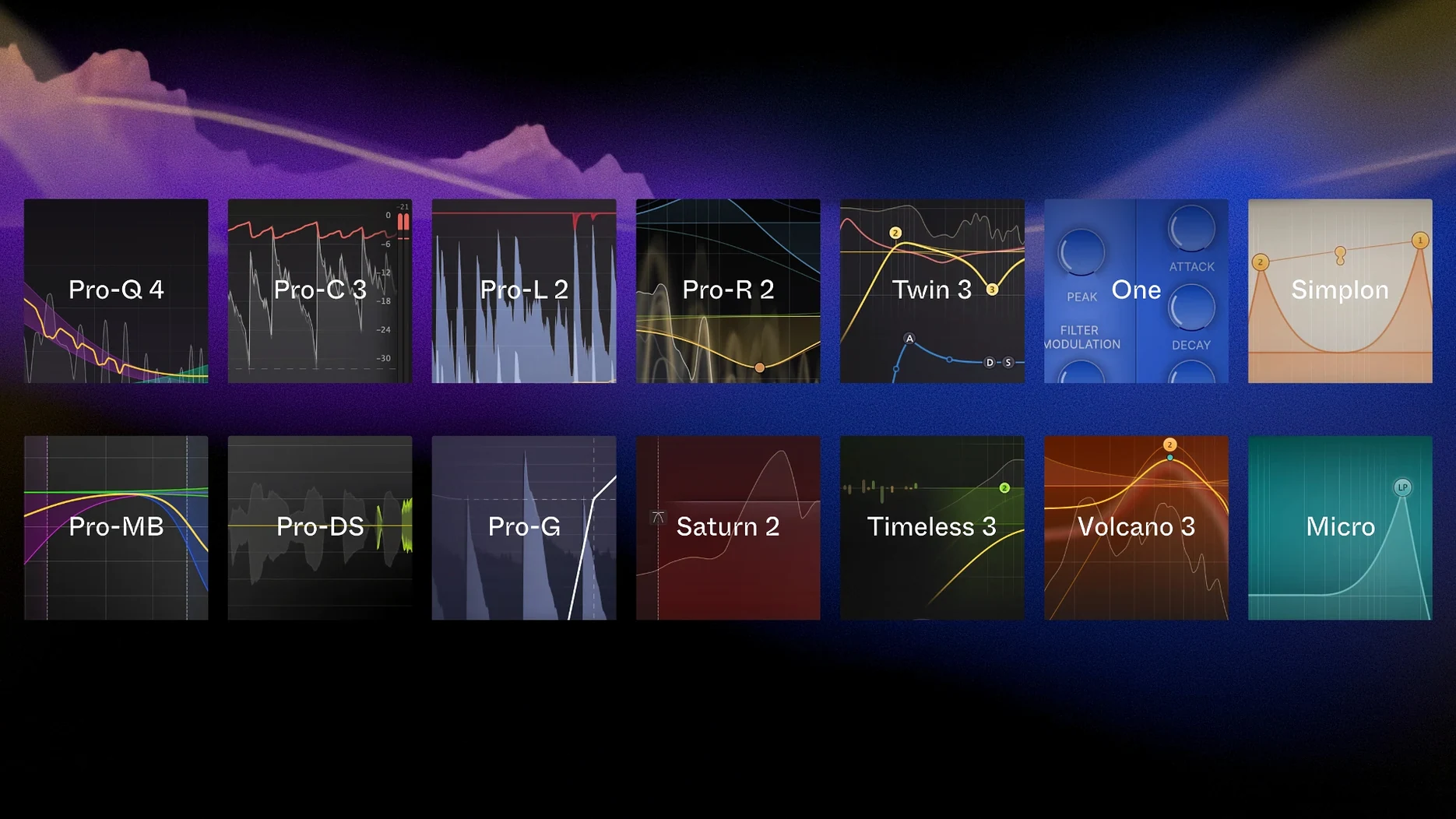
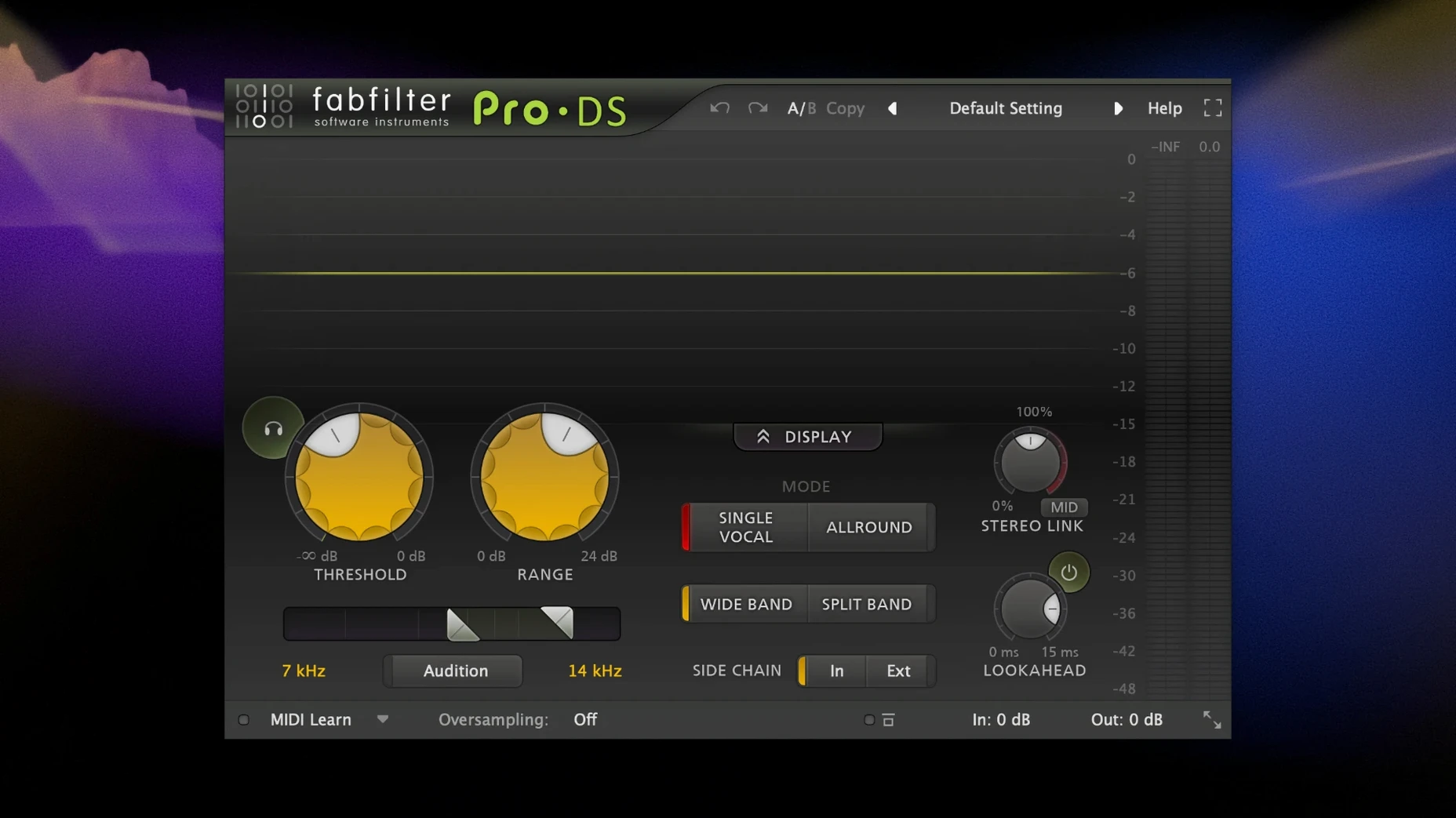
Fourteen plug-ins, one installer. The FabFilter Total Bundle 25.06.2026 by HCiSO puts every processor and instrument the company makes onto a single disk image — Pro-Q for EQ, Pro-L for limiting, Saturn for saturation, Timeless for delay, and ten more. It covers mixing, mastering and sound design without gaps.
Surgical EQs and creative synths in one crisp interface
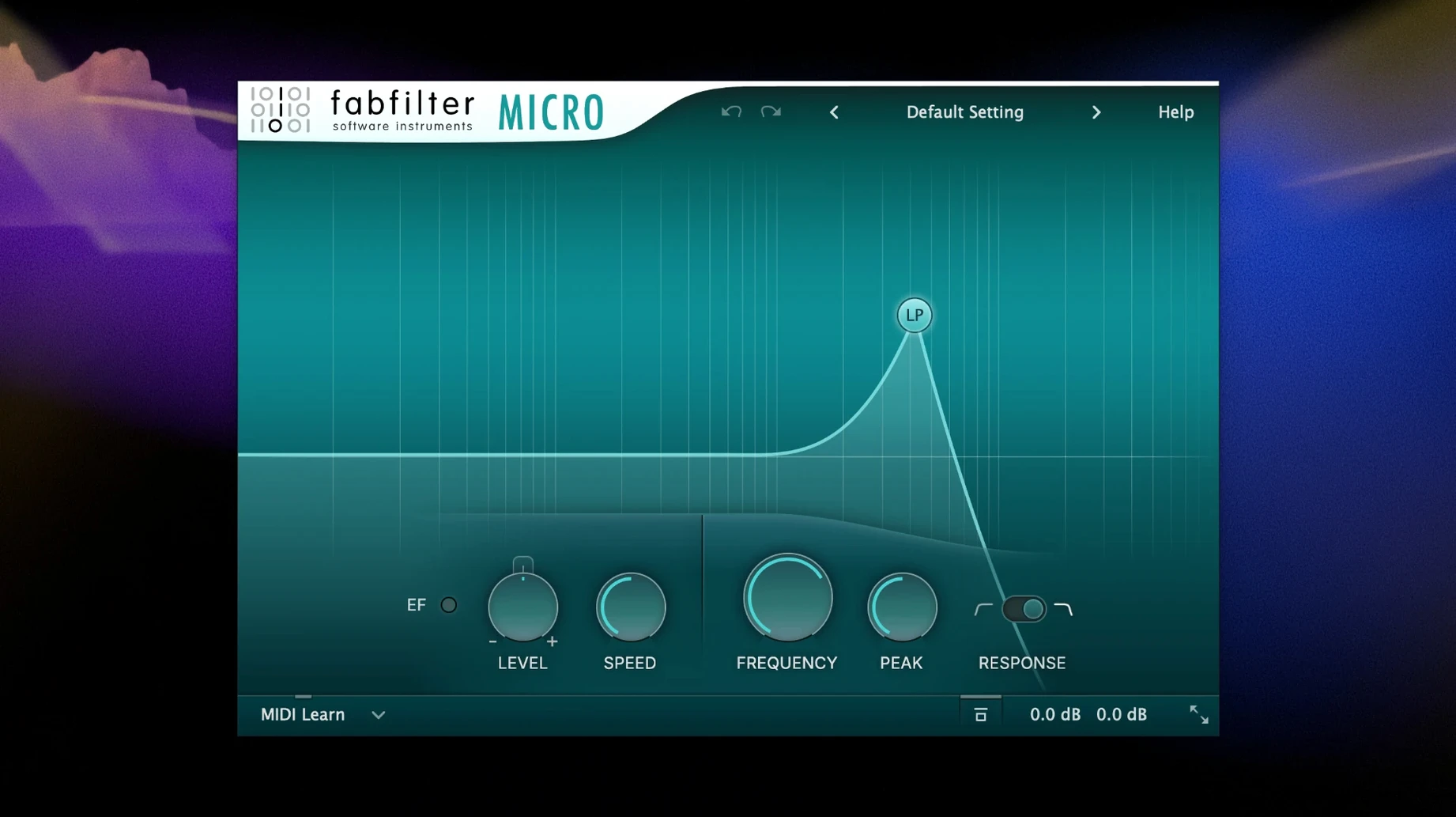
The line-up runs from surgical tools like Pro-DS and Pro-MB to creative stuff like Volcano (filter) and Twin (synth). Micro and One handle simple filter and reverb duties. Every plug-in shares the same crisp interface and flat-response metering, so once you learn one, the rest feel familiar. The bundle is listed for macOS 10.13 and later, and it runs on both Intel and Apple Silicon Macs. Interface language is English only.
Runs on Logic, Pro Tools, Ableton, and most Mac DAWs
People often ask whether the bundle works with their DAW. Yes — FabFilter plug-ins are standard Audio Units, VST and AAX, so they slot into Logic, Pro Tools, Ableton Live and most others. Another question is about disk space. The installer is compact for what it covers; you get all 14 plug-ins in a single run. And yes, the package includes both effects and instruments, so you can process audio or generate it with Twin.
Built for mixing engineers who want a whole family of tools
Mixing engineers who work fast tend to lean on Pro-Q and Pro-C most days, but the bundle makes sense when you need the whole chain — EQ, compression, limiting, de-essing — from one family. The shared visual style means you spend less time hunting for controls and more time listening. Mastering engineers appreciate Pro-L's true peak limiting and Pro-MB's transparent multiband work, especially when clients want revisions done on the spot.
Sound designers and producers working in electronic music or post-production get plenty from Saturn, Timeless and Volcano. Saturn does multiband saturation that can reshape a sound's character without breaking it apart. Timeless handles everything from subtle slapback to washed-out textures. And Twin is a capable synth if you need to build sounds from scratch rather than process existing audio. For anyone running a project studio on a Mac, the bundle replaces several single-purpose plug-ins with one consistent set.
A real-world scenario: mixing a live band session
Picture a Tuesday afternoon. You've just received stems from a four-piece band recorded in a small room — drums, bass, two guitars and vocals. The raw tracks have bleed, uneven levels and a bit of room rumble. You open your DAW and start with Pro-Q 4 on each channel. A quick high-pass filter cleans up the kick and the bass guitar, while a narrow cut around 400 Hz tightens the snare. The visual display shows you exactly where the problem frequencies sit, so you're not guessing.
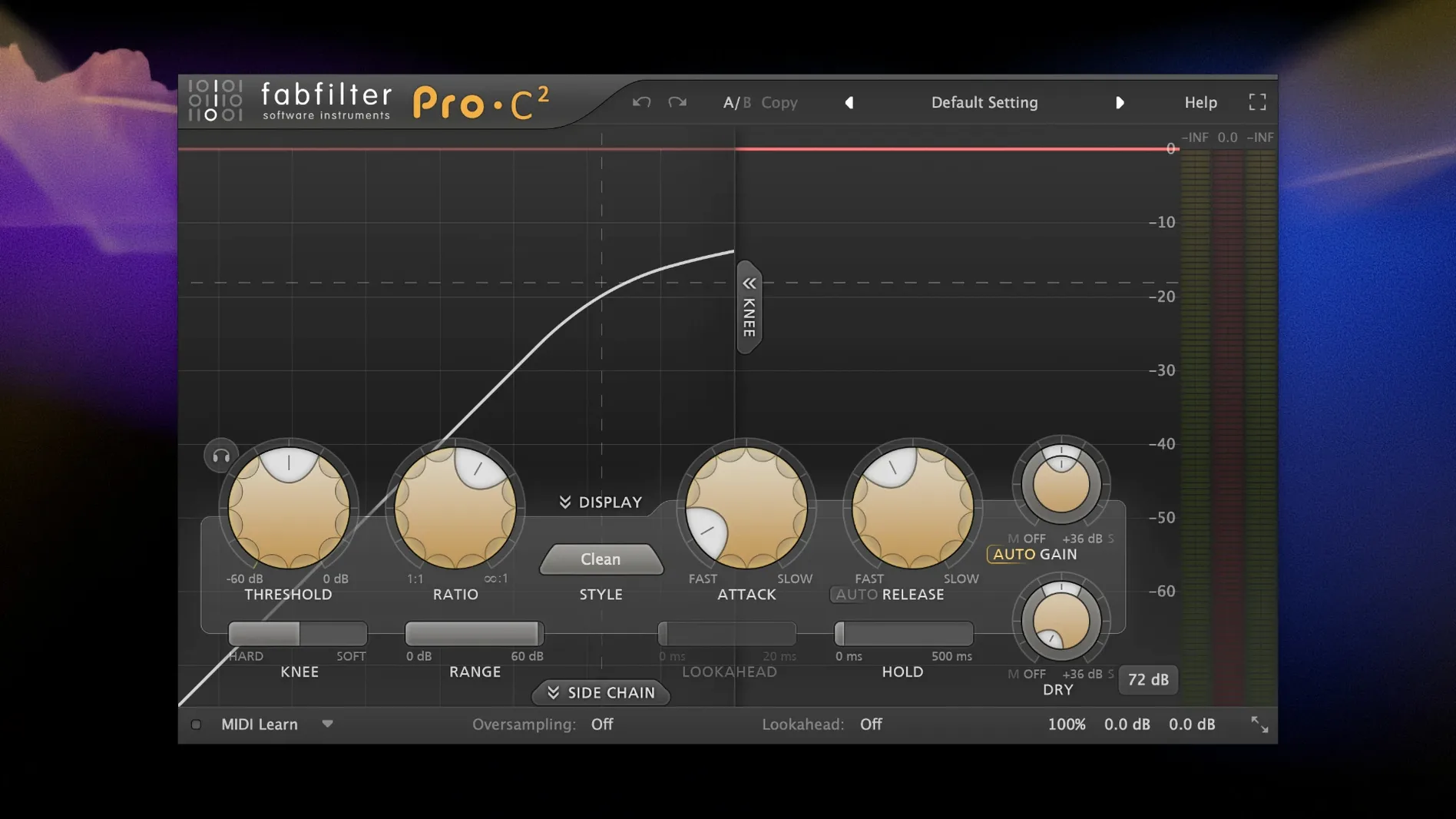
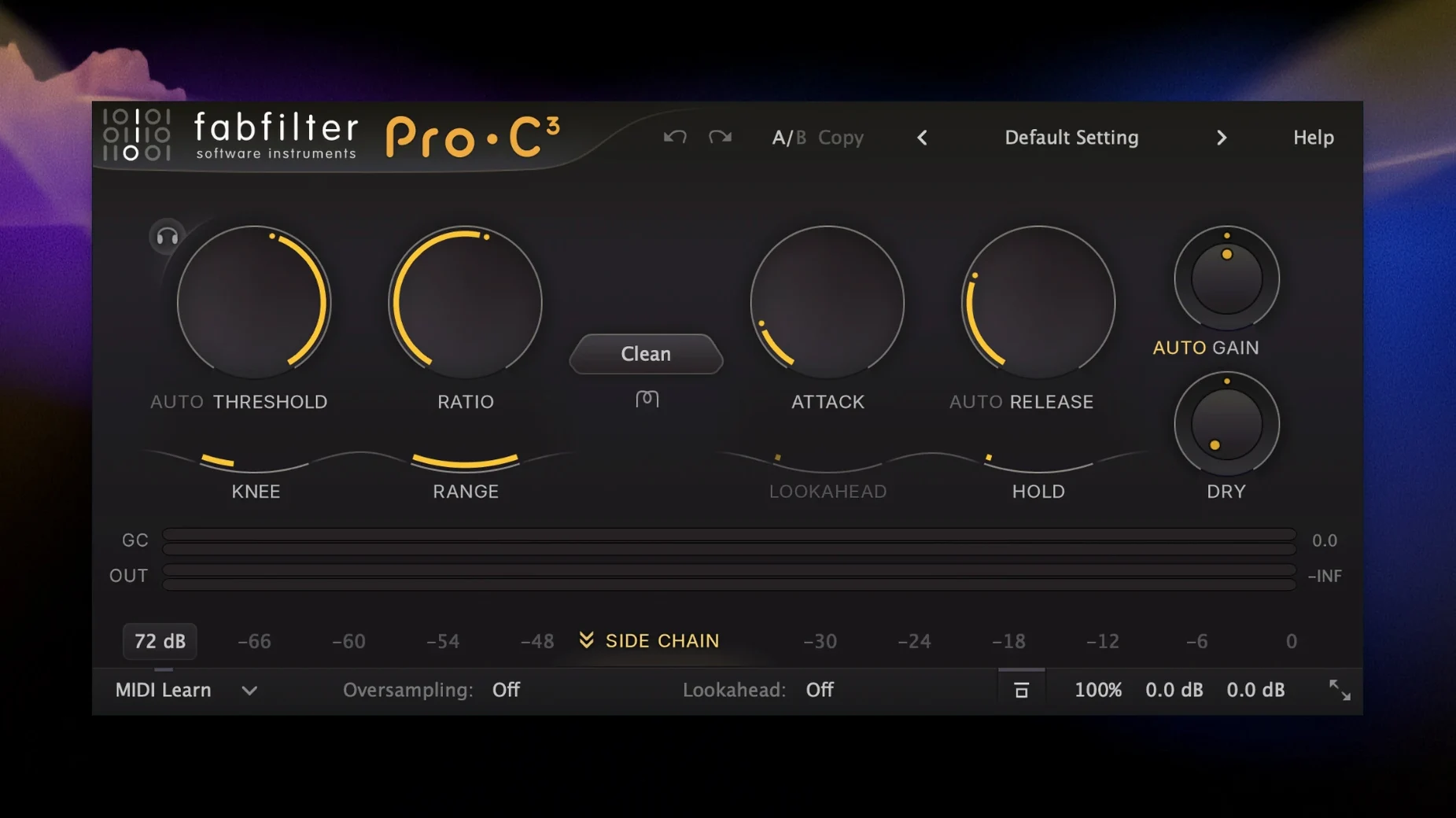
Vocals get Pro-DS next. A few dB of de-essing tames the sibilance without dulling the performance. Then Pro-C 3 goes on the vocal bus — a gentle 2:1 compression to even out the dynamics, with the gain reduction meter right there in the interface. On the drum bus, Pro-MB handles the low-end punch without squashing the cymbals. Finally, Pro-L 2 sits on the master bus, catching peaks and adding a dB or two of gain. The whole chain stays inside one plug-in family, and the CPU load is low enough that you can keep working without freezing tracks.
Workflow: building a parallel processing chain with Saturn and Pro-MB
Parallel processing is a common trick for adding weight to drums or vocals without losing the original transient. Here is one way to set it up using Saturn and Pro-MB from the bundle.
- Create an auxiliary (return) track in your DAW and set its input to a bus. Send your drum or vocal track to that bus at unity gain.
- Insert Saturn on the auxiliary track. Choose a saturation style — warm tape or subtle tube work well for adding harmonics. Dial in the drive until the signal sounds fuller but not distorted.
- Insert Pro-MB after Saturn. Set the crossover so the low band covers the kick or bass frequencies. Use that band to compress or expand the saturated signal slightly, controlling how much weight comes through.
- Blend the auxiliary track back into the mix using its fader. Start low and bring it up until you hear the effect add presence without overwhelming the original. The meters in both plug-ins help you keep levels consistent.
- Adjust the mix knob on Saturn or the threshold on Pro-MB if you want more or less effect. Because both plug-ins share the same look and feel, tweaking them together feels natural.
This approach works for vocals, drums, bass and even entire submixes. The bundle gives you the tools to shape the parallel path precisely, and the CPU efficiency means you can run several of these chains in one session.
Works on Intel and Apple Silicon Macs from 2017 onward
A common question is whether the bundle works with older Macs. The listed requirement is macOS 10.13 or later, and both Intel and Apple Silicon architectures are supported, so most Macs from 2017 onward should run it without issue. Another frequent one is about the installer — does it give you a choice of which plug-ins to install? The standard installation procedure in the disk image lets you pick which formats (Audio Units, VST, AAX) and which plug-ins you actually want, so you are not forced to install everything if you only need a few. People also ask if the plug-ins are compatible with each other in a single session. Yes — they are designed to work together, and you can chain them in any order without format conflicts.
Some users wonder about the difference between the 'Total Bundle' and buying plug-ins individually. The bundle gives you everything in one go, so you are not left wishing you had Pro-R or Saturn later. And because the bundle is updated as a whole, you get the latest versions of each plug-in — the current listing includes Pro-Q 4.13, Pro-R 2.06 and Pro-C 3.02, for example. That matters when your DAW or macOS updates and you need compatibility.
New this release
This build wraps up the 27 October refresh of the Total Bundle installer. The main event is FabFilter Twin 3.10, which now speaks MPE and Note Expression — handy for polyphonic patches where you want per-note pitch bends or pressure swells. Twin 3 also picks up over 200 factory presets in this update. The rest of the bundle plugs haven't had individually confirmed changes for the 29 October snapshot, so consider this a carrier for the synth refresh.
Mac it needs
- macOS 10.13 or later
- Apple Silicon or Intel 64-bit
Questions I actually get
Which plug-ins are included in the FabFilter Total Bundle?
The bundle includes Micro, One, Pro-C, Pro-DS, Pro-G, Pro-L, Pro-MB, Pro-Q, Pro-R, Saturn, Simplon, Timeless, Twin, and Volcano.
What macOS versions does the bundle support?
It is listed for macOS 10.13 and later, and it works on both Intel and Apple Silicon Macs.
What interface languages are available?
The interface language is English.
Installing on a Mac
- Open the downloaded disk image.
- Run the standard installation procedure.
Tip: Quit your DAW before installing so plug-ins register properly.
Notes from photographers
Sign in or create your account to leave a comment.
No notes from photographers yet. If you have used this on a real folder, say which camera and which Mac.