Get it for my Mac (867 MB)
 Cockos REAPER
7.4.8
Cockos REAPER
7.4.8
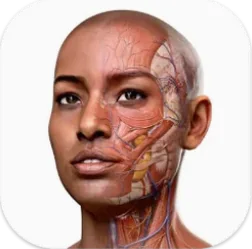
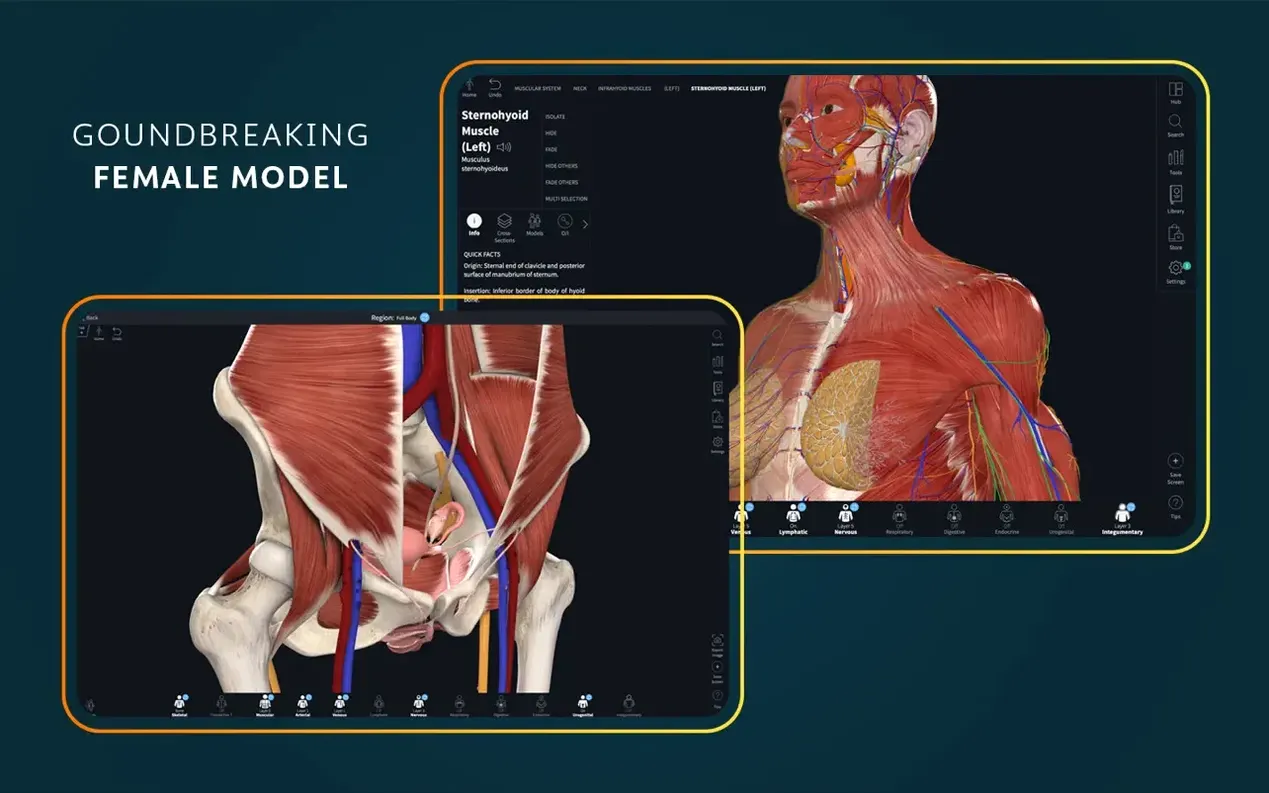
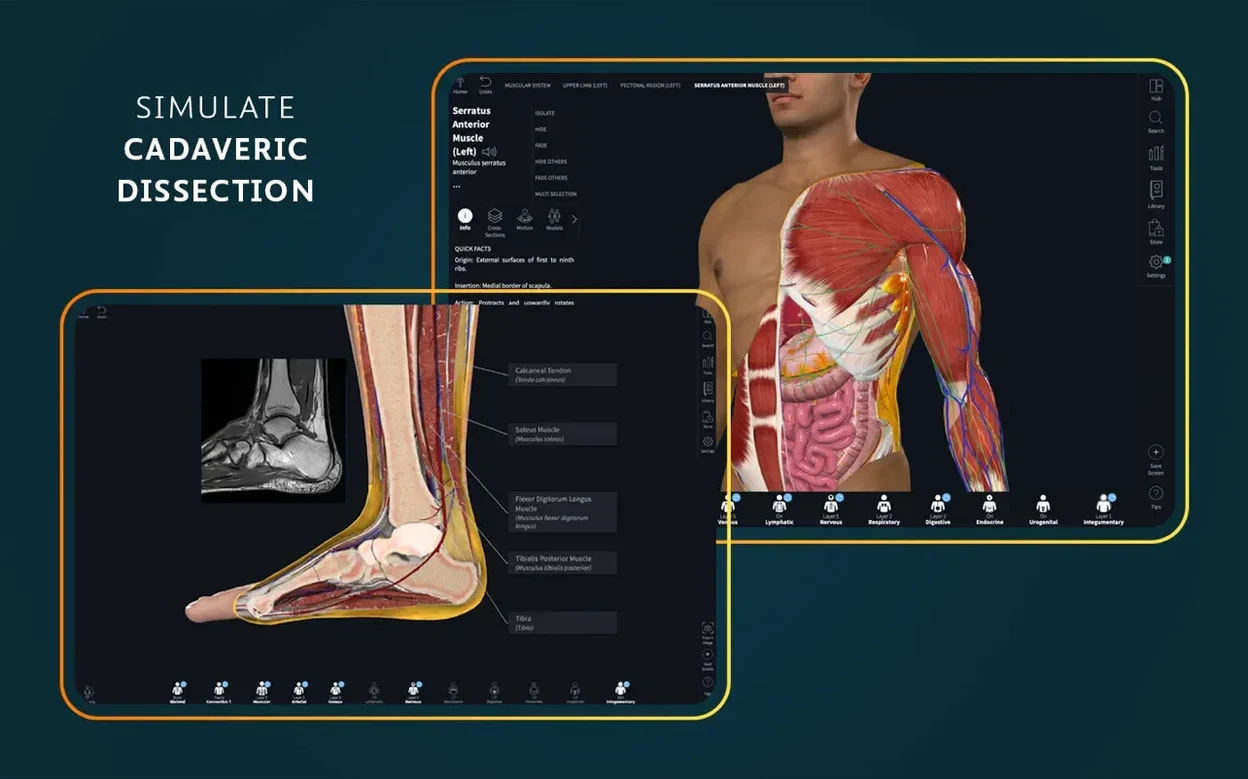
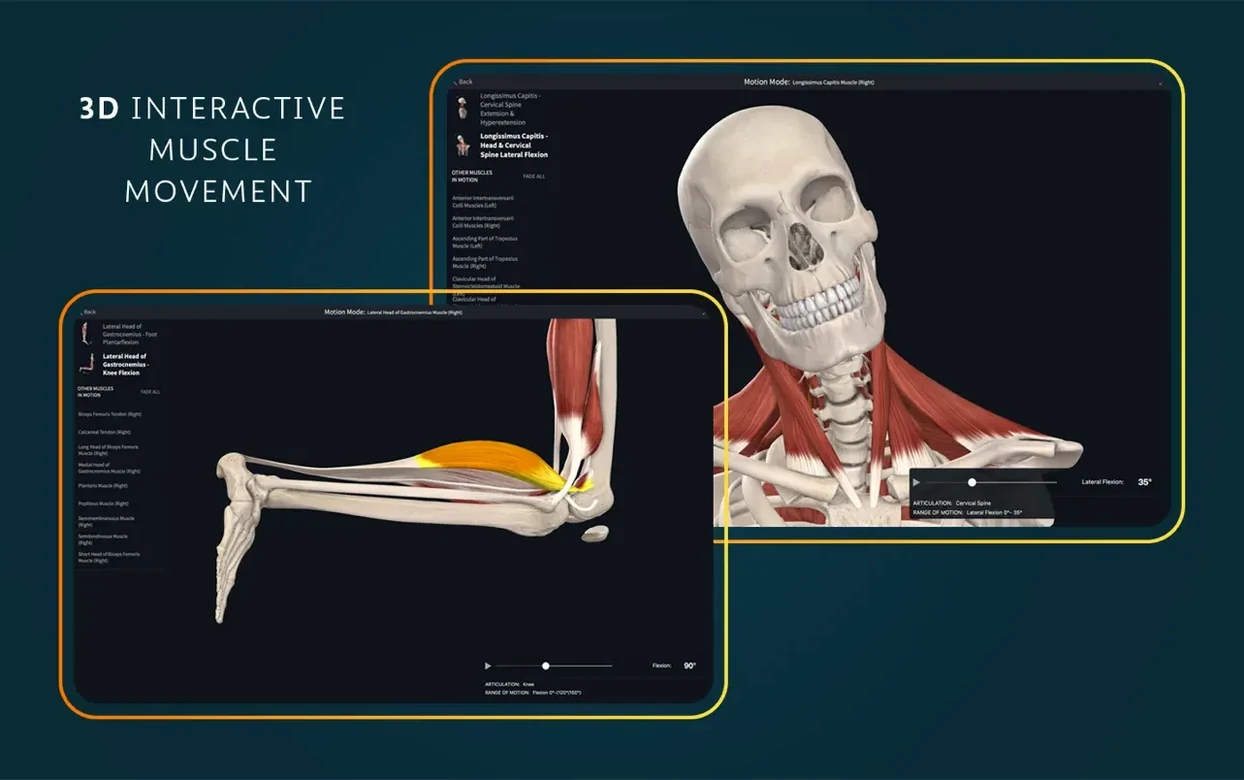
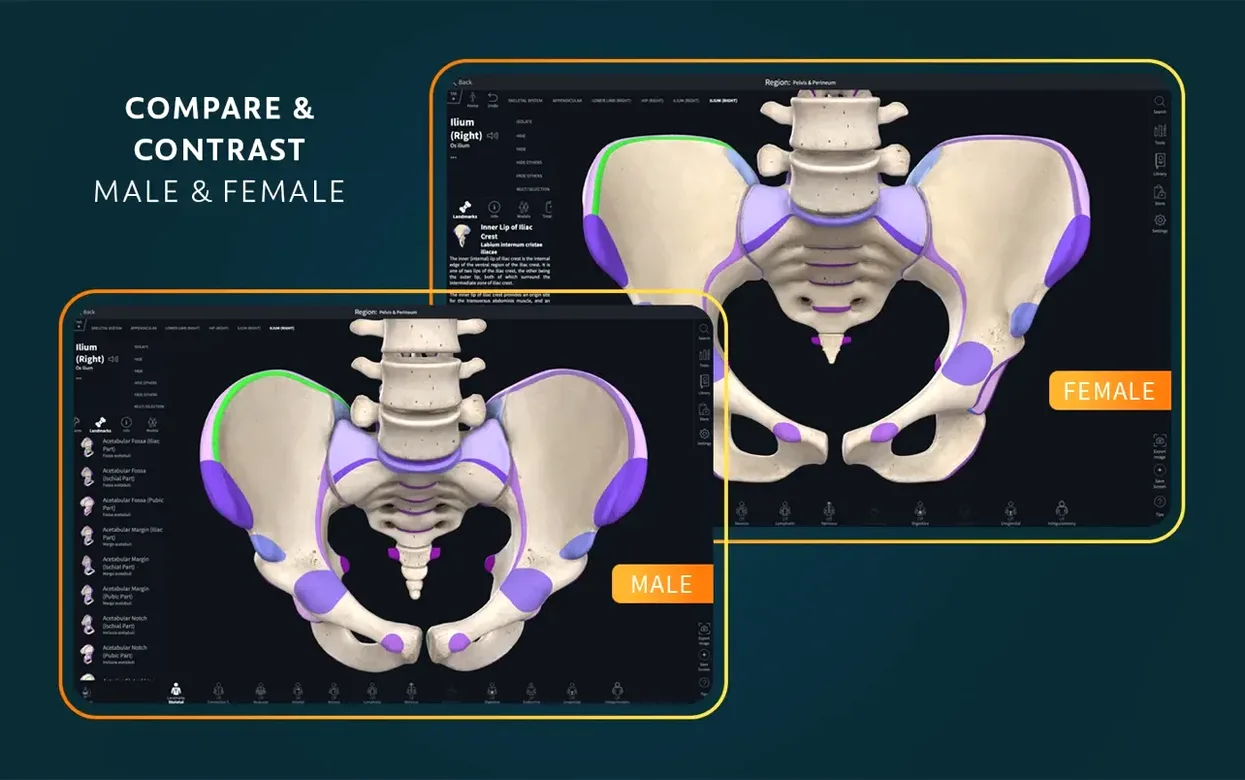
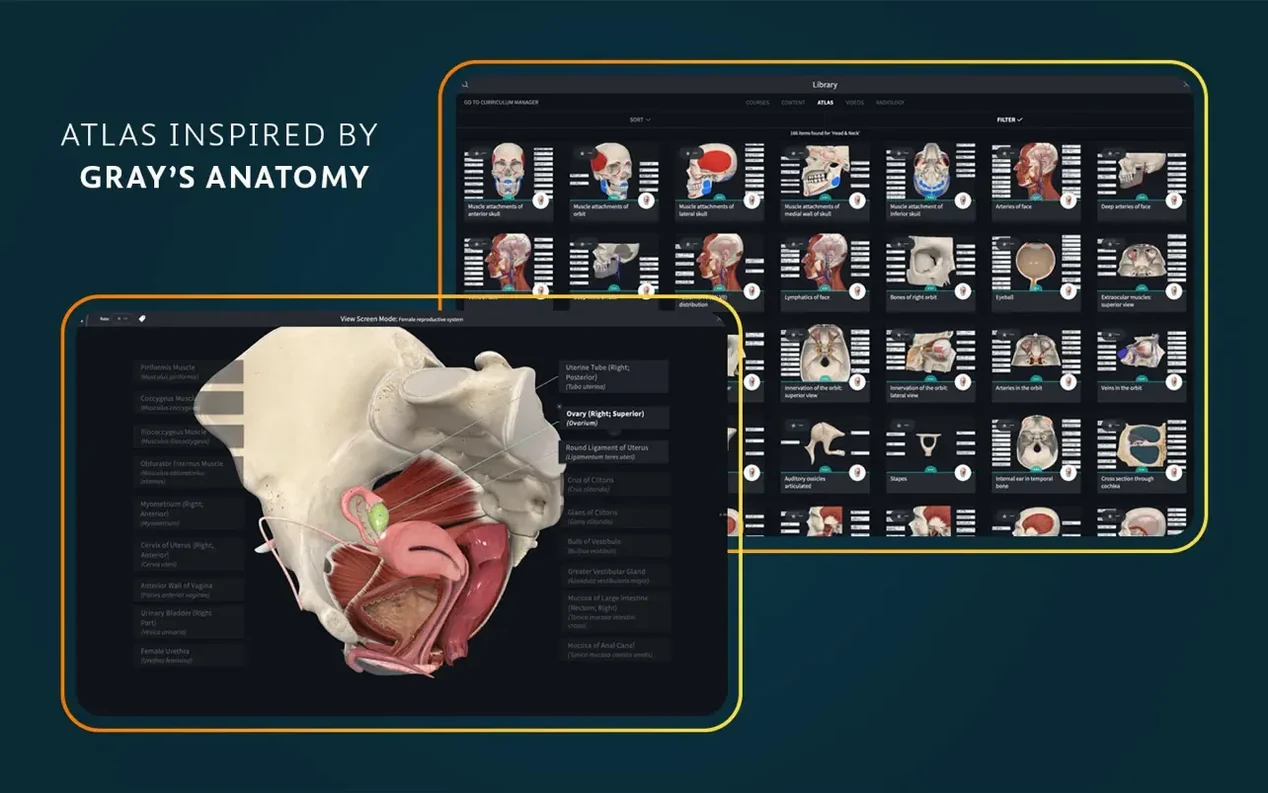
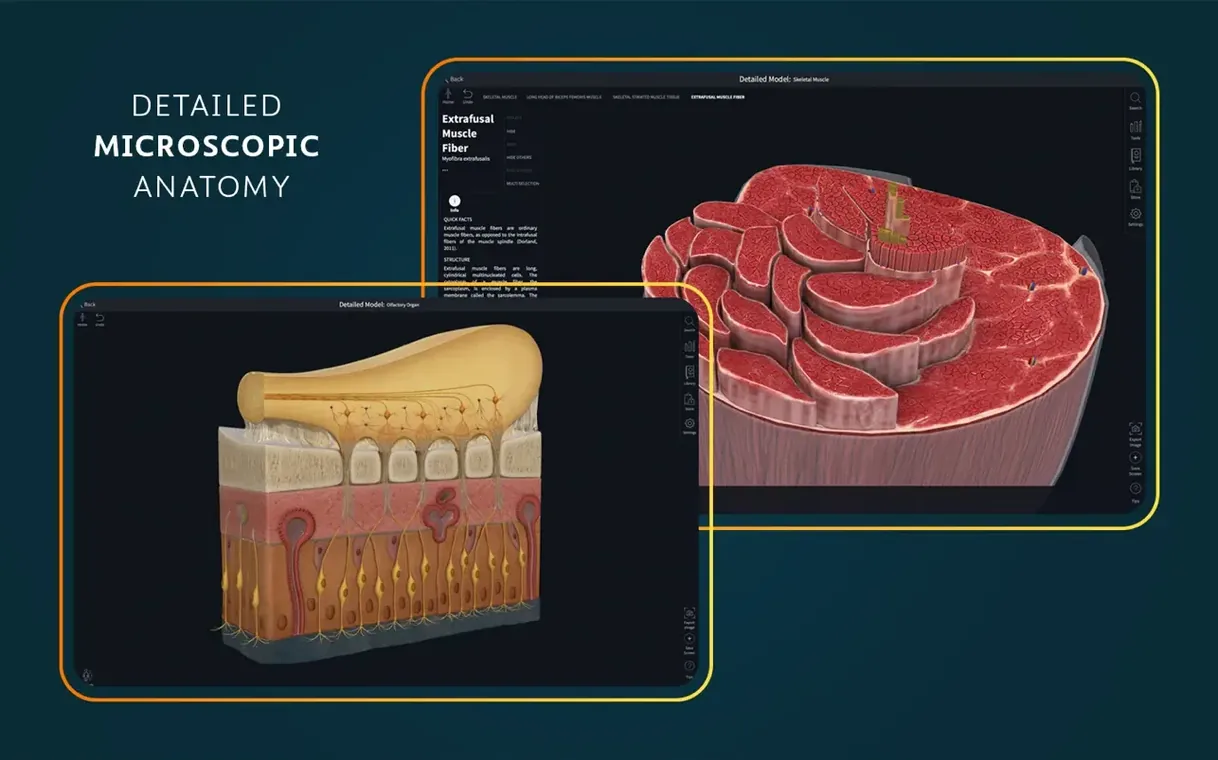
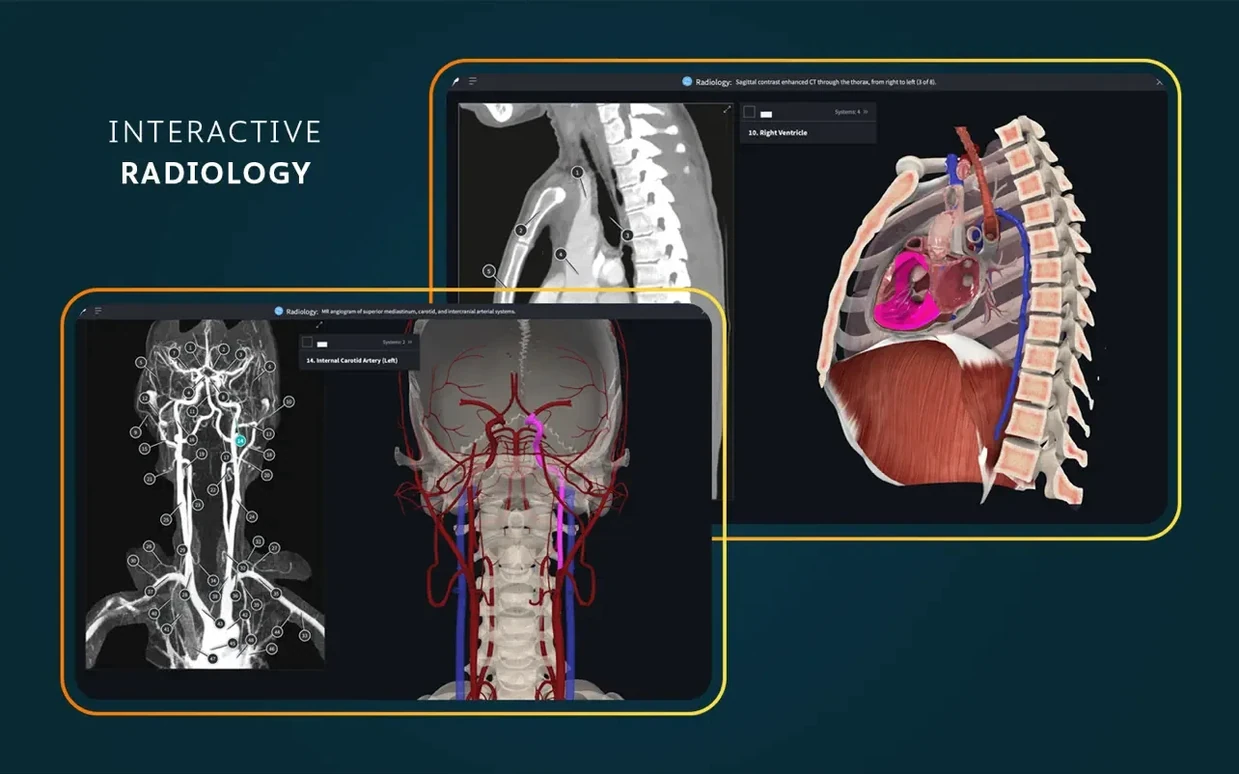
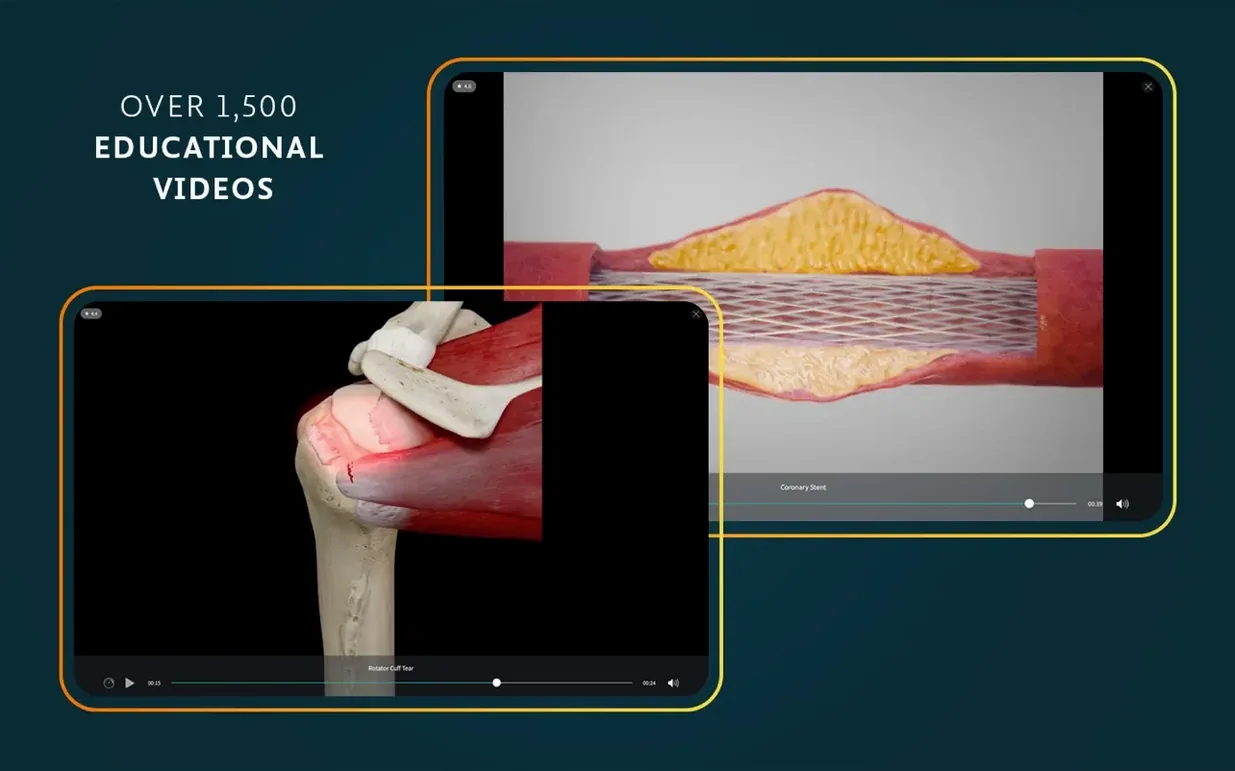
Finding a way to study human anatomy that actually sticks — that's the gap Complete Anatomy fills. It's a 3D learning app from 3D4Medical, part of Elsevier, and it sits on your Mac like a reference library you can rotate, peel apart, and step inside.
AR mode — projects 3D models into your real space so you can walk around a heart or a femur.
Female anatomy and dissection courses — separate, detailed models that don't just mirror the male version.
39 microscopic anatomy models — takes you from gross structures down to the tissue level.
Dynamic cross-sections and real-time muscle movement — slice through a model or watch how muscles fire during motion.
More than 700 atlas screens and 1,500 clinical videos — enough material to support lectures, revision and point-of-care ultrasound training.
Interface languages — English, German, Spanish, Simplified Chinese, French.
The app is built for anyone who needs to understand the body in three dimensions, but some users find it more essential than others. Medical students facing cadaver-based labs can prep or revise with the 3D models without needing lab access. Anatomy instructors who want to show a beating heart or a rotating skeleton during a lecture will find the AR mode and cross-sections useful for holding attention. Healthcare learners studying for exams like the USMLE or nursing boards can pair the clinical videos with the atlas screens to connect structure to diagnosis. Even clinicians refreshing their point-of-care ultrasound knowledge will find the radiology view alongside the 3D models a practical combo. If you are on a Mac with macOS 11 or later, whether Intel or Apple Silicon, the app runs natively — no emulation needed.
Once you have dragged the app into Applications and launched it from Launchpad, you will need to sign into an account for full functionality. That is a one-time step, but it unlocks the entire library. Spend the first session exploring the 3D heart — it beats and you can dissect it layer by layer. It is a quick way to see what the app can do. Next, browse the atlas of more than 700 screens; pick a region you are studying this week and toggle between the 3D model and the static atlas view. Try the dynamic cross-sections on a long bone or the spine — slice through and see how the internal structure changes. If you have a lecture or a practical coming up, search for a relevant clinical video from the 1,500 available and watch it alongside the 3D model. That dual approach helps the details stick.
A tip for the first week: set aside ten minutes each day to rotate and peel one unfamiliar model. The female anatomy models are separate and detailed, so do not skip them — they are not a mirror of the male set. The 39 microscopic anatomy models are worth a look too; they bridge what you see in a histology slide with the gross structure you handle in dissection.
Version 11.5 landed on 5 September 2025. The main change listed in the release notes is optimised support for iOS 26. On the Mac side, the same update brought general bug fixes and improvements — nothing flashy, but the sort of polish that keeps the app stable when you are flipping between the AR mode and the cross-section view. If you also use Complete Anatomy on an iPhone or iPad running iOS 26, the sync between devices feels tighter. For Mac-only users, the update mostly removes small annoyances that built up in earlier versions. It is worth updating even if you do not notice the bugs it fixes.
Say you need to learn the muscles of the shoulder and their actions. Here is one way to work through it with Complete Anatomy on your Mac.
That loop — explore, animate, slice, watch, test — uses most of the app's core features in a single session. After a few rounds, the spatial relationships become harder to forget.
The app itself runs offline after the initial install, but you need a signed-in account for full functionality, including access to some content and cloud sync.
Sign in or create your account to leave a comment.
No notes from photographers yet. If you have used this on a real folder, say which camera and which Mac.