
 Get it for my Mac (17 MB)





 Downie
4.13.5

- Version
- 1.3.5
- Developer
- Ethan Bills
- Interface in
- Russian, English, German, Arabic, Afrikaans, Hungarian, Vietnamese, Greek, Danish, Hebrew, Spanish, Italian, Catalan, Chinese (Traditional), Chinese (Simplified), Korean, Dutch, Norwegian, Polish, Portuguese, Romanian, Serbian, Turkish, Ukrainian, Finnish, French, Czech, Swedish, Japanese
- Licence on file
- Not required
- macOS it runs on
- macOS 13 or later
- Chip support
- Apple Silicon, Intel 64-bit
In the edit
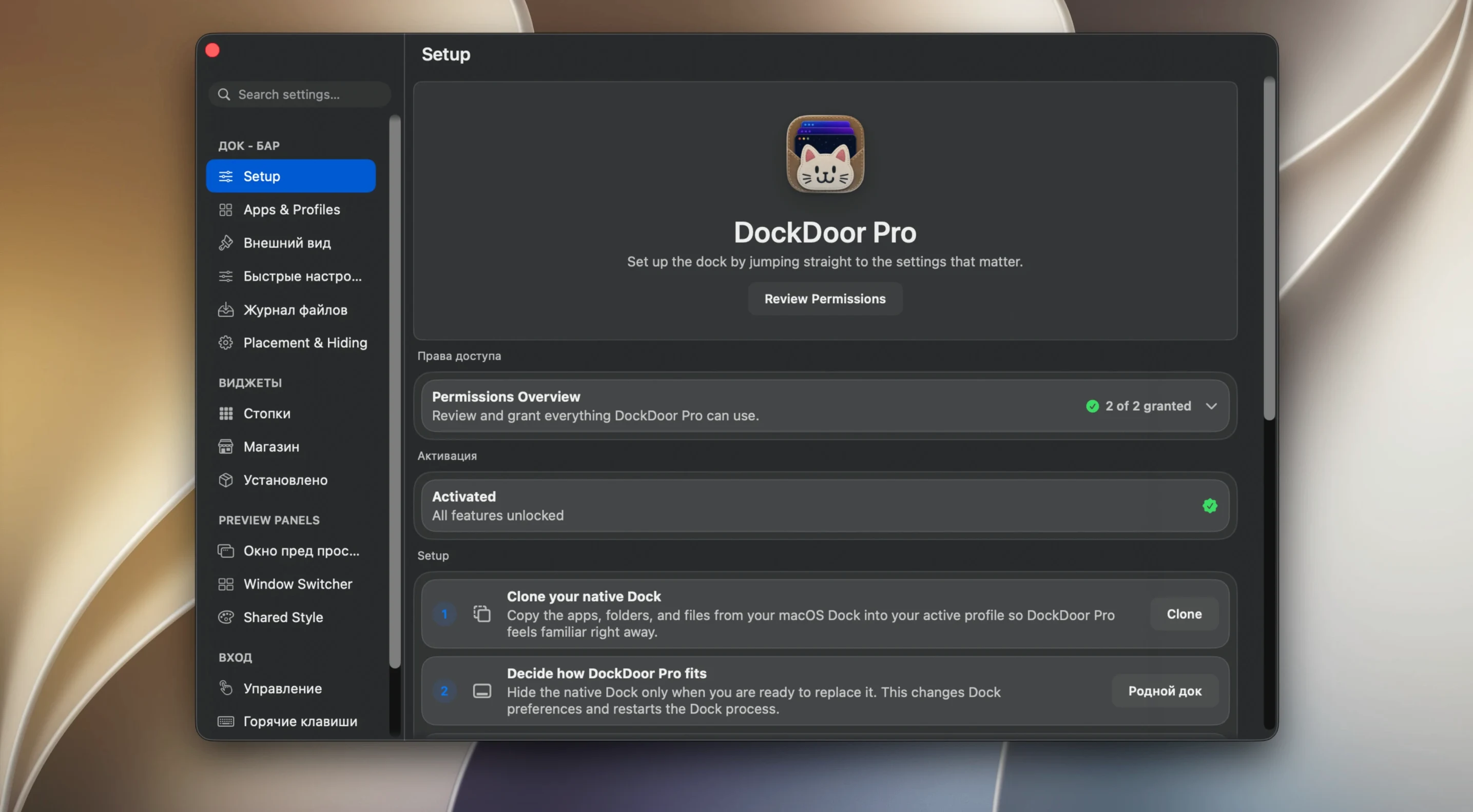
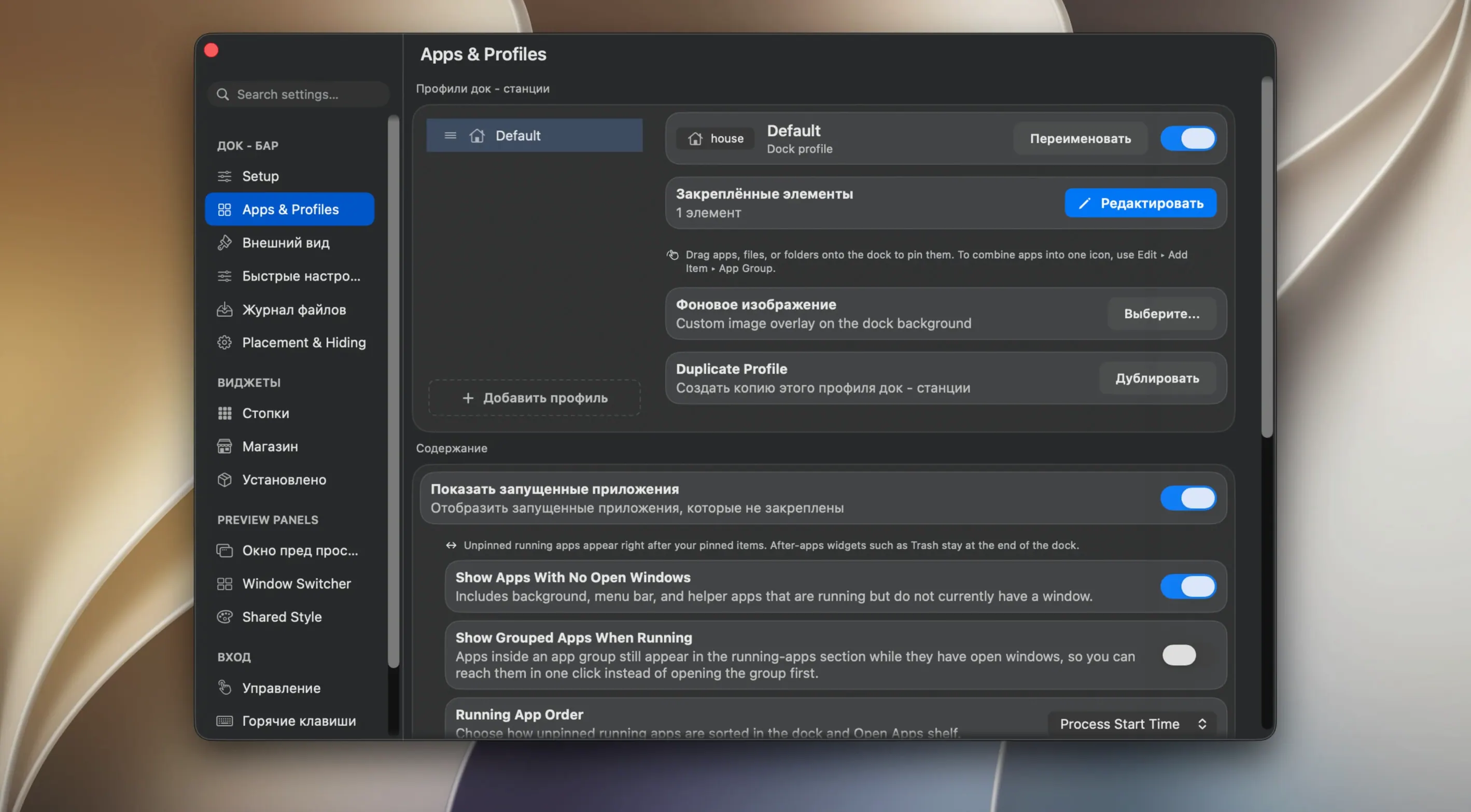
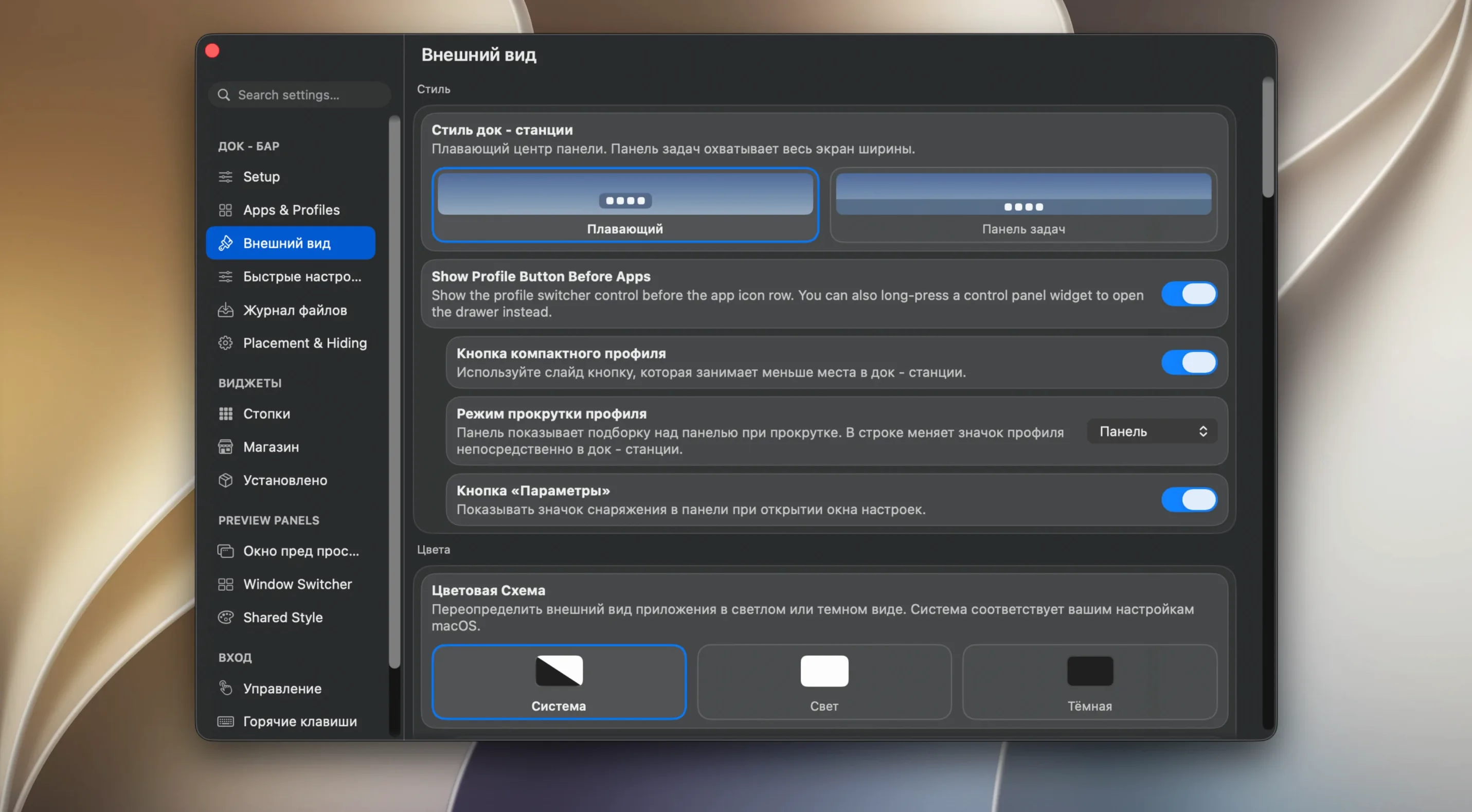
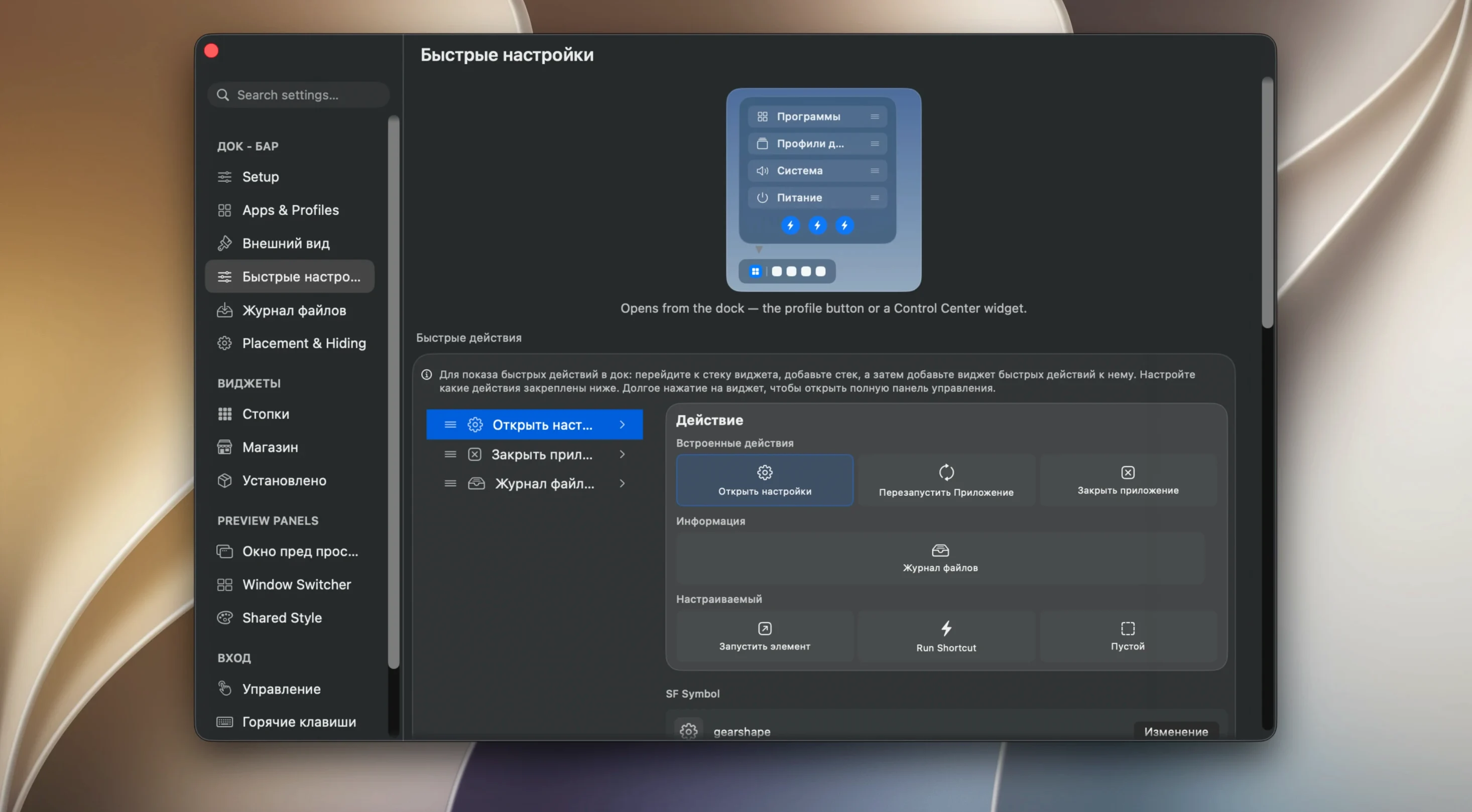
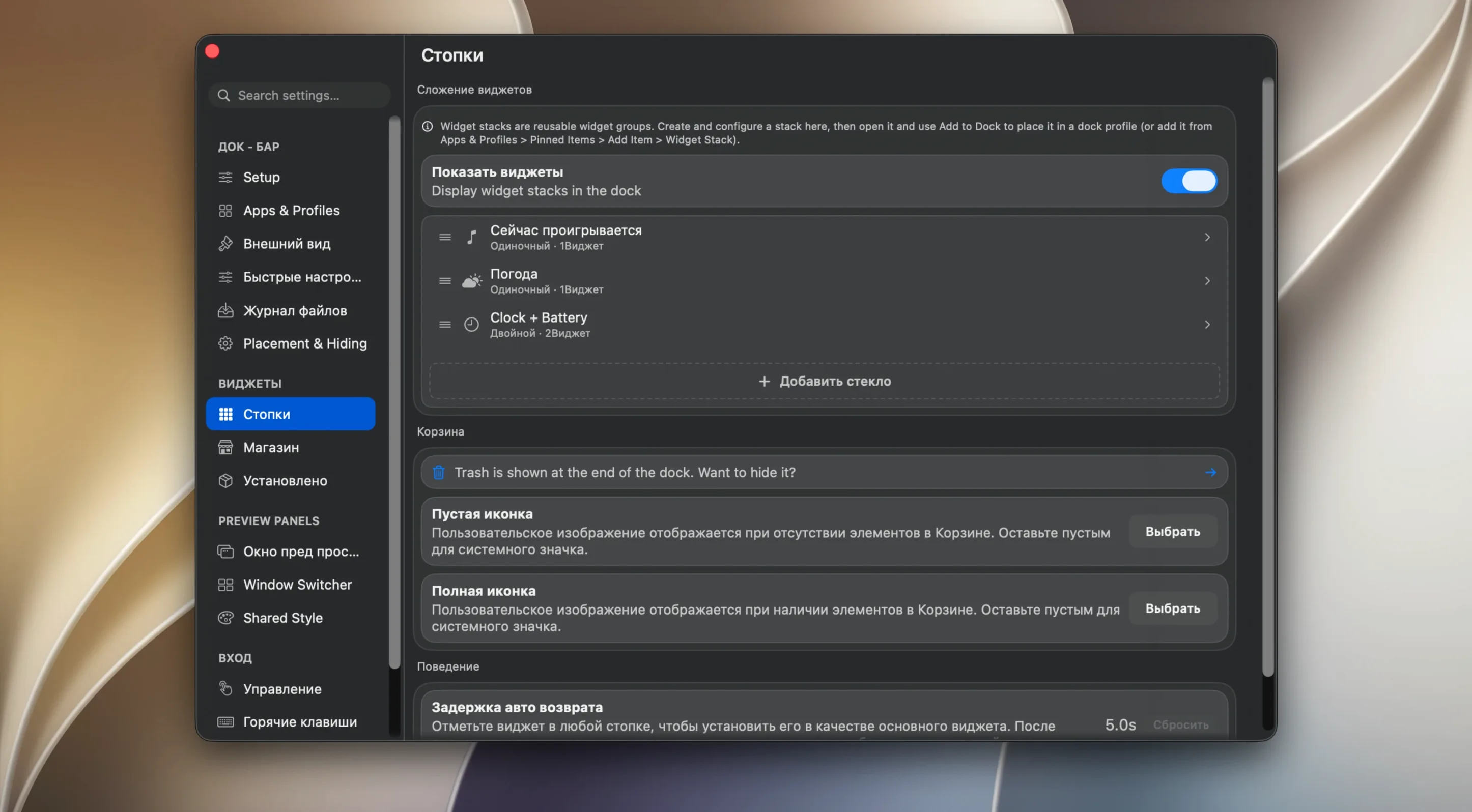
DockDoor Pro is a native macOS Dock replacement that swaps static icons for live window thumbnails and a shelf you can actually put to work. Version 1.3.5 keeps the same core idea — hover over any app icon and see previews of its open windows, ready to close, minimise, snap to half or quarter screen, or quit the app from right there. If you're trying it for the first time, start by dragging a few files into the shelf to see how it handles quick transfers; the built-in AirDrop area lives there too. Next, pin a folder so it opens as a panel instead of a grid — it's a small change that makes navigating project folders feel faster. Finally, play with the new Bounce magnification style and the added AppleScript command that hides only the active window. The app works on macOS 13 and later, and it replaces the native Dock entirely, so you get a consistent experience without overlaps or wasted space.
Live previews for users with many open windows
If you regularly have more than a handful of apps open — say, a browser with several windows, a mail client, Finder, and a photo editor — the live previews save you from clicking through each app to find the right window. It's especially useful for people who use full-screen or stage-manager layouts, because the Dock stays out of the way and only shows you what you actually need to see. Creative professionals, writers, and anyone managing multiple documents at once tend to appreciate the shelf too; dropping a reference file there means you can grab it again without digging through folders. Users who prefer a customisable interface over macOS's fixed Dock will also find plenty to adjust, from magnification styles to how folder panels look.
Slots into your workflow with AirDrop and file support
DockDoor Pro slots into your existing workflow rather than fighting it. The shelf accepts files from Finder, Mail attachments, or your desktop just as easily as any folder. The AirDrop area sits inside the shelf, so you can drop a photo straight from a batch edit in Capture One and send it to a client without leaving your workspace. The context menu actions — minimise, close all, restart, force quit — work across any app you have running, and the saved command option lets you tie a script or an app-specific action to a dock icon. On the macOS side, the app respects your system preferences for display resolution and refresh rate, and the magnification animation follows your screen's refresh rate rather than feeling sluggish or detached.
Start with Downloads and a project folder in the shelf
- Start with one or two pinned folders. Drag your Downloads and a current project folder onto the shelf to see how the list and grid views behave. You can change the panel style from the app's preferences later.
- Try the Bounce magnification style early. It's the newest option in version 1.3.5 and changes how icons respond when you hover over them. If you prefer something quieter, the wave effect is still there.
- Group related apps. If you run multiple browsers or several text editors, combine them into one icon to keep the Dock compact. Hovering shows each app's windows separately.
- Use the AppleScript command for window hiding. The new script that hides only the active window is handy if you keep a lot of overlapping windows and want to clear your workspace without minimising everything manually.
- Let the Dock replace the standard one fully. Don't keep the original Dock running in parallel — DockDoor Pro is designed to take over, and running both can create confusion with window positioning and previews.
New this release
- AppleScript command to hide only the active window
- New Bounce magnification style
Mac it needs
- macOS 13 Ventura or later
- Intel or Apple Silicon Mac
Questions I actually get
Can I group multiple apps into one icon in DockDoor Pro?
Yes, DockDoor Pro lets you group several apps into a single icon, which keeps the Dock tidy and still gives you window previews when you hover over it.
Installing on a Mac
- Open the downloaded disk image.
- Drag the app to the Applications folder alias.
- Launch the app from Launchpad after the copy finishes.
Notes from photographers
Sign in or create your account to leave a comment.
No notes from photographers yet. If you have used this on a real folder, say which camera and which Mac.
