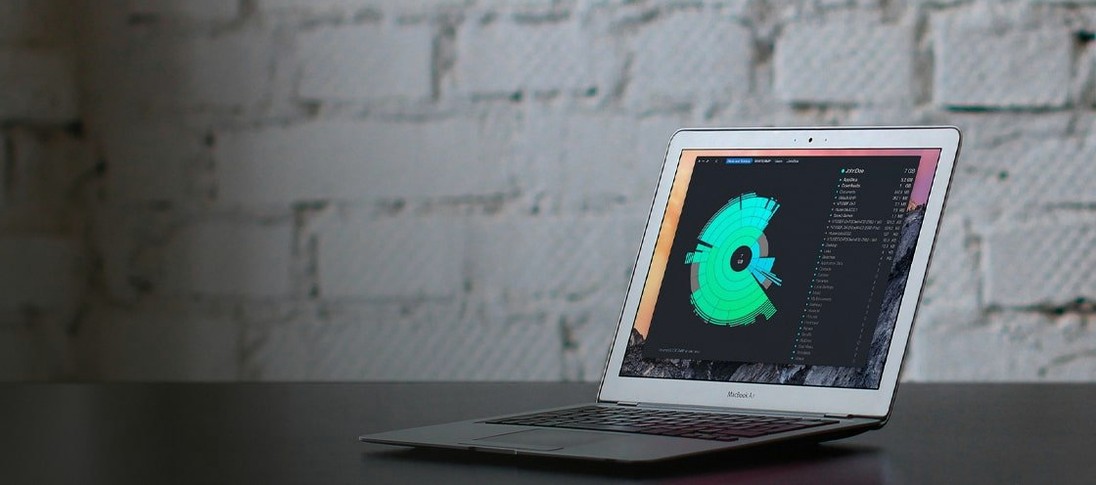
Get it for my Mac (42 MB)
 Dropover
5.3.0
Dropover
5.3.0

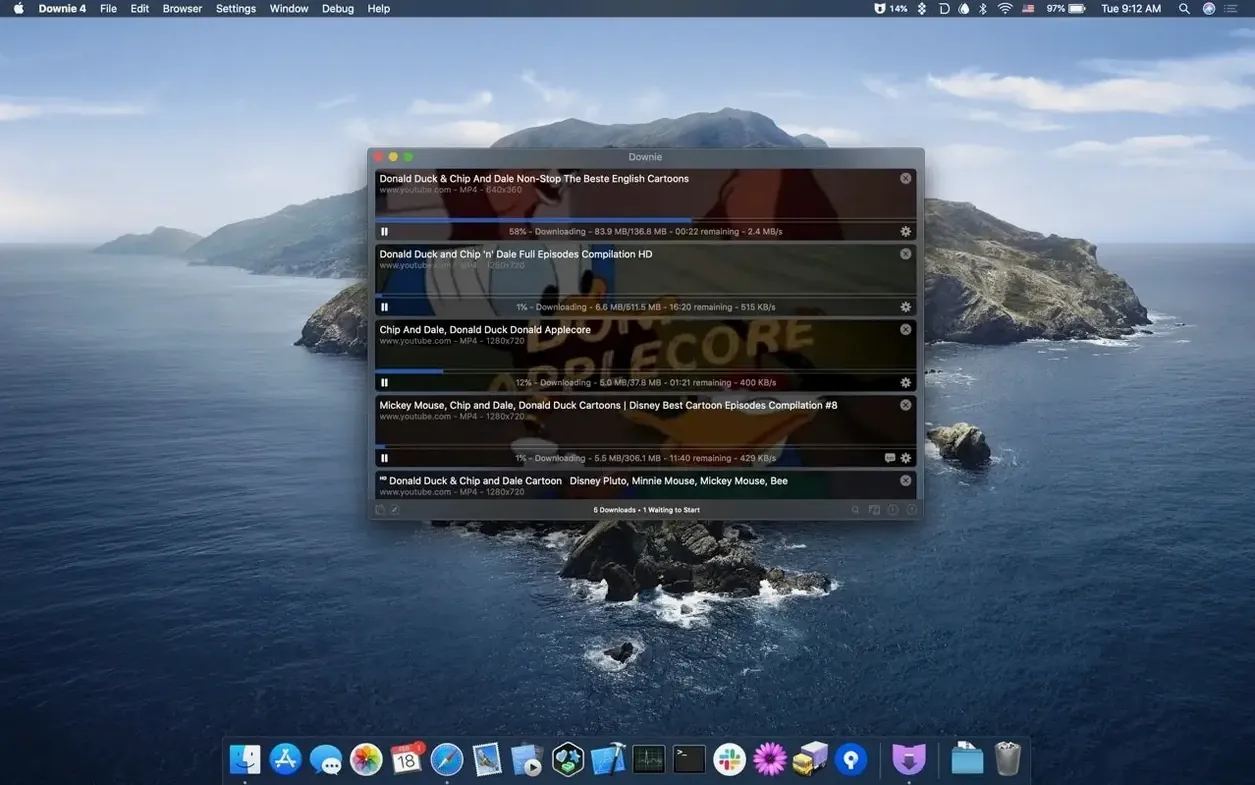
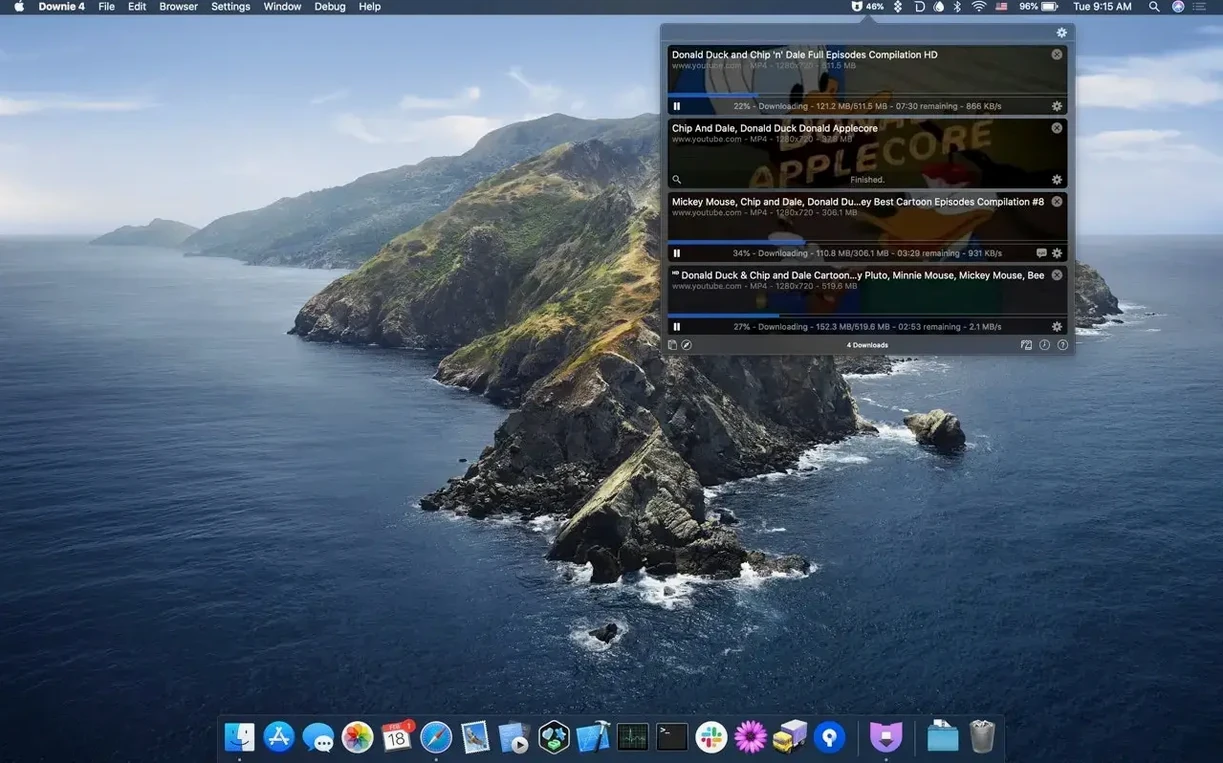
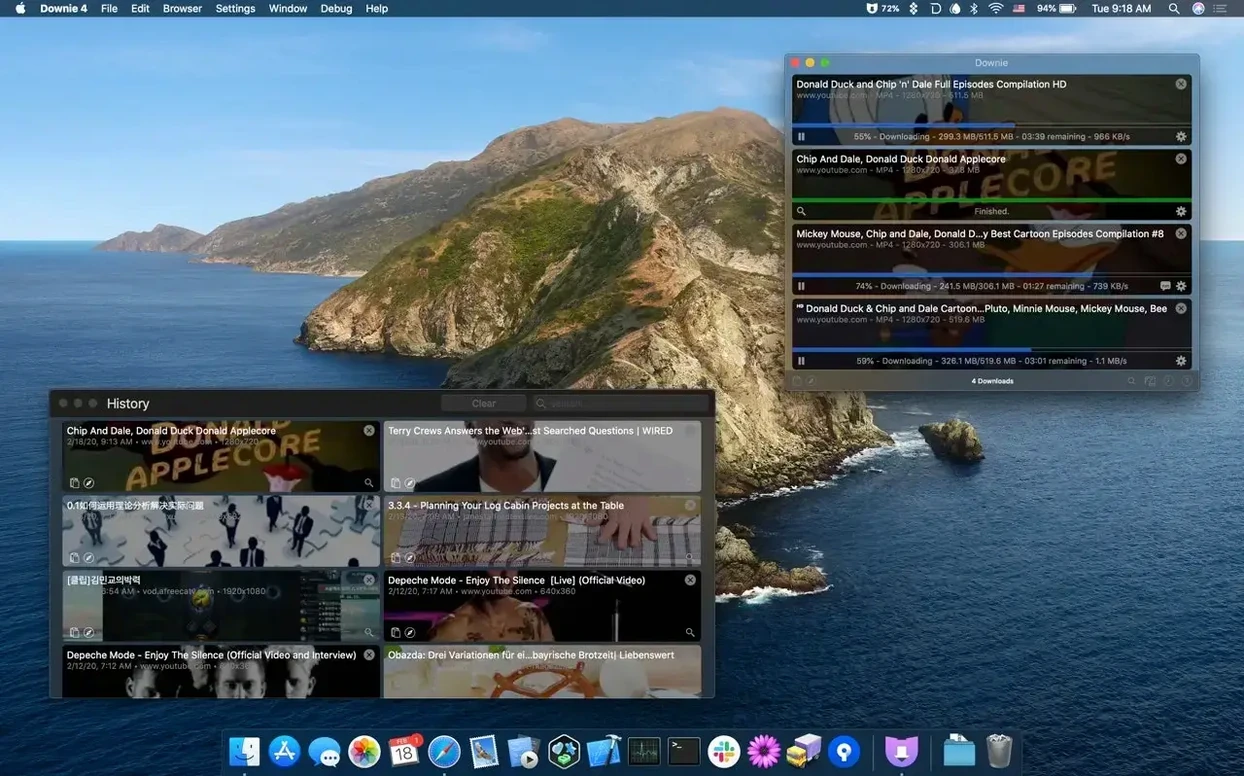
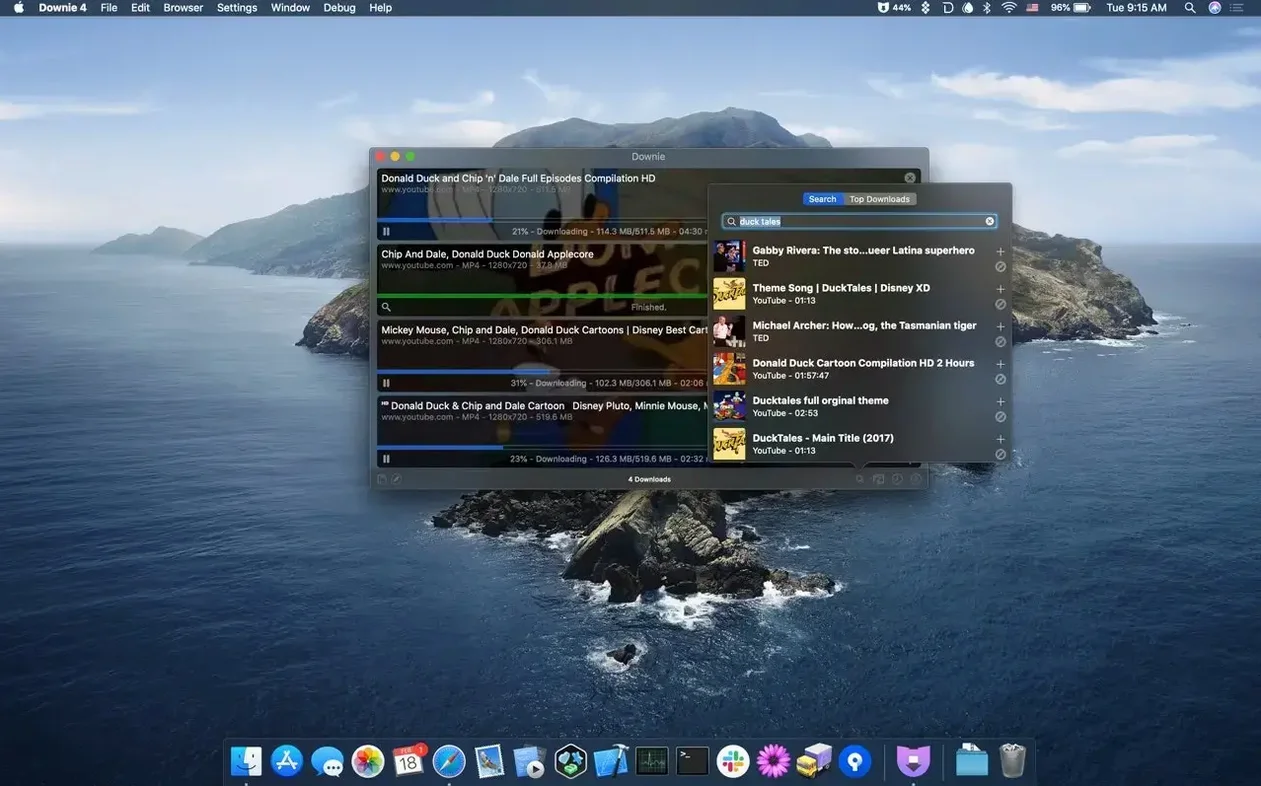
You’ve found a tutorial, a music video, or an interview you want to keep, but the site doesn’t offer a download button. Copy the link, open Downie, and it starts grabbing the video in the background while you move on to something else. No accounts, no browser fiddling — just the file on your drive.
Downie handles over 1,200 websites, from YouTube and Vimeo to Instagram and Facebook, and it can save YouTube videos in 4K if that’s what you need. It’ll also pull out just the audio track if you only want the soundtrack, and it can convert downloads to MP4 automatically so they’re ready to edit or share. Pair it with Permute for post-processing, and you’ve got a tidy little workflow for video you actually own.
The app runs natively on Apple Silicon and Intel Macs, and it works with macOS 11 and later. You can search for content inside the app itself, or use the browser extension to send links over without switching windows. It’s the kind of tool you don’t think about until you need it, and then you wonder why you didn’t get it sooner.
The most common slip is forgetting to check the output format before you start. Downie can convert to MP4 automatically, but if you leave it on the default setting, you might end up with a WebM or MKV file that doesn’t open in everything. A quick glance at the preferences before you paste a link saves you a rename later.
Another one: pasting a playlist link and expecting one video. Downie sees the playlist and queues everything in it. If you only wanted that single clip, you’ll come back to twenty files you didn’t ask for. Check what you’ve dropped in before hitting download.
Beginners also tend to ignore the browser extension. They copy URLs, tab back to Downie, paste — over and over. The extension sends links straight to the app with one click. It’s a small change that saves a lot of context switching during a long session.
And people sometimes assume a failed download means the site isn’t supported. Downie covers more than 1,200 sites, but a video might be private, geo-blocked, or embedded in a way that needs a different approach. Trying the link again or checking the app’s built-in search for the same content often sorts it.
You can drag a URL from your browser straight into Downie’s window and it starts immediately. No menu, no paste, just drop and go. It feels obvious once you do it, but most people stick to copying and pasting for weeks first.
The app also lets you import CSV or XML files with a list of downloads and custom titles. If you’re building a collection from a spreadsheet or a shared queue, you can hand Downie the whole batch at once instead of feeding it links one by one.
Downie’s built-in search is another feature that hides in plain sight. You don’t need to leave the app to find a video — type a query, browse the results, and download from there. It’s handy when you remember a clip but can’t remember which site had it.
And the language list is broader than you’d expect. With 32 languages including Arabic, Bengali, Hebrew, Thai, and Vietnamese, the interface works for a lot of people without forcing them into English. It’s a small thing that makes the app feel more like it belongs on your Mac.
The most frequent issue is a download that stalls or finishes as a tiny file that won’t play. This usually means the site changed its video player or the URL points to a stream that expired. Updating Downie to the latest version — 4.13.1 at the moment — is the first step, because the developer keeps up with site changes. If that doesn’t fix it, try the browser extension instead of pasting the link manually; the extension sometimes picks up a different source URL.
Another snag: the downloaded video has no audio track. Some sites deliver video and audio as separate streams, and Downie has to merge them. If the merge fails, you’re left with silent footage. Running the file through Permute or another tool that can handle separate streams usually brings the audio back. Pairing Downie with Permute for post-processing is exactly the scenario that setup is meant for.
People also run into trouble when they try to download a video that requires a login. Downie can’t authenticate for you. If the site needs you to be signed in, do that in your browser first, then use the extension to send the link — the app inherits your session cookies that way.
And occasionally a download completes but the file won’t open in QuickTime or your editor. That’s the automatic conversion setting again. If you have conversion turned off, you get whatever format the site served. Turn on MP4 conversion in preferences before you start, and everything lands in a format that plays everywhere.
Version 4.13.1 doesn’t reinvent the app, but it keeps things running. The main change you’ll notice is improved support for sites that shuffle their video sources regularly. Fewer downloads fail, and fewer come back as unplayable files. If you had a site that stopped working a few months ago, it’s worth trying again now.
Under the hood, the app stays compatible with macOS 11 and later, and it still runs on both Apple Silicon and Intel Macs without any extra configuration. The 32-language support is still there, so nothing changed for international users.
For anyone using the browser extension workflow, the handoff between the extension and the app feels a bit tighter in this version. Links land faster and the queue starts processing sooner. It’s not a flashy change, but it cuts out a half-second pause that used to happen every time.
Downie 4 for Mac free download offers the most reliable build yet for easy video downloads from any site. It fixes the little frustrations that made you reach for another tool last year.
Yes, Downie can save just the audio track from a video, which is handy for podcasts, interviews, or music without the visual file.
Sign in or create your account to leave a comment.
No notes from photographers yet. If you have used this on a real folder, say which camera and which Mac.