Get it for my Mac (7 MB)
 WinZip Mac Pro
12.0.7282
WinZip Mac Pro
12.0.7282

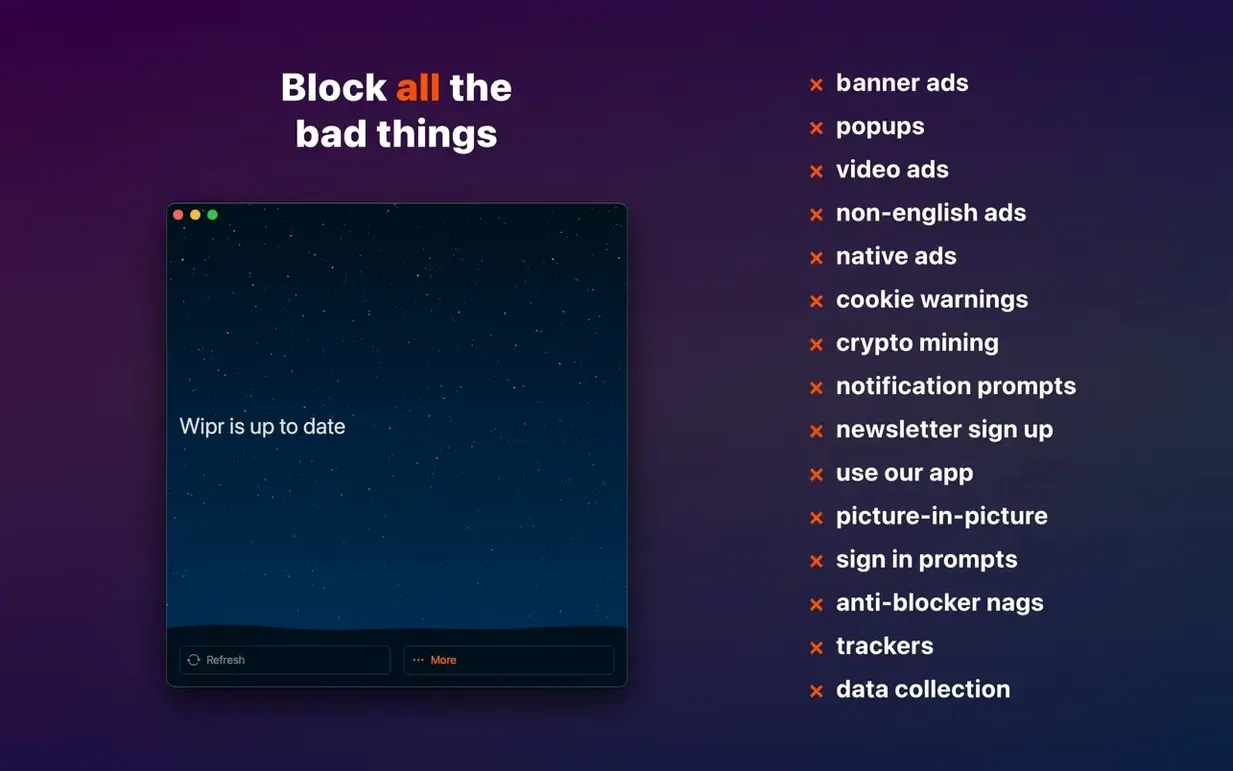
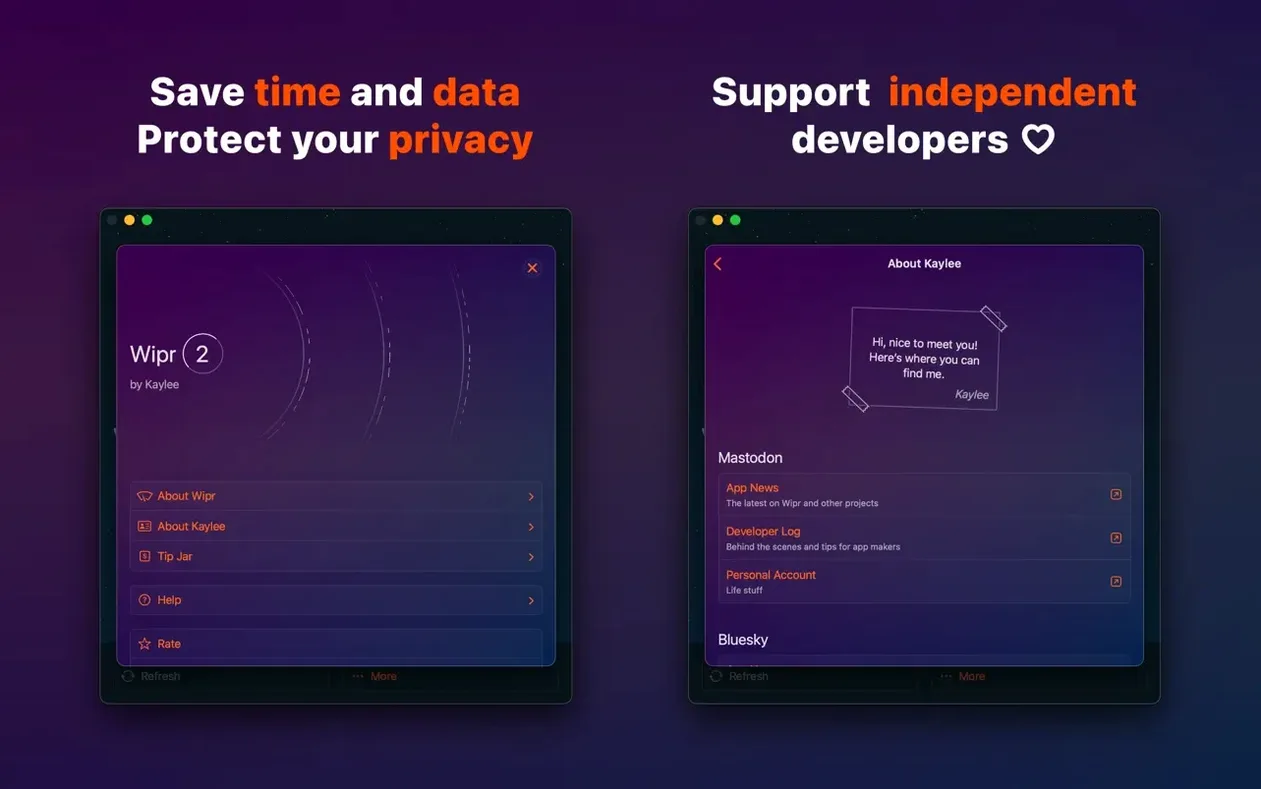
If you already use an ad blocker in Safari, you know the trade-off: some sites break, others still show popups, and the settings panel gets cluttered. Wipr takes a different approach. It blocks ads, trackers, popups, cookie warnings, and other web annoyances without asking you to configure anything. You turn it on and it does its job.
Cookie consent banners are everywhere these days. Wipr handles them so you don't have to click 'accept' or 'reject' on every new site. That alone saves time across a day of browsing.
Fewer scripts and trackers mean less data to download. Pages appear quicker, which matters when you're jumping between references, galleries, or client briefs.
Trackers follow you from site to site to build profiles. Wipr stops them before they load, so your browsing habits stay yours. No dashboards, no reports — just the blocking.
The latest update to Wipr, version 2.38, focuses on two areas that matter when you're browsing day in, day out. First, Wipr Extra — the part of the app that handles trickier content — has been improved on many websites. If you've ever visited a site that still managed to show a popup or a persistent banner despite the blocker running, this is the sort of fix that quietly makes those pages behave. Second, there are accessibility improvements. These aren't the flashy kind of update, but they mean the app works better with the assistive tools you might rely on or that someone in your household uses. No new panels to learn, no settings to toggle; the update just refines what's already there.
Say you're researching a topic and jumping between a dozen news sites, blogs, and forums. Without a content blocker, each page loads ads, trackers, and a cookie banner you have to dismiss. Here's how Wipr fits into that session from start to finish.
The whole workflow is the same whether you're on a Mac, an iPhone, or an iPad.
Wipr 2 works on Macs running macOS 10.13 or later, which covers both Intel 64-bit machines and Apple Silicon models. It's a lightweight content blocker, not a heavy application, so it doesn't add noticeable overhead to your system. The app is available in English only, and installation follows the standard macOS routine: mount the disk image, drag the app to the Applications folder alias, launch it from Launchpad once the copy finishes, and disable SIP if your setup requires it. After that, it sits in the background and does its work whenever Safari is open.
Sign in or create your account to leave a comment.
No notes from photographers yet. If you have used this on a real folder, say which camera and which Mac.