
 Get it for my Mac (7 MB)







 Receipts
1.15
- Version
- 1.3.2
- Developer
- irrealix
- Interface in
- English
- Licence on file
- K'ed by Monter Group
- Chip support
- Apple Silicon, Intel 64-bit
In the edit
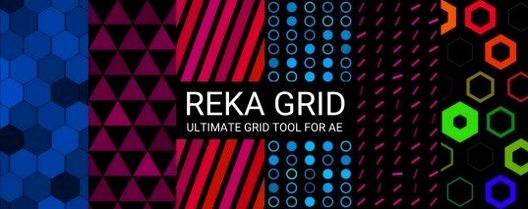
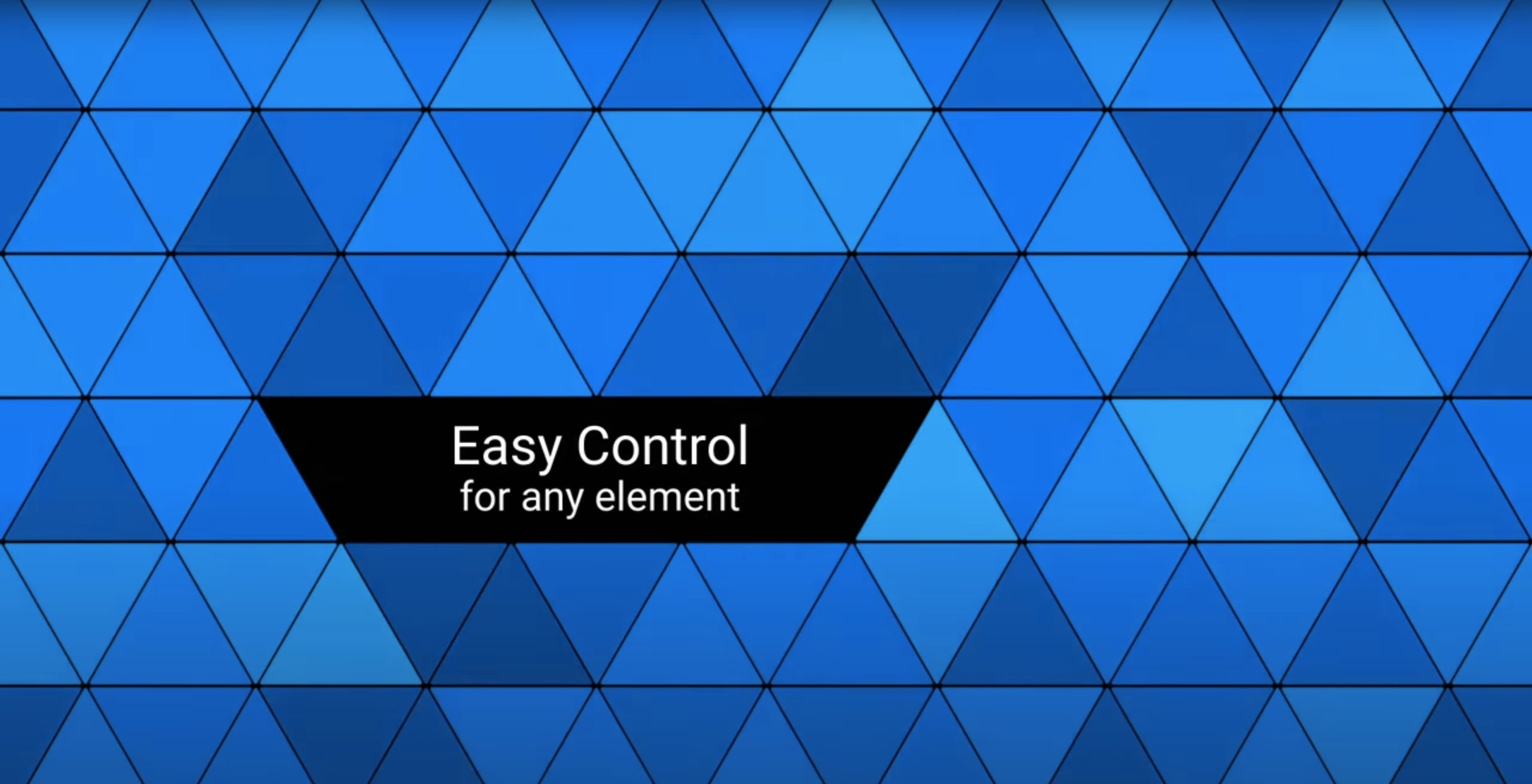
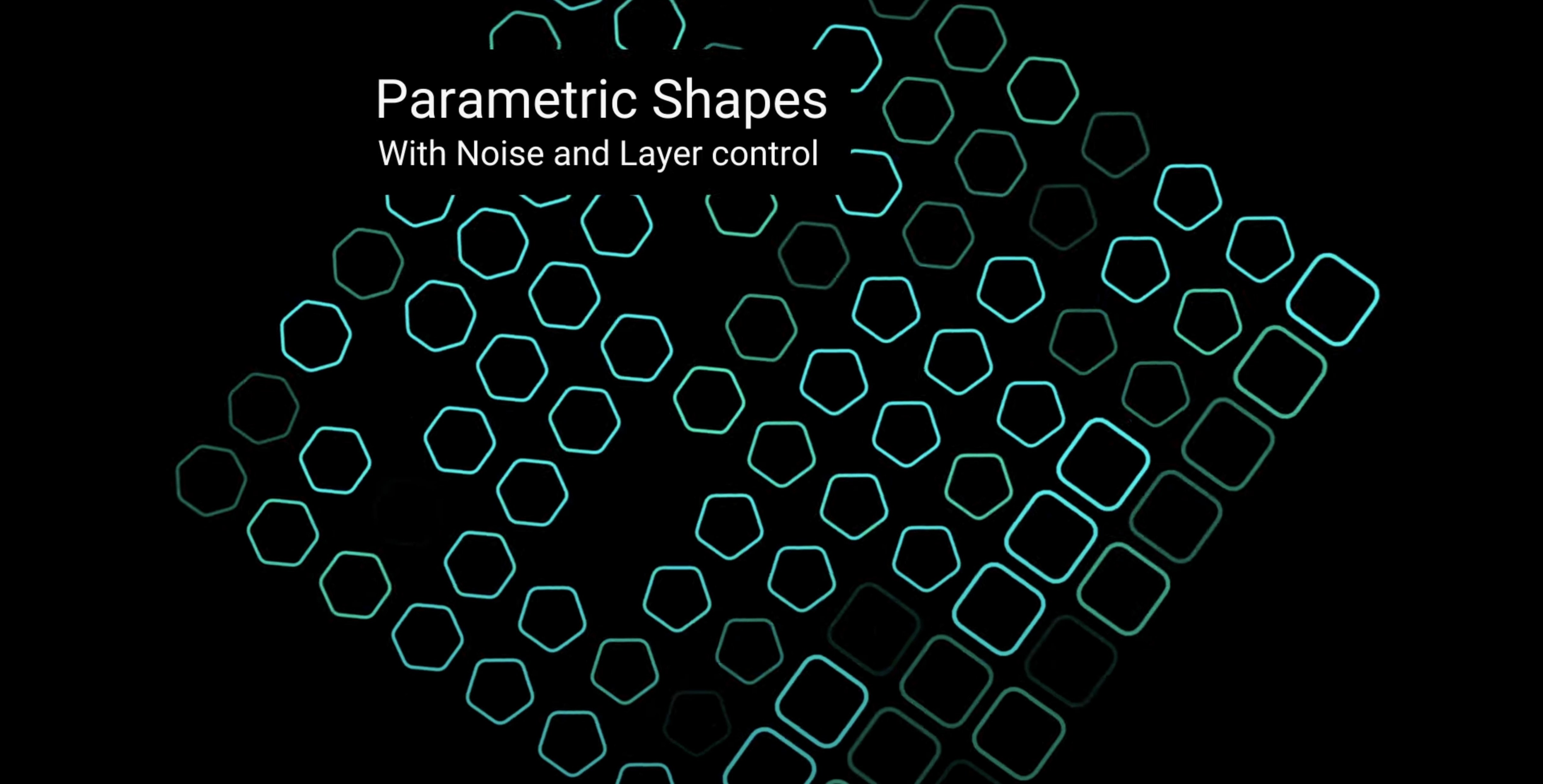
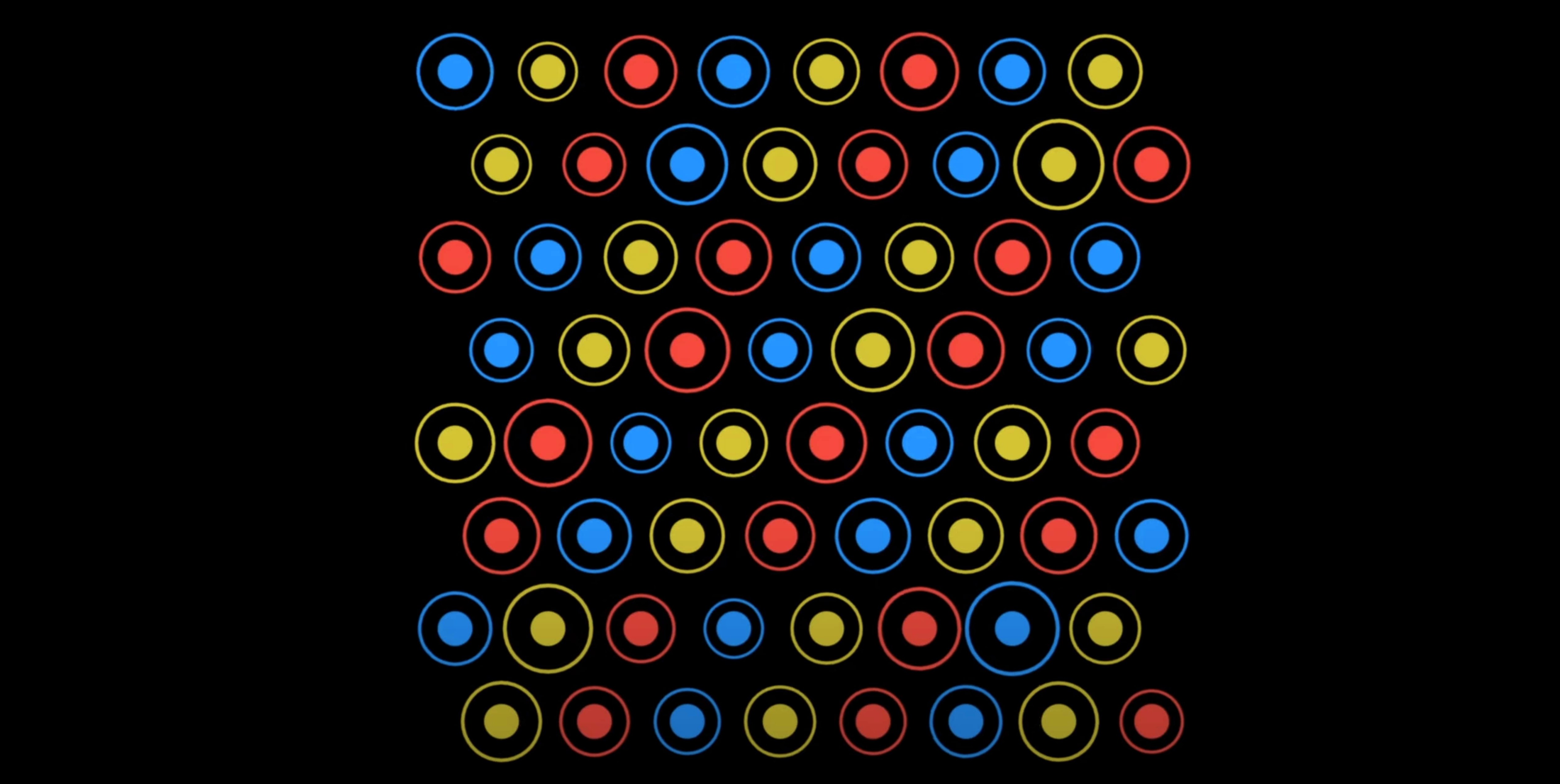
Each grid point in Reka Grid is represented by an instance of a parametric shape, and any parameter can be adjusted and animated with noise or user layers. Version 1.3.2 keeps that core workflow while fixing crashes with Timeremap and a shape texture indexing issue. With a bit of scripting, the grid can take on other forms such as a spiral, sine, or phyllotaxis.
- Every point is a parametric shape instance, fully adjustable and animatable.
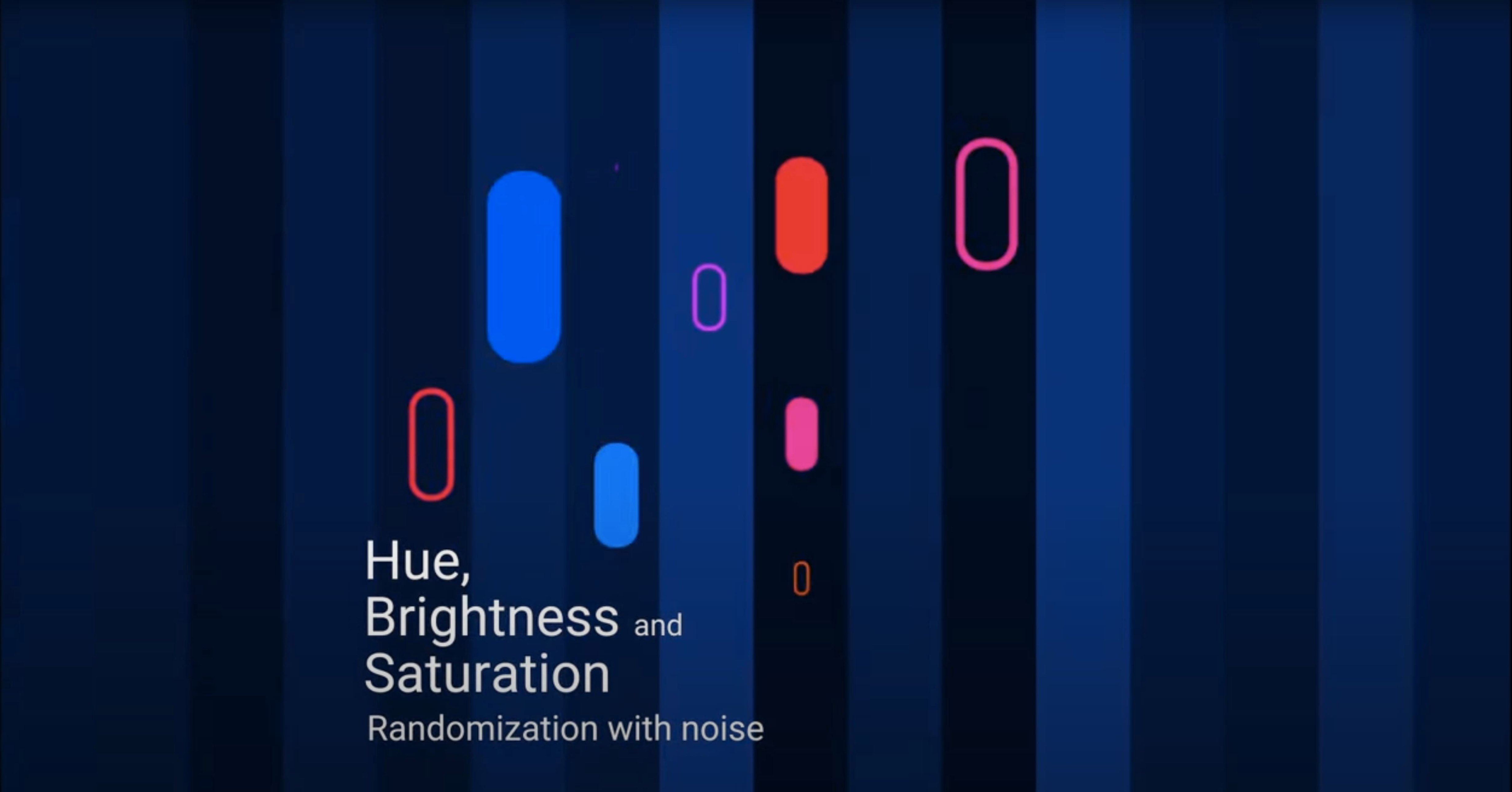
- Noise or user layers drive any shape parameter over time.
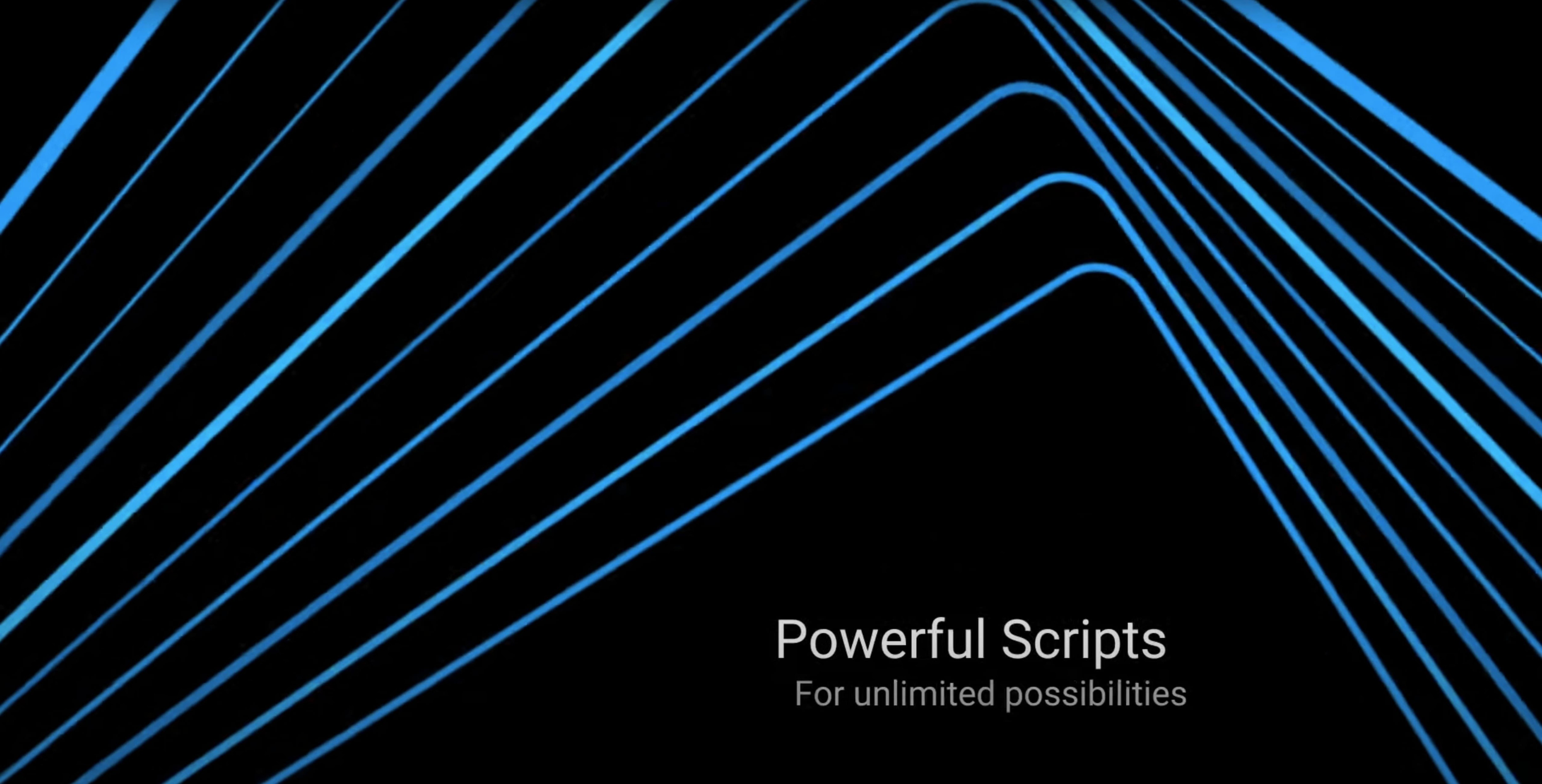
- Scripting support lets you transform the grid into a spiral, sine wave or phyllotaxis pattern.
- Version 1.3.2 fixed crashes with Timeremap and corrected shape texture indexing.
- Runs on ARM and 64-bit Intel Macs as an After Effects plugin.
If you animate grids in After Effects and want more control over each point’s shape and behaviour, Reka Grid gives you the tools without a heavy interface. The current release keeps what worked and cleans up the rough edges.
How Reka Grid fits with the rest of your setup
Reka Grid sits inside After Effects as a standard plugin, so it works with whatever else you have in your comp. You can parent the grid layer to a null object and drive its position or rotation from a separate controller, or use an adjustment layer above it to apply blurs, glows or colour effects across the whole grid. Because each grid point is a parametric shape, you can also use After Effects’ built-in pick whip to link a parameter — say, the size of a circle — to the audio amplitude of a track, or to the movement of a mask on another layer.
If you use expressions in After Effects, Reka Grid’s scripting support means you can write a simple loop that changes the grid layout over time without keyframes. On a Mac, the plugin sits in the standard Plug-ins folder and shows up in the Effects & Presets panel alongside everything else. No separate app to launch, no background process.
The grid shape parameters live in the effect controls panel, not the timeline
A few things trip people up when they first start with Reka Grid. The most frequent one is forgetting that the grid shape parameters live inside the effect controls panel, not in the timeline. If you double-click the layer expecting transform handles, you won’t see them. Instead, open the Effect Controls panel (Shift+5 or go to Window > Effect Controls) and you’ll find all the sliders for shape type, size, rotation and noise there.
Another one: the grid can look empty if the parametric shape’s size is set too small for your comp resolution. Bump up the scale parameter until you see the points clearly, then adjust from there. If you’re using a hexagonal layout and the points seem misaligned, check that your comp dimensions are divisible by the grid spacing — After Effects handles the math, but odd values can produce unexpected offsets.
Scripting users sometimes hit a snag when they try to animate the grid layout with a custom expression and nothing changes. Make sure the expression is applied to the right parameter in the effect controls, not to the layer’s transform properties. Reka Grid reads its own parameters first.
A real-world scenario: title sequence with a spiral grid
I know a motion designer who builds lower-third backgrounds for a weekly broadcast show. They needed a grid that started as a neat rectangle and slowly unwound into a spiral as the segment intro played. With Reka Grid, they set the base layout to regular, wrote a short script that mapped the grid index to a spiral offset, and used noise to jitter the shape size slightly over time. The result was a background that felt alive but never distracted from the text. The whole setup took about twenty minutes once they had the script written, and because the grid points are parametric, they could tweak the shape from circles to stars for a different episode without rebuilding the comp.
New this release
- Fixed crashes with Timeremap.
- Fixed shape texture indexing.
Mac it needs
- macOS (version not specified by developer).
- After Effects (any recent release supporting plugins).
- ARM (Apple Silicon) or 64-bit Intel processor.
Questions I actually get
Can I animate the grid with layers I already have?
Yes. Any parameter of a grid point can be driven by noise or by user layers, so you can link it to footage, solids or precomps in your composition.
Installing on a Mac
- Open the downloaded package and read the included installation and activation instructions.
- Follow the bundled steps to install the plugin and activate it in After Effects.
- Restart After Effects if prompted, then locate Reka Grid under the effects menu.
Notes from photographers
Sign in or create your account to leave a comment.
No notes from photographers yet. If you have used this on a real folder, say which camera and which Mac.
