Get it for my Mac (124 MB)
 VideoProc Converter AI
8.13
VideoProc Converter AI
8.13

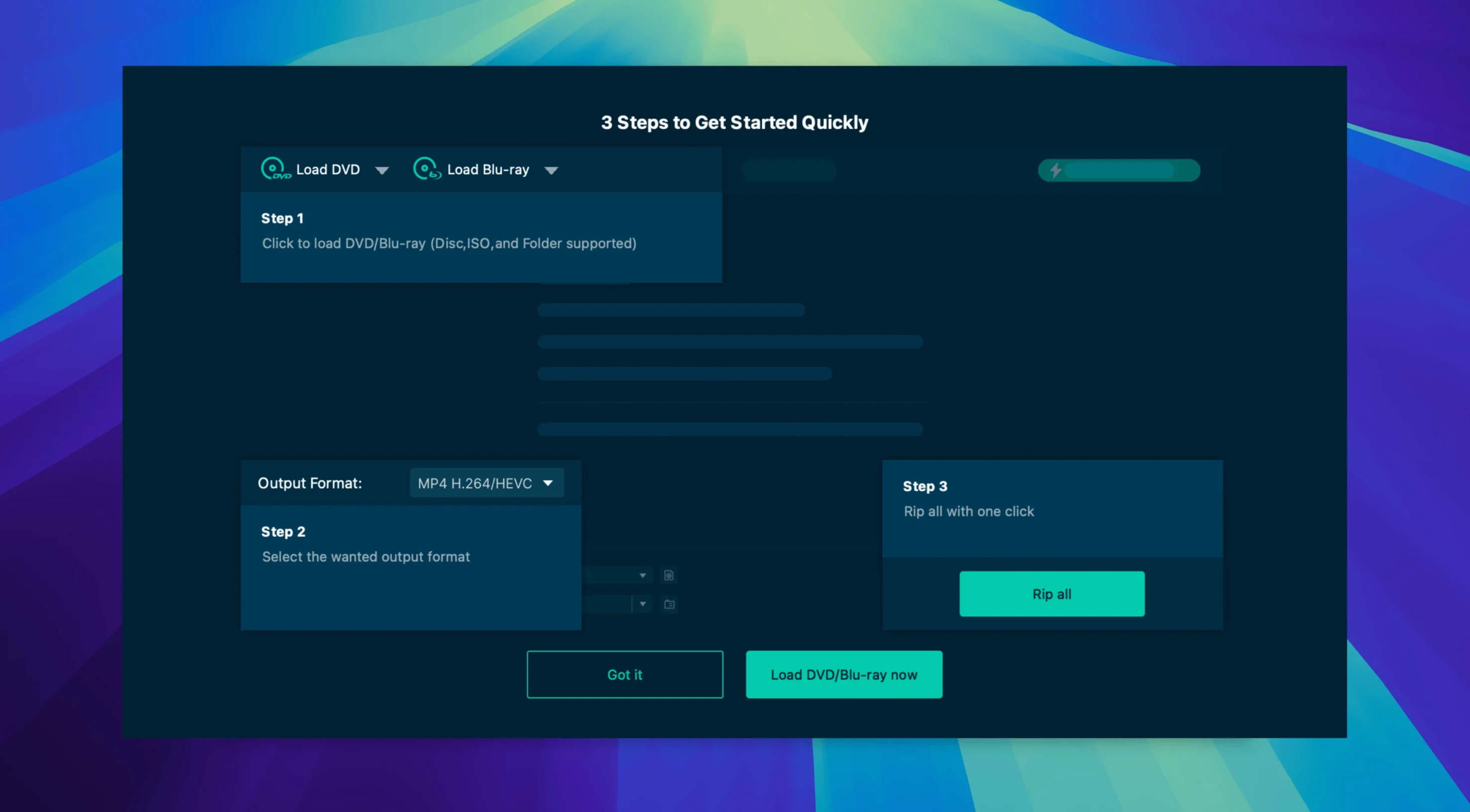
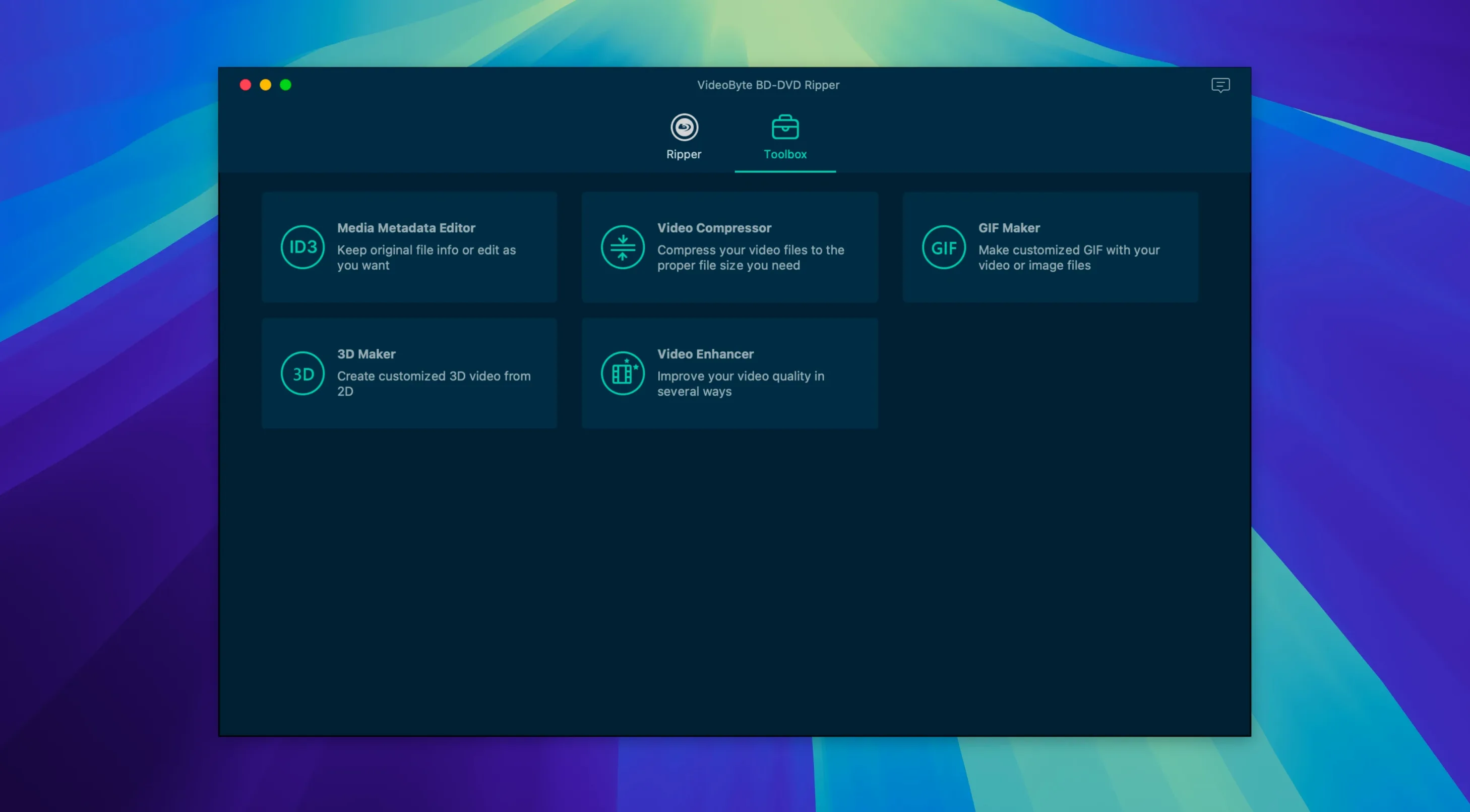
VideoByte BD-DVD Ripper handles Blu-ray and DVD discs, BDMV and VIDEO_TS folders, and ISO images — turning them into MP4, MKV, MOV, WMV, MP3 or AAC files. It is one of those tools you keep around because it works with commercial discs: it strips CSS, AACS, BD+, Cinavia, APS and CPRM protections, and it keeps original audio tracks and subtitles intact.
If you have a stack of Blu-rays or DVDs you want to watch on a laptop or tablet without carrying the discs, this is the straightforward option. The interface speaks English, German, French or Japanese, and it runs on macOS as far back as OS X 10.10, including Intel Macs.
VideoByte also sells a separate DVD Ripper for discs without Blu-ray. This version covers both formats plus the folder and ISO sources, so it is the more flexible pick if you work with a mix of media.
Output choices include MP4, MKV, MOV, WMV, MP3 and AAC. That covers most modern players, phones and editing timelines without extra conversion.
It removes CSS, AACS, BD+, Cinavia, APS and CPRM protections from commercial Blu-ray and DVD discs.
The developer states support for macOS 10.12 through later versions, and it is compatible with OS X 10.10 and newer on Intel Macs.
Sign in or create your account to leave a comment.
No notes from photographers yet. If you have used this on a real folder, say which camera and which Mac.